
Minecraft server plugins — page 82
3,787 itemsPlugins: list


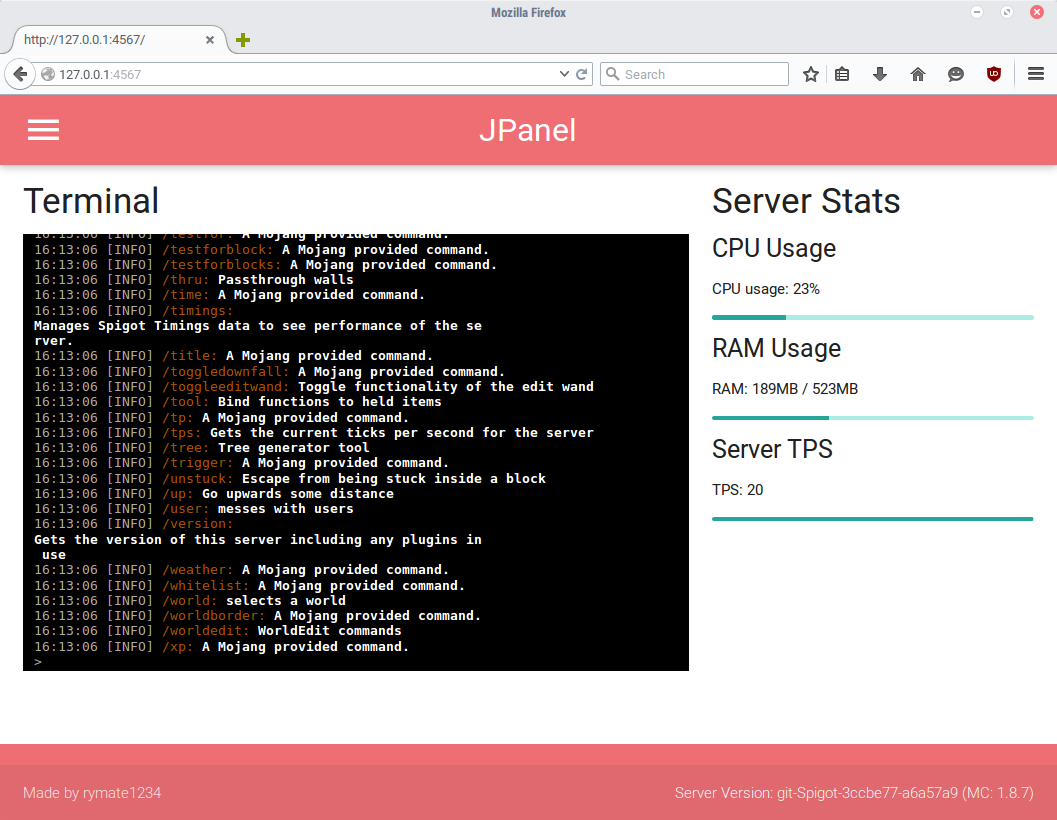
JPanel - Minecraft Webpanel
JPanel - A plugin based web panel for BukkitOn a server

CookMe
CookMeOn a server

Money Per Kill
Get money for kills!On a server

BottledExp
Fills the player's XP into a bottleOn a server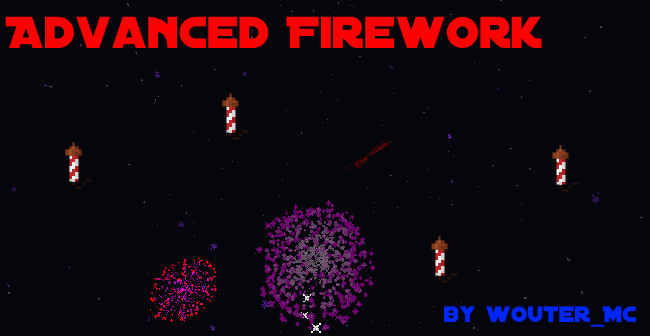

Advanced Firework
Entertain your vips and celebrate new year! Customize everything to your liking. Features: show, fountain, on join and more.On a server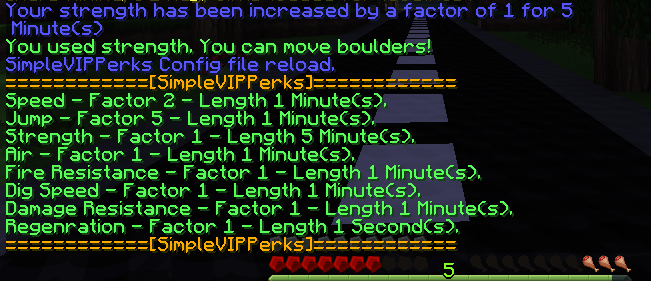
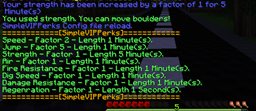
SimpleVIPPerks
SimpleVIPPerksOn a serverPluginManager
It's for managing your plugins and install and update new ones.On a serverOpMe !
Battling users that believe they can demand Operator status on the server.On a server

RoseStacker
A mob, item, spawner, and block stacking plugin!On a server

VIPLobby Reloaded
VIPLobby ReloadedOn a serverMetaCycler
A plugin that allows quick cycling between meta textures on blocks|paintings|entities.On a server
Bungee SurvivalGames
Bungee SurvivalGamesOn a server

item2command
The plugin that converts an item click to a command execution.On a serverAFK Safe Zone
Teleport to a safe zone upon going AFKOn a server

IteamsAdderUploadPlus
Easiest way to upload your ItemsAdder files. Support 1.13-1.21.xOn a server

Tekkit ToolKit
Tekkit ToolKitOn a server

Simple Suffix
Simple SuffixOn a server
PerfectBackup
The easiest way to backup and restore your server, with in-game commands.On a server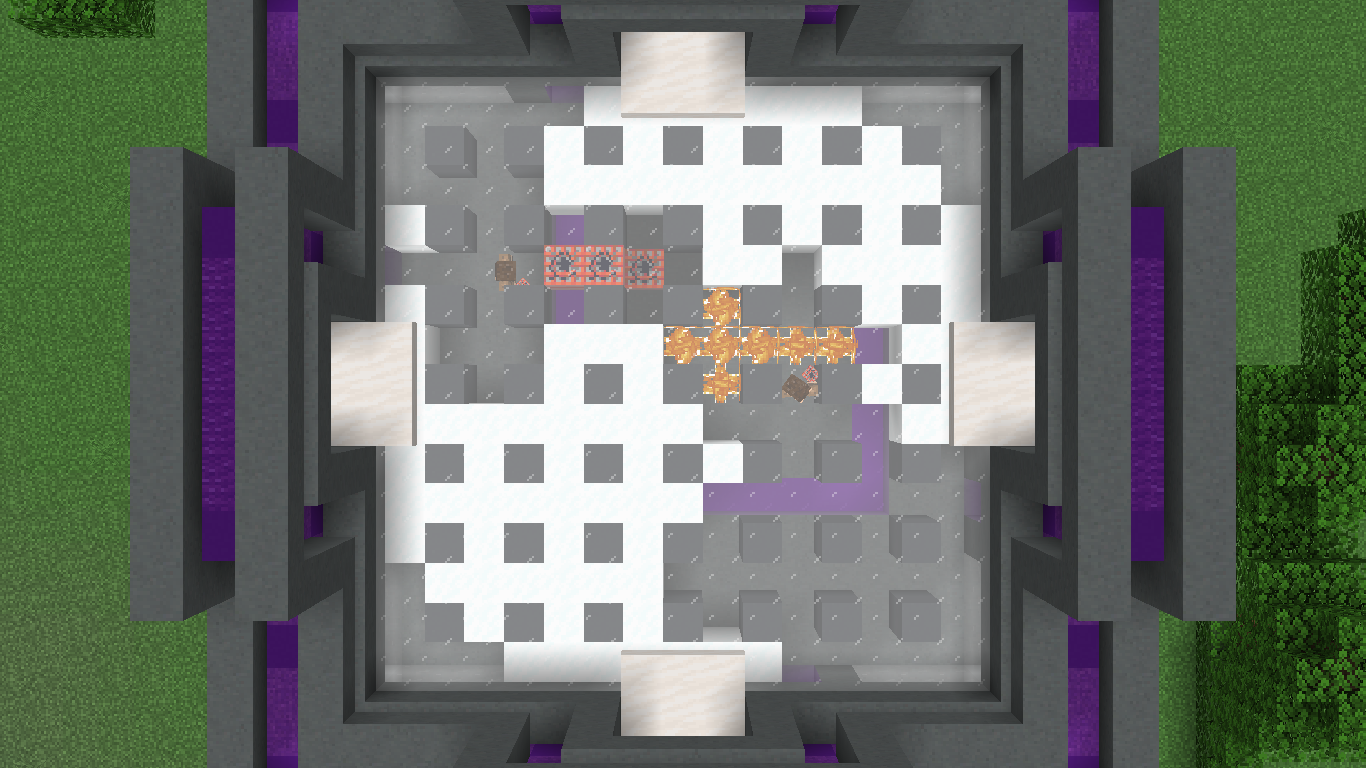
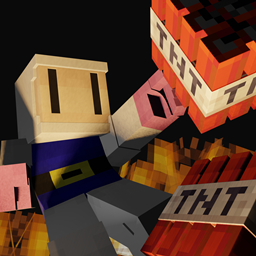
Bomberman
Classic Bomberman - In Minecraft!!!On a server

No Smoking!
No Smoking!On a serverColoredNameTags
This plugin allows you to change the colors of players names.On a server

PwnPlantGrowth
Easily configure what plants can grow and how quickly then can grow.On a serverHyperMerchant
Inventory Based GUI and NPC Trait for HyperConomyOn a serverFAQ
How is a plugin different from a mod?
A plugin runs only on the server and requires nothing from players: the client stays vanilla. A mod has to be installed by everyone, and it changes the game itself.
Where do I put a plugin?
Put the .jar file in the plugins folder on the server, then restart the server. The plugin will create its config on first launch.
Will a Spigot plugin work on Paper?
Usually yes: Paper and Purpur are built on Spigot and are compatible with its plugins. The reverse isn't true — a plugin that uses Paper features won't work on plain Spigot.
How do I install a plugin on Aternos?
On Aternos, plugins can only be installed from the built-in list in the “Plugins” section of the panel. You can't upload your own .jar file, so paid and rare plugins can't be installed on Aternos. If the plugin you need isn't on the list, you need hosting with access to the plugins folder: put the file there and restart the server.
Which plugins should I install on a server first?
People usually start with four: EssentialsX (homes, warps, kits, teleport), LuckPerms (groups and permissions), WorldGuard together with WorldEdit (spawn and region protection) and ViaVersion (joining from other game versions). For a server with nickname login, add AuthMe for passwords and SkinsRestorer for skins.
Which plugins should I install on a server for playing with friends?
A small server for friends needs just a few: EssentialsX (home, teleport to a friend, warps), CoreProtect (rolling back griefing and finding who broke a block) and Simple Voice Chat for voice chat, which needs the mod of the same name on players' side. Permissions and region protection are usually unnecessary on such a server.
How do I install a plugin on Paper?
Download the plugin file for your Paper version, put the .jar into the plugins folder and restart the server — the /plugins command will list it. On Millida Hosting the On a server button on the plugin page does the same.
Minecraft server plugins
A plugin is installed on the server, not by the player, and that's the whole difference from a mod: the client stays plain vanilla, and you can join the server without downloading a single file. Plugins run on server cores — Paper, Spigot, Bukkit, Purpur, Folia — while Velocity and BungeeCord are used for proxies between servers. The core matters as much as the version: a Paper plugin will almost always run on Purpur, but a Velocity plugin won't start on a regular server at all.
The useful minimum for a server is almost always the same: EssentialsX for basic commands, LuckPerms for permissions, WorldGuard together with WorldEdit for region protection and CoreProtect to roll back griefing. Servers with nickname login add AuthMe and SkinsRestorer, servers for friends add Simple Voice Chat. On Millida Hosting a free plugin from the catalog goes onto the server with the On a server button on its page, no manual .jar upload.
Plugins handle almost everything behind the scenes on a server: ranks and permissions, land protection, economy and shops, anti-cheat, map rotation, menus and voting. You install them by copying the .jar file into the plugins folder and restarting the server; most create their own config on first launch, which is what you then edit. The card lists supported cores and game versions, the author and license, and all releases are gathered on one page — you can update the plugin right from there.