
Minecraft server plugins — page 79
3,787 itemsPlugins: list

AutoMod
Attempts to do the work of the server admins and moderators automatically allowing them more time to play the game.On a server

GPFlags
Flags for GriefPrevention claims. Allow players to customize their own GP regions in any way they want!On a server
BackPacks++
BackPacks++On a server
EnchantShops - buy enchantments through signs!
EnchantShops - buy enchantments through signs!On a serverAutoCast
Broadcast Serverwide messages at a desired interval!On a server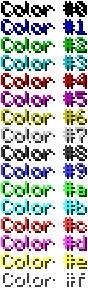
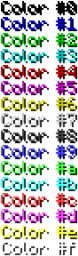
ColoredChat
ColoredChatOn a server

KingdomsX
Battles for might, land and glory. A complex international land & team management plugin.On a server

spawns
spawnsOn a server
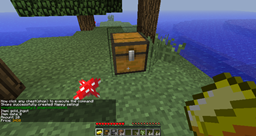
AEco - Lightweight Economic, Shops and Locks
[ECON/SEC] AEco v1.0 - Simple Economic, Shops and Locks [1337]On a server

Trey's Double Jump [1.8 - 1.16.5+]
An amazing double jump plugin! Used to get around easier! Now for 1.7 - 1.16+!On a server

HeadDrop
Claim Your Trophies – Every Kill Counts! ⚔️On a server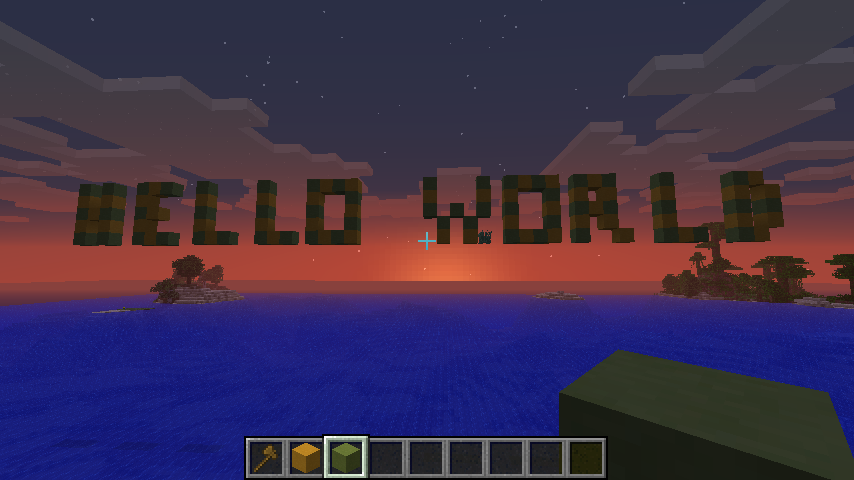
SkyText
Easily write text in the sky! (Or ground actually)On a server

DeathCoords
Shows a player that died his death coordinates in chat.On a serverOpTalk
Admin/Staff Chat Hidden From Regular UsersOn a serverManaBags
Additional Inventory Space PluginOn a serverBlock Particles
Do you have boring blocks? Well not any more with Particle Blocks. Add particles to your blocks Now!On a server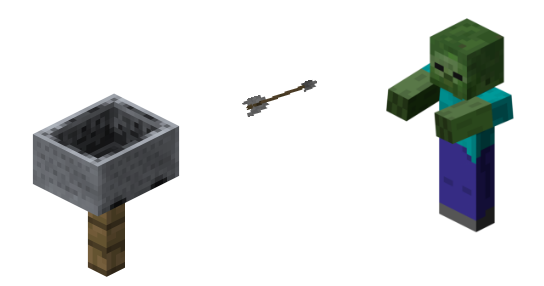
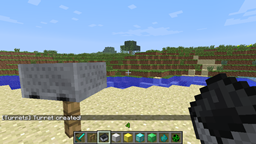
Turrets
Create turrets that automatically track and shoot enemies and mobs!On a server

Aura
Funny pvp-plugin for your SkyBlock-MapOn a serverHG Abilities
Have you ever wanted mcpvp's switcher hunger games class? This plugin has the switcher class!On a server

Voice Chat Interaction Paper
Third-party Paper port of henkelmax's voicechat-interaction serverside Fabric modOn a serverPrivileges
Multiworld compatible Superperm ManagerOn a serverMcTeams
McTeamsOn a serverMagicWorlds
A world modification plugin for MagicOn a serverFAQ
How is a plugin different from a mod?
A plugin runs only on the server and requires nothing from players: the client stays vanilla. A mod has to be installed by everyone, and it changes the game itself.
Where do I put a plugin?
Put the .jar file in the plugins folder on the server, then restart the server. The plugin will create its config on first launch.
Will a Spigot plugin work on Paper?
Usually yes: Paper and Purpur are built on Spigot and are compatible with its plugins. The reverse isn't true — a plugin that uses Paper features won't work on plain Spigot.
How do I install a plugin on Aternos?
On Aternos, plugins can only be installed from the built-in list in the “Plugins” section of the panel. You can't upload your own .jar file, so paid and rare plugins can't be installed on Aternos. If the plugin you need isn't on the list, you need hosting with access to the plugins folder: put the file there and restart the server.
Which plugins should I install on a server first?
People usually start with four: EssentialsX (homes, warps, kits, teleport), LuckPerms (groups and permissions), WorldGuard together with WorldEdit (spawn and region protection) and ViaVersion (joining from other game versions). For a server with nickname login, add AuthMe for passwords and SkinsRestorer for skins.
Which plugins should I install on a server for playing with friends?
A small server for friends needs just a few: EssentialsX (home, teleport to a friend, warps), CoreProtect (rolling back griefing and finding who broke a block) and Simple Voice Chat for voice chat, which needs the mod of the same name on players' side. Permissions and region protection are usually unnecessary on such a server.
How do I install a plugin on Paper?
Download the plugin file for your Paper version, put the .jar into the plugins folder and restart the server — the /plugins command will list it. On Millida Hosting the On a server button on the plugin page does the same.
Minecraft server plugins
A plugin is installed on the server, not by the player, and that's the whole difference from a mod: the client stays plain vanilla, and you can join the server without downloading a single file. Plugins run on server cores — Paper, Spigot, Bukkit, Purpur, Folia — while Velocity and BungeeCord are used for proxies between servers. The core matters as much as the version: a Paper plugin will almost always run on Purpur, but a Velocity plugin won't start on a regular server at all.
The useful minimum for a server is almost always the same: EssentialsX for basic commands, LuckPerms for permissions, WorldGuard together with WorldEdit for region protection and CoreProtect to roll back griefing. Servers with nickname login add AuthMe and SkinsRestorer, servers for friends add Simple Voice Chat. On Millida Hosting a free plugin from the catalog goes onto the server with the On a server button on its page, no manual .jar upload.
Plugins handle almost everything behind the scenes on a server: ranks and permissions, land protection, economy and shops, anti-cheat, map rotation, menus and voting. You install them by copying the .jar file into the plugins folder and restarting the server; most create their own config on first launch, which is what you then edit. The card lists supported cores and game versions, the author and license, and all releases are gathered on one page — you can update the plugin right from there.