
Minecraft server plugins — page 63
3,789 itemsPlugins: list


ajQueue
Add a queue for your servers when they are restarting or full!On a serverCloneMe
Clone helpers for buildingOn a server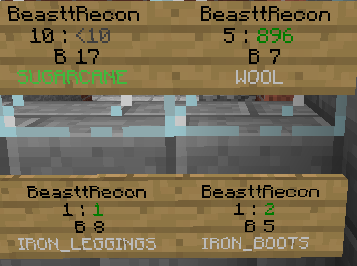

BattleShops
Complete shop system for minecraft using remote chests and signsOn a server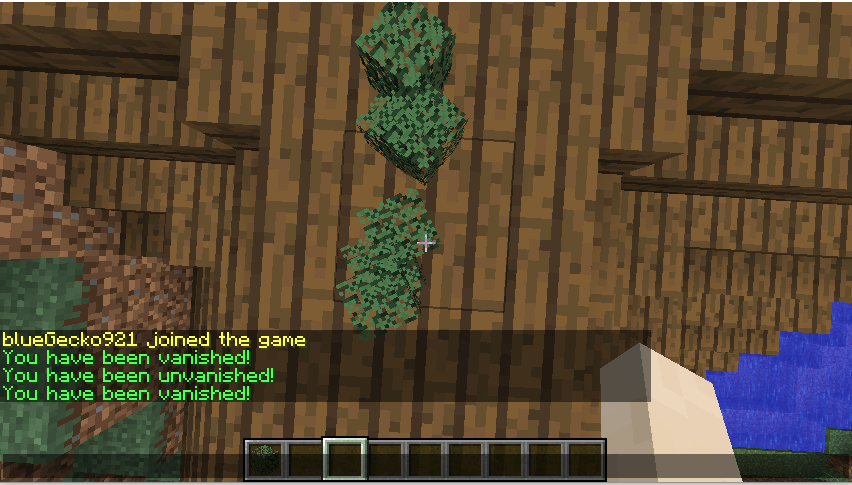

ExtremeVanish
A plugin that hides you from other playerOn a server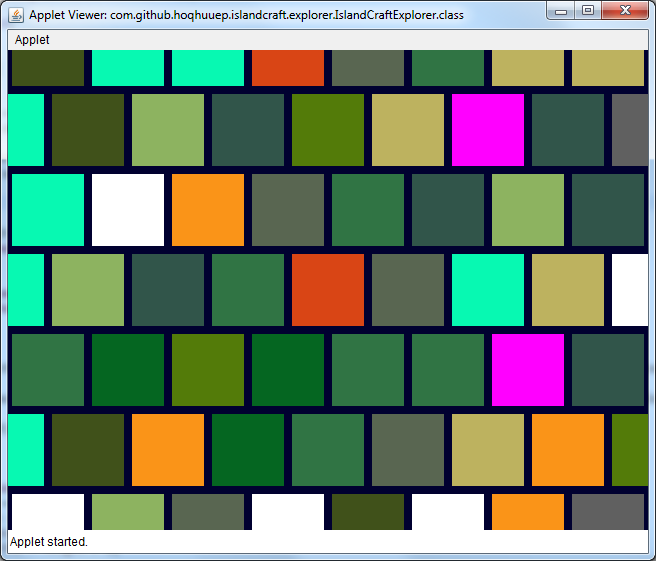
IslandCraft
IslandCraft modifies the terrain generation to create an ocean with many islands; each island is a single biome.On a serverMobControl 42,000+ Downloads!
Despawn Certain Mobs you don't want in your world!On a server

UniqueMOTD
UniqueMOTD is a simple plugin that allows you, as a server owner, to greet your server users via the MOTD and Server Icon.On a server

Lag Protection
Saves your players from bad ping by cancelling out damage taken!On a server
Total Economy
All in one economy plugin for MinecraftOn a server
AutoSort
Automatically sort items into chests based on signsOn a server

PluginUpdater
This plugin allows you to keep your plugins up to date.On a server

AdminUtils
Admin UtilsOn a server

Spoutcraft Plugin
SpoutcraftPlugin enables client side abilities within the Spoutcraft client mod.On a server

BigDoors
Create big, ANIMATED doors, drawbridges, portcullises, and more!On a serverNewTag
NewTag - Give your players a tag independent of any permission or chat pluginOn a server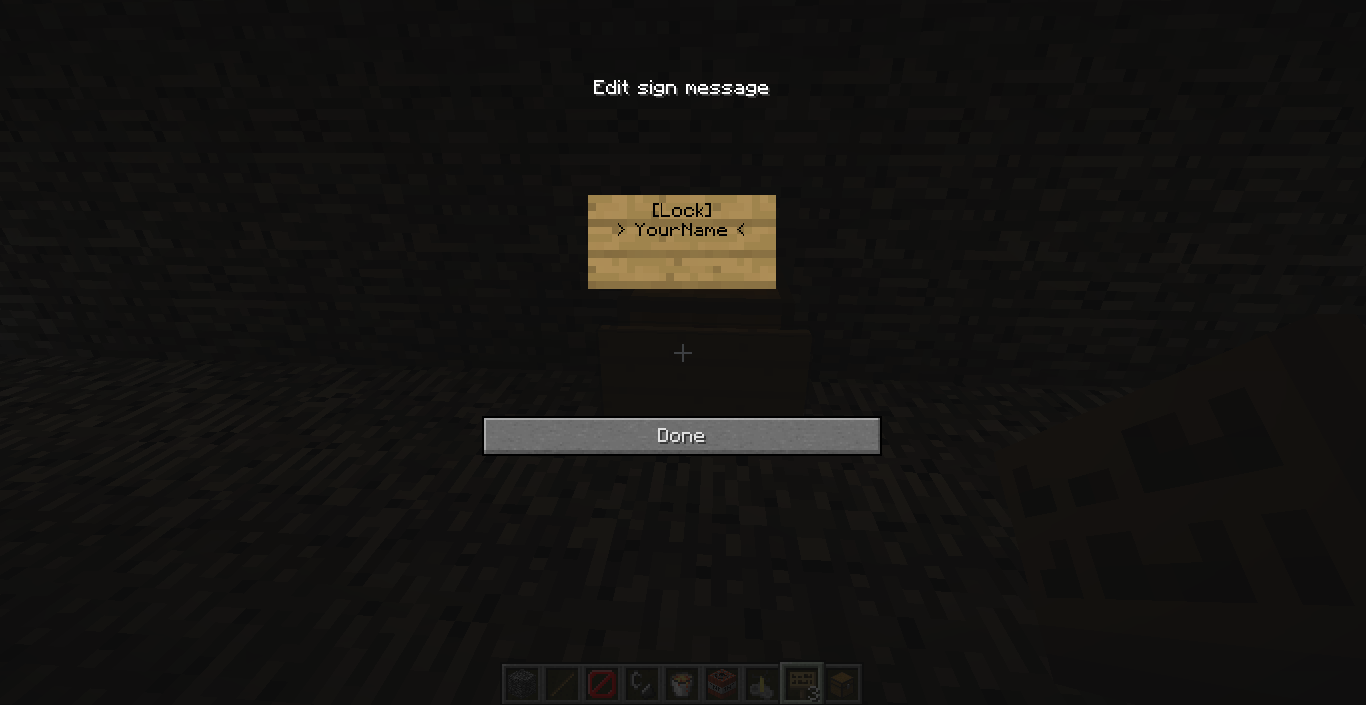

Lock Chest
Lock your players chests, beacons, furnaces, beds, anvils and other containers even doors with just a sign.On a server

ViaAprilFools
ViaVersion addon to add support for some notable Minecraft snapshots.On a serverWorldReset
Lag-free world resets, anyone? If resetting is enabled, WR reverts you world folders from backups in a matter of secondsOn a serverPluginSpy
Disables /plugins for players who lack a permission node.On a server

MonsterIRC
MonsterIRCOn a serverHomeSpawnWarp
HomeSpawnWarpOn a server

Backbone
Well-praised PvP minigame your server NEEDS!On a serverSleep Percentage
Only a certain percentage of the players on the server need to be sleeping to change to dayOn a serverFAQ
How is a plugin different from a mod?
A plugin runs only on the server and requires nothing from players: the client stays vanilla. A mod has to be installed by everyone, and it changes the game itself.
Where do I put a plugin?
Put the .jar file in the plugins folder on the server, then restart the server. The plugin will create its config on first launch.
Will a Spigot plugin work on Paper?
Usually yes: Paper and Purpur are built on Spigot and are compatible with its plugins. The reverse isn't true — a plugin that uses Paper features won't work on plain Spigot.
How do I install a plugin on Aternos?
On Aternos, plugins can only be installed from the built-in list in the “Plugins” section of the panel. You can't upload your own .jar file, so paid and rare plugins can't be installed on Aternos. If the plugin you need isn't on the list, you need hosting with access to the plugins folder: put the file there and restart the server.
Which plugins should I install on a server first?
People usually start with four: EssentialsX (homes, warps, kits, teleport), LuckPerms (groups and permissions), WorldGuard together with WorldEdit (spawn and region protection) and ViaVersion (joining from other game versions). For a server with nickname login, add AuthMe for passwords and SkinsRestorer for skins.
Which plugins should I install on a server for playing with friends?
A small server for friends needs just a few: EssentialsX (home, teleport to a friend, warps), CoreProtect (rolling back griefing and finding who broke a block) and Simple Voice Chat for voice chat, which needs the mod of the same name on players' side. Permissions and region protection are usually unnecessary on such a server.
How do I install a plugin on Paper?
Download the plugin file for your Paper version, put the .jar into the plugins folder and restart the server — the /plugins command will list it. On Millida Hosting the On a server button on the plugin page does the same.
Minecraft server plugins
A plugin is installed on the server, not by the player, and that's the whole difference from a mod: the client stays plain vanilla, and you can join the server without downloading a single file. Plugins run on server cores — Paper, Spigot, Bukkit, Purpur, Folia — while Velocity and BungeeCord are used for proxies between servers. The core matters as much as the version: a Paper plugin will almost always run on Purpur, but a Velocity plugin won't start on a regular server at all.
The useful minimum for a server is almost always the same: EssentialsX for basic commands, LuckPerms for permissions, WorldGuard together with WorldEdit for region protection and CoreProtect to roll back griefing. Servers with nickname login add AuthMe and SkinsRestorer, servers for friends add Simple Voice Chat. On Millida Hosting a free plugin from the catalog goes onto the server with the On a server button on its page, no manual .jar upload.
Plugins handle almost everything behind the scenes on a server: ranks and permissions, land protection, economy and shops, anti-cheat, map rotation, menus and voting. You install them by copying the .jar file into the plugins folder and restarting the server; most create their own config on first launch, which is what you then edit. The card lists supported cores and game versions, the author and license, and all releases are gathered on one page — you can update the plugin right from there.