
Minecraft server plugins — page 48
3,787 itemsPlugins: list


Magic Chest
Summons little gremlins to organize your chests when you're not looking.On a serverEasy Prefix
Easy Prefix is a possibility to use prefixes without permissions.On a server

McMMOExtras
A plugin which adds many new features to mcMMO servers!On a server
SpongeRestore
SpongeRestoreOn a serverruFix
Correct russian text in Bukkit console!On a serverAutoMsg
AutoMsgOn a server

Quester
QuesterOn a serverSlenderman
Adds the mythological creature "Slenderman" to the game.On a server

ProximaTunnel
A plugin that allows you to play with friends on a local server without opening ports.On a server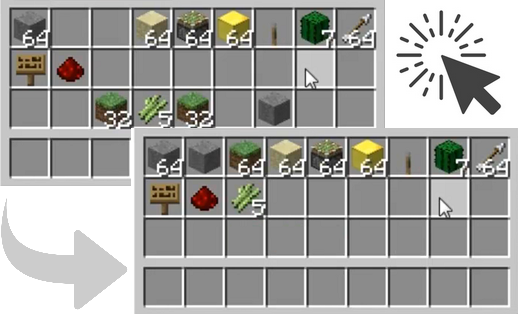
ClickSort
Sort inventories with a simple mouse click.On a server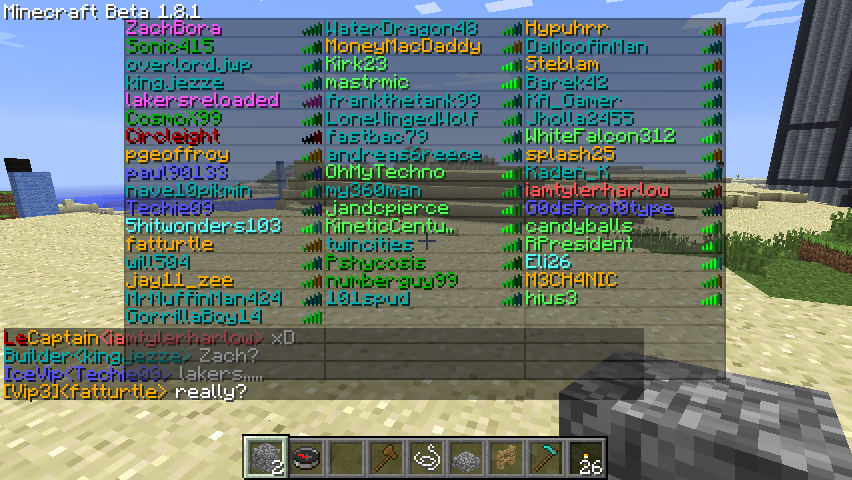
iChatPlayerList
Extension of Drakia's iChat, adds colors to /who,/list and the TAB listOn a serverTrollCommands
TrollCommandsOn a server
Random Teleport for 1.16
Teleports you to a random location every time. Never the same place as last timeOn a server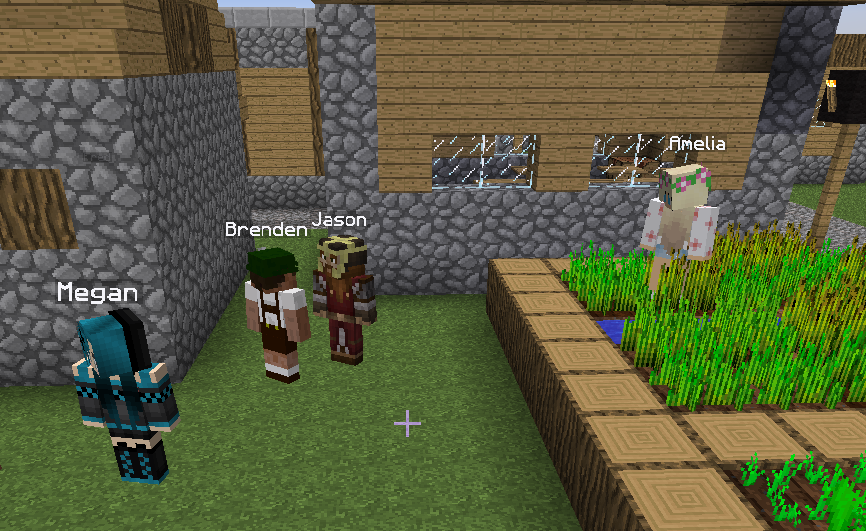

Real Villager Towns
Chat and make friends with villagers!On a server

ExcellentEconomy
A modern and lightweight economy system with unlimited virtual currencies.On a server

MyFurniture
Add new custom furniture in the game very easily ! Collisions are based on the 3D model !On a server

ItemStay
Create displays that wont go away!On a server

DonutScoreboard
This plugin creates a scoreboard easy adjustment and configuration exactly like the famous server "DonutSMP" that owned but "DrDonutt"On a server

CrazyVouchers
Want to make a paper that can give you an axolotl with a pretty firework display, Look no further!On a server

kyoyu
Share .litematic with other players on the server. Litematica and Forgematica support. Inspired by Syncmatica.On a server

[CTSNC] ★ Animated Scoreboard and Tablist, NameTag, Chat, ... ★
[CTSNC] ★ Animated Scoreboard and Tablist, NameTag, Chat, ... ★ [Protocol Hack] [1.8 - 1.11]On a server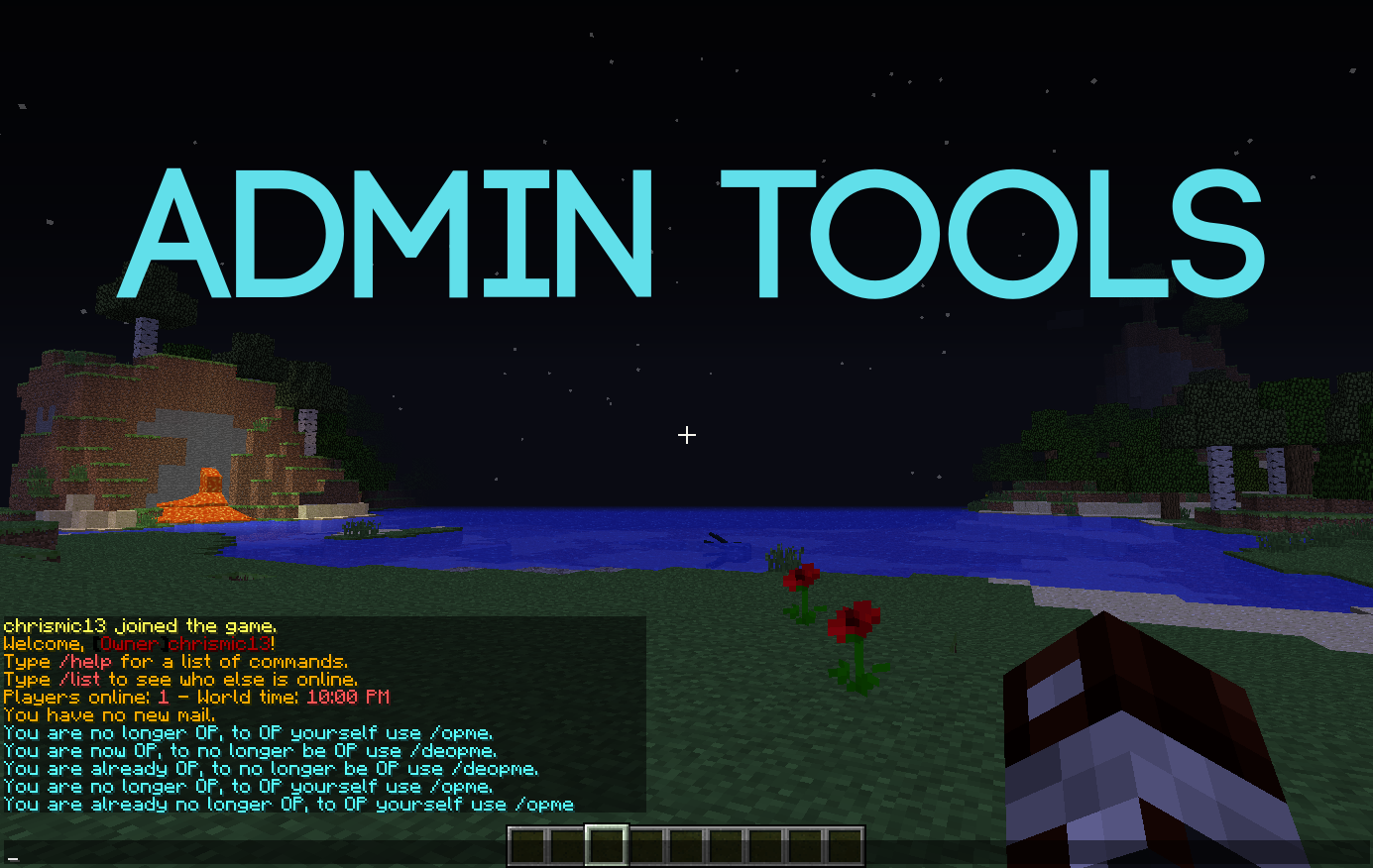

AdminTools
A plugin that lets you op and deop yourself in game by adding your name to the configOn a server

TreeMiner
A plugin which mines the whole tree for you with geyserMC supportOn a serverFAQ
How is a plugin different from a mod?
A plugin runs only on the server and requires nothing from players: the client stays vanilla. A mod has to be installed by everyone, and it changes the game itself.
Where do I put a plugin?
Put the .jar file in the plugins folder on the server, then restart the server. The plugin will create its config on first launch.
Will a Spigot plugin work on Paper?
Usually yes: Paper and Purpur are built on Spigot and are compatible with its plugins. The reverse isn't true — a plugin that uses Paper features won't work on plain Spigot.
How do I install a plugin on Aternos?
On Aternos, plugins can only be installed from the built-in list in the “Plugins” section of the panel. You can't upload your own .jar file, so paid and rare plugins can't be installed on Aternos. If the plugin you need isn't on the list, you need hosting with access to the plugins folder: put the file there and restart the server.
Which plugins should I install on a server first?
People usually start with four: EssentialsX (homes, warps, kits, teleport), LuckPerms (groups and permissions), WorldGuard together with WorldEdit (spawn and region protection) and ViaVersion (joining from other game versions). For a server with nickname login, add AuthMe for passwords and SkinsRestorer for skins.
Which plugins should I install on a server for playing with friends?
A small server for friends needs just a few: EssentialsX (home, teleport to a friend, warps), CoreProtect (rolling back griefing and finding who broke a block) and Simple Voice Chat for voice chat, which needs the mod of the same name on players' side. Permissions and region protection are usually unnecessary on such a server.
How do I install a plugin on Paper?
Download the plugin file for your Paper version, put the .jar into the plugins folder and restart the server — the /plugins command will list it. On Millida Hosting the On a server button on the plugin page does the same.
Minecraft server plugins
A plugin is installed on the server, not by the player, and that's the whole difference from a mod: the client stays plain vanilla, and you can join the server without downloading a single file. Plugins run on server cores — Paper, Spigot, Bukkit, Purpur, Folia — while Velocity and BungeeCord are used for proxies between servers. The core matters as much as the version: a Paper plugin will almost always run on Purpur, but a Velocity plugin won't start on a regular server at all.
The useful minimum for a server is almost always the same: EssentialsX for basic commands, LuckPerms for permissions, WorldGuard together with WorldEdit for region protection and CoreProtect to roll back griefing. Servers with nickname login add AuthMe and SkinsRestorer, servers for friends add Simple Voice Chat. On Millida Hosting a free plugin from the catalog goes onto the server with the On a server button on its page, no manual .jar upload.
Plugins handle almost everything behind the scenes on a server: ranks and permissions, land protection, economy and shops, anti-cheat, map rotation, menus and voting. You install them by copying the .jar file into the plugins folder and restarting the server; most create their own config on first launch, which is what you then edit. The card lists supported cores and game versions, the author and license, and all releases are gathered on one page — you can update the plugin right from there.