
Minecraft server plugins — page 133
3,784 itemsPlugins: list
BasicCraft
Adds simple crafting recipes to your server.On a server

Limited Lives
Each player has a limited number of lives. If you die, you are punished!On a server

NoGriefers
NoGriefersOn a serverRealTime
Stretching the Minecraft Day to 24 HoursOn a serverStaffModeTools
Allow staff members on your server to go into staff mode, giving them access to a few tools used for server administrationOn a serverAntiHax
Stopping those hacks on your Bukkit server.On a serverMagic Wands! *DISCONTINUED*
Adds 5 fun Magic Wands to your server!On a serverKillStreak
Get potion effects for kill streaks!On a serverDeathChest
Toggle-able chest that spawns where you die, which holds your items!On a serverBlockHats
A simple plugin that allows to wear any block!On a server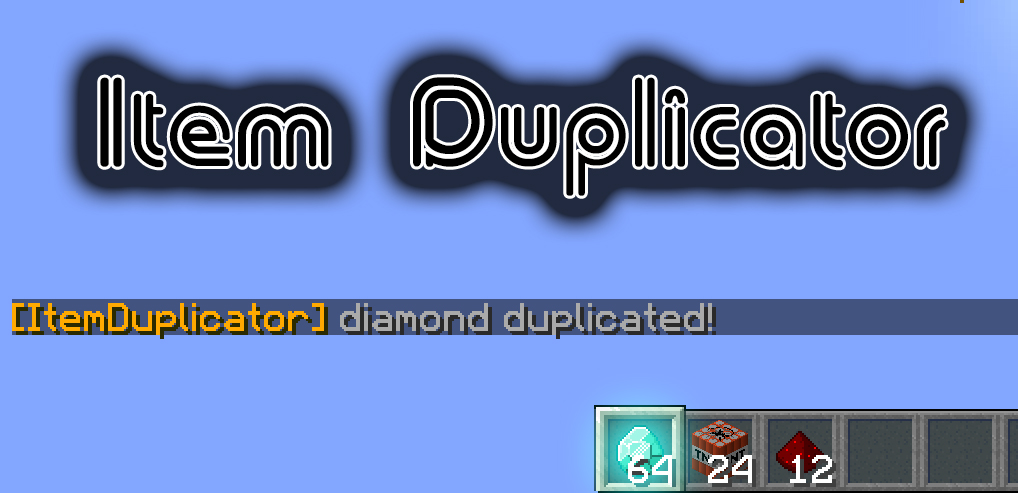
Item Duplicator
Item DuplicatorOn a serverBossAnnouncer
Broadcast messages with the boss health bar!On a server

CrazyAnnouncer
CrazyAnnouncerOn a server

SeeMore
A simple plugin that sets a player's server-side view distance according to their client-side render distance.On a server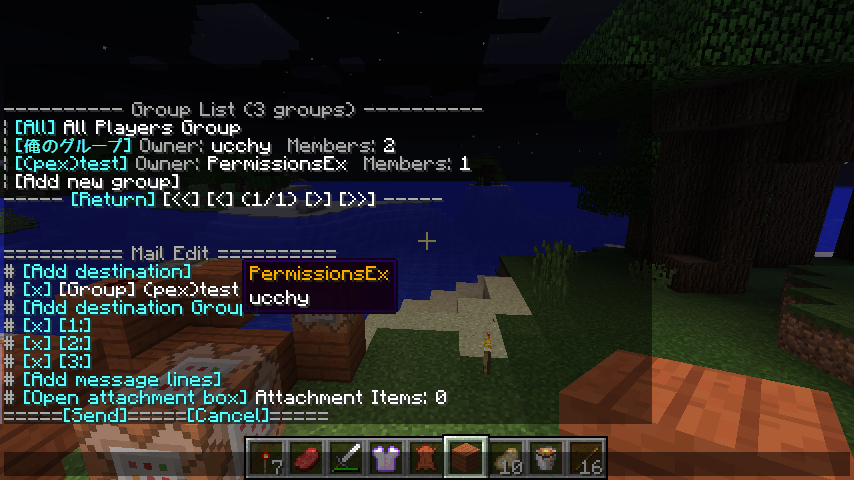

Undine Mailer
Mail System pluginOn a server

GemManager
Gem ScoreboardOn a serverMagicBookshelf by Tim Clancy - 1.2.5 Compatible
Store experience points inside of bookshelves!On a server

Tele++
Tele++On a server

Timed Ranker
Automatically promote/rank-up players based on their total online time.On a serverSudo Plugin
Sudo PluginOn a server

ItemBank
RPG style banking. Chests can be made into ItemBanks, which hold the same contents irrespective of locationOn a server

MemoryChecker
MemoryCheckerOn a serverSopaBR
O plugin SopaBR cria varios outros crafts para sopa!On a serverFAQ
How is a plugin different from a mod?
A plugin runs only on the server and requires nothing from players: the client stays vanilla. A mod has to be installed by everyone, and it changes the game itself.
Where do I put a plugin?
Put the .jar file in the plugins folder on the server, then restart the server. The plugin will create its config on first launch.
Will a Spigot plugin work on Paper?
Usually yes: Paper and Purpur are built on Spigot and are compatible with its plugins. The reverse isn't true — a plugin that uses Paper features won't work on plain Spigot.
How do I install a plugin on Aternos?
On Aternos, plugins can only be installed from the built-in list in the “Plugins” section of the panel. You can't upload your own .jar file, so paid and rare plugins can't be installed on Aternos. If the plugin you need isn't on the list, you need hosting with access to the plugins folder: put the file there and restart the server.
Which plugins should I install on a server first?
People usually start with four: EssentialsX (homes, warps, kits, teleport), LuckPerms (groups and permissions), WorldGuard together with WorldEdit (spawn and region protection) and ViaVersion (joining from other game versions). For a server with nickname login, add AuthMe for passwords and SkinsRestorer for skins.
Which plugins should I install on a server for playing with friends?
A small server for friends needs just a few: EssentialsX (home, teleport to a friend, warps), CoreProtect (rolling back griefing and finding who broke a block) and Simple Voice Chat for voice chat, which needs the mod of the same name on players' side. Permissions and region protection are usually unnecessary on such a server.
How do I install a plugin on Paper?
Download the plugin file for your Paper version, put the .jar into the plugins folder and restart the server — the /plugins command will list it. On Millida Hosting the On a server button on the plugin page does the same.
Minecraft server plugins
A plugin is installed on the server, not by the player, and that's the whole difference from a mod: the client stays plain vanilla, and you can join the server without downloading a single file. Plugins run on server cores — Paper, Spigot, Bukkit, Purpur, Folia — while Velocity and BungeeCord are used for proxies between servers. The core matters as much as the version: a Paper plugin will almost always run on Purpur, but a Velocity plugin won't start on a regular server at all.
The useful minimum for a server is almost always the same: EssentialsX for basic commands, LuckPerms for permissions, WorldGuard together with WorldEdit for region protection and CoreProtect to roll back griefing. Servers with nickname login add AuthMe and SkinsRestorer, servers for friends add Simple Voice Chat. On Millida Hosting a free plugin from the catalog goes onto the server with the On a server button on its page, no manual .jar upload.
Plugins handle almost everything behind the scenes on a server: ranks and permissions, land protection, economy and shops, anti-cheat, map rotation, menus and voting. You install them by copying the .jar file into the plugins folder and restarting the server; most create their own config on first launch, which is what you then edit. The card lists supported cores and game versions, the author and license, and all releases are gathered on one page — you can update the plugin right from there.