
Minecraft server plugins — page 122
3,784 itemsPlugins: list




ComPassionate
Add a plethora of new functions to the compass! Keep track of several waypoints, go hunting for mobs/players, and much more!On a serverHardcoreDeathBan
A temporary-ban on death plugin with customizable ban time, death classes, and revival credits.On a server

BeSuperman
This looks like a job for... SUPERMAN!On a server

LivingBuilding
Simply unrestricts the placement of items and blocks. This is great for both creative and non-creative servers!On a serverBibo38Lib
Bibo38LibOn a serverVanish
Vanish Plugin by GermanZocker21On a server

ChestShop
A simple, yet very powerful system for making physical shops using signs and chests!On a server
PvPEssentials
Adds essential pvp commands and features to your server. Everything is configurableOn a server

Glowstone Lanterns
Glowstone Lanterns - Make glowstone lanterns, daytime glass & nighttime glowstoneOn a serverPrisonMinePlugin
Simple Prison Mines for you Prison Server!On a serverThe PON-3 Gaming Pony Pack
The PON-3 Gaming Pony PackOn a server
AdminTools3
20+ Admin tools! 100% Configurable (AND all messages editable)! English and German translated!On a serverRoyalChat
RoyalChatOn a serverLogin Manager
provide authority of players for servers without online-modeOn a server

Monarchy
Patron allows users to pledge alliance to a patron and earn them XP.On a serverCustomSkins
Create & use custom player skinsOn a serverCapsGuard
Simply Blocks All CAPS MessagesOn a server
Hexagon BedWars
Multiarena,custom item shop,in-game timer and more...On a server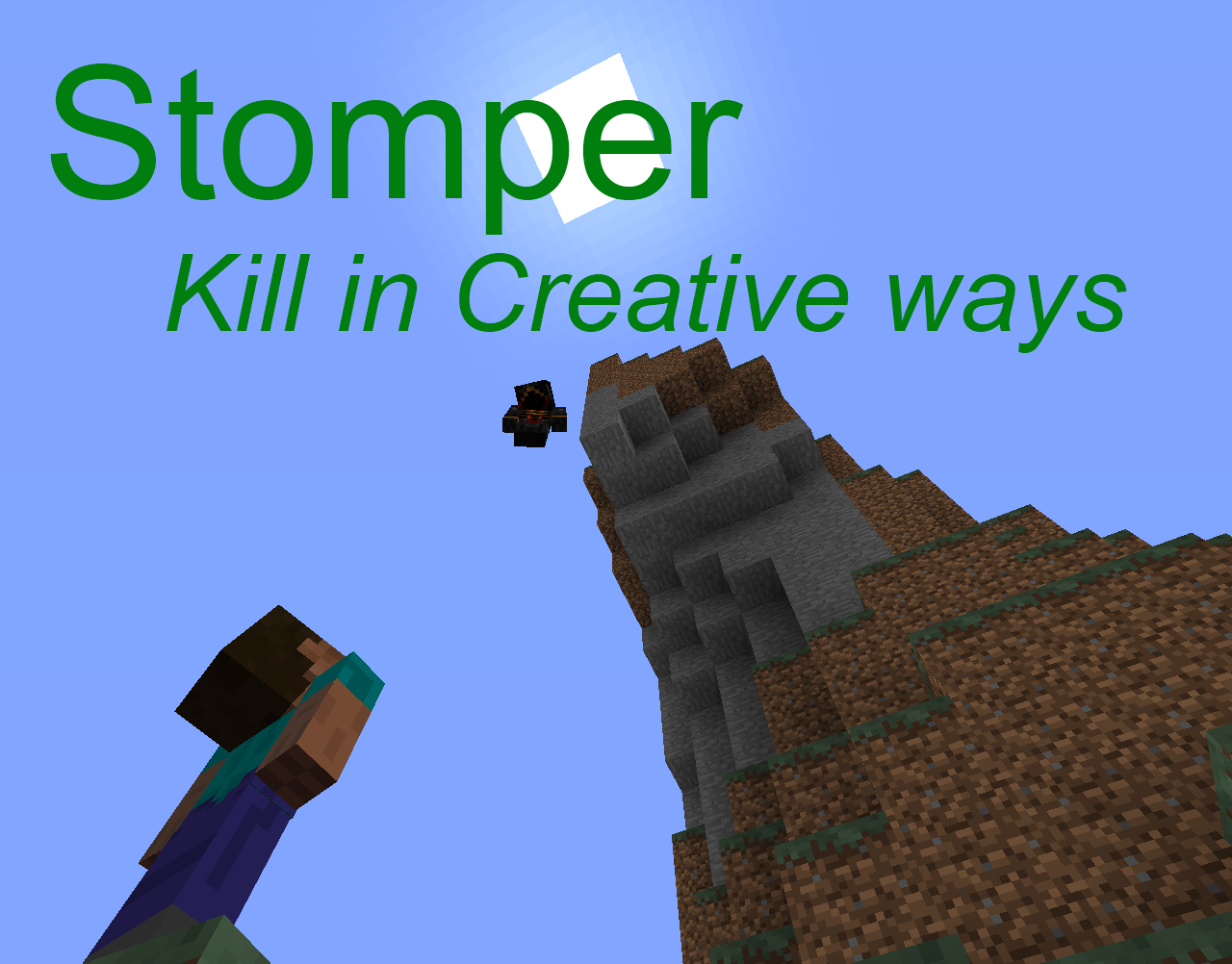
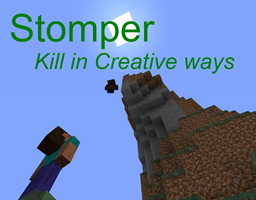
Stomper
Kill people by falling on them!On a server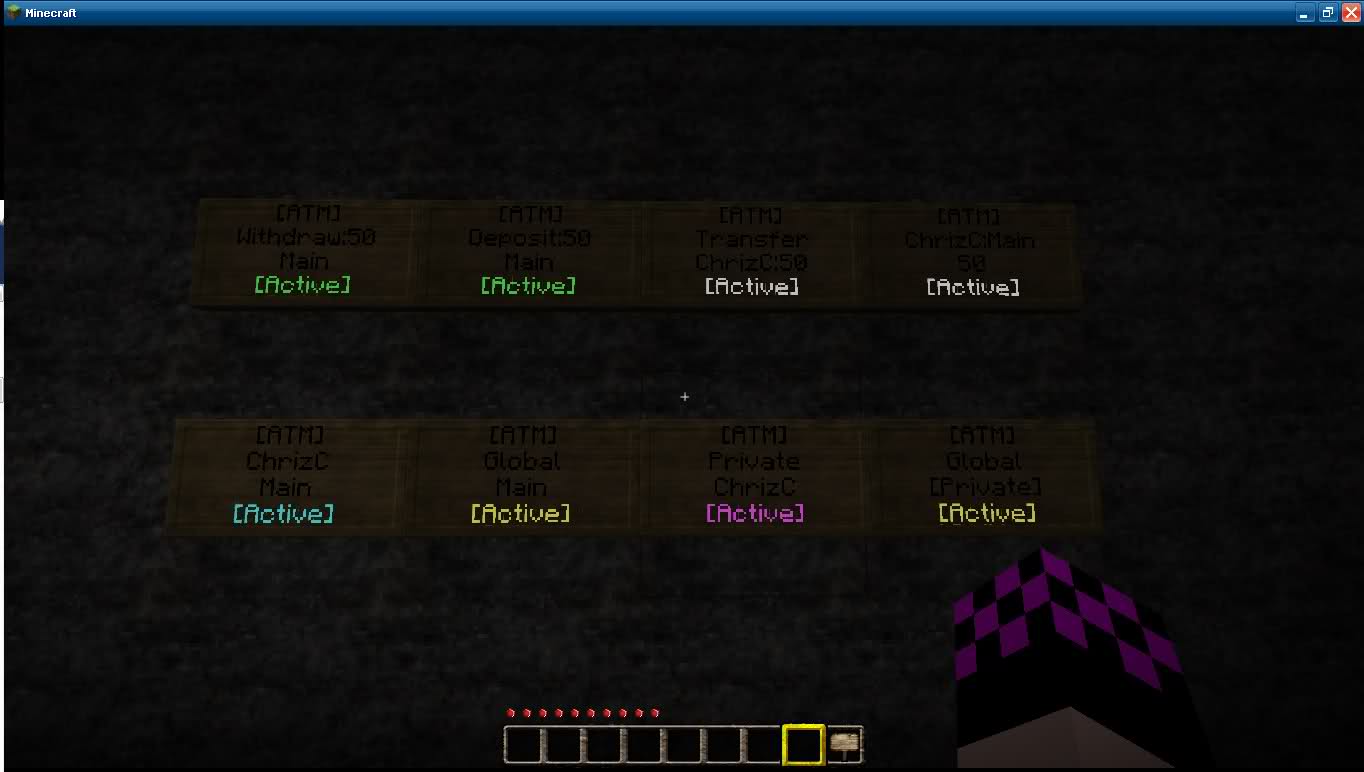
ATM
ATM/Hole-In-The-Wall style signs for all major economies.On a server

DynTrack
Shows Tracks/Paths on the Livemap with DynmapOn a serverDaily Rewards
Reward your players after a configured cooldown runs out.On a server

hebrewFix
A basic right to left language (like hebrew) fix that will fix chat messagesOn a serverFAQ
How is a plugin different from a mod?
A plugin runs only on the server and requires nothing from players: the client stays vanilla. A mod has to be installed by everyone, and it changes the game itself.
Where do I put a plugin?
Put the .jar file in the plugins folder on the server, then restart the server. The plugin will create its config on first launch.
Will a Spigot plugin work on Paper?
Usually yes: Paper and Purpur are built on Spigot and are compatible with its plugins. The reverse isn't true — a plugin that uses Paper features won't work on plain Spigot.
How do I install a plugin on Aternos?
On Aternos, plugins can only be installed from the built-in list in the “Plugins” section of the panel. You can't upload your own .jar file, so paid and rare plugins can't be installed on Aternos. If the plugin you need isn't on the list, you need hosting with access to the plugins folder: put the file there and restart the server.
Which plugins should I install on a server first?
People usually start with four: EssentialsX (homes, warps, kits, teleport), LuckPerms (groups and permissions), WorldGuard together with WorldEdit (spawn and region protection) and ViaVersion (joining from other game versions). For a server with nickname login, add AuthMe for passwords and SkinsRestorer for skins.
Which plugins should I install on a server for playing with friends?
A small server for friends needs just a few: EssentialsX (home, teleport to a friend, warps), CoreProtect (rolling back griefing and finding who broke a block) and Simple Voice Chat for voice chat, which needs the mod of the same name on players' side. Permissions and region protection are usually unnecessary on such a server.
How do I install a plugin on Paper?
Download the plugin file for your Paper version, put the .jar into the plugins folder and restart the server — the /plugins command will list it. On Millida Hosting the On a server button on the plugin page does the same.
Minecraft server plugins
A plugin is installed on the server, not by the player, and that's the whole difference from a mod: the client stays plain vanilla, and you can join the server without downloading a single file. Plugins run on server cores — Paper, Spigot, Bukkit, Purpur, Folia — while Velocity and BungeeCord are used for proxies between servers. The core matters as much as the version: a Paper plugin will almost always run on Purpur, but a Velocity plugin won't start on a regular server at all.
The useful minimum for a server is almost always the same: EssentialsX for basic commands, LuckPerms for permissions, WorldGuard together with WorldEdit for region protection and CoreProtect to roll back griefing. Servers with nickname login add AuthMe and SkinsRestorer, servers for friends add Simple Voice Chat. On Millida Hosting a free plugin from the catalog goes onto the server with the On a server button on its page, no manual .jar upload.
Plugins handle almost everything behind the scenes on a server: ranks and permissions, land protection, economy and shops, anti-cheat, map rotation, menus and voting. You install them by copying the .jar file into the plugins folder and restarting the server; most create their own config on first launch, which is what you then edit. The card lists supported cores and game versions, the author and license, and all releases are gathered on one page — you can update the plugin right from there.