
Minecraft server plugins — page 111
3,785 itemsPlugins: list
Phoenix Terrain
Phoenix Terrain is a World Generation Plugin that allows users to create custom worlds based on in game generation variablesOn a serverNukeChat
NukeChatOn a server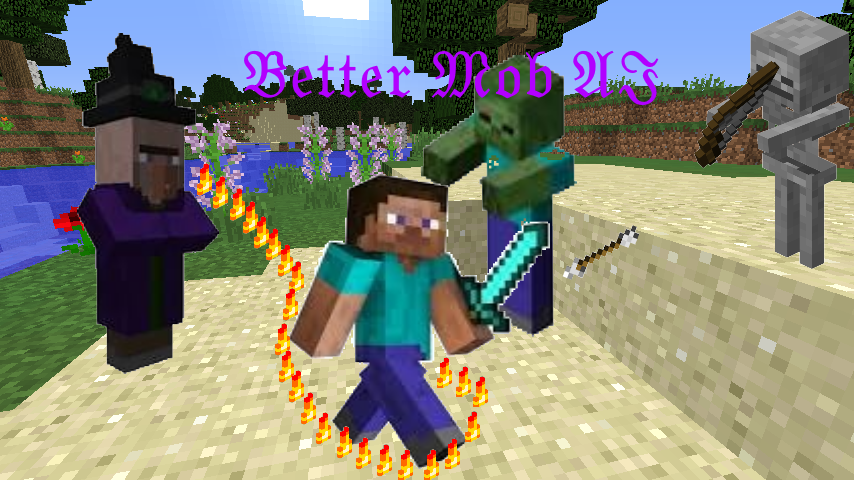
Better Mob AI
This plugin rewrites the Artificial Intelligence of every mob, for more fun and challenge!On a server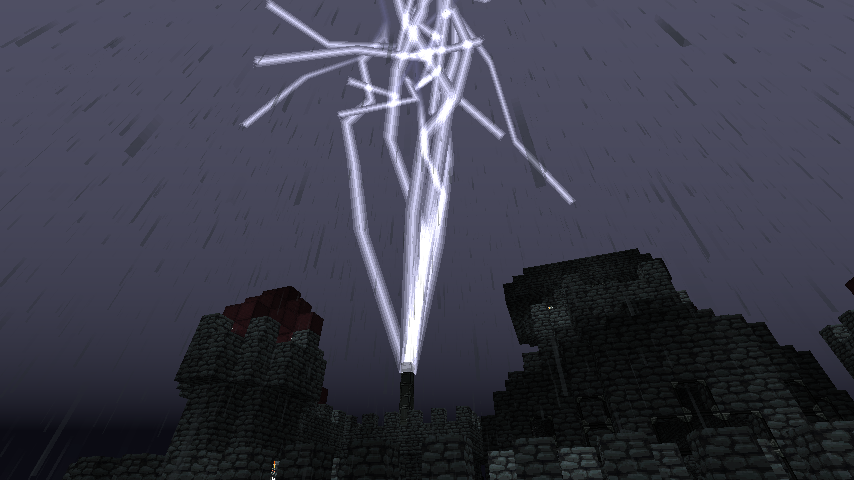

ThunderTower
Catch the Power of Lightning !On a server

AssassinPack
AssassinPackOn a server

AntiAddict Revisited
A simple, but effective way to stop addicts from playing to much Minecraft.On a server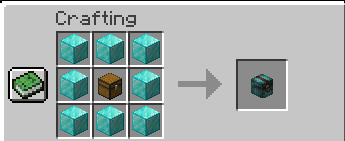

BackPacks+
Add unlimited custom textured backpacks to your server.On a server

PlayerLink
PlayerLink is a simple, lightweight plugin designed to make sharing URLs related to your server easier.On a server
WorldEditSUI
Visualize your WorldEdit selection with particles!On a server

AirPlacer
Now place block in air without placing any other blocks !On a serverWool Trees
Wool TreesOn a serverGroupChat
A plugin to use groups, diffrent syntaxsses, priavte chatas, group chats and so on...On a server

RPGSkills
Adds that RPG feel.On a serverMySQL Register
MySQL In-Game Website Registration - Users will not be able to steal another's IGNOn a server

InstaEat
InstaEatOn a server
UTimber
Give your players a new and entertaining way to chop down trees. Includes animated block falling, excellent tree detection, custom drops, realistic sounds, and more.On a serverEmpire Wands
Empire WandsOn a server

DonationPoints
DonationPointsOn a server
Soups
SoupsOn a server

LightningRod
LightningRod adds awesome magical Rods to any bukkit server!On a server

Topper
Another leaderboard plugin with better features and performanceOn a serverTrader
TraderOn a server

Mob Stats
Change the strengths of mobsOn a serverFAQ
How is a plugin different from a mod?
A plugin runs only on the server and requires nothing from players: the client stays vanilla. A mod has to be installed by everyone, and it changes the game itself.
Where do I put a plugin?
Put the .jar file in the plugins folder on the server, then restart the server. The plugin will create its config on first launch.
Will a Spigot plugin work on Paper?
Usually yes: Paper and Purpur are built on Spigot and are compatible with its plugins. The reverse isn't true — a plugin that uses Paper features won't work on plain Spigot.
How do I install a plugin on Aternos?
On Aternos, plugins can only be installed from the built-in list in the “Plugins” section of the panel. You can't upload your own .jar file, so paid and rare plugins can't be installed on Aternos. If the plugin you need isn't on the list, you need hosting with access to the plugins folder: put the file there and restart the server.
Which plugins should I install on a server first?
People usually start with four: EssentialsX (homes, warps, kits, teleport), LuckPerms (groups and permissions), WorldGuard together with WorldEdit (spawn and region protection) and ViaVersion (joining from other game versions). For a server with nickname login, add AuthMe for passwords and SkinsRestorer for skins.
Which plugins should I install on a server for playing with friends?
A small server for friends needs just a few: EssentialsX (home, teleport to a friend, warps), CoreProtect (rolling back griefing and finding who broke a block) and Simple Voice Chat for voice chat, which needs the mod of the same name on players' side. Permissions and region protection are usually unnecessary on such a server.
How do I install a plugin on Paper?
Download the plugin file for your Paper version, put the .jar into the plugins folder and restart the server — the /plugins command will list it. On Millida Hosting the On a server button on the plugin page does the same.
Minecraft server plugins
A plugin is installed on the server, not by the player, and that's the whole difference from a mod: the client stays plain vanilla, and you can join the server without downloading a single file. Plugins run on server cores — Paper, Spigot, Bukkit, Purpur, Folia — while Velocity and BungeeCord are used for proxies between servers. The core matters as much as the version: a Paper plugin will almost always run on Purpur, but a Velocity plugin won't start on a regular server at all.
The useful minimum for a server is almost always the same: EssentialsX for basic commands, LuckPerms for permissions, WorldGuard together with WorldEdit for region protection and CoreProtect to roll back griefing. Servers with nickname login add AuthMe and SkinsRestorer, servers for friends add Simple Voice Chat. On Millida Hosting a free plugin from the catalog goes onto the server with the On a server button on its page, no manual .jar upload.
Plugins handle almost everything behind the scenes on a server: ranks and permissions, land protection, economy and shops, anti-cheat, map rotation, menus and voting. You install them by copying the .jar file into the plugins folder and restarting the server; most create their own config on first launch, which is what you then edit. The card lists supported cores and game versions, the author and license, and all releases are gathered on one page — you can update the plugin right from there.