
Minecraft server plugins — page 109
3,785 itemsPlugins: list
Maxplayers
Ability to change max-players and slot-reservation in one!On a server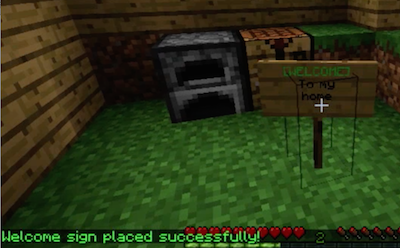
Welcome Warp Signs
Simple, easy warp signs - one per playerOn a server
Repair
Repair your tools!On a serverAutoRegionGuard
AutoRegionGuardOn a serverAmerican Football
Play American Football!On a server
Farm Control
A farm limiter and governor.On a server

HuskHomes
The powerful and intuitive set homes, warps, and teleports plugin/modOn a server

Universal
UniversalOn a serverCutClean
CutCleanOn a server

ScLoad
ScLoadOn a serverOnlinePlayersSQL
Keep track of online users for your websiteOn a serveraCommands
aCommands: Many commands, One plugin.On a server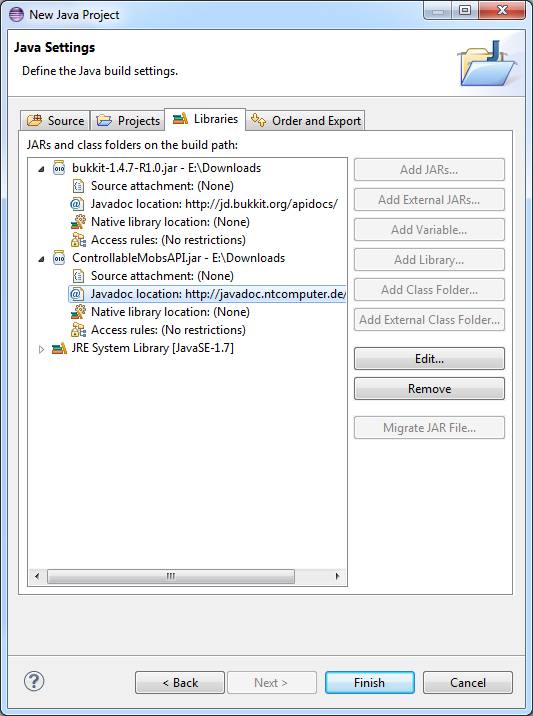
Controllable Mobs API
Provides an API to put any entity under plugin control.On a serverBackToDeath
Can go back to death location by commandOn a server
DispenserTools
fill / clear / dispense Items or random Fireworks in Dispensers within a worldedit selection or a radius.On a serverStaff Chat
A plugin used for staff members to chat in privateOn a server

McMmo Auto-Promote
McMmo Auto-PromoteOn a serverAutoSmelt
Skip that tedious furnace! Type a command, and watch as ores smelt themselves upon mining!On a server

SkyPvP
SkyPvPOn a server

AutoSoup
AutoSoupOn a server

F_Kits
F_KitsOn a serverArfieKits
Simple to use kits pluginOn a server

EssentialsHub+
A Great plugin for Hub servers, no need to configure thousands of useless and ram taking plugins. Use this!On a serverFAQ
How is a plugin different from a mod?
A plugin runs only on the server and requires nothing from players: the client stays vanilla. A mod has to be installed by everyone, and it changes the game itself.
Where do I put a plugin?
Put the .jar file in the plugins folder on the server, then restart the server. The plugin will create its config on first launch.
Will a Spigot plugin work on Paper?
Usually yes: Paper and Purpur are built on Spigot and are compatible with its plugins. The reverse isn't true — a plugin that uses Paper features won't work on plain Spigot.
How do I install a plugin on Aternos?
On Aternos, plugins can only be installed from the built-in list in the “Plugins” section of the panel. You can't upload your own .jar file, so paid and rare plugins can't be installed on Aternos. If the plugin you need isn't on the list, you need hosting with access to the plugins folder: put the file there and restart the server.
Which plugins should I install on a server first?
People usually start with four: EssentialsX (homes, warps, kits, teleport), LuckPerms (groups and permissions), WorldGuard together with WorldEdit (spawn and region protection) and ViaVersion (joining from other game versions). For a server with nickname login, add AuthMe for passwords and SkinsRestorer for skins.
Which plugins should I install on a server for playing with friends?
A small server for friends needs just a few: EssentialsX (home, teleport to a friend, warps), CoreProtect (rolling back griefing and finding who broke a block) and Simple Voice Chat for voice chat, which needs the mod of the same name on players' side. Permissions and region protection are usually unnecessary on such a server.
How do I install a plugin on Paper?
Download the plugin file for your Paper version, put the .jar into the plugins folder and restart the server — the /plugins command will list it. On Millida Hosting the On a server button on the plugin page does the same.
Minecraft server plugins
A plugin is installed on the server, not by the player, and that's the whole difference from a mod: the client stays plain vanilla, and you can join the server without downloading a single file. Plugins run on server cores — Paper, Spigot, Bukkit, Purpur, Folia — while Velocity and BungeeCord are used for proxies between servers. The core matters as much as the version: a Paper plugin will almost always run on Purpur, but a Velocity plugin won't start on a regular server at all.
The useful minimum for a server is almost always the same: EssentialsX for basic commands, LuckPerms for permissions, WorldGuard together with WorldEdit for region protection and CoreProtect to roll back griefing. Servers with nickname login add AuthMe and SkinsRestorer, servers for friends add Simple Voice Chat. On Millida Hosting a free plugin from the catalog goes onto the server with the On a server button on its page, no manual .jar upload.
Plugins handle almost everything behind the scenes on a server: ranks and permissions, land protection, economy and shops, anti-cheat, map rotation, menus and voting. You install them by copying the .jar file into the plugins folder and restarting the server; most create their own config on first launch, which is what you then edit. The card lists supported cores and game versions, the author and license, and all releases are gathered on one page — you can update the plugin right from there.