
Minecraft server plugins — page 104
3,785 itemsPlugins: list


Vivecraft Spigot Extension
Adds support for Vivecraft on Spigot/Paper/Folia based serversOn a serverSilkSpawnersEcoAddon
Optional charge players when the change a spawner via SilkSpawners with VaultOn a server

EaglercraftXServer
Eaglercraft plugin for Spigot, BungeeCord, and VelocityOn a serverInstances
Convert worlds into instanced dungeons.On a server

PlayerParticles
A particle plugin designed for players and blocks!On a serverAirJump
Adds a completely new mechanic - the ability to jump in the air!On a server

AdaptiveCamo
AdaptiveCamoOn a serverFirstLogin
A lightweight, friendly first-join plugin for Spigot/Paper. Welcomes new players with clean MiniMessage formatting, a configurable Welcome GUI, optional reopen‑until‑accepted rules.On a server

Donut Pay
Instant Economy Upgrade for your Minecraft Server. Turn your standard economy into a modern, customizable payment system instantly.On a server

Surprise Bags
Adds various treasures and surprise bags as mob dropsOn a server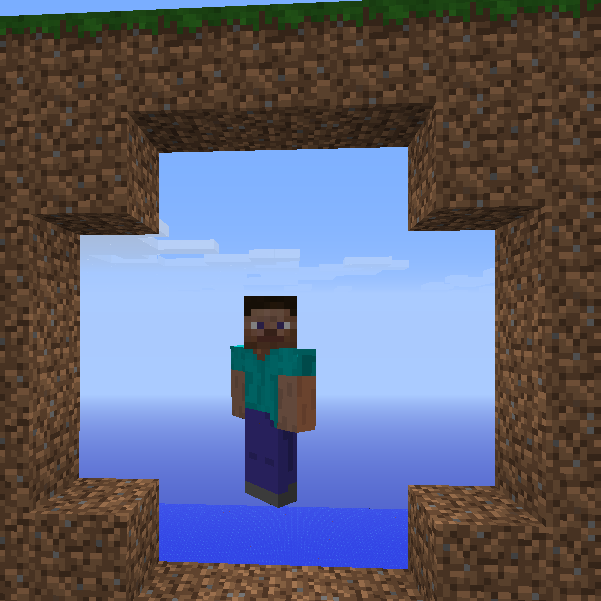

GhostMode - noclip
GhostMode - fly through blocks!On a serverHoams
It is a homes plugin. Will it cook for you? No. It has one job, and it does it well.On a server

Nametags++
Nametag plugin who allows you to change the tag above your head and tablistOn a server

Discord-Linker
Easiest Minecraft–Discord link! NO bot setup or configuration files! Add chat bridges, view stats and inventories, run commands and more!On a serverTimeBan
TimeBanOn a server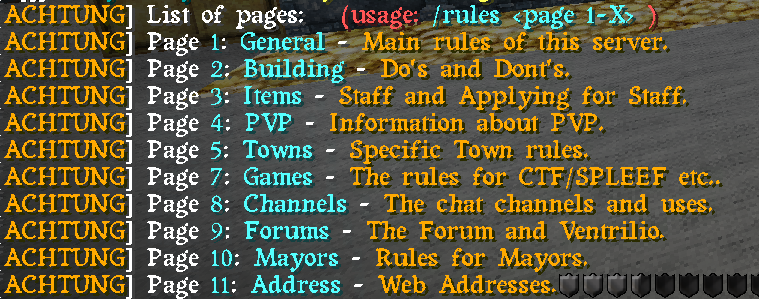
EasyRules
Very Simple rules.On a server
ProVanish
Allows players to vanish from view and online listOn a serverHard Core Worlds
Hardcore Difficulty for BukkitOn a serverGuildEra
A plugin to implements guilds and dungeons.On a server
Redstone Clock Detector
Detect redstone clock and teleport you there.On a serverCommander
Commander lets you add commands to levers, buttons and pressure plates!On a server

PlayerTutorials
PlayerTutorials adds a great way to show players around your server that is fun and easy to set up!On a server

Player Freeze
Freeze your players, stopping all their movement, keeping them in the same spot until unfrozen.On a serverFAQ
How is a plugin different from a mod?
A plugin runs only on the server and requires nothing from players: the client stays vanilla. A mod has to be installed by everyone, and it changes the game itself.
Where do I put a plugin?
Put the .jar file in the plugins folder on the server, then restart the server. The plugin will create its config on first launch.
Will a Spigot plugin work on Paper?
Usually yes: Paper and Purpur are built on Spigot and are compatible with its plugins. The reverse isn't true — a plugin that uses Paper features won't work on plain Spigot.
How do I install a plugin on Aternos?
On Aternos, plugins can only be installed from the built-in list in the “Plugins” section of the panel. You can't upload your own .jar file, so paid and rare plugins can't be installed on Aternos. If the plugin you need isn't on the list, you need hosting with access to the plugins folder: put the file there and restart the server.
Which plugins should I install on a server first?
People usually start with four: EssentialsX (homes, warps, kits, teleport), LuckPerms (groups and permissions), WorldGuard together with WorldEdit (spawn and region protection) and ViaVersion (joining from other game versions). For a server with nickname login, add AuthMe for passwords and SkinsRestorer for skins.
Which plugins should I install on a server for playing with friends?
A small server for friends needs just a few: EssentialsX (home, teleport to a friend, warps), CoreProtect (rolling back griefing and finding who broke a block) and Simple Voice Chat for voice chat, which needs the mod of the same name on players' side. Permissions and region protection are usually unnecessary on such a server.
How do I install a plugin on Paper?
Download the plugin file for your Paper version, put the .jar into the plugins folder and restart the server — the /plugins command will list it. On Millida Hosting the On a server button on the plugin page does the same.
Minecraft server plugins
A plugin is installed on the server, not by the player, and that's the whole difference from a mod: the client stays plain vanilla, and you can join the server without downloading a single file. Plugins run on server cores — Paper, Spigot, Bukkit, Purpur, Folia — while Velocity and BungeeCord are used for proxies between servers. The core matters as much as the version: a Paper plugin will almost always run on Purpur, but a Velocity plugin won't start on a regular server at all.
The useful minimum for a server is almost always the same: EssentialsX for basic commands, LuckPerms for permissions, WorldGuard together with WorldEdit for region protection and CoreProtect to roll back griefing. Servers with nickname login add AuthMe and SkinsRestorer, servers for friends add Simple Voice Chat. On Millida Hosting a free plugin from the catalog goes onto the server with the On a server button on its page, no manual .jar upload.
Plugins handle almost everything behind the scenes on a server: ranks and permissions, land protection, economy and shops, anti-cheat, map rotation, menus and voting. You install them by copying the .jar file into the plugins folder and restarting the server; most create their own config on first launch, which is what you then edit. The card lists supported cores and game versions, the author and license, and all releases are gathered on one page — you can update the plugin right from there.