
Plugins for Minecraft 1.9 — page 17
680 itemsPlugins: list

Mortar
Mortars in MinecraftOn a server
Just Essentials
A fully customizable essentials plugin, to help your server appear as professional as possible!On a server
SuperLobbyDeluxe
Super Lobby It is a plugin for your lobby, allowing you to customize many thingsOn a server
F Invsee
Inspect a player inventory/armour/off-hand/ with a custom gui / FinvseeOn a server

GameMode-Control
Implements new game modes and commands into your server.On a server

UltimateAutoRestart
The most powerful and versatile autorestart plugin available.On a server

TAB-Bridge
An addon for TAB when it is installed on a proxy.On a server

OpenTexonMod
OpenTexonModOn a server

Spartan AntiCheat & AntiExploit (Free with 5 or less players)
Optimized | Customizable | Cross-Version | Adaptive | Folia Support | Geyser DetectionsOn a server

TeamSpeak IP
TeamSpeak IPOn a server

BetterChairs Remastered
BetterChairs allows you and your players to sit on chairs. It's that simple! Every stair, slab or block can be a chair if you want it to!On a server

Trey's Double Jump [1.8 - 1.16.5+]
An amazing double jump plugin! Used to get around easier! Now for 1.7 - 1.16+!On a serverMagicWorlds
A world modification plugin for MagicOn a serverAngryWolves
AngryWolvesOn a server

Superheroes
Want to be a superhero? This plugin is perfect! You can be Spiderman, Thor, The Flash, and more!On a server

mobmoneyy
mobmoneyOn a server
MYSlots
MYSlotsOn a server

BetterMessages
Better messages for your server, join/leave messages, world change messages and more!On a server
JPanel - Minecraft Webpanel
JPanel - A plugin based web panel for BukkitOn a server

VIPLobby Reloaded
VIPLobby ReloadedOn a serverPlayEffect
PlayEffectOn a server

Minecordbot
A powerful way to bridge Minecraft and DiscordOn a server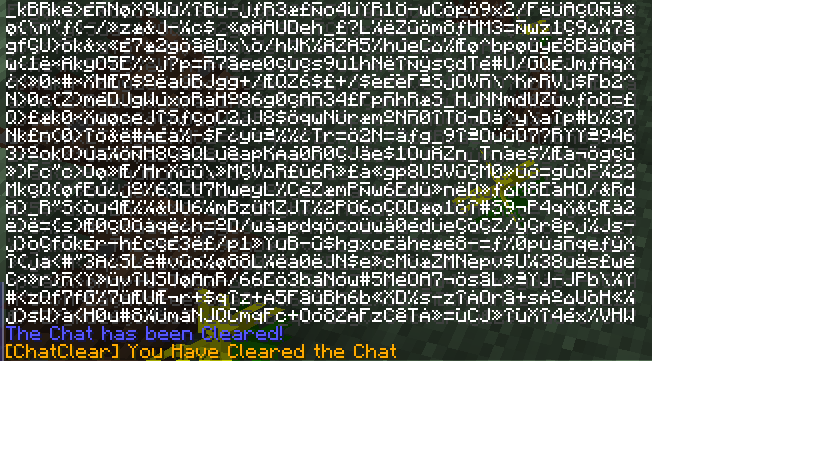
ChatClear
ChatClearOn a serverFAQ
How is a plugin different from a mod?
A plugin runs only on the server and requires nothing from players: the client stays vanilla. A mod has to be installed by everyone, and it changes the game itself.
Where do I put a plugin?
Put the .jar file in the plugins folder on the server, then restart the server. The plugin will create its config on first launch.
Will a Spigot plugin work on Paper?
Usually yes: Paper and Purpur are built on Spigot and are compatible with its plugins. The reverse isn't true — a plugin that uses Paper features won't work on plain Spigot.
How do I install a plugin on Aternos?
On Aternos, plugins can only be installed from the built-in list in the “Plugins” section of the panel. You can't upload your own .jar file, so paid and rare plugins can't be installed on Aternos. If the plugin you need isn't on the list, you need hosting with access to the plugins folder: put the file there and restart the server.
Which plugins should I install on a server first?
People usually start with four: EssentialsX (homes, warps, kits, teleport), LuckPerms (groups and permissions), WorldGuard together with WorldEdit (spawn and region protection) and ViaVersion (joining from other game versions). For a server with nickname login, add AuthMe for passwords and SkinsRestorer for skins.
Which plugins should I install on a server for playing with friends?
A small server for friends needs just a few: EssentialsX (home, teleport to a friend, warps), CoreProtect (rolling back griefing and finding who broke a block) and Simple Voice Chat for voice chat, which needs the mod of the same name on players' side. Permissions and region protection are usually unnecessary on such a server.
How do I install a plugin on Paper?
Download the plugin file for your Paper version, put the .jar into the plugins folder and restart the server — the /plugins command will list it. On Millida Hosting the On a server button on the plugin page does the same.
Plugins for Minecraft 1.9
Plugins for Minecraft 1.9: 680 items in the Plugins section. Compatibility is checked against the files, not the description: only items with a build for exactly these conditions stay in the list.
Plugins handle almost everything behind the scenes on a server: ranks and permissions, land protection, economy and shops, anti-cheat, map rotation, menus and voting. You install them by copying the .jar file into the plugins folder and restarting the server; most create their own config on first launch, which is what you then edit. The card lists supported cores and game versions, the author and license, and all releases are gathered on one page — you can update the plugin right from there.