
Plugins for Minecraft 1.9 — page 14
680 itemsPlugins: list

MessageFilter
MessageFilterOn a server

CrazySpawner
CrazySpawnerOn a server
TriggerReactor
VT or Skript like plugin allow you from shallow functionality to deep access to the server itself.On a server
Simple SetHome
A simple homes plugin w/ multiple homes.On a server

GrimAnticheat
1.8-1.21 support | 0.001% speed | 3.01 reach | 99.99% antikb | Open Source | 1.21 nativeOn a server

Custom Join Messages
Welcome players with first-join, join, and quit messages, publicly or privately, via Chat, Titles, Action Bars, Boss Bars, and Sounds. Permission-based and randomizable. Supports PlaceholderAPI, AuthMe, MiniMessage, and popular jail and vanish plugins.On a server

/f top | Factions Top by Novucs
An efficient and comprehensive factions ranking systemOn a server

ArenaPVP
ArenaPVPOn a server

BukkitSpeak
BukkitSpeakOn a server
Animated Scoreboard
You like to be one like the big ones? With a really nice Animated Scoreboard? Than use this plugin!On a server

Console Spam Fix : Reborn
A log filter that hide configured messages or errors from console and logs.On a server

BannedWords
Block words, sentences, or IPs in your chat, with configurable punishments!On a server

PerfoBooster
Delivers powerful server optimization through intelligent resource management.On a server

Tebex
Tebex allows you to sell items, subscriptions, and more from an in-game customized shop. Featuring over 120 payment methods, chargeback protection, fraud protection, and 3-day payouts.On a server

ExtremeVanish
A plugin that hides you from other playerOn a server
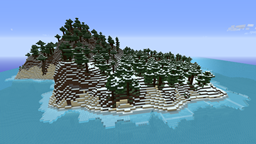
IslandCraft
IslandCraft modifies the terrain generation to create an ocean with many islands; each island is a single biome.On a server

ajQueue
Add a queue for your servers when they are restarting or full!On a server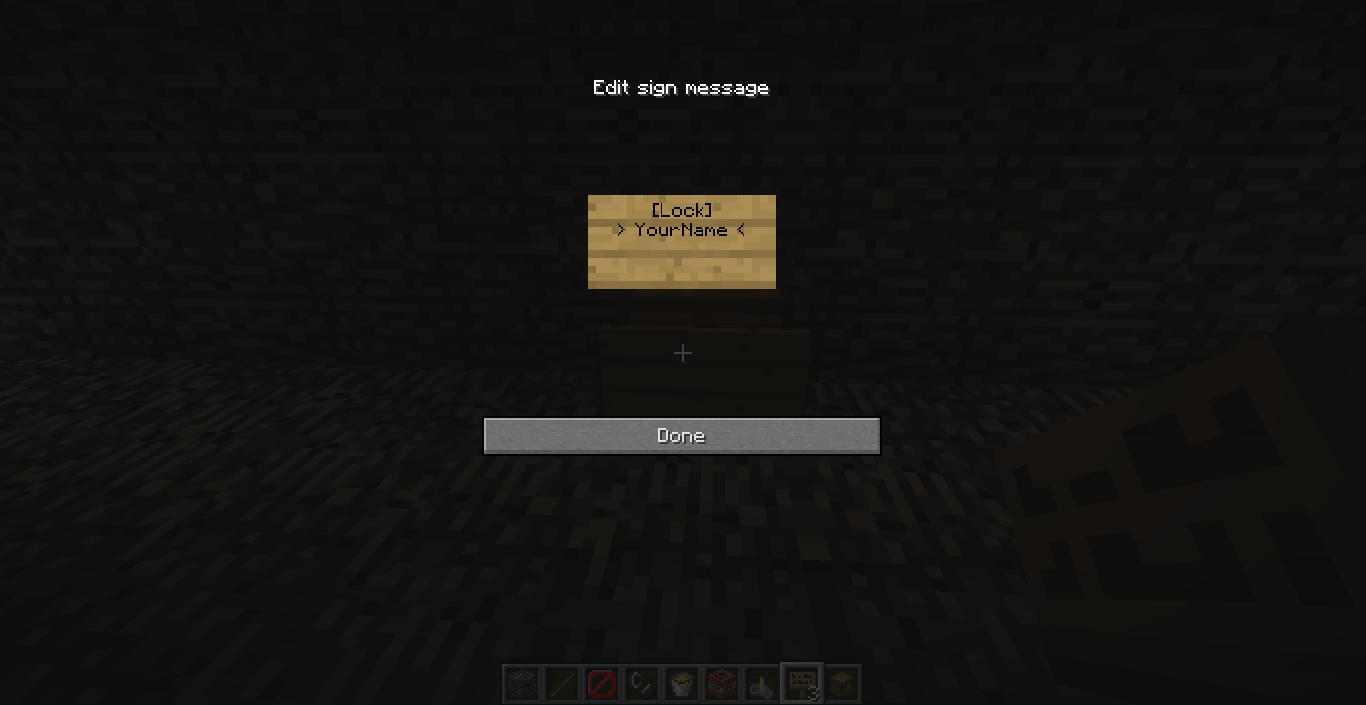

Lock Chest
Lock your players chests, beacons, furnaces, beds, anvils and other containers even doors with just a sign.On a serverPerWorldTablist
PerWorldTablistOn a server

ViaAprilFools
ViaVersion addon to add support for some notable Minecraft snapshots.On a server

Simple Help Tickets
Users create hep tickets to request admin assistanceOn a server
neoPaintingSwitch
Scroll through paintingsOn a server

MCKotlin
Get the ability to run and develop Kotlin plugins on your Minecraft server or proxyOn a serverFAQ
How is a plugin different from a mod?
A plugin runs only on the server and requires nothing from players: the client stays vanilla. A mod has to be installed by everyone, and it changes the game itself.
Where do I put a plugin?
Put the .jar file in the plugins folder on the server, then restart the server. The plugin will create its config on first launch.
Will a Spigot plugin work on Paper?
Usually yes: Paper and Purpur are built on Spigot and are compatible with its plugins. The reverse isn't true — a plugin that uses Paper features won't work on plain Spigot.
How do I install a plugin on Aternos?
On Aternos, plugins can only be installed from the built-in list in the “Plugins” section of the panel. You can't upload your own .jar file, so paid and rare plugins can't be installed on Aternos. If the plugin you need isn't on the list, you need hosting with access to the plugins folder: put the file there and restart the server.
Which plugins should I install on a server first?
People usually start with four: EssentialsX (homes, warps, kits, teleport), LuckPerms (groups and permissions), WorldGuard together with WorldEdit (spawn and region protection) and ViaVersion (joining from other game versions). For a server with nickname login, add AuthMe for passwords and SkinsRestorer for skins.
Which plugins should I install on a server for playing with friends?
A small server for friends needs just a few: EssentialsX (home, teleport to a friend, warps), CoreProtect (rolling back griefing and finding who broke a block) and Simple Voice Chat for voice chat, which needs the mod of the same name on players' side. Permissions and region protection are usually unnecessary on such a server.
How do I install a plugin on Paper?
Download the plugin file for your Paper version, put the .jar into the plugins folder and restart the server — the /plugins command will list it. On Millida Hosting the On a server button on the plugin page does the same.
Plugins for Minecraft 1.9
Plugins for Minecraft 1.9: 680 items in the Plugins section. Compatibility is checked against the files, not the description: only items with a build for exactly these conditions stay in the list.
Plugins handle almost everything behind the scenes on a server: ranks and permissions, land protection, economy and shops, anti-cheat, map rotation, menus and voting. You install them by copying the .jar file into the plugins folder and restarting the server; most create their own config on first launch, which is what you then edit. The card lists supported cores and game versions, the author and license, and all releases are gathered on one page — you can update the plugin right from there.