
Plugins for Minecraft 1.8.1 — page 7
615 itemsPlugins: list




PvPManager
A powerful plugin to manage various PvP combat featuresOn a server
PvPTime
Choose what ingame hours you want PvP enabled.On a serverMcMoney
Simple economyOn a server
ServerlistMOTD X
Customise your serverlist motd with the OG plugin.On a server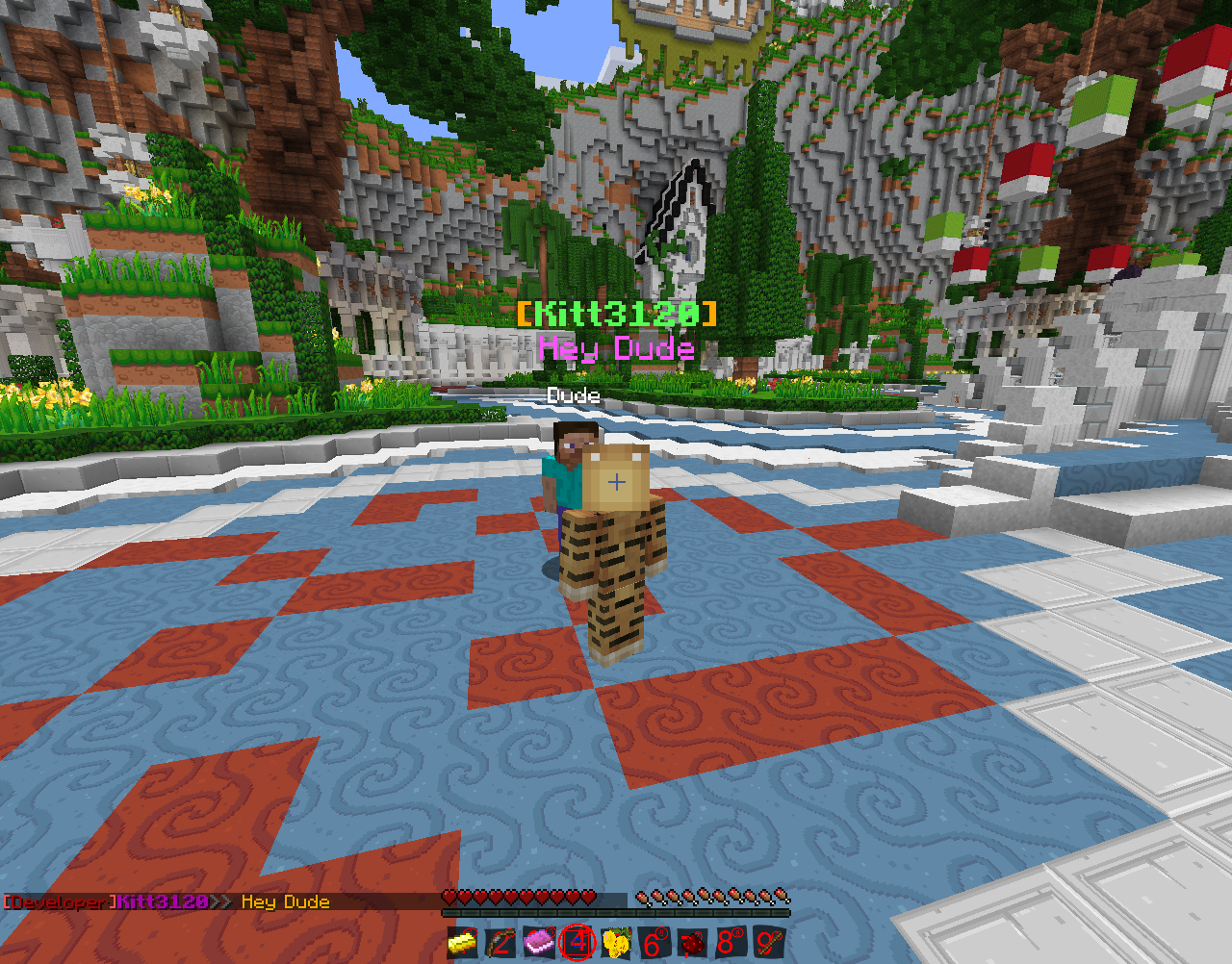
SpeechBubbles
SpeechBubblesOn a serverFelsNicknames
Adds commands for nicknamesOn a serverColor Chat/Text & Colored Signs
Light Weight - Color Chat [1.7.2] (2014)On a server

Revamped Chest Protection
Revamped Chest Protection showcases a new way to protect contents of chests, letting other users view the contents.On a serverArcane Enchants
Enchant to your heart's desire!On a server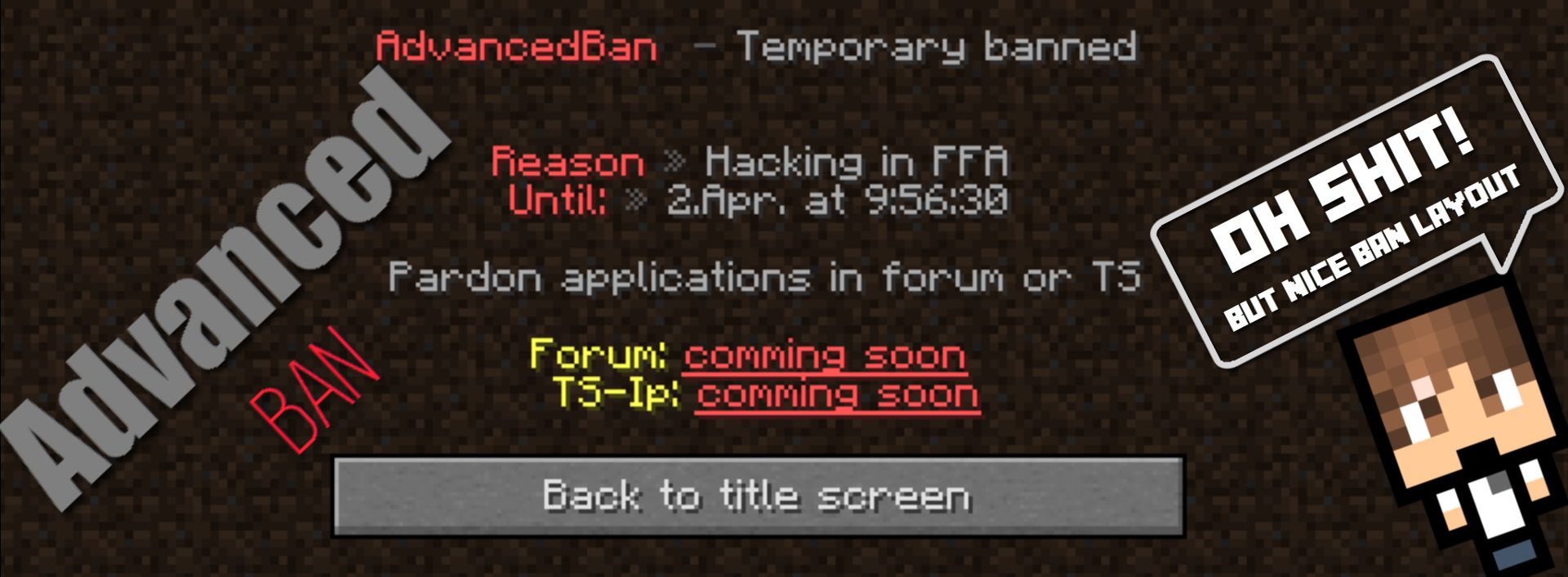
AdvancedBan
AdvancedBan provides a well designed and highly performant ban, mute and warn systemOn a serverEndlessEnchant
Enchant any item with any enchantment and no level limits.On a serverCommandLogger
Player can buy animalsOn a server

WorldeditRegions: WorldEdit addon.
Allows you to worldedit only in regions you own.On a server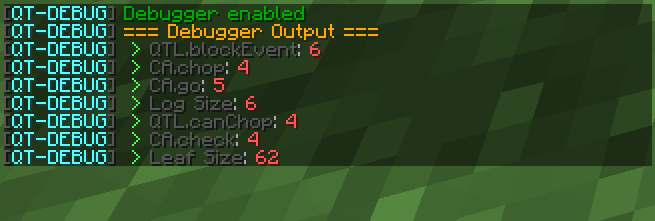

QwickTree
QwickTreeOn a server

DigitalClock
DigitalClockOn a server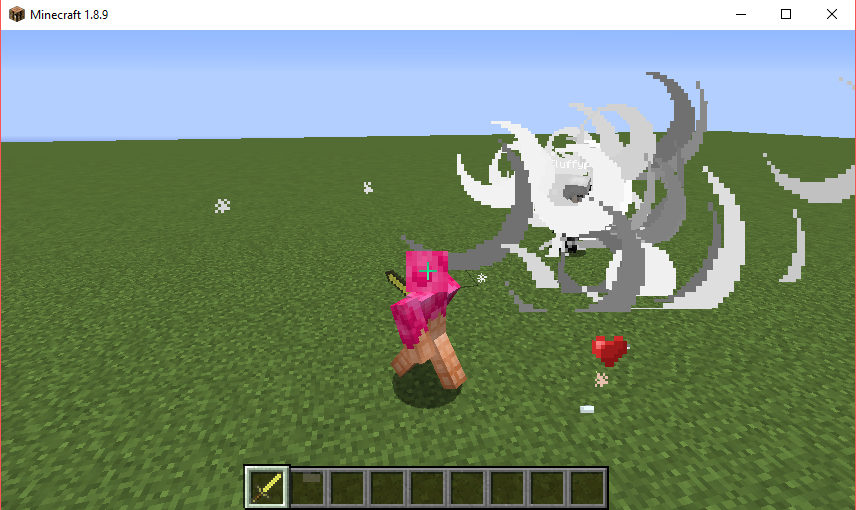

Advanced Item Effects
Adds custom effects to any item including potion effects.On a server

Player Carry
PlayerCarry is a plugin that allows server players to carry one or more players on their shoulders.On a server

Sonar
Sonar is a lightweight, effective and easy-to-use antibot plugin for Velocity, BungeeCord, and Bukkit. Sonar provides a multi-layered defense against bots, keeping your server safe from common and even sophisticated bot attacks.On a server

TTT (Trouble In Terrorist Town)
Minecraft implementation of the Garry's Mod gamemode Trouble in Terrorist Town.On a server

Colors
A chat plugin that allows you to add colors, prefixes, suffixes, and different chat formats.On a server
Solar Apocalypse
The Sun is going to kill us all!On a server

Super Build Battle
Super Build BattleOn a server

FoxAddition Anti-Cheat
FoxAddition is an anti-cheat plugin designed to block certain types of hacks, possible to use it with another anti-cheat plugin making it an additional anti-cheat for your server.On a serverFAQ
How is a plugin different from a mod?
A plugin runs only on the server and requires nothing from players: the client stays vanilla. A mod has to be installed by everyone, and it changes the game itself.
Where do I put a plugin?
Put the .jar file in the plugins folder on the server, then restart the server. The plugin will create its config on first launch.
Will a Spigot plugin work on Paper?
Usually yes: Paper and Purpur are built on Spigot and are compatible with its plugins. The reverse isn't true — a plugin that uses Paper features won't work on plain Spigot.
How do I install a plugin on Aternos?
On Aternos, plugins can only be installed from the built-in list in the “Plugins” section of the panel. You can't upload your own .jar file, so paid and rare plugins can't be installed on Aternos. If the plugin you need isn't on the list, you need hosting with access to the plugins folder: put the file there and restart the server.
Which plugins should I install on a server first?
People usually start with four: EssentialsX (homes, warps, kits, teleport), LuckPerms (groups and permissions), WorldGuard together with WorldEdit (spawn and region protection) and ViaVersion (joining from other game versions). For a server with nickname login, add AuthMe for passwords and SkinsRestorer for skins.
Which plugins should I install on a server for playing with friends?
A small server for friends needs just a few: EssentialsX (home, teleport to a friend, warps), CoreProtect (rolling back griefing and finding who broke a block) and Simple Voice Chat for voice chat, which needs the mod of the same name on players' side. Permissions and region protection are usually unnecessary on such a server.
How do I install a plugin on Paper?
Download the plugin file for your Paper version, put the .jar into the plugins folder and restart the server — the /plugins command will list it. On Millida Hosting the On a server button on the plugin page does the same.
Plugins for Minecraft 1.8.1
Plugins for Minecraft 1.8.1: 615 items in the Plugins section. Compatibility is checked against the files, not the description: only items with a build for exactly these conditions stay in the list.
Plugins handle almost everything behind the scenes on a server: ranks and permissions, land protection, economy and shops, anti-cheat, map rotation, menus and voting. You install them by copying the .jar file into the plugins folder and restarting the server; most create their own config on first launch, which is what you then edit. The card lists supported cores and game versions, the author and license, and all releases are gathered on one page — you can update the plugin right from there.