
Plugins for Minecraft 1.6.4 — page 5
134 itemsPlugins: list




RestrictCreative
RestrictCreativeOn a serverJoinMessages
A simple plugin that allows you to create quick customized join / leave messages.On a server

ItemRestrict
Use this plugin to ban items and blocks for Bukkit, Tekkit, and FTB servers using the Bukkit APIOn a server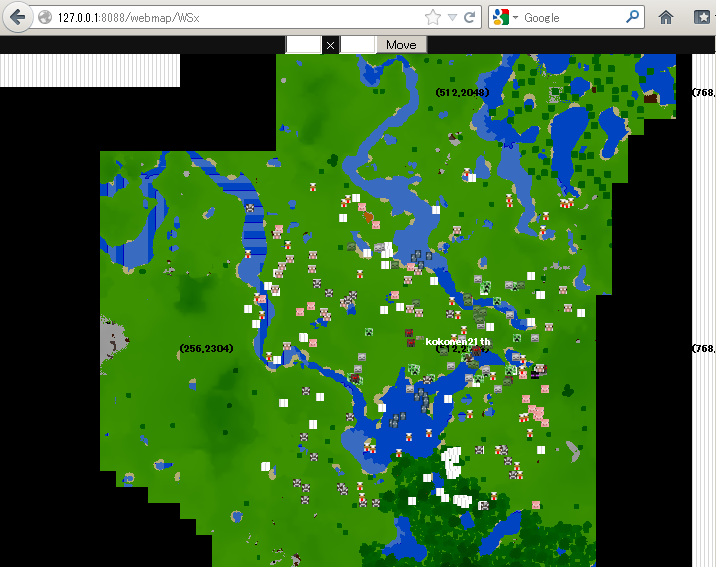
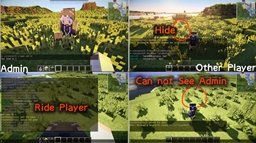
Shadow Admin
Admin Support PluginOn a serverWelcomeBook
Players will get a custom book when they join your server for the first time!On a server

Surprise Bags
Adds various treasures and surprise bags as mob dropsOn a serverKillCounter
A powerful PvP statistics pluginOn a server

EndSwear
An anti-swear plugin.On a server
NETFire
NETFire - Light netherrack on fire!On a server
SideBar
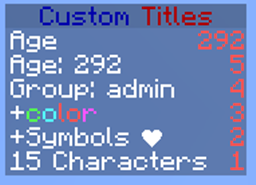
Allows you to configure the sidebar/scoreboard.On a server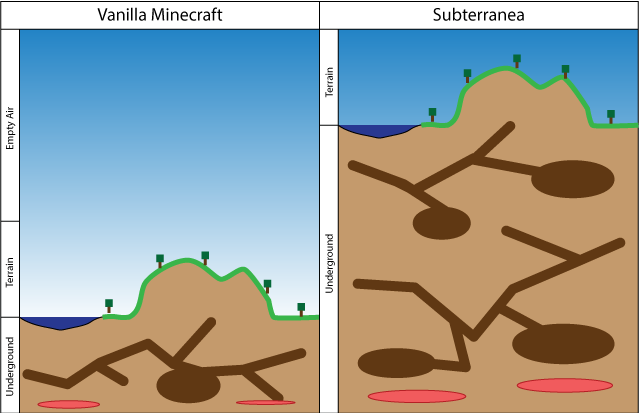
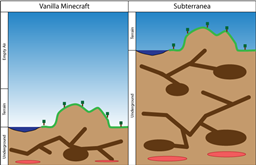
Subterranea
Double the depth of your worldOn a server
AutoDeOp
AutoDeOp will stop all players that get op when they weren't meant to will be automatically deop.On a server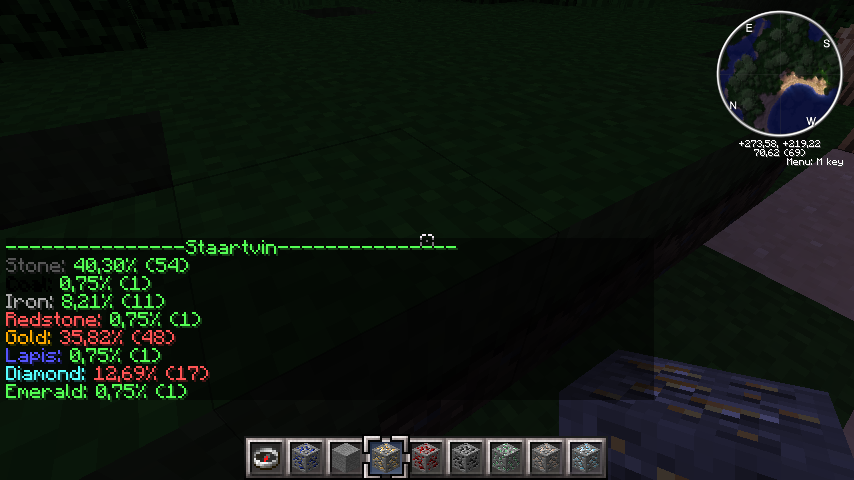
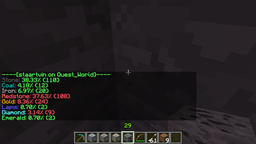
FoundOres Revisited
FoundOres RevisitedOn a server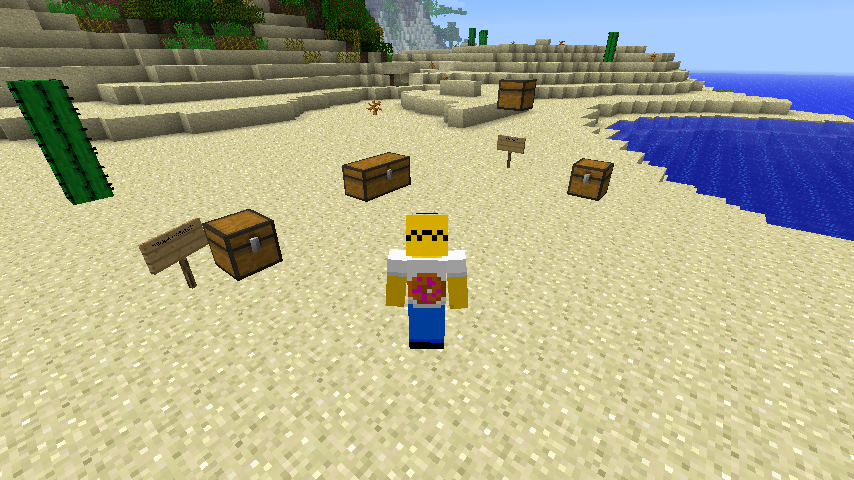
LinkedChest
Link virtually chests using masters and linked chests.On a server

Teleporter
TeleporterOn a serverCommandEdit
This plugin allows the user to create his own commands in a very simple and redundant wayOn a server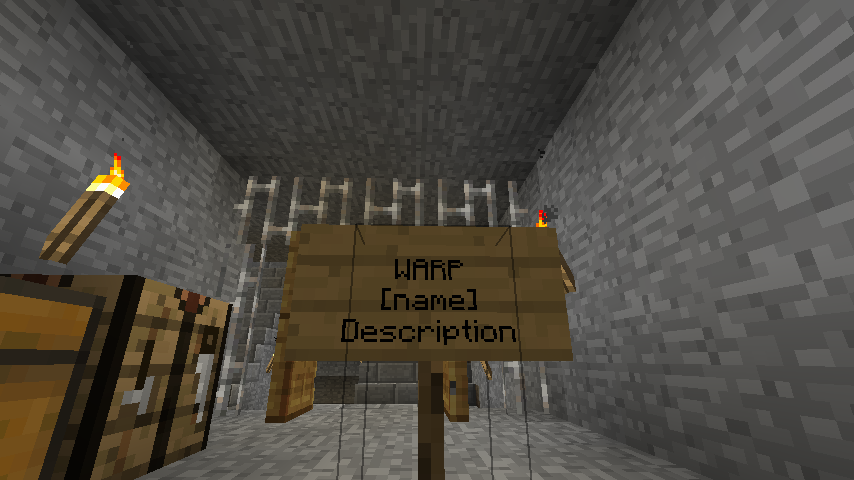

Points
PointsOn a serverFunction+
Function+On a server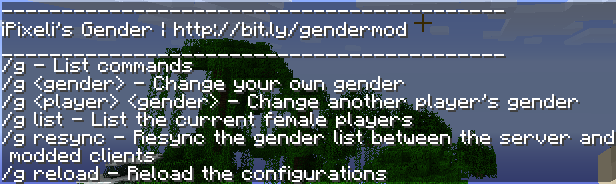

GenderMe
iPixeli's Female Gender Option PluginOn a server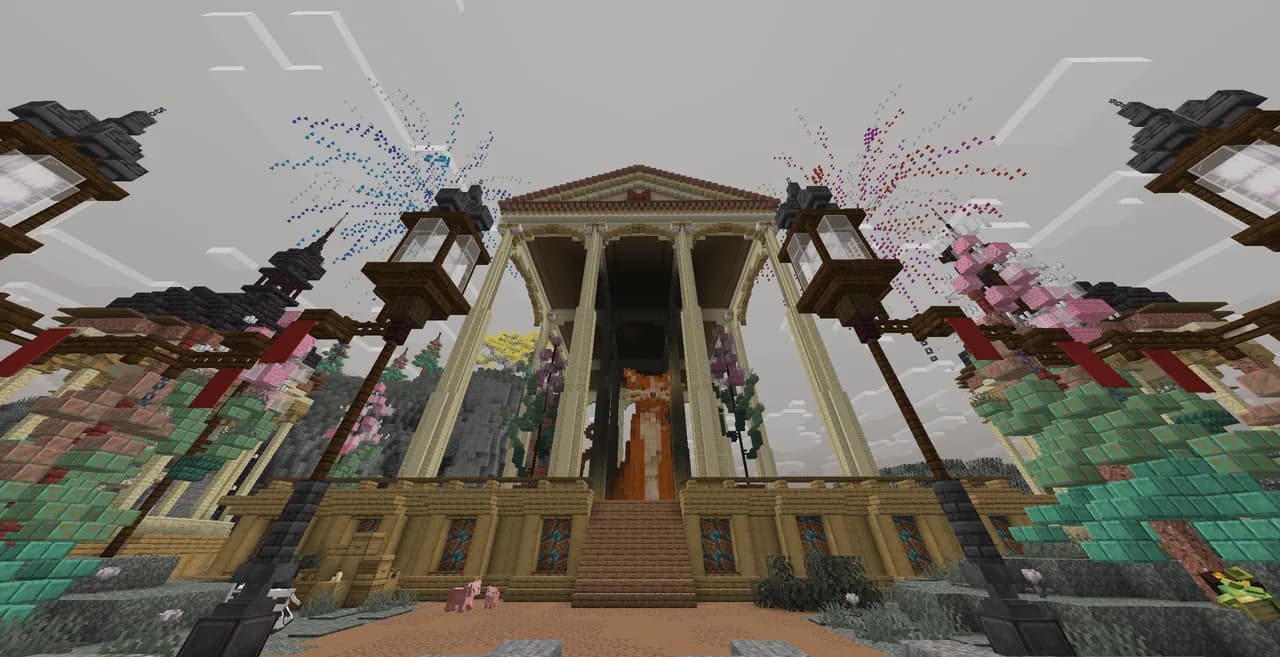

Literally Nothing
The ultimate universal Mod/Plugin/Resource pack/Shader that does literally nothing and runs on everything!On a serverCoreProtect-Anti-Xray
Xray detector based on CoreProtectOn a server

PingReply
PingReplyOn a serverFamily
iPixeli's Family SystemOn a serverFAQ
How is a plugin different from a mod?
A plugin runs only on the server and requires nothing from players: the client stays vanilla. A mod has to be installed by everyone, and it changes the game itself.
Where do I put a plugin?
Put the .jar file in the plugins folder on the server, then restart the server. The plugin will create its config on first launch.
Will a Spigot plugin work on Paper?
Usually yes: Paper and Purpur are built on Spigot and are compatible with its plugins. The reverse isn't true — a plugin that uses Paper features won't work on plain Spigot.
How do I install a plugin on Aternos?
On Aternos, plugins can only be installed from the built-in list in the “Plugins” section of the panel. You can't upload your own .jar file, so paid and rare plugins can't be installed on Aternos. If the plugin you need isn't on the list, you need hosting with access to the plugins folder: put the file there and restart the server.
Which plugins should I install on a server first?
People usually start with four: EssentialsX (homes, warps, kits, teleport), LuckPerms (groups and permissions), WorldGuard together with WorldEdit (spawn and region protection) and ViaVersion (joining from other game versions). For a server with nickname login, add AuthMe for passwords and SkinsRestorer for skins.
Which plugins should I install on a server for playing with friends?
A small server for friends needs just a few: EssentialsX (home, teleport to a friend, warps), CoreProtect (rolling back griefing and finding who broke a block) and Simple Voice Chat for voice chat, which needs the mod of the same name on players' side. Permissions and region protection are usually unnecessary on such a server.
How do I install a plugin on Paper?
Download the plugin file for your Paper version, put the .jar into the plugins folder and restart the server — the /plugins command will list it. On Millida Hosting the On a server button on the plugin page does the same.
Plugins for Minecraft 1.6.4
Plugins for Minecraft 1.6.4: 134 items in the Plugins section. Compatibility is checked against the files, not the description: only items with a build for exactly these conditions stay in the list.
Plugins handle almost everything behind the scenes on a server: ranks and permissions, land protection, economy and shops, anti-cheat, map rotation, menus and voting. You install them by copying the .jar file into the plugins folder and restarting the server; most create their own config on first launch, which is what you then edit. The card lists supported cores and game versions, the author and license, and all releases are gathered on one page — you can update the plugin right from there.