
Plugins for Minecraft 1.14 — page 13
605 itemsPlugins: list


CustomCraft
The best custom crafting plugin out thereOn a server

VebaStickers - Chat Stickers
Universal HD Chat Sticker & Emoji Framework for Minecraft (Java 1.12.x–26.x+ & Bedrock). Zero client mods, 95% ultra-compressed packs, 3x3 mega vitrin, and native GeyserMC crossplay.On a server

HomePlugin
A lightweight and efficient plugin to manage player homes, warps and world spawns, featuring optional caching and powerful synchronization tools.On a serverBackOnDeath
BackOnDeathOn a server
EnhancedEnchants
Always wanted to make Unbreaking 4 on an anvil? Now you can.On a server
MCRealTime
Synchronize Minecraft time with real-world time — either by local clock time or by the actual solar day at a selected location.On a serverWarp
WarpOn a server

BKCommonLib
Spigot/Paper Utility Library and Minecraft Server APIOn a server
Random Drops
This plugin lets you accidentally spawn items after killing mobs you choose in the config!On a server

Economy Bank
MySQL or FlatFile Economy Bank System using signs.On a server
Prefix System
Add your prefix/suffix in your tablist, chat and nametag with only one plugin. LuckPerms support.On a server
LifeStolen
Yet another LifeSteal plugin.On a serverWildTp
Teleports a player to a random locationOn a server

Simple Auto Restart
Really simple Spigot plugin that automatically restarts your server.On a server

sCheckPlayer
✅Plugin that allows checking players for cheats!✅On a server
HorseStats
Displays horse stats such as jump height, speed, health, etc. with additional commands.On a server
Bank
[Lite Version, Economy, Item Storage, Exp Storage, Highly Configurable]On a server
BetterRTP
A random teleport plugin for staying between the WorldBorder! Custom restrictions and moreOn a server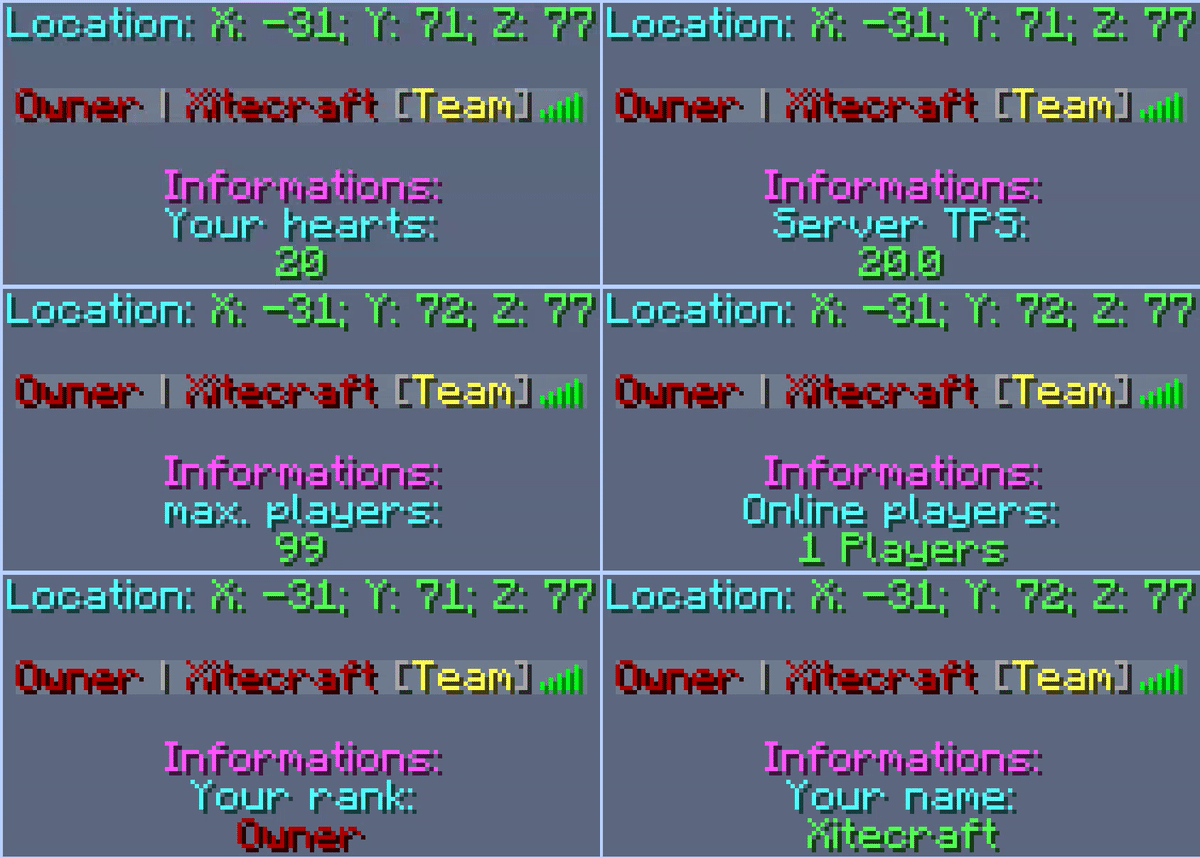
[PowerBoard] Scoreboard + Tablist + Prefix + Chat | Animated
This Plugin has an animated Scoreboard + Tablist included a Prefix + Chat -SystemOn a server

VPacketEvents
Manage packets through Velocity's native eventsOn a server
UnlimitedLava
UnlimitedLavaOn a server
FallenKingdom
Le plugin le plus complet pour faire un FKOn a server

Jukebox Extended Reborn
Level up your server with custom music discs - "Just like vanilla jukebox, but better!"On a serverFAQ
How is a plugin different from a mod?
A plugin runs only on the server and requires nothing from players: the client stays vanilla. A mod has to be installed by everyone, and it changes the game itself.
Where do I put a plugin?
Put the .jar file in the plugins folder on the server, then restart the server. The plugin will create its config on first launch.
Will a Spigot plugin work on Paper?
Usually yes: Paper and Purpur are built on Spigot and are compatible with its plugins. The reverse isn't true — a plugin that uses Paper features won't work on plain Spigot.
How do I install a plugin on Aternos?
On Aternos, plugins can only be installed from the built-in list in the “Plugins” section of the panel. You can't upload your own .jar file, so paid and rare plugins can't be installed on Aternos. If the plugin you need isn't on the list, you need hosting with access to the plugins folder: put the file there and restart the server.
Which plugins should I install on a server first?
People usually start with four: EssentialsX (homes, warps, kits, teleport), LuckPerms (groups and permissions), WorldGuard together with WorldEdit (spawn and region protection) and ViaVersion (joining from other game versions). For a server with nickname login, add AuthMe for passwords and SkinsRestorer for skins.
Which plugins should I install on a server for playing with friends?
A small server for friends needs just a few: EssentialsX (home, teleport to a friend, warps), CoreProtect (rolling back griefing and finding who broke a block) and Simple Voice Chat for voice chat, which needs the mod of the same name on players' side. Permissions and region protection are usually unnecessary on such a server.
How do I install a plugin on Paper?
Download the plugin file for your Paper version, put the .jar into the plugins folder and restart the server — the /plugins command will list it. On Millida Hosting the On a server button on the plugin page does the same.
Plugins for Minecraft 1.14
Plugins for Minecraft 1.14: 605 items in the Plugins section. Compatibility is checked against the files, not the description: only items with a build for exactly these conditions stay in the list.
Plugins handle almost everything behind the scenes on a server: ranks and permissions, land protection, economy and shops, anti-cheat, map rotation, menus and voting. You install them by copying the .jar file into the plugins folder and restarting the server; most create their own config on first launch, which is what you then edit. The card lists supported cores and game versions, the author and license, and all releases are gathered on one page — you can update the plugin right from there.