Where Is It
by JackFred2 · CurseForgeFind items in nearby inventories. Now functions server-side only!
Find items in nearby inventories. Now functions server-side only!
Library mod that will be required for my mods in the future
Library-mod for minecraft. I need it for my other mods
Because mining with lasers is cool
Adds dungeons of various rarities and sizes
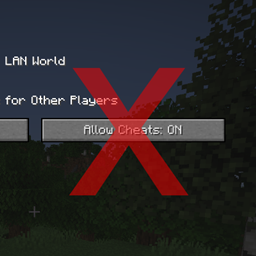
Removes the "Allow Cheats" button from the "Open to LAN" menu.
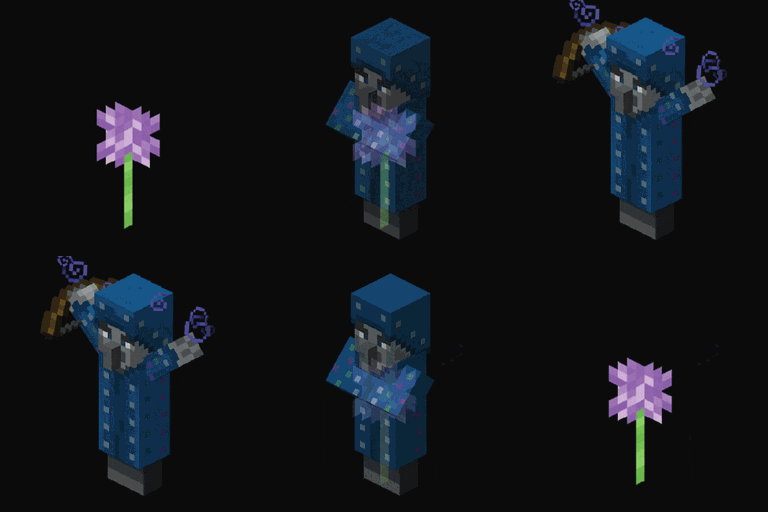
👻 SpookyJam 2023: Be careful around flowers at night.. they might transform into monsters!
🔱 Improves the trident. Hold a water bucket to use a more powerful riptide anywhere.
Chests available in each vanilla wood style.
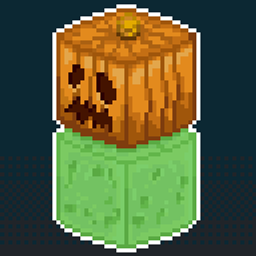
Add Slime Golem to Minecraft. A good ally for finding Slime Chunks!
Makes world borders work per dimension
🫐 Players walking through berry bushes won't receive damage while wearing leggings.
💬 A highly configurable mod to change the style and colour of chat messages server-wide.
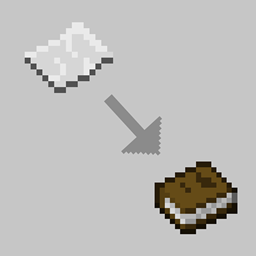
📑📕 Allows the creation of books with 9 paper.
Show the hat layer on tab list
Convenient Korean Patch Mod
🛒 Easily pick up and move minecarts without breaking them.
Creates an area or distance sonic attack with 2 new horns.
🐷 Gives all piglins a default or custom name to liven up the world.
"Physically" extending the inventory via bags.
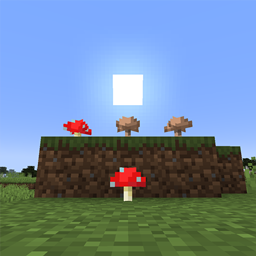
🍄 Mushrooms can be placed on the surface in daylight and in any brightness.
Add key conflict context and key modifier for FabricMC
Lets you keep breaking blocks when you switch items
📦 A mod bundle of all quality of life mods Serilum has released, lovely convenience!
They're two different mod loaders that aren't compatible with each other. Forge is the older one and better suited to big tech and magic modpacks; Fabric is lighter, updates to new game versions faster, and hosts most performance mods. NeoForge is a Forge fork for newer versions, and Quilt is a Fabric fork. A Forge mod won't run on Fabric, and vice versa. Millida Launcher installs the right loader for you.
The one that matches your game version and loader. The “Install” button picks the file for you: Millida Launcher grabs the version for your modpack. A mod for 1.20.1 usually won't work on 1.21.
Click “Install” and Millida Launcher will download the mod, its dependencies and the right loader for you. To install a downloaded file manually, put it in the mods folder inside the game directory.
No. The Install button on a mod page opens Millida Launcher: it downloads the mod, its dependencies and the right loader into the chosen instance by itself. No CurseForge and no manual file copying.
1.20.1 is one of the most modded versions, especially on Forge: tech, magic, RPG, furniture, weapons. Pick 1.20.1 in the version filter to keep only mods with a file built exactly for it, then pick Forge or Fabric next to it.
On Android, yes: Millida Launcher runs the Java edition on a phone, and mods work there just like on a PC, though light ones run much better than heavy ones. Minecraft PE (Bedrock) cannot load PC mods — it has add-ons instead, in the Minecraft PE mods section.
The usual picks are Simple Voice Chat for proximity voice chat, Waystones for fast travel, Xaero's Minimap and something big to work on together, such as Create. Mods that change the world must be installed by every player and on the server, while client-side ones like a minimap or performance mods are up to each player.
Mods for Minecraft Quilt: 2,778 items in the Mods section. Compatibility is checked against the files, not the description: only items with a build for exactly these conditions stay in the list.
One mod in the catalog, one page. Every version the author has released is listed on its card: pick your game version and loader right there instead of jumping between ten similar pages. Each file shows its size, release date and checksum, and the mod itself shows the author, license and a link to the original source. Files whose license allows rehosting are stored with us and download directly — no link shorteners, timers or ad redirects. If the license forbids rehosting, the button honestly takes you to the author.