Zoomify (Zoom)
by isxander · ModrinthA zoom mod with infinite customizability.
A zoom mod with infinite customizability.
Veinminer Addon - Use a hotkey to veinmine with a dynamic crosshair & block highlighting
Reduce resource usage while Minecraft is in the background, idle, or on battery.
🎓 Collective is a shared library with common code for all of Serilum's mods.
Completely removes recipe book from the game, optimizing player data.
Shows a GUI after Minecraft crashes, immediately showing and analyzing all affected logs.
Adds dynamic lights to Minecraft as the most feature-complete and optimized dynamic lighting mod.
Completely Customize the way others see you play in Discord!
Makes chat unreportable (where possible)
Adds tags and configuration options for defining how dropped items should combine.
A Minecraft mod that provides realistic sound attenuation, reverberation, and absorption through blocks.
Adds new paintings to Minecraft
A lightweight, highly configurable Vein Mining enchantment for tools.
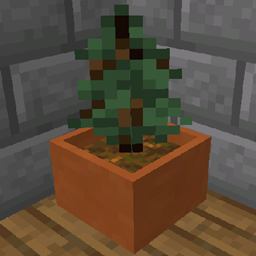
Allows you to grow trees in small pots.
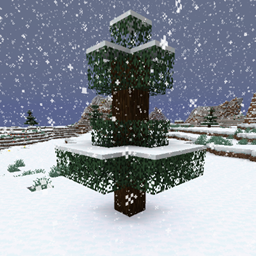
Adds snow under trees in snowy biomes
A general utility, GUI and config library for modding on Fabric and Quilt
See what's lagging your server.
An open source library for other mods!
Add an infinite number of paintings to your game !
An open source resource and data loader for Minecraft.
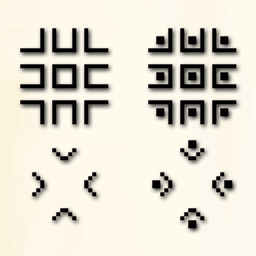
Adds the pigpen cipher to Minecraft
Sodium addon providing support for the Fabric Rendering API, based on Indigo
A simple to use RPC plugin for Minecraft and Modpacks
Library mod that provides increased control over vanilla effects and abilities
They're two different mod loaders that aren't compatible with each other. Forge is the older one and better suited to big tech and magic modpacks; Fabric is lighter, updates to new game versions faster, and hosts most performance mods. NeoForge is a Forge fork for newer versions, and Quilt is a Fabric fork. A Forge mod won't run on Fabric, and vice versa. Millida Launcher installs the right loader for you.
The one that matches your game version and loader. The “Install” button picks the file for you: Millida Launcher grabs the version for your modpack. A mod for 1.20.1 usually won't work on 1.21.
Click “Install” and Millida Launcher will download the mod, its dependencies and the right loader for you. To install a downloaded file manually, put it in the mods folder inside the game directory.
No. The Install button on a mod page opens Millida Launcher: it downloads the mod, its dependencies and the right loader into the chosen instance by itself. No CurseForge and no manual file copying.
1.20.1 is one of the most modded versions, especially on Forge: tech, magic, RPG, furniture, weapons. Pick 1.20.1 in the version filter to keep only mods with a file built exactly for it, then pick Forge or Fabric next to it.
On Android, yes: Millida Launcher runs the Java edition on a phone, and mods work there just like on a PC, though light ones run much better than heavy ones. Minecraft PE (Bedrock) cannot load PC mods — it has add-ons instead, in the Minecraft PE mods section.
The usual picks are Simple Voice Chat for proximity voice chat, Waystones for fast travel, Xaero's Minimap and something big to work on together, such as Create. Mods that change the world must be installed by every player and on the server, while client-side ones like a minimap or performance mods are up to each player.
Mods for Minecraft Quilt: 2,778 items in the Mods section. Compatibility is checked against the files, not the description: only items with a build for exactly these conditions stay in the list.
One mod in the catalog, one page. Every version the author has released is listed on its card: pick your game version and loader right there instead of jumping between ten similar pages. Each file shows its size, release date and checksum, and the mod itself shows the author, license and a link to the original source. Files whose license allows rehosting are stored with us and download directly — no link shorteners, timers or ad redirects. If the license forbids rehosting, the button honestly takes you to the author.