WATERFrAMES: Multimedia Displays
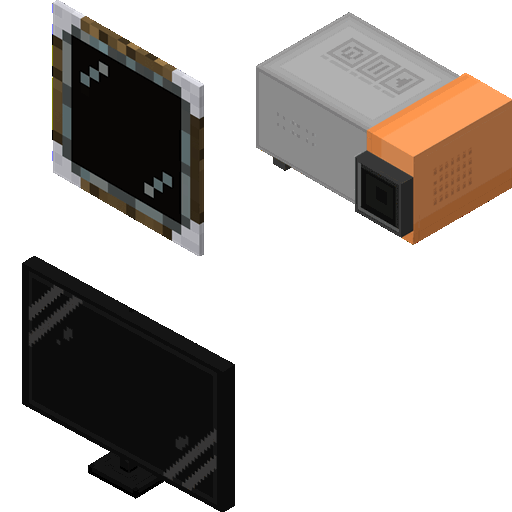
by SrRapero720 · CurseForgeFeatures multiple blocks to play videos and pictures in your worlds from internet and local files
Features multiple blocks to play videos and pictures in your worlds from internet and local files
Mobs, Monsters, Monster Girls
Beds accelerate the passage of time smoothly until daytime. Custom day and night lengths.
You will start with a few seconds of immortality! You will never start dying again
It adds trophies!
Changes the searching of features to be asynchronous to mitigate associated lag
Pumpkins and Carving. :)
Trading cards you can find and collect
Enhance your zombie apocalypse modpack.
Create your own machines
BuildCraft Robotics Module
Display an alert icon above mobs that are aggroing onto you
Adds dithering on the biome borders to the game.
Liven your world with an array of new mobs!
Add golden food variants to the vanilla version!
Bloodmagic addon with rituals and more
An Ender Dragon overhaul with progressing difficulty, new attacks, and elegant particle animation.
Gotta catch 'em all!
This mod adds a simple Cookbook that explains everything you should know about Farmer's Delight
Get your Greek on!
Single-block size mob farms that makes mob farming neater and easier.
Formations Nether adds plenty of new structures to the nether!
A mod that adds the chest mimic
Standalone Mechanical Power API
They're two different mod loaders that aren't compatible with each other. Forge is the older one and better suited to big tech and magic modpacks; Fabric is lighter, updates to new game versions faster, and hosts most performance mods. NeoForge is a Forge fork for newer versions, and Quilt is a Fabric fork. A Forge mod won't run on Fabric, and vice versa. Millida Launcher installs the right loader for you.
The one that matches your game version and loader. The “Install” button picks the file for you: Millida Launcher grabs the version for your modpack. A mod for 1.20.1 usually won't work on 1.21.
Click “Install” and Millida Launcher will download the mod, its dependencies and the right loader for you. To install a downloaded file manually, put it in the mods folder inside the game directory.
No. The Install button on a mod page opens Millida Launcher: it downloads the mod, its dependencies and the right loader into the chosen instance by itself. No CurseForge and no manual file copying.
1.20.1 is one of the most modded versions, especially on Forge: tech, magic, RPG, furniture, weapons. Pick 1.20.1 in the version filter to keep only mods with a file built exactly for it, then pick Forge or Fabric next to it.
On Android, yes: Millida Launcher runs the Java edition on a phone, and mods work there just like on a PC, though light ones run much better than heavy ones. Minecraft PE (Bedrock) cannot load PC mods — it has add-ons instead, in the Minecraft PE mods section.
The usual picks are Simple Voice Chat for proximity voice chat, Waystones for fast travel, Xaero's Minimap and something big to work on together, such as Create. Mods that change the world must be installed by every player and on the server, while client-side ones like a minimap or performance mods are up to each player.
Mods for Minecraft Forge: 6,191 items in the Mods section. Compatibility is checked against the files, not the description: only items with a build for exactly these conditions stay in the list.
One mod in the catalog, one page. Every version the author has released is listed on its card: pick your game version and loader right there instead of jumping between ten similar pages. Each file shows its size, release date and checksum, and the mod itself shows the author, license and a link to the original source. Files whose license allows rehosting are stored with us and download directly — no link shorteners, timers or ad redirects. If the license forbids rehosting, the button honestly takes you to the author.