
Mods for Minecraft Forge — page 209
6,187 itemsMods: list

Create: Cyber Goggles
A client-side mod for Create that provides modular assistance features.Install

Simple Uncrafting Table
Add an Uncrafting Table for Fabric/Forge. (分解台を追加します。)InstallOn a server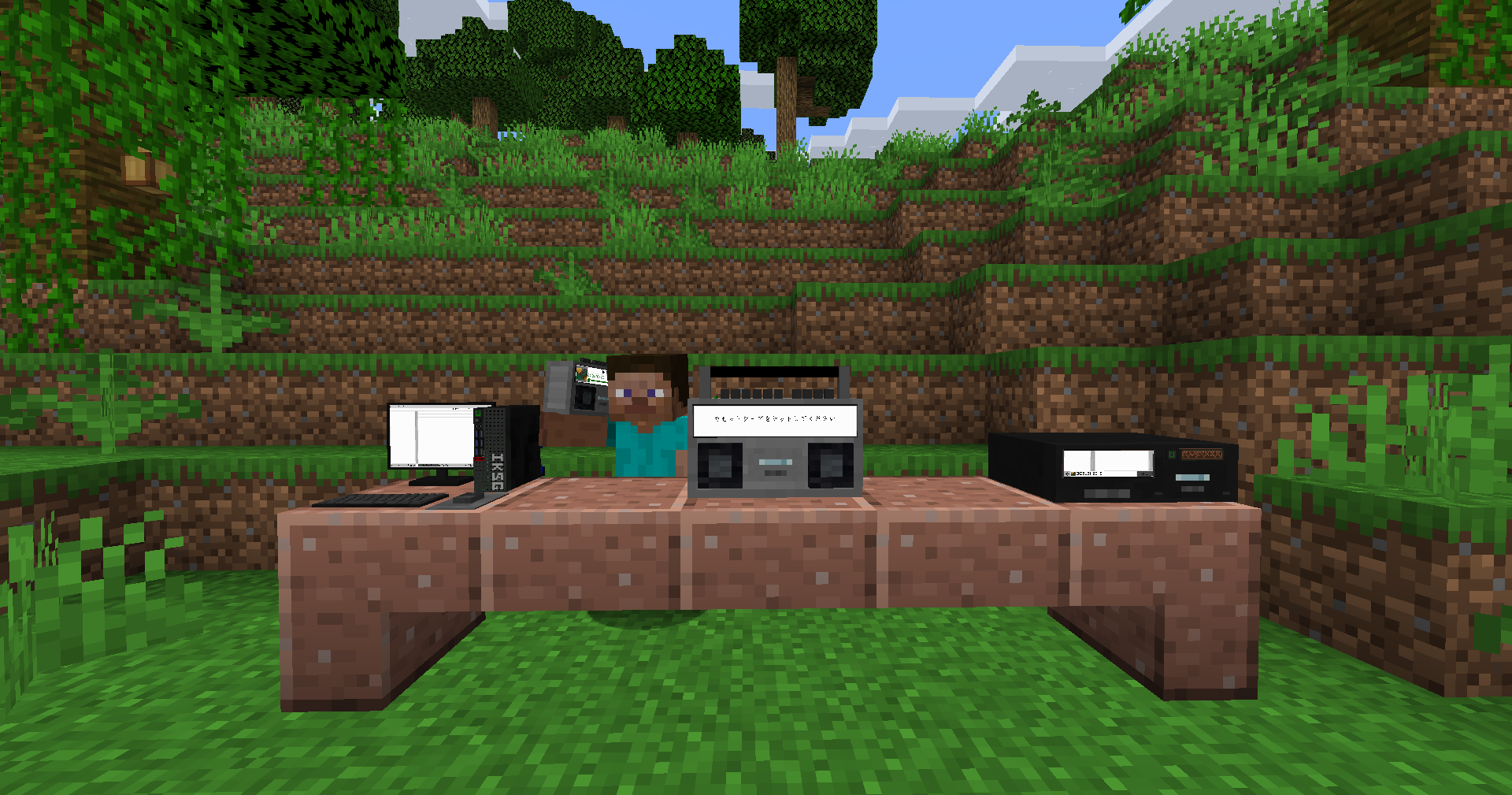

Iam Music Player [Forge/Fabric]
Enjoy music in gameInstall

Simple Dive Gear
A simple mod to add diving gear for water and lava. Works like Subnautica's oxygen tank (timer goes down underwater, fills back up above water).InstallOn a server

Born In Configuration
An Unofficial Configuration for Born In ChaosInstallOn a server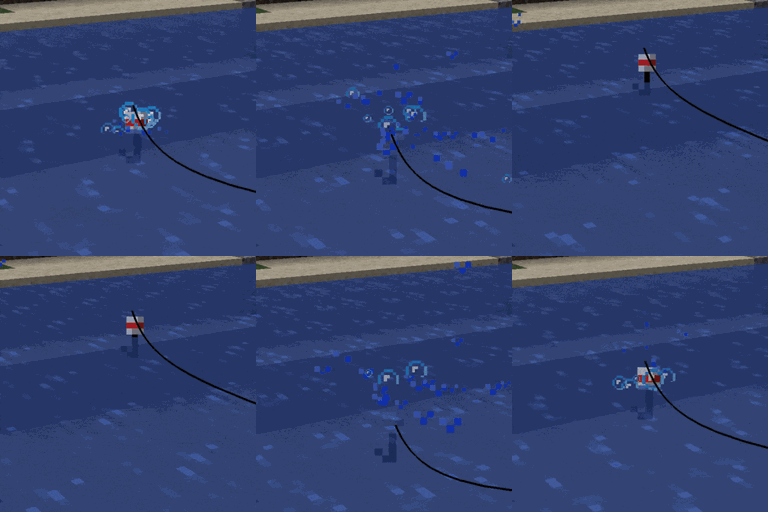
Recast
🎣 Automatically re-casts the fishing rod line for a player when an item is caught.Install

Myths & Legends
A dark fantasy mod that introduces mythical creatures, structures, and relics, all inspired by global folklore.InstallOn a server
Re-FTBQLocalizationKeys
A FTB Quests: Localization keys fork, this mod are the basis for simple and easy translations of any modpack quest.Install
Advancement Screenshot
📸 [Client] Takes a screenshot every time an advancement is achieved. Document your progress!Install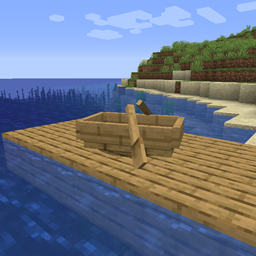
Move Boats
🛶 Allows players to easily move boats without breaking them.Install

The Boy And The Bath [Horror, not a Dweller] [Doctor Nowhere]
A smart and full of surprises horror-ish entity. Based on Doctor Nowhere.InstallOn a server
Persistent Inventory Search
🔎 [Client] Makes search queries remain inside the creative inventory during tab switching and closing.Install

Optimized Block Entities
A client-side optimization mod to make block entities render fasterInstall

Random Shulker Colours
🎲 Gives new shulker spawns a random shell color based on a configurable list.InstallOn a server

[TACZ] Create: Precise Manufacturing
A Create Mod Addon that aims to incorporate automatable recipes using TaC Zero's mod items.InstallOn a server
Ice and Fire Delight
Mod adds the integration of Ice and Fire with Farmer's DelightInstallOn a server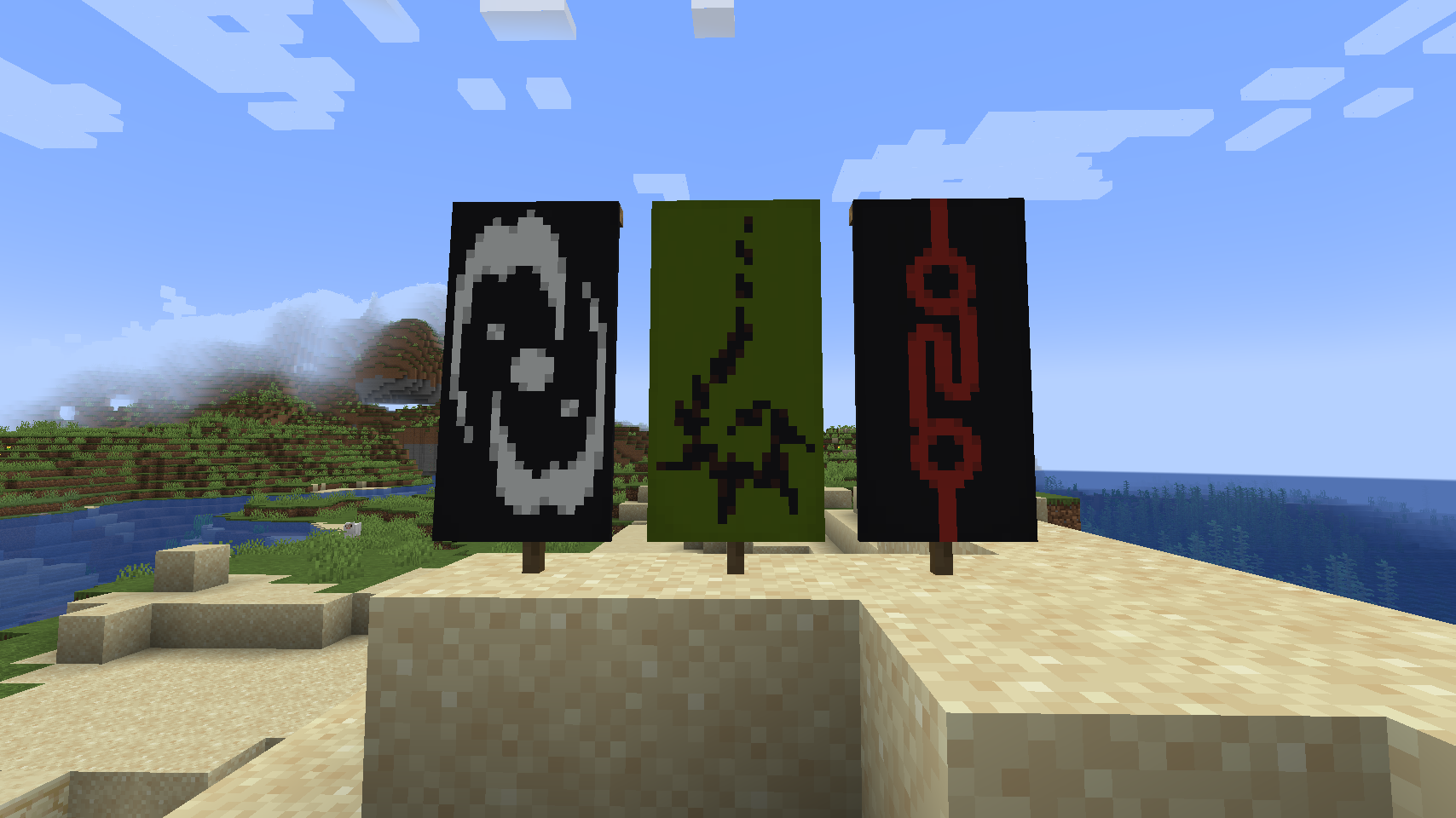
Lightstones
Adds emissive stones inspired by BionicleInstall

Canelex Keystrokes Revamp
A revamp of the original Keystrokes mod from CanelexInstall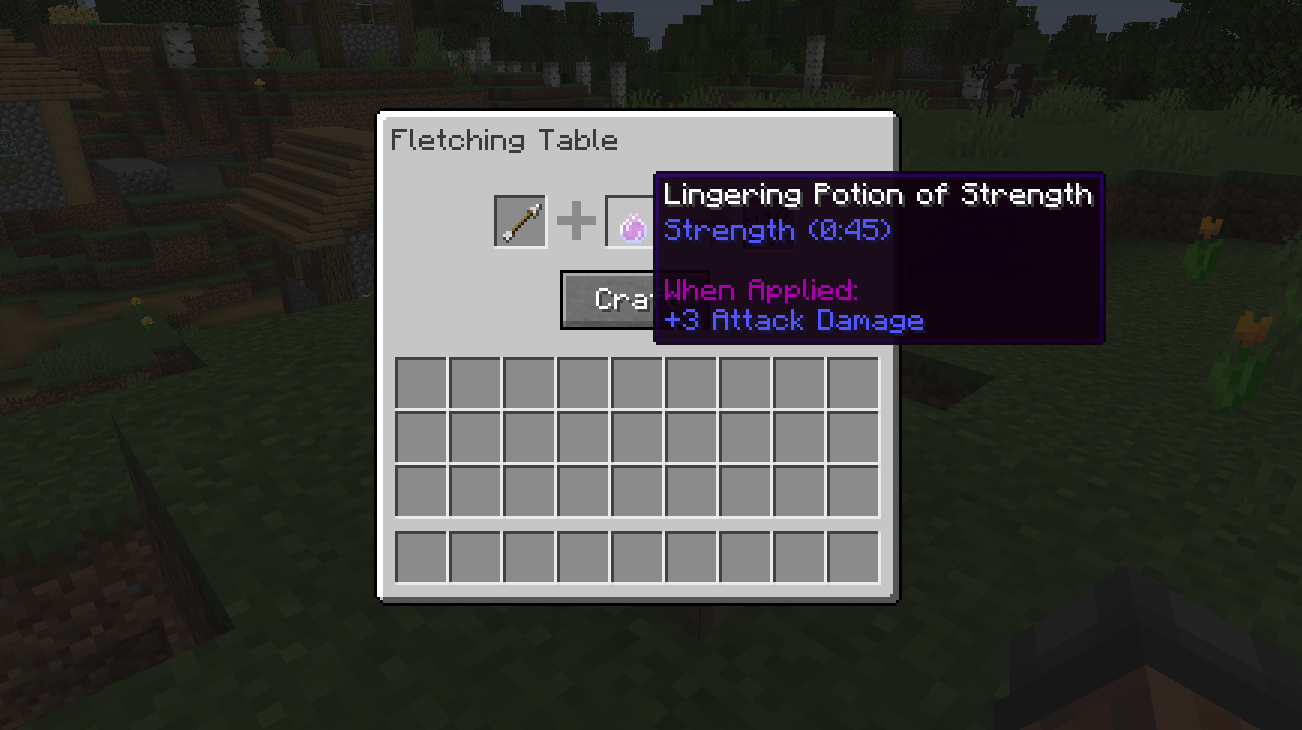
The Fletching Table Mod
This mod makes the unused Fletching Table block useful!Install

qrafty's End Villages
Discover forgotten settlements across the void with 20+ vanilla-ish End structures and custom loottables!🌔Install

alternative_twilight
Added more mechanisms to the bosses of Twilight Forest, making it more time to prepare for themInstallOn a server

caramelChat
Provides an enhanced CJK(Chinese, Japanese, Korean) IME input experience in Minecraft.Install

Witcher (RPG Series Plus)
Slay monsters like a Witcher! Spell Engine Add-OnInstallOn a serverFAQ
How is Forge different from Fabric?
They're two different mod loaders that aren't compatible with each other. Forge is the older one and better suited to big tech and magic modpacks; Fabric is lighter, updates to new game versions faster, and hosts most performance mods. NeoForge is a Forge fork for newer versions, and Quilt is a Fabric fork. A Forge mod won't run on Fabric, and vice versa. Millida Launcher installs the right loader for you.
How do I know which mod version I need?
The one that matches your game version and loader. The “Install” button picks the file for you: Millida Launcher grabs the version for your modpack. A mod for 1.20.1 usually won't work on 1.21.
How do I install a mod?
Click “Install” and Millida Launcher will download the mod, its dependencies and the right loader for you. To install a downloaded file manually, put it in the mods folder inside the game directory.
Do I need CurseForge to install mods?
No. The Install button on a mod page opens Millida Launcher: it downloads the mod, its dependencies and the right loader into the chosen instance by itself. No CurseForge and no manual file copying.
Which mods are there for 1.20.1?
1.20.1 is one of the most modded versions, especially on Forge: tech, magic, RPG, furniture, weapons. Pick 1.20.1 in the version filter to keep only mods with a file built exactly for it, then pick Forge or Fabric next to it.
Can I install mods on my phone?
On Android, yes: Millida Launcher runs the Java edition on a phone, and mods work there just like on a PC, though light ones run much better than heavy ones. Minecraft PE (Bedrock) cannot load PC mods — it has add-ons instead, in the Minecraft PE mods section.
Which mods are best to play with friends?
The usual picks are Simple Voice Chat for proximity voice chat, Waystones for fast travel, Xaero's Minimap and something big to work on together, such as Create. Mods that change the world must be installed by every player and on the server, while client-side ones like a minimap or performance mods are up to each player.
Mods for Minecraft Forge
Mods for Minecraft Forge: 6,187 items in the Mods section. Compatibility is checked against the files, not the description: only items with a build for exactly these conditions stay in the list.
One mod in the catalog, one page. Every version the author has released is listed on its card: pick your game version and loader right there instead of jumping between ten similar pages. Each file shows its size, release date and checksum, and the mod itself shows the author, license and a link to the original source. Files whose license allows rehosting are stored with us and download directly — no link shorteners, timers or ad redirects. If the license forbids rehosting, the button honestly takes you to the author.