
Mods for Minecraft Forge — page 206
6,187 itemsMods: list


Inventory Pets
Inventory Pets are living animated creatures that exist in your inventory and give you amazing special effects, drops, buffs, utilities, defenses, and weapons in exchange for care and feeding.InstallOn a server

Order to cook下单了!
本模组提供了完整的餐厅经营模拟体验,包含接单、烹饪、打包、配送全流程及丰富的经济系统。This mod offers a complete restaurant management experience: order taking, cooking, packaging, delivery, and a rich economy system.InstallOn a server
Stacked Blocks: Farmer's Delight
A compatibility mod for Stacked Blocks and Farmer's Delight.Install
Tinkers' Levelling Addon
Tinkers' Construct addon that adds tool leveling system.InstallOn a server

Muffin's Picnic
Add Picnic Basket to carry items and hangout!Install

Beans Backpacks (Legacy)
A Backpack mod where Aesthetics meet Functionality. Overhauls Minecraft's inventory with one simple-to-use feature.InstallOn a server

More Slabs, Stairs, and Walls
Expand your building options with More Slabs, Stairs, & Walls.Install

CHP: Core
A simple core mod for Cave Horror Project.InstallOn a server
Cave Dweller Evolved
Fork of the Cave Dweller mod with additional changesInstallOn a server
Apocalypse Now
Apocalypse Now is a mod totally focused on an apocalyptic world that was taken over by creatures that only live to attack and eat anything alive in the world, Explore the world to find a insane amount of melee weapons and new custom armor!InstallOn a server

Moss Fix
Highly configurable (or will be) server-side mod that fixes moss by allowing spread under transparent blocksInstallOn a server

FastFurnace
Performance optimizations for the furnaceInstallOn a server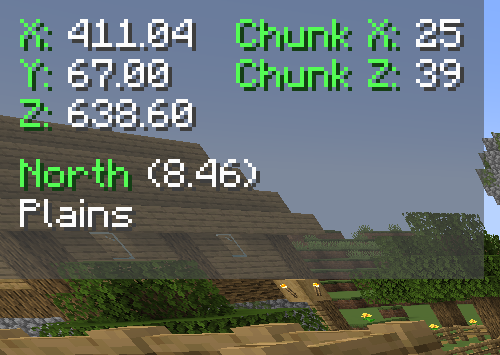
Coordinates Display
A basic mod that displays your coordinates on the Minecraft HUDInstall
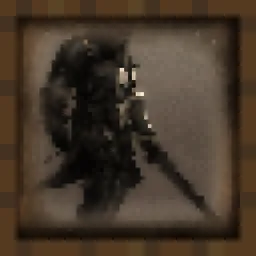
Medieval Paintings
Adds new Medieval-Fantasy style Paintings to the game!InstallOn a server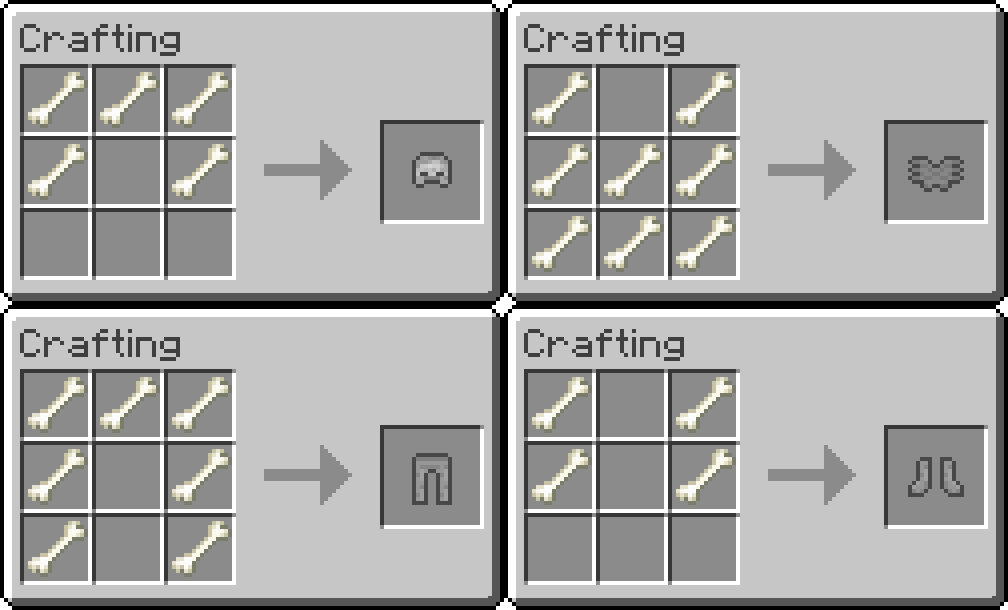

Bone Equipment
adds bone tools, armor, sword and horse armorInstall

Simply Swords Tweaks
Adds extra tweaks, settings and bug fixes to Simply Swords.InstallOn a server

Mob AI Tweaks
A mod that reworks mob AIs. Including some bosses.InstallOn a server

MoreMcmeta Emissive Textures
Emissive textures with JSON and OptiFine files. 1.16-1.20Install

Arsenal (RPG Series)
Legendary weapons from the past - not crafted, but conquered.InstallOn a server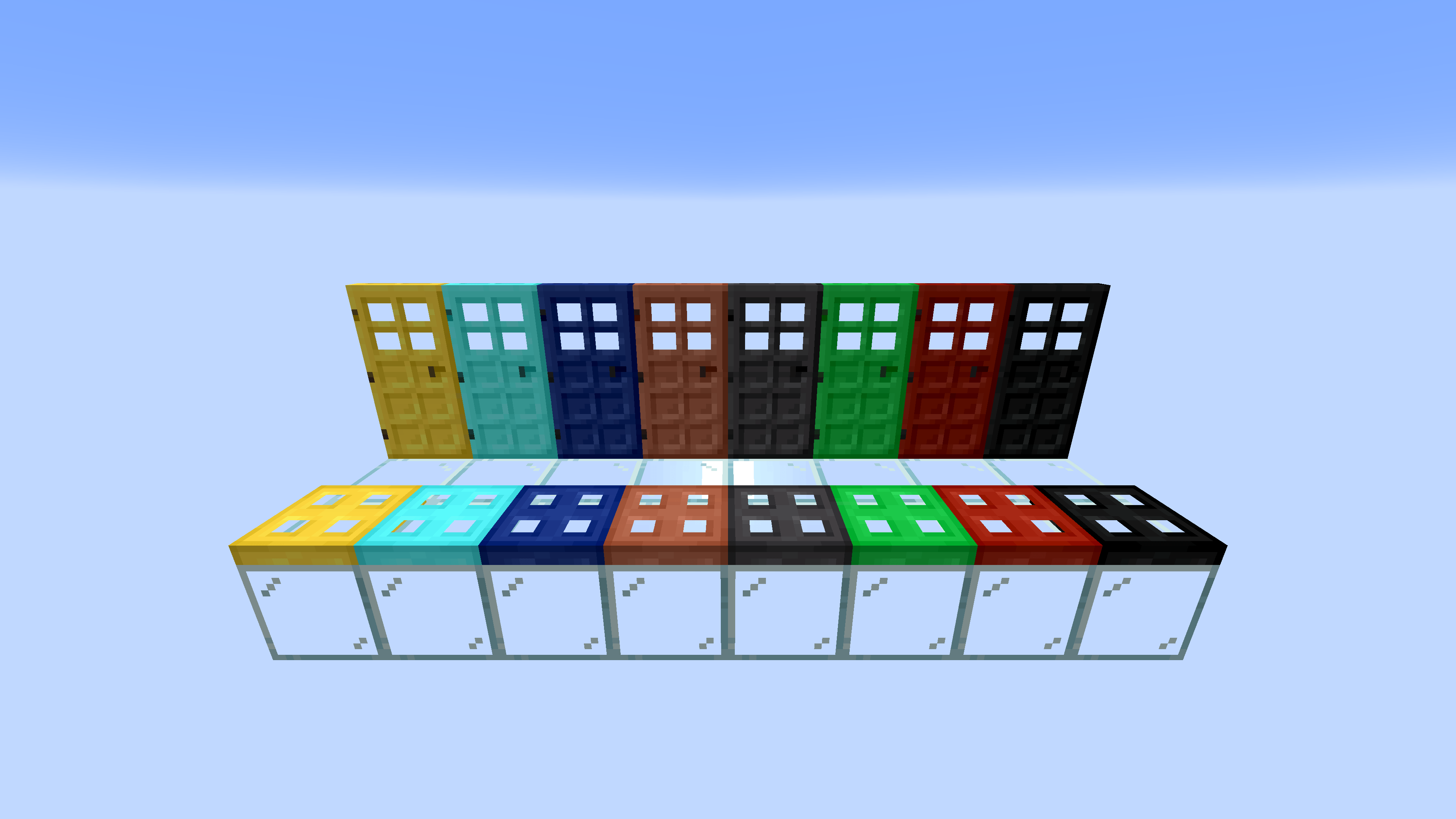
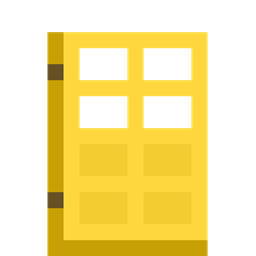
More Doors
More Doors is a Fabric & Forge Mod which adds Over 50 New Doors & Trapdoors + Glass DoorsInstall

Summoning Rituals
Create custom summoning rituals for items, mobs and commands.InstallOn a server
Ice and Fire: Spellbooks
A compat mod between Ice and Fire and Iron's Spells and SpellbooksInstallOn a server

EMF Compat: Not Enough Animations
Makes Not Enough Animations work correctly with animated EMF player models.InstallFAQ
How is Forge different from Fabric?
They're two different mod loaders that aren't compatible with each other. Forge is the older one and better suited to big tech and magic modpacks; Fabric is lighter, updates to new game versions faster, and hosts most performance mods. NeoForge is a Forge fork for newer versions, and Quilt is a Fabric fork. A Forge mod won't run on Fabric, and vice versa. Millida Launcher installs the right loader for you.
How do I know which mod version I need?
The one that matches your game version and loader. The “Install” button picks the file for you: Millida Launcher grabs the version for your modpack. A mod for 1.20.1 usually won't work on 1.21.
How do I install a mod?
Click “Install” and Millida Launcher will download the mod, its dependencies and the right loader for you. To install a downloaded file manually, put it in the mods folder inside the game directory.
Do I need CurseForge to install mods?
No. The Install button on a mod page opens Millida Launcher: it downloads the mod, its dependencies and the right loader into the chosen instance by itself. No CurseForge and no manual file copying.
Which mods are there for 1.20.1?
1.20.1 is one of the most modded versions, especially on Forge: tech, magic, RPG, furniture, weapons. Pick 1.20.1 in the version filter to keep only mods with a file built exactly for it, then pick Forge or Fabric next to it.
Can I install mods on my phone?
On Android, yes: Millida Launcher runs the Java edition on a phone, and mods work there just like on a PC, though light ones run much better than heavy ones. Minecraft PE (Bedrock) cannot load PC mods — it has add-ons instead, in the Minecraft PE mods section.
Which mods are best to play with friends?
The usual picks are Simple Voice Chat for proximity voice chat, Waystones for fast travel, Xaero's Minimap and something big to work on together, such as Create. Mods that change the world must be installed by every player and on the server, while client-side ones like a minimap or performance mods are up to each player.
Mods for Minecraft Forge
Mods for Minecraft Forge: 6,187 items in the Mods section. Compatibility is checked against the files, not the description: only items with a build for exactly these conditions stay in the list.
One mod in the catalog, one page. Every version the author has released is listed on its card: pick your game version and loader right there instead of jumping between ten similar pages. Each file shows its size, release date and checksum, and the mod itself shows the author, license and a link to the original source. Files whose license allows rehosting are stored with us and download directly — no link shorteners, timers or ad redirects. If the license forbids rehosting, the button honestly takes you to the author.