
Optimization modpacks for Minecraft — page 5
977 itemsModpacks: list



Better OneBlock [One Block]
Expanding the vanilla One Block experience. Future content: Happy Ghasts and more!InstallOn a server

VR experience | Immersion plus | [FABRIC]
This modpack contains mods that add improved sounds, animations, effects, and more stable performance for a full ViveCraft experience.InstallOn a server

CreatorSMP
THE modpack used on the CreatorSMP serverInstallOn a server

EZ FPS And The Features For Pojav/Mojo/Zalith
EZ FPS & Features enhances Minecraft performance with needed features, specially designed for PojavLauncher/Mojo/Zalith(Minecraft Java For Mobile Devices)Install

Fabric Optimized
Max Optimized Fabric | More FPSInstall

Actions & Java
Actions and Stuff, but on java 🍉, bringing new animations, textures and visual effects, which makes your world more alive 🍃 0.5.9 OUT NOW! 🔆Install

Simply Crafted
A collection of vanilla+ mods to enhance your Minecraft experience.InstallOn a server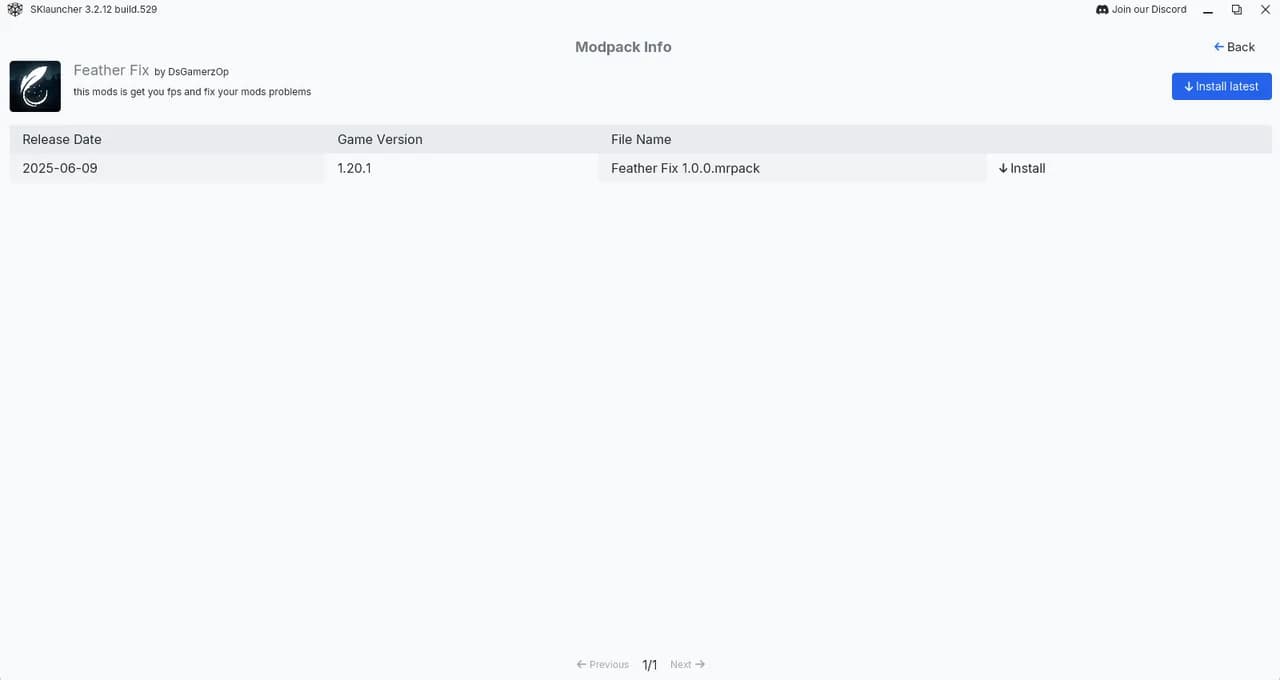

Feather Fix
this mods is get you fps and fix your mods problems This Is Fps Boost Modpack and best news is this modpack is avaible on sklauncherInstallOn a server

CastCrafter CA12 Mische
Modpack with all mods used by CastCrafter in the Content Creator SMP CraftAttack 12Install

Cobblemon Apex
Enjoy Cobblemon at its finest with our curated selection of over 90 mods, specifically chosen for optimal performance and a streamlined gameplay experience.Install

FlameFrags PVP pack
The settings of popular pvp youtuber FlameFragsInstall

HReactor
Optimized modpack, just an optimized modpack... Yep.InstallOn a server

Pojavly Optimized
PojavLauncher, MojoLauncher and Amethyst Launcher optimization Modpack for Android/iOS!Install

Mine In Abyss Modpack
A recreation of 'Made in Abyss' in Minecraft. Optional modpack to play on the server.Install

Cobblemon Freedom Frontiers
Become a Pokemon Ranger! Sail to new destinations, fill your dex to gain special skills and use your mons to build your ranger base!InstallOn a server

Builders Essentials
What every Minecraft builder needs!InstallOn a server

Shulkercraft's - Essentially Enhanced
Modpack focusing on Minecraft optimization and looks. Enjoy Vanilla Minecraft with up to 4x higher FPS and gorgeous visual improvements.Install

Minecraft: Trailer Edition
"Minecraft: Trailer Edition" is a carefully curated modlist designed to transform your Minecraft gameplay into a cinematic experience that mirrors the awe-inspiring visuals and atmosphere seen in the official Minecraft game trailers.Install

Breakneck: Optimized
Level Up Your Vanilla Client with Increased FPS, Shaders, Quality of Life Enhancements, and Visual Improvements.Install

Better FPS (Modpack)
Utilizes the power of Vulkan API to give you the best performance boost, even on 10-year-old hardware.Install

The Cloud Client Experience
1.7.10, 1.8.9 and 1.12.2 Performance and PvP Modpack with the Cloud Client mod as the main focusInstall

Xisuma's Hermitcraft Pack
Xisuma's collection of mods and configurations as used in his video series from the Hermitcraft Server.Install

ReCraft+ v2
ReCraft+ is Vanilla gameplay enhanced modpack featuring client side mods only!InstallFAQ
How is a modpack different from a bunch of mods?
A modpack is already a tuned set: mod versions are matched to each other, configs are set up, and recipes and progression are tied together. Mods downloaded one by one you'll have to make work together yourself.
How do I install a modpack?
Click “Install” and Millida Launcher will download the modpack and the right Java for you and create a separate profile for it. No need to install the mods or loader separately.
How much memory should I allocate?
Light performance modpacks run on 4 GB, mid-sized ones on 6 GB, and big tech-and-magic ones need 8 GB or more. You can change memory in the Millida Launcher profile settings; the exact figure is usually in the modpack description.
Which modpack should I pick to play with friends?
Turn on the With a friend filter under What for to keep modpacks made for playing together: co-op survival, Create, adventures with shared progression. The modpack version must match for every player and the server.
Are there modpacks with quests in my language?
Modpacks with a quest book and a story are in the With quests theme. The quest language depends on the author: most packs ship in English, and other languages are usually added by a separate translation mod — check the modpack description.
Will a modpack run on a low-end PC?
A light one will. The For low-end PCs filter keeps modpacks with a small mod list and performance mods, and 4 GB of memory is enough for them. Big tech-magic modpacks need 6–8 GB and lag on a weak machine even if they start.
How do I run a modpack on my own server?
A modpack page has an On a server button: it installs the modpack on a Millida Hosting server and switches the core to match, and a copy of the old world is kept in backups. Players then install the same modpack in Millida Launcher and join the server address.
Optimization modpacks for Minecraft
Optimization modpacks for Minecraft: 977 items in the Modpacks section. Compatibility is checked against the files, not the description: only items with a build for exactly these conditions stay in the list.
Each modpack here is one page with every released version. The card shows which game version and loader it's built for, how big the archive is and who the author is. Modpacks aren't installed like individual mods: click “Install” and Millida Launcher downloads all the modpack's mods, the right loader and Java, and creates a separate profile for it without touching your others. Mind the memory requirements: heavy tech-and-magic modpacks need six gigabytes or more and simply won't start on the default two.