
Modpacks for Minecraft Java NeoForge — page 2
523 itemsModpacks: list
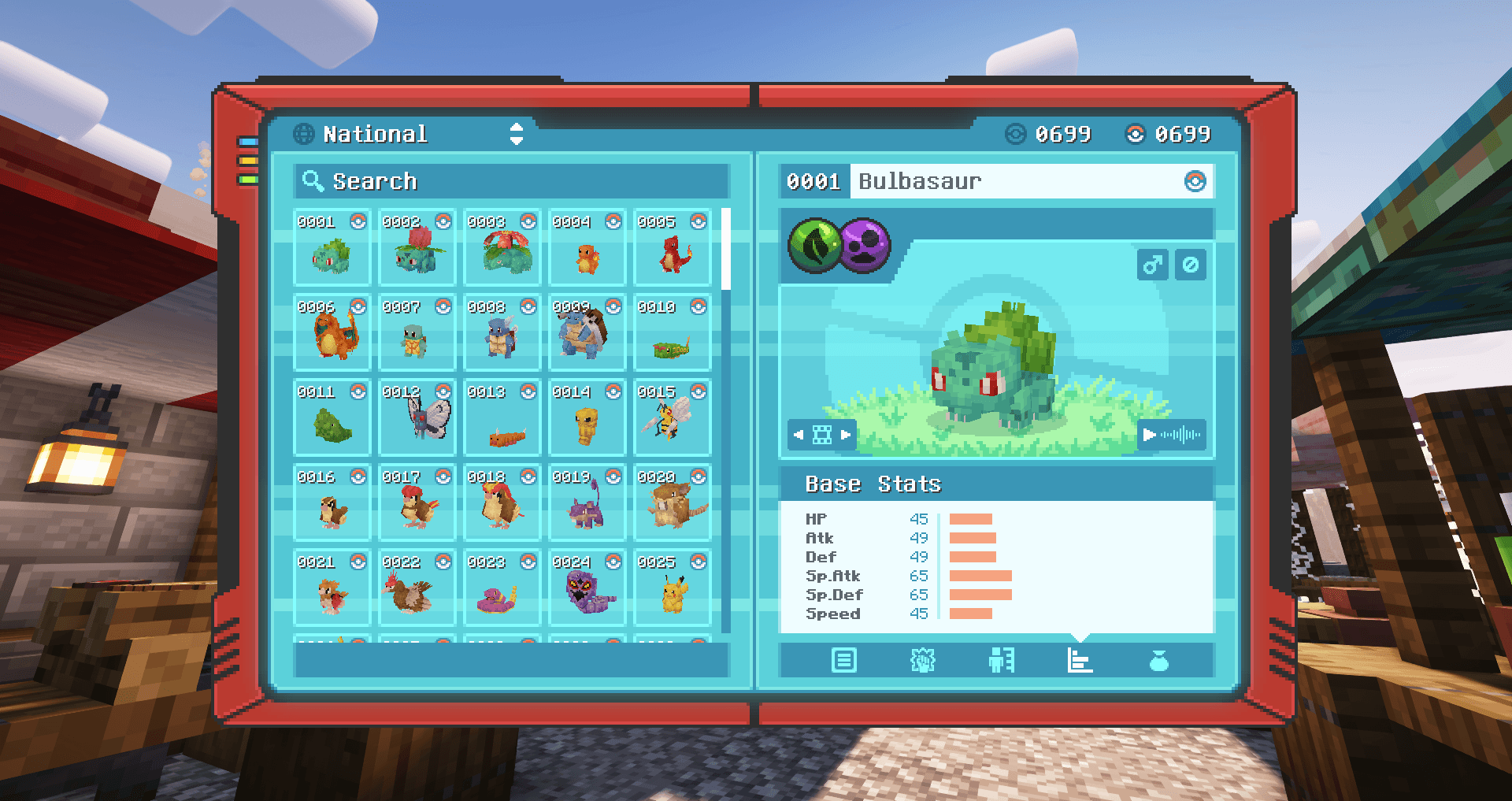
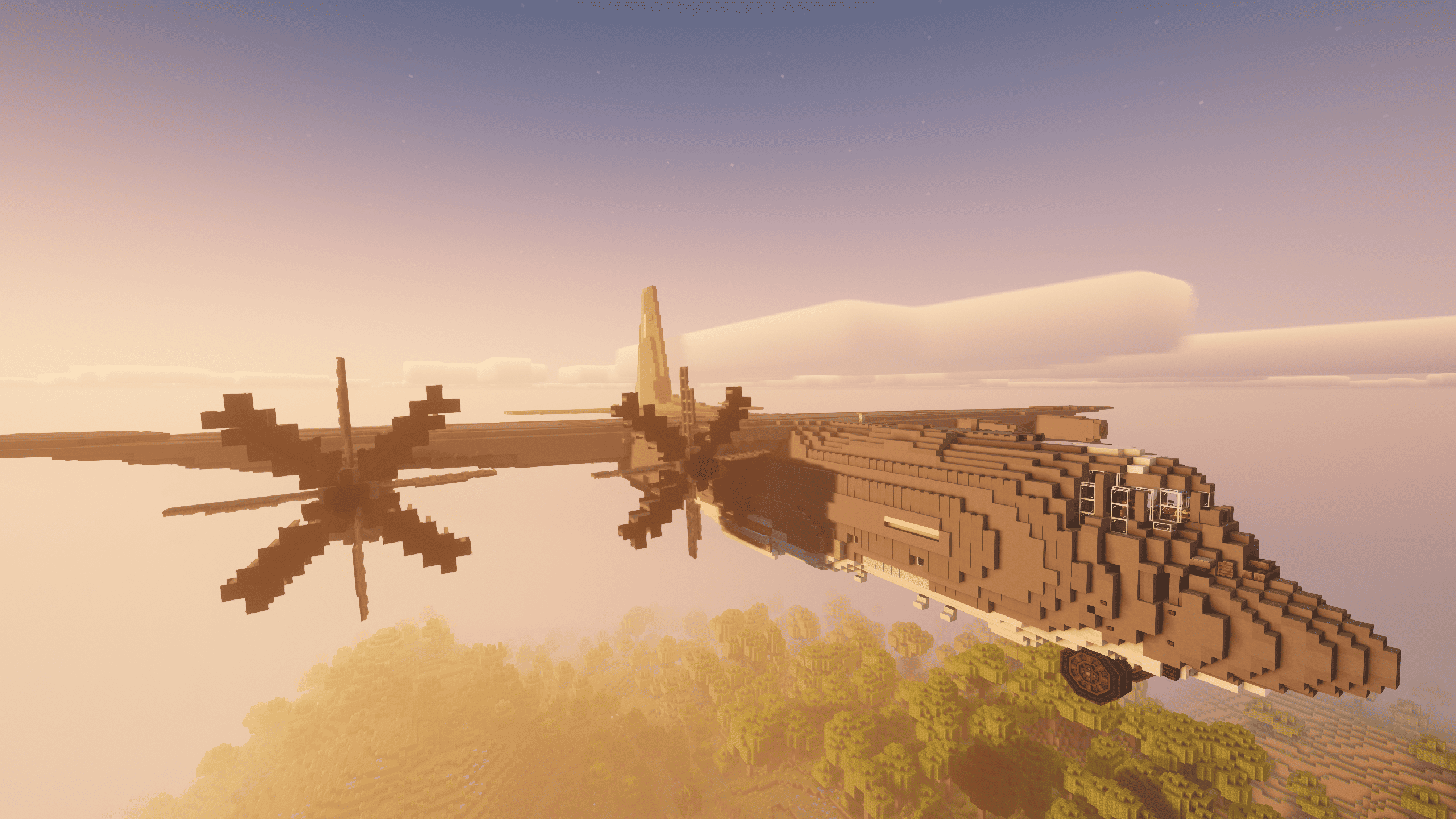
Create Ultimate Selection 2 – Create Aeronautics | Create Addons & Aeronautics Addons
NEW: Create Aeronautics! Unlock the full potential of engineering, automation, and innovation with the best Create mods.InstallOn a server

Optimized fps
Modpack Featuring Performance Mods on (Neo)ForgeInstallOn a server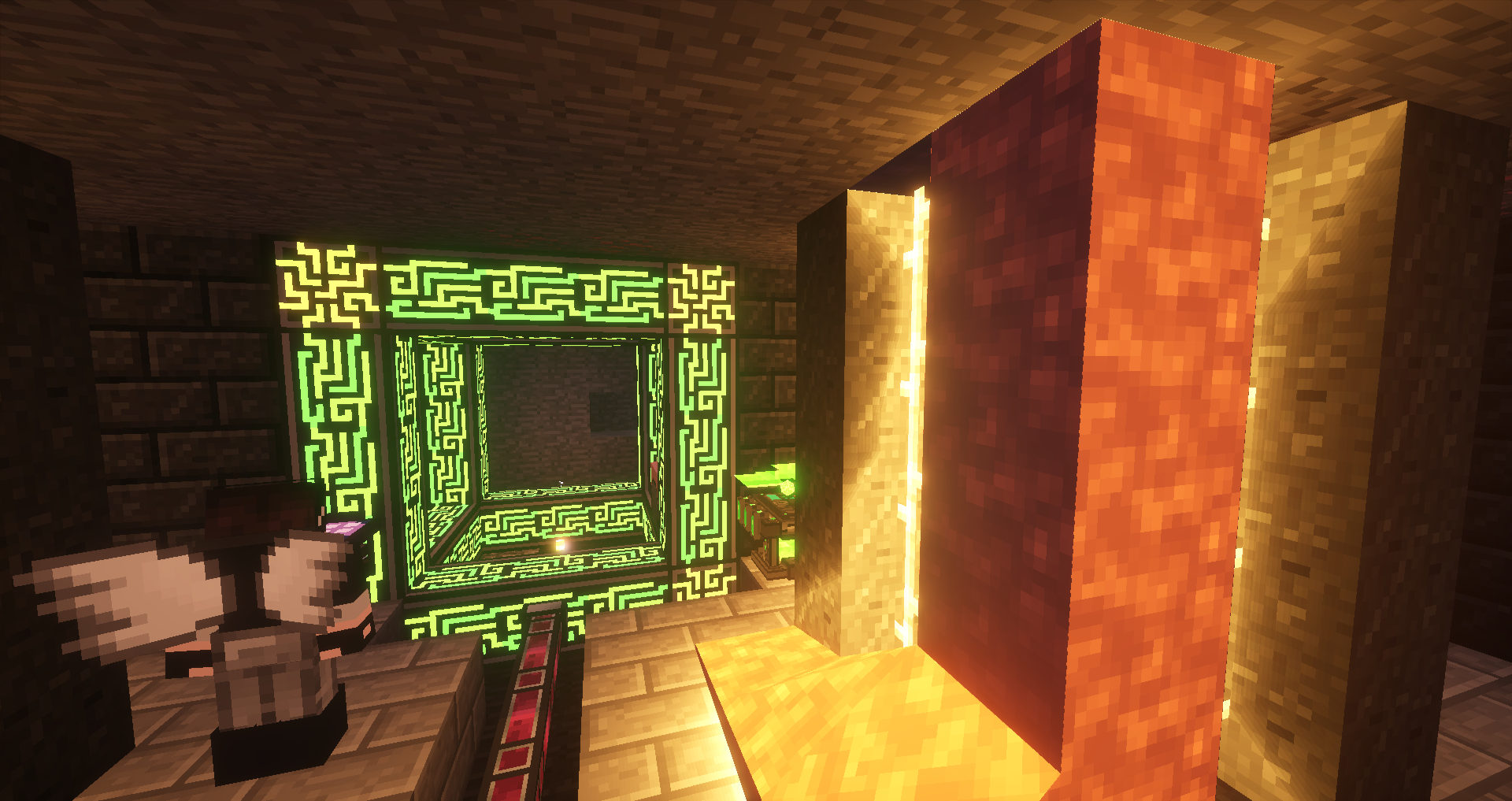
Lapito's Galacticraft
New update for 1.21.1 mc! The same as years past. Space, PvP, Tech, and more! All on a live server!InstallOn a server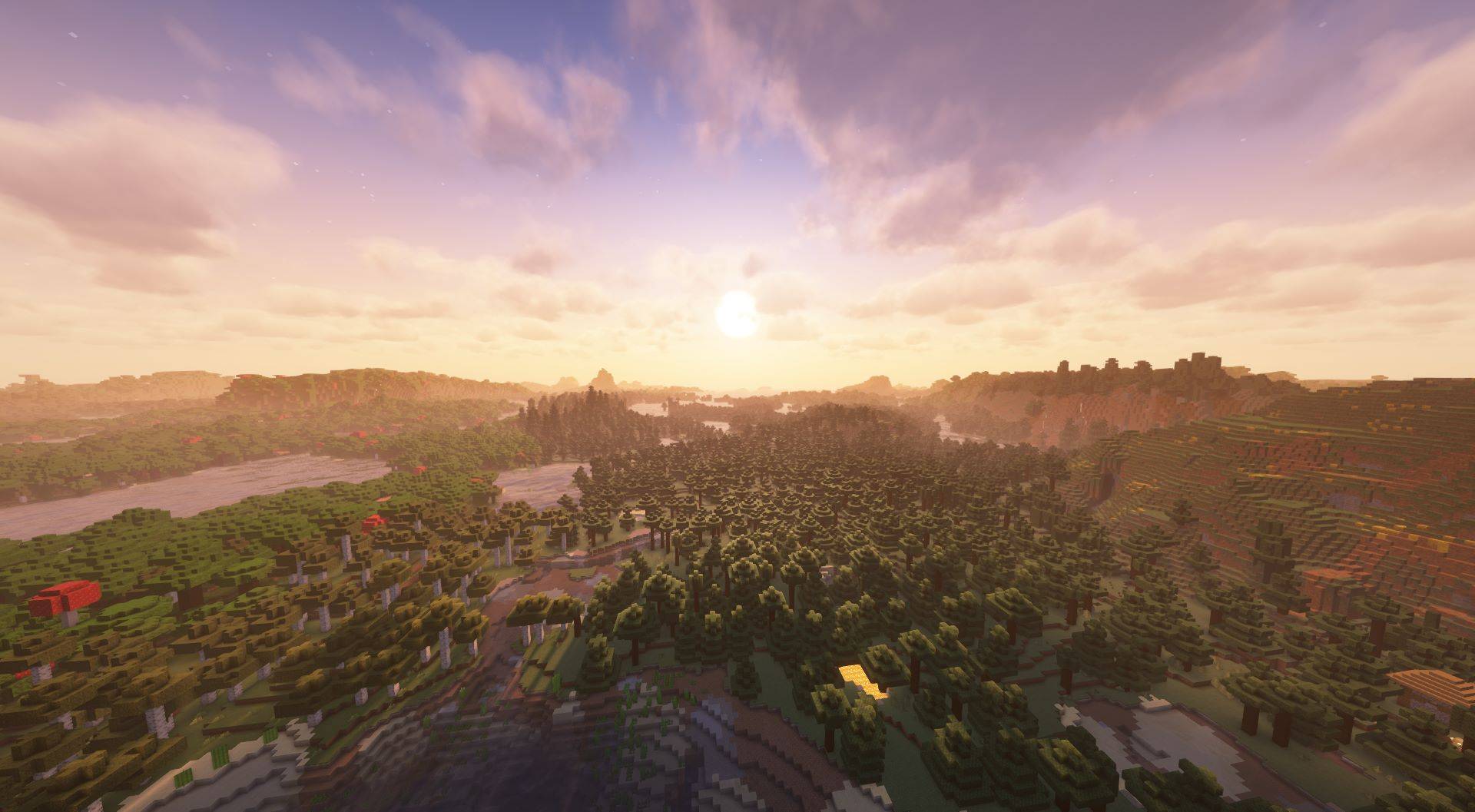
Distant Horizons & Iris Shaders
A stable & convenient way to use Distant Horizons & Iris ShadersInstallOn a server

Cobblemon Official Modpack [NeoForge]
The official modpack of the Cobblemon mod, for NeoForge!InstallOn a server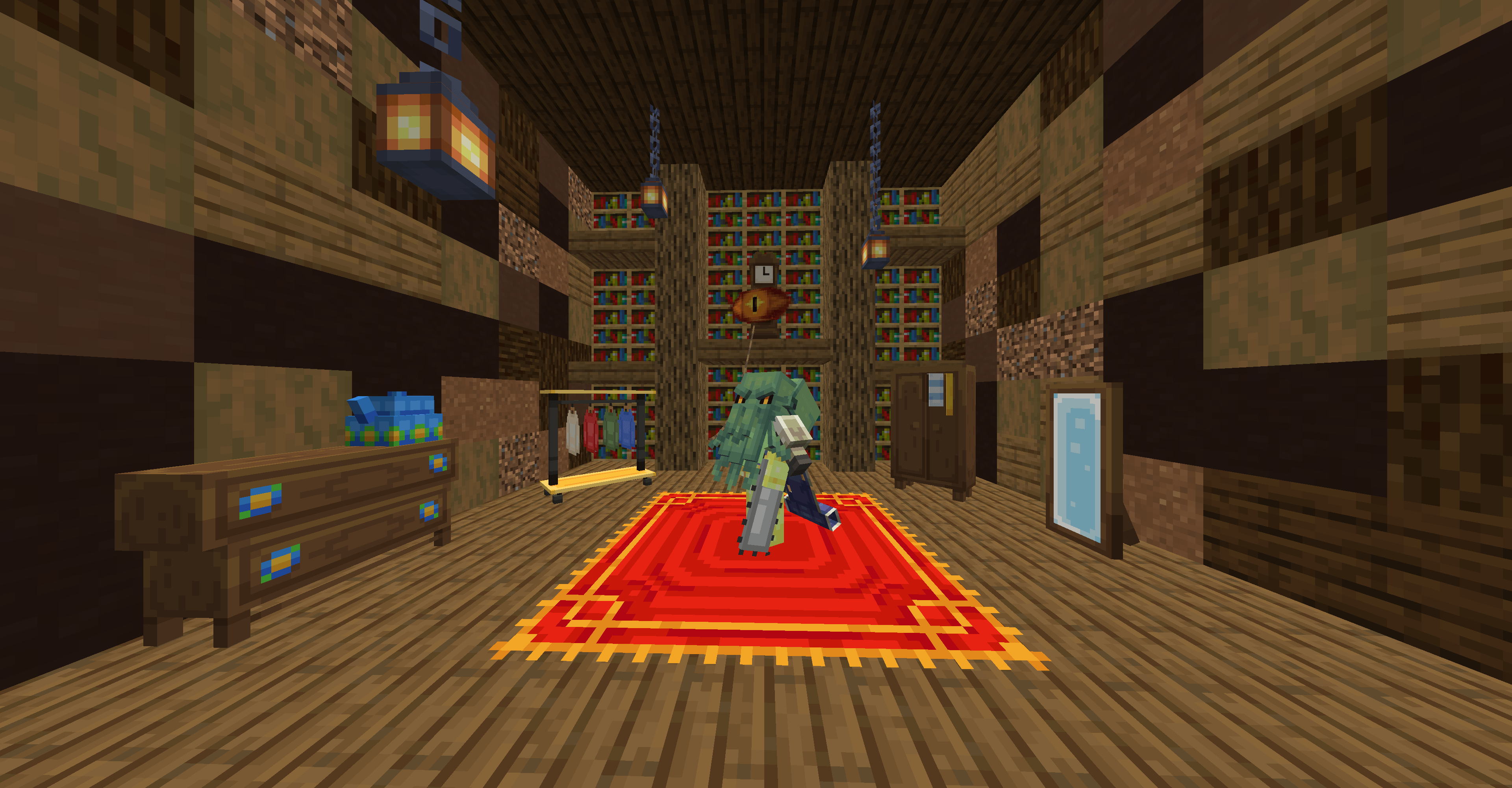
Pixelmon Realms - The Ultimate Pixelmon Experience! Pixelmon for 1.21.1
🔥Ever wanted Pokemon in Minecraft?? 🔥 ⭐ PLAY NOW 👉InstallOn a server
Just Create SMP
Just Create and a few QOL mods in Minecraft SMP - Official pack of the Just Create SMPInstallOn a server

Keo Optimized
A lightweight optimization pack with only essential mods, delivering up to 4x higher FPS while keeping Minecraft smooth and stable on Fabric.InstallOn a server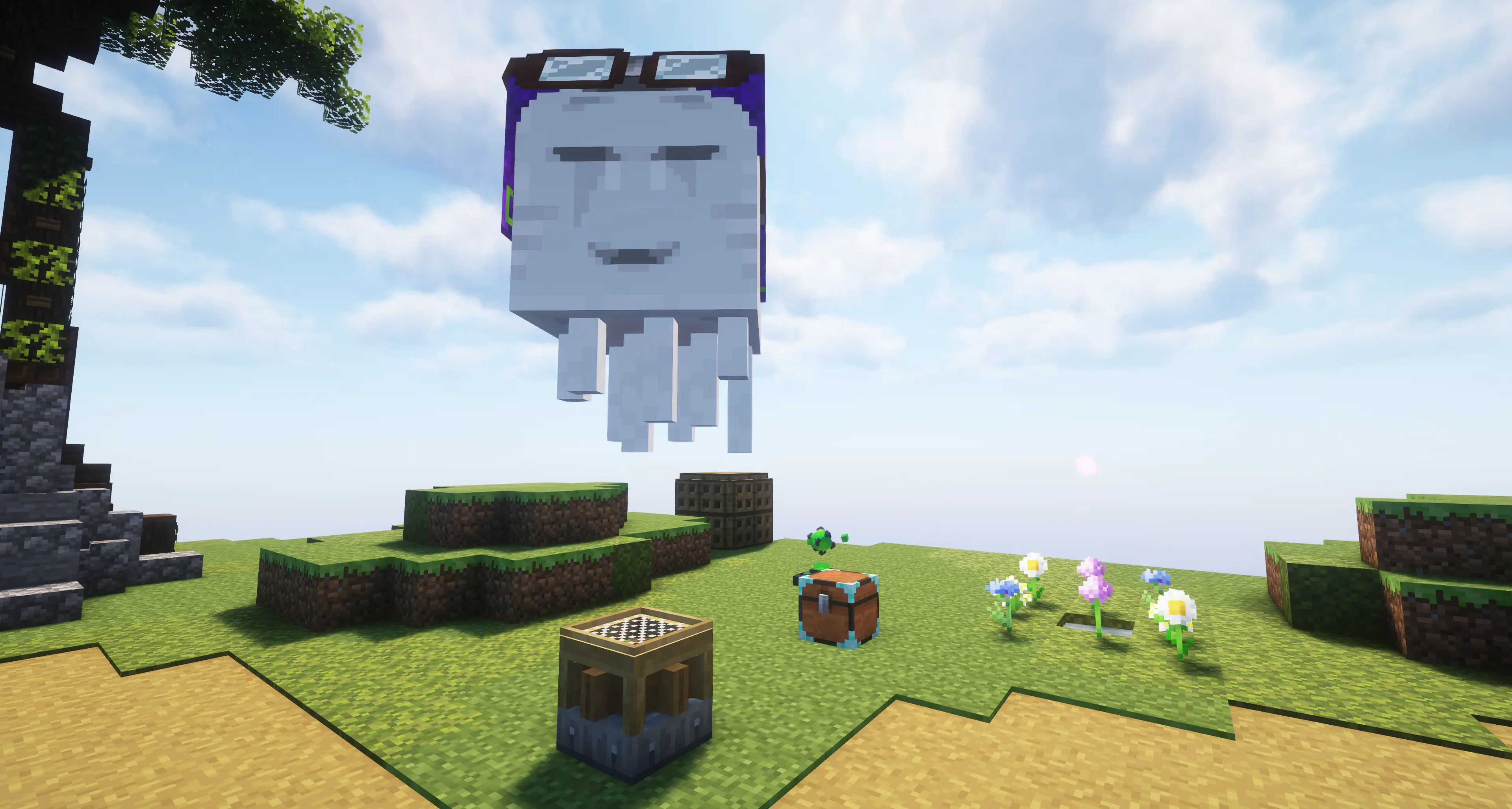
FTB Skies 2
Our skyblock experience built for Minecraft 1.21.1 with a focus on rewarding gameplay, custom mechanics, and player-driven progression!InstallOn a server

Optimization
🪽 Maximum performance, eliminates stuttering, and speeds up anything while not breaking vanilla. Sodium, Vulkan, Embeddium and Celeritas.Install
All the Mods 10 - ATM10
A modpack about everything at once: tech, magic, new worlds and 64 quest chapters up to the ATM star.Install
Create'a Colony
A modpack intended to combine the Create and Minecolonies experience into one!InstallOn a server
Epic Shaders - All The Shaders
Vanilla themed modpack with lot of shaders (300+) & some quality of life mods (26.2+ Latest)InstallOn a server
More FPS [FORGE] - Increase FPS & Shaders (26.3 & 1.21 UPDATE)
Modpack designed to increase the number of FPS in Minecraft with Forge.InstallOn a server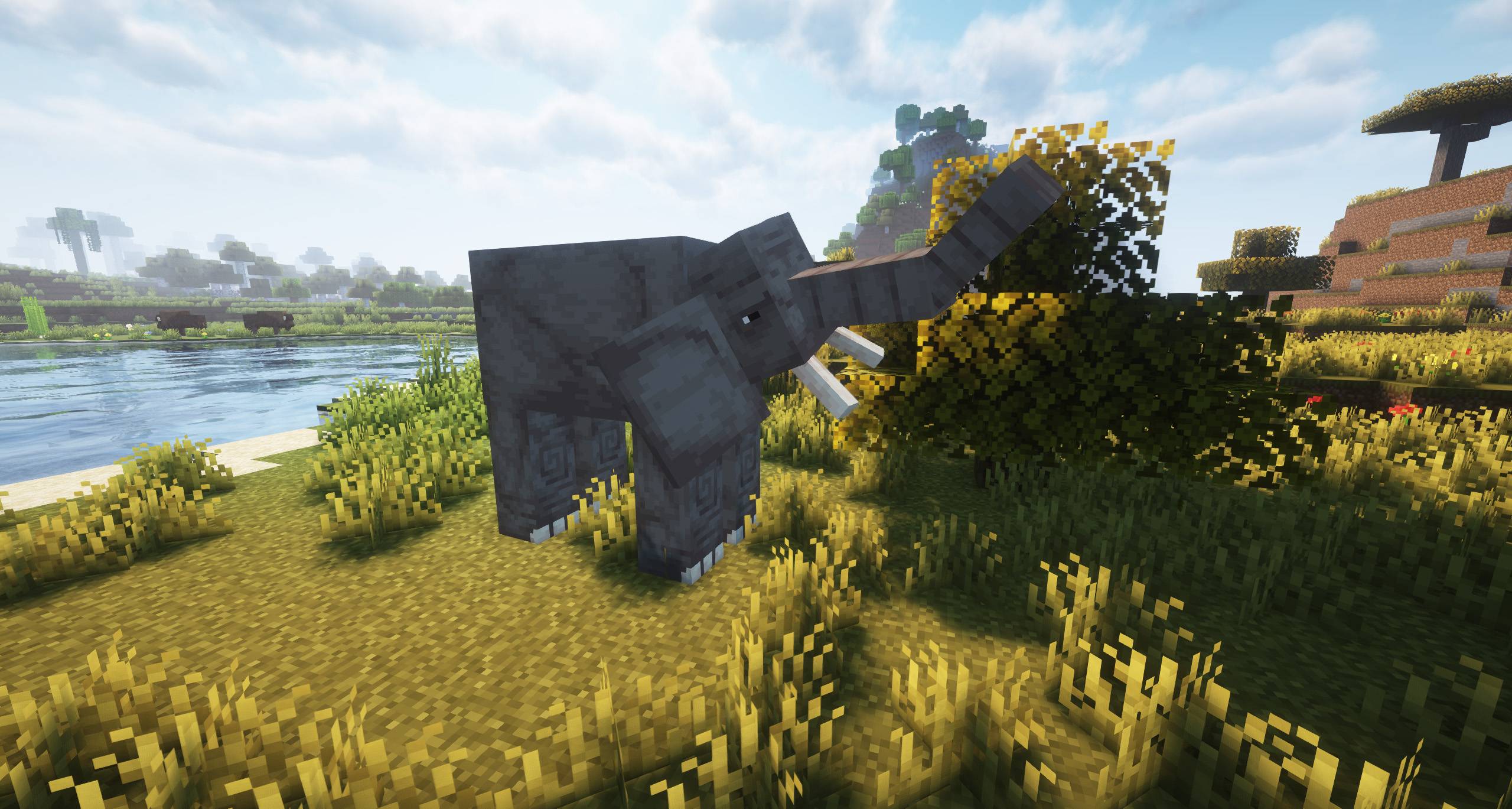

Essentials Mods [FORGE] - 1.21 RELEASE!
A modpack consisting of only the mods that you should never miss in your game! It's the perfect modpack!InstallOn a server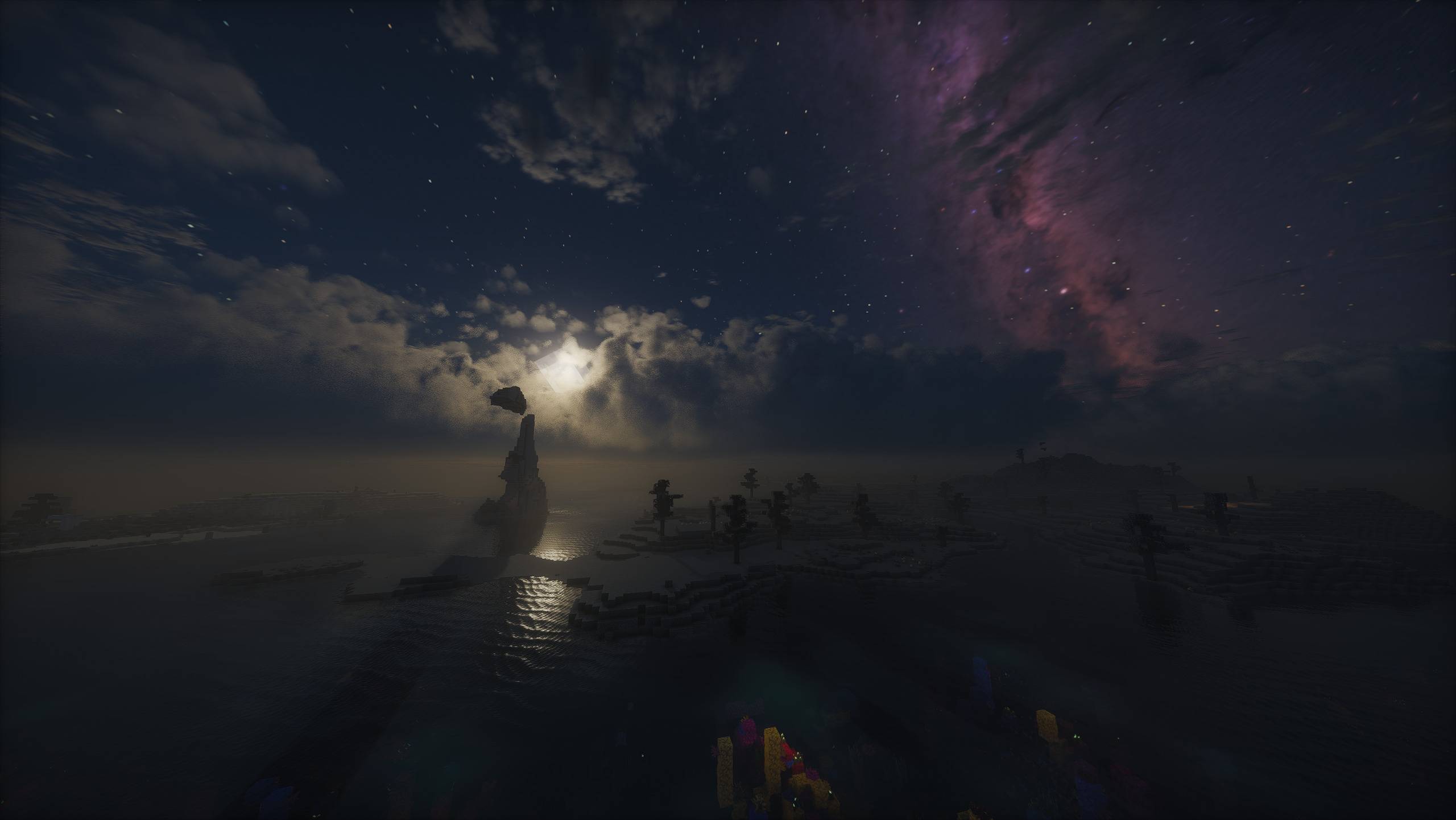
Lost World - The Broken Script
A challenging Horror Modpack which slowly destroys your world while dangerous creatures are watching you - Now with TBS 2.0!InstallOn a server

BlockFront
Featuring guns, explosives, vehicles, and more, BlockFront is an action-packed Minecraft mod that lets players immerse themselves in realistic World War II combat.InstallOn a server

Rapid Optimization
A concise and ultimate optimization modpack! with full cross-platform support across all versions.Install
Techopolis 3
A modpack all about automation and techInstallOn a server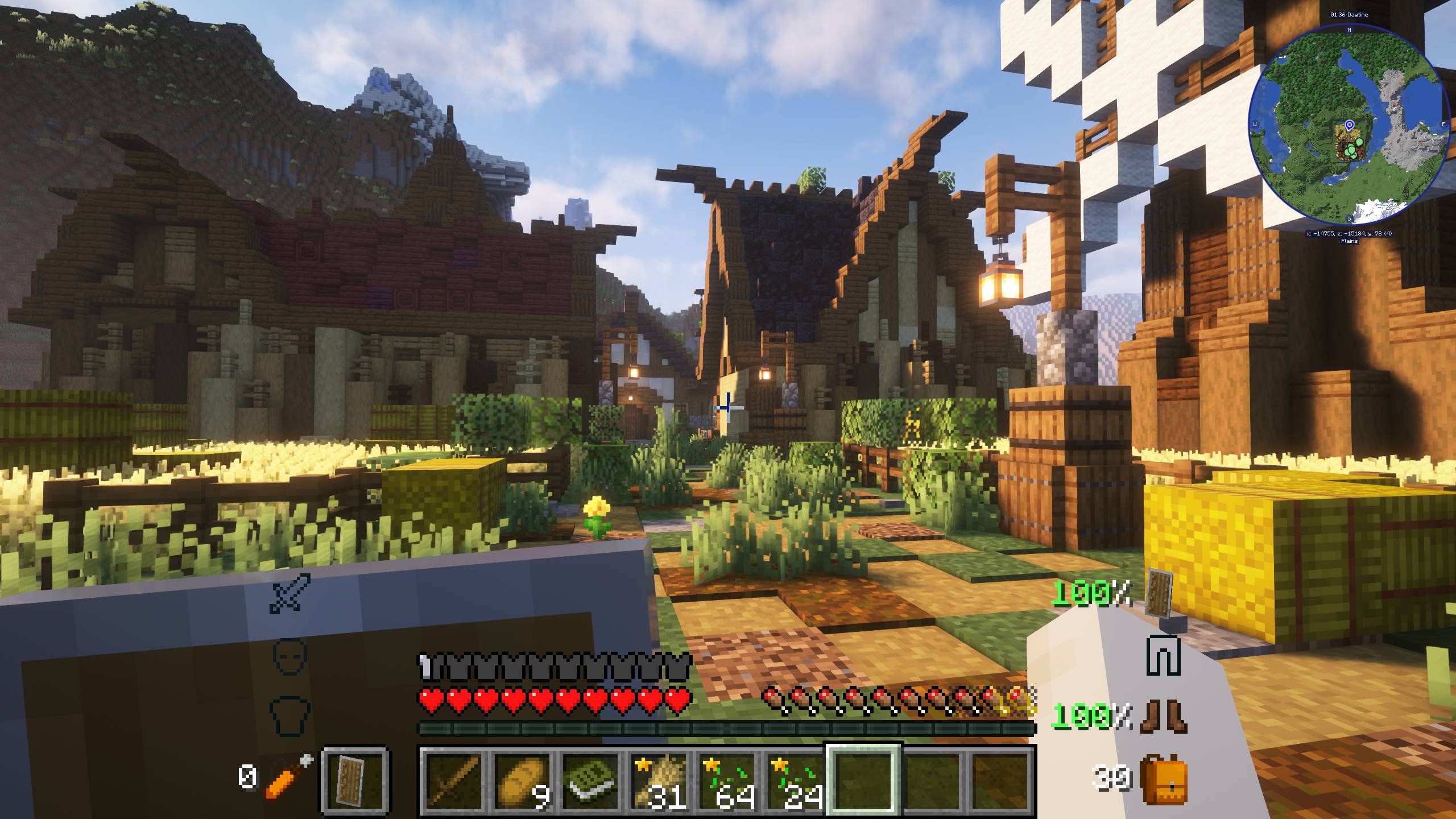
New Simple Mods - Easy to Understand | 1.21 UPDATE!
A modpack made up of mods that are easy to understand and ideal for any player.InstallOn a server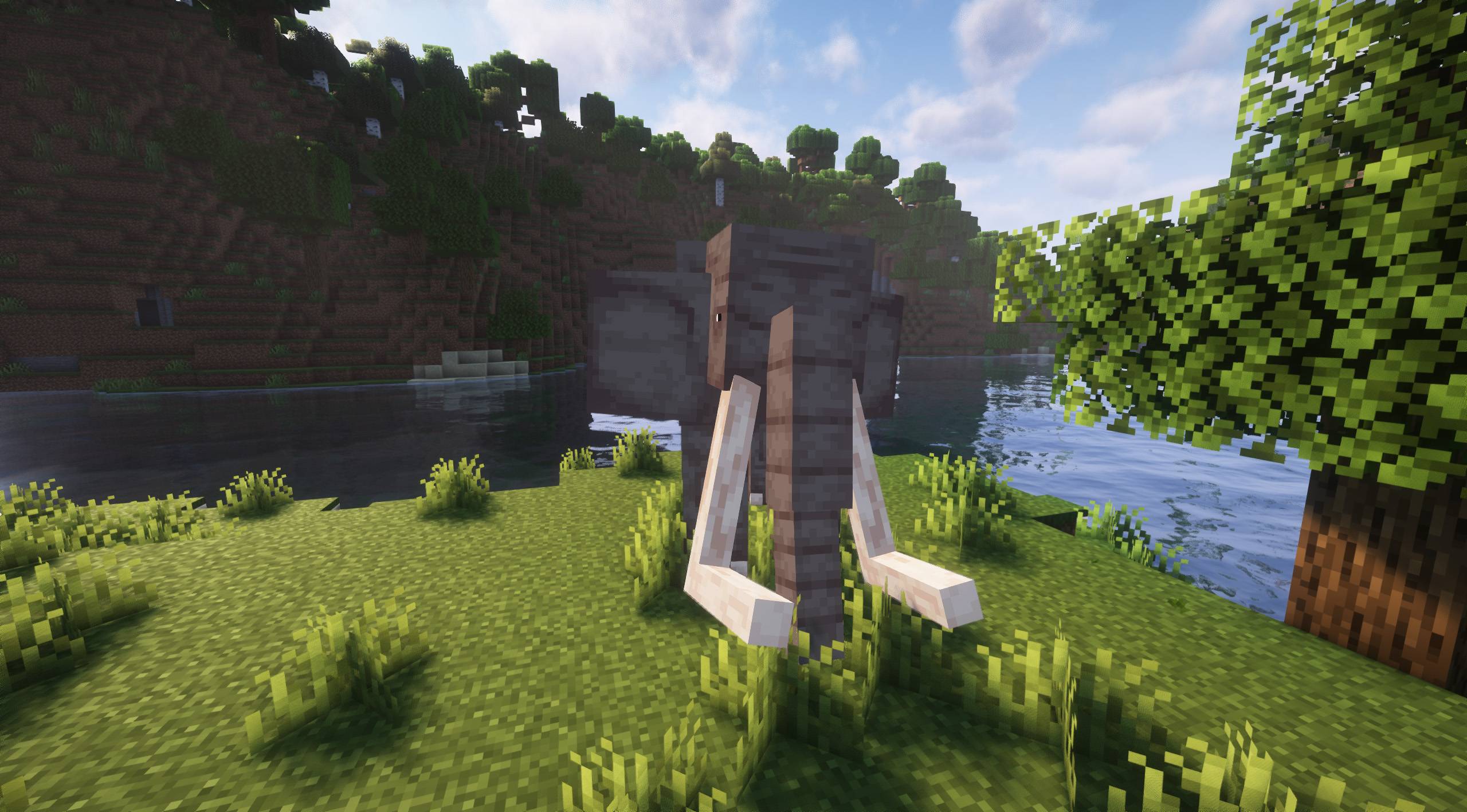
More Animals [FORGE] - 1.21 UPDATE!
A vanilla+ modpack ideal for animal lovers!InstallOn a server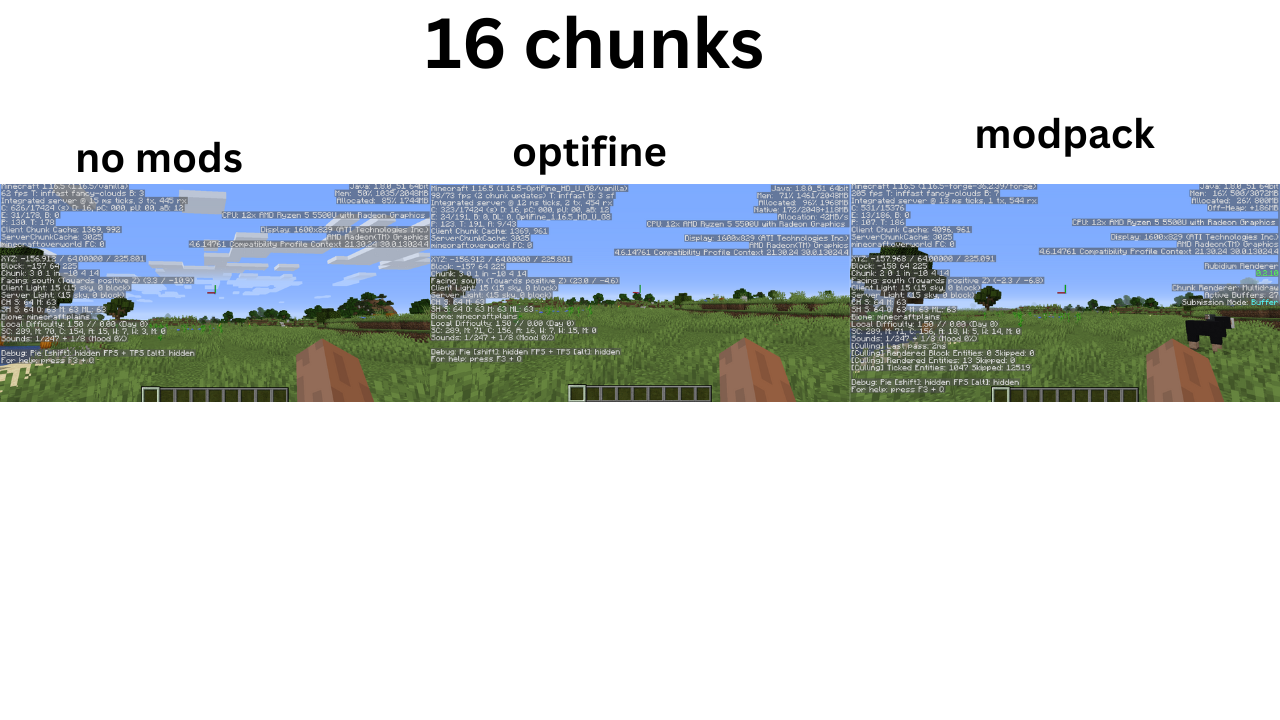
Optimized fps [(NEO)FORGE]
Modpack Featuring Performance Mods on (Neo)ForgeInstallOn a server
The Cobblemon SMP - Pokemon in Minecraft
✅💯 The Ultimate Pokémon Academy! 💯✅ Catch, train, and level your Pokémon with friends in Cobblemon. Battle, capture, train, and grow all your mons —starting your cobble verse journey! Optimized MMO Experience🌟🌟InstallOn a serverFAQ
How is a modpack different from a bunch of mods?
A modpack is already a tuned set: mod versions are matched to each other, configs are set up, and recipes and progression are tied together. Mods downloaded one by one you'll have to make work together yourself.
How do I install a modpack?
Click “Install” and Millida Launcher will download the modpack and the right Java for you and create a separate profile for it. No need to install the mods or loader separately.
How much memory should I allocate?
Light performance modpacks run on 4 GB, mid-sized ones on 6 GB, and big tech-and-magic ones need 8 GB or more. You can change memory in the Millida Launcher profile settings; the exact figure is usually in the modpack description.
Which modpack should I pick to play with friends?
Turn on the With a friend filter under What for to keep modpacks made for playing together: co-op survival, Create, adventures with shared progression. The modpack version must match for every player and the server.
Are there modpacks with quests in my language?
Modpacks with a quest book and a story are in the With quests theme. The quest language depends on the author: most packs ship in English, and other languages are usually added by a separate translation mod — check the modpack description.
Will a modpack run on a low-end PC?
A light one will. The For low-end PCs filter keeps modpacks with a small mod list and performance mods, and 4 GB of memory is enough for them. Big tech-magic modpacks need 6–8 GB and lag on a weak machine even if they start.
How do I run a modpack on my own server?
A modpack page has an On a server button: it installs the modpack on a Millida Hosting server and switches the core to match, and a copy of the old world is kept in backups. Players then install the same modpack in Millida Launcher and join the server address.
Modpacks for Minecraft Java NeoForge
Modpacks for Minecraft NeoForge: 523 items in the Modpacks section. Compatibility is checked against the files, not the description: only items with a build for exactly these conditions stay in the list.
Each modpack here is one page with every released version. The card shows which game version and loader it's built for, how big the archive is and who the author is. Modpacks aren't installed like individual mods: click “Install” and Millida Launcher downloads all the modpack's mods, the right loader and Java, and creates a separate profile for it without touching your others. Mind the memory requirements: heavy tech-and-magic modpacks need six gigabytes or more and simply won't start on the default two.