

Farming Crossing Build for Minecraft 1.12.2
Farming + collecting modpack inspired by Animal Crossing
Farming Crossing 6 for Minecraft 1.21.1 is now released! You can find it here!
Jess: "Hey, Jess the Beaver here! Thank you for signing up for the exciting explorer’s resettlement package!
The land here is mostly unclaimed, and the natives are friendly. Just be careful at night - there are monsters! (But that’s all part of the explorer experience, no?)
Now please have fun on your new adventure!"
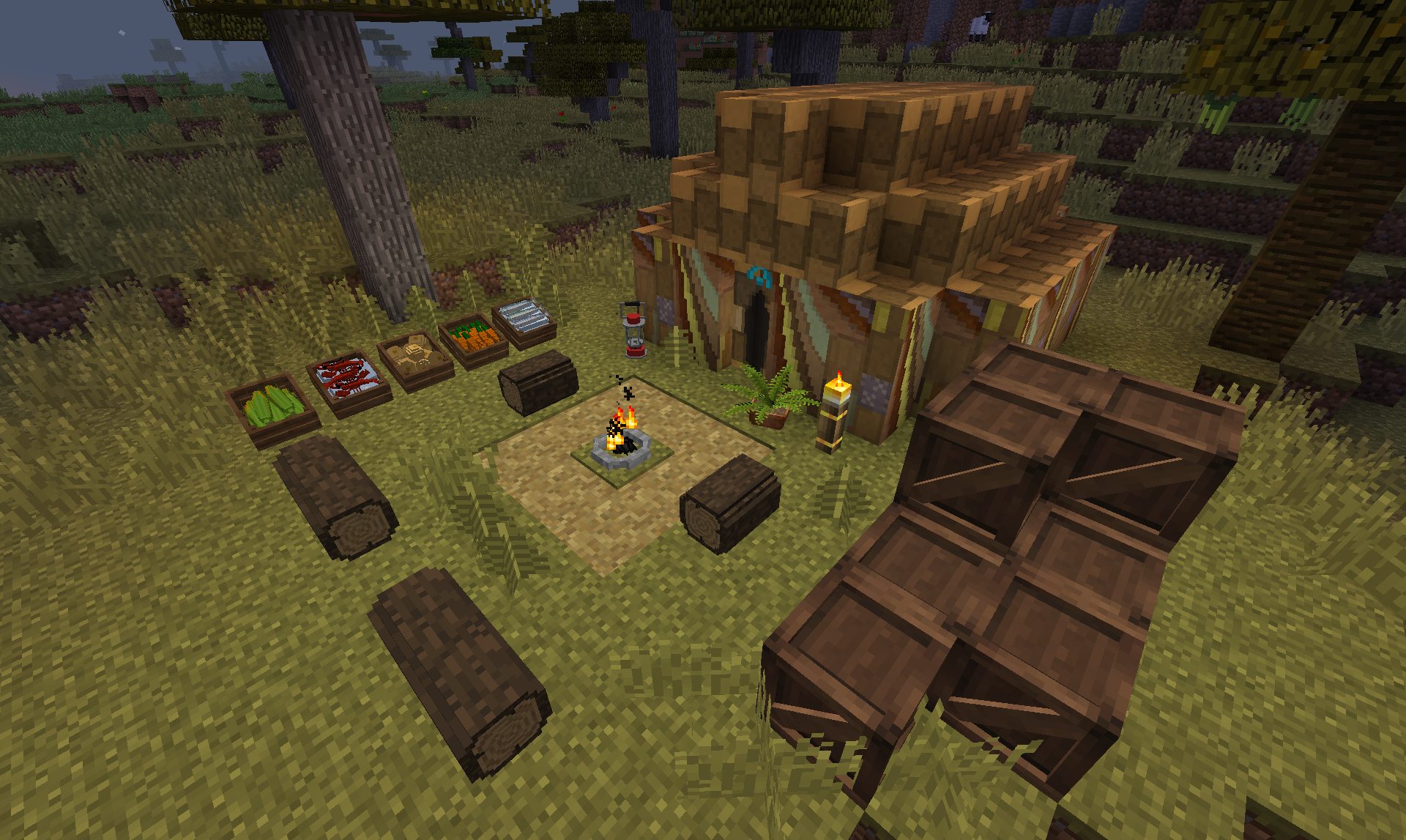
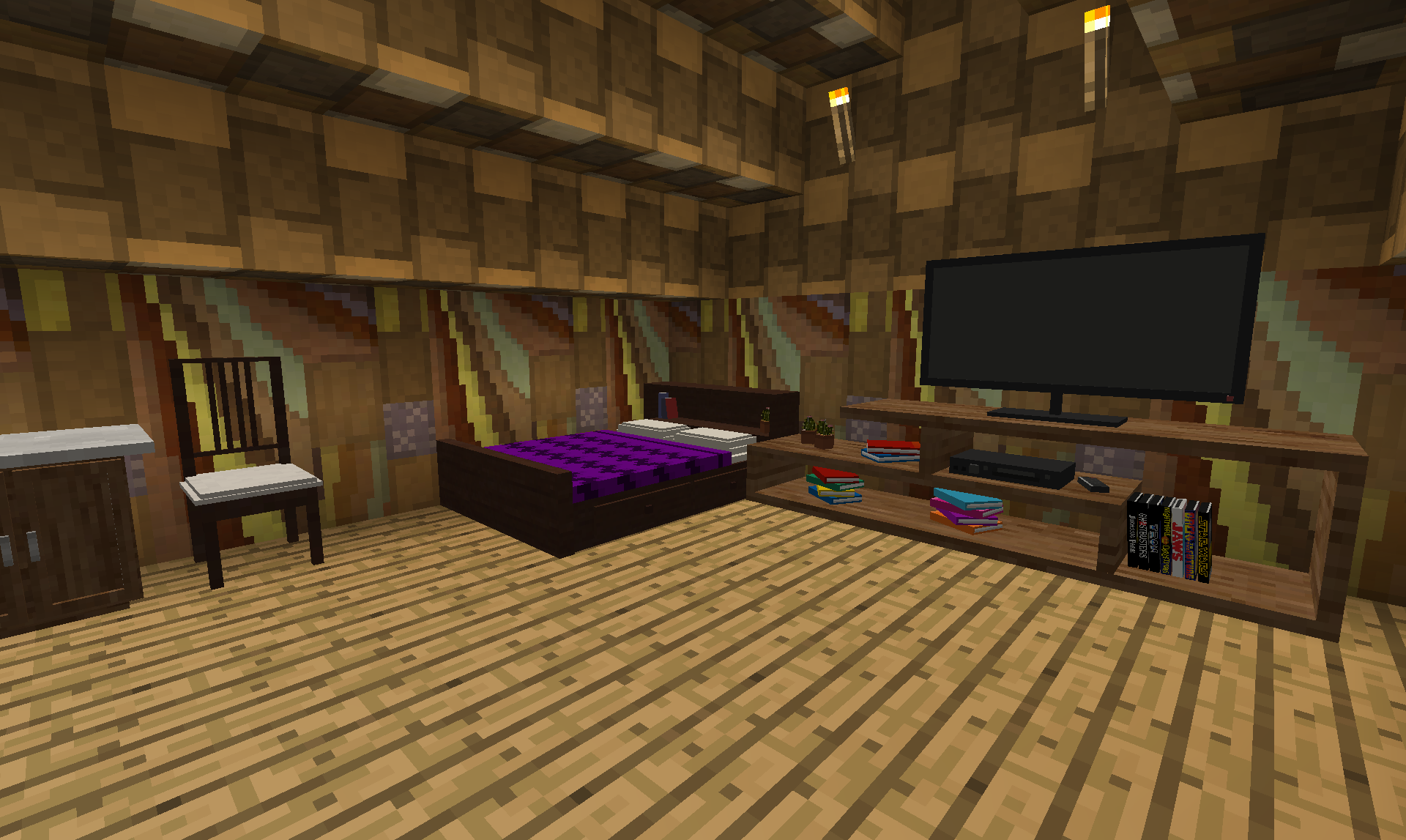
Farming Crossing is a collecting, decorating, and farming modpack that is inspired by Animal Crossing. In this modpack, you will be completing quests to obtain random furniture, which you can then use to decorate your tent and rooms.
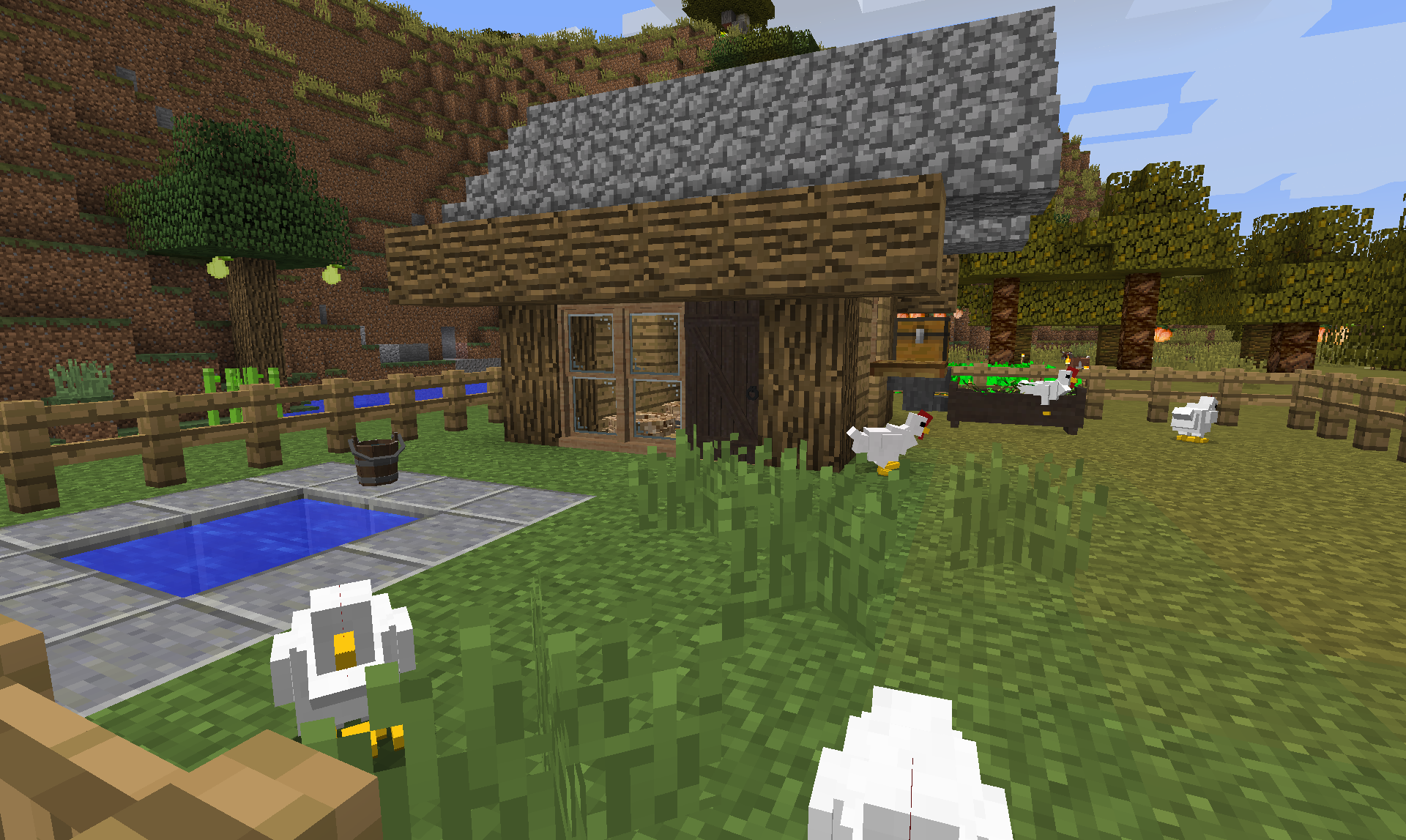
So go ahead and try this modpack out! Have fun fishing, farming, and mining in this relaxing modpack!
Discord Server
And if you enjoy my modpacks and want to support me, I accept donations on ko-fi here: https://ko-fi.com/khazenorsmodpacks
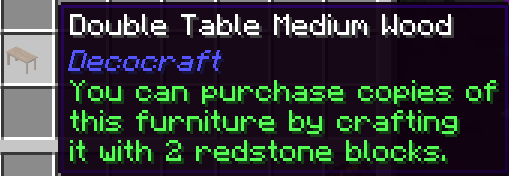
1.2.8 Update: Storage Drawer Added!
Other Update News:
1.2.2: Quest Line Completion Rewards
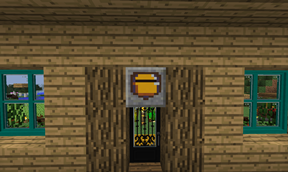
MrCrayfish's Furniture Mod Integration:
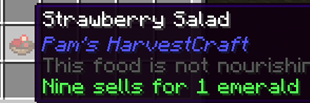
How to Sell Pam's Harvestcraft meals (and other items that has a tool tip "### sells for *** emeralds"):
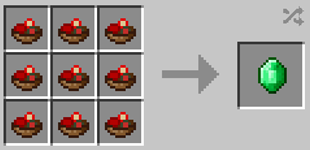
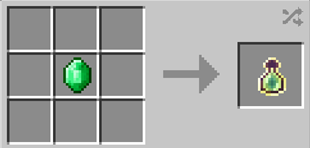
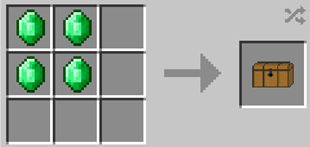
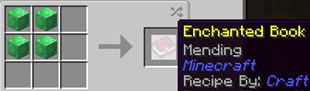
Things available for purchase using emeralds in the crafting table:
Bottles of enchanting:
Loot Chests (for more furniture):

Mending books:
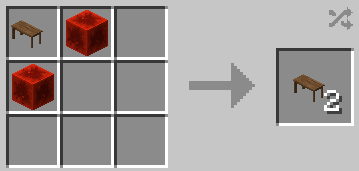
Furniture duplication and resale:
Resale (furniture do not need to match):
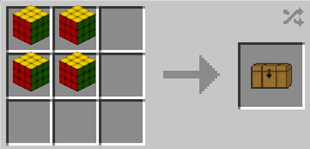
Duplication:
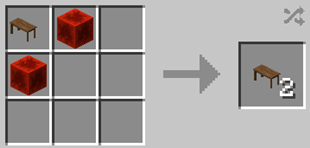
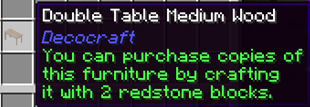
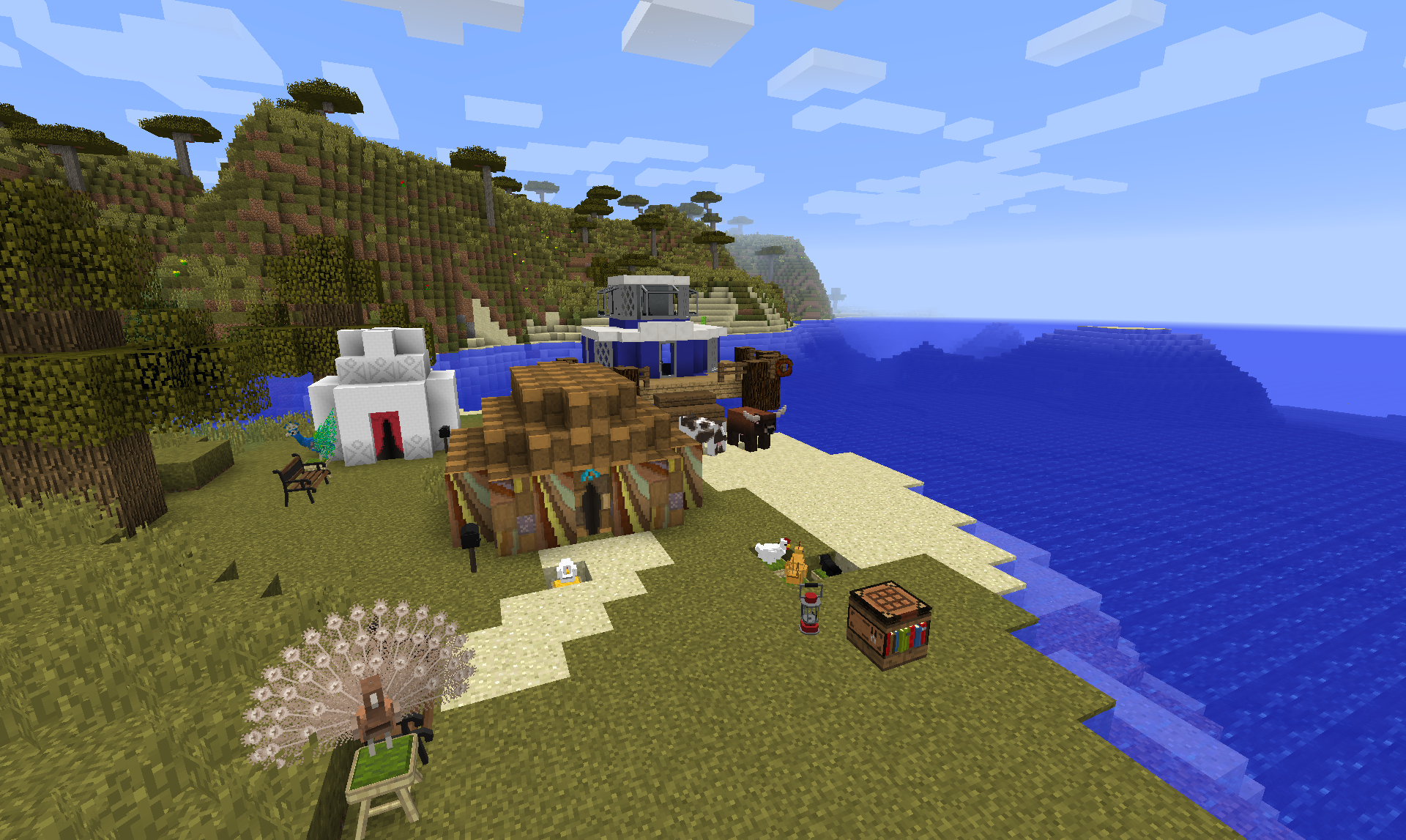
Screenshots:
Mod List:
- Bookshelf (by DarkhaxDev)
- Diet Hoppers (by Forge_User_06804776)
- Just Enough Items (JEI) (by mezz)
- Custom Starter Gear (by brandon3055)
- Default Options (by BlayTheNinth)
- Better Questing - Quest Book (by Drethic)
- CraftStudio API (by Forge_User_28373694)
- ConnectedTexturesMod (by tterrag1098)
- Nomadic Tents (by skyjay1)
- Chameleon (by Texelsaur)
- MTLib (by Jaredlll08)
- Storage Drawers (by Texelsaur)
- CoFH: Vanilla+ Tools (by TeamCoFH)
- MrCrayfish's Furniture Mod (by MrCrayfish)
- AppleSkin (by squeek502)
- Just Another Rotten Flesh to Leather Mod (by alexdaum1)
- FTB Library (by FTB)
- Waystones (by BlayTheNinth)
- BiblioCraft (by Nuchaz)
- Recipes for All (by mallrat208)
- Spice of Life: Carrot Edition (by lordcazsius)
- MysticalLib (by EpicSquid315)
- SimpleHarvest (by TehNut)
- Chisels & Bits (by AlgorithmX2)
- Just Enough HarvestCraft (JEHC) (by mrapplexz)
- Better Questing (by Funwayguy)
- Better Questing - Standard Expansion (by Funwayguy)
- Extra Utilities (by Forge_User_06804776)
- PTRLib (by RazzleberryFox)
- Custom Main Menu (by Lumien231)
- Gems and Crystals Mod (by Coliwogg)
- AppleCore (by squeek502)
- Chisel (by tterrag1098)
- Exchangers (by Jackyy)
- Inventory Tweaks [1.12 only] (by JimeoWan)
- Chest Transporter (by cubex2)
- Decocraft (by RazzleberryFox)
- Chicken Chunks 1.8.+ (by covers1624)
- InGame Info XML (by Lunatrius)
- LunatriusCore (by Lunatrius)
- Enchanting Plus (by DarkhaxDev)
- InGame Info XML - Serene Seasons (by xalcon)
- Chargers (by GoryMoon)
- Resource Loader (by Lumien231)
- [Backport] 1.13 Water Mechanics [Bubble Columns] (by xFrah)
- JourneyMap (by techbrew)
- Morpheus (by Quetzi)
- CraftTweaker (by Jaredlll08)
- Refined Storage (by raoulvdberge)
- Farming for Blockheads (by BlayTheNinth)
How to install Farming Crossing
With Millida Launcher
Install Millida Launcher
The launcher is free: download it at millida.net/launcher and sign in with any nickname.
Click “Install” on this page
The launcher opens and installs the modpack for Minecraft 1.12.2 automatically.
Launch the game
A profile with it appears in the launcher: click “Play”.
Manually
Download the modpack archive
In the version list above, pick the file Farming Crossing-1.2.10.zip (41 MB).
Import it into a launcher
A launcher that supports modpacks (Millida Launcher, Prism) takes the archive via “Add modpack”, then “From file”. No need to unpack it yourself.
Allocate memory
Modpacks need more memory than the plain game: set 4–6 GB in the profile settings.
On a server
Use the “To server” button
On Millida Hosting, the button at the top of the page uploads the file to your server and restarts it for you.
Invite friends: they install the same modpack
To join the server, every player needs the same modpack version.
Minecraft 1.12.2 runs on Java 8: with a different Java version the game may close right after launch.
Versions
With dependencies
| Minecraft | Loader | File | Date | Actions |
|---|---|---|---|---|
| 1.12.2 | — | Farming Crossing v1.2.1040.9 MB | ||
| 1.12.2 | — | Farming Crossing v1.1.440.2 MB |
FAQ
Which Minecraft versions does Farming Crossing work on?
Only Minecraft 1.12.2: there are no files for other versions.
Which Java does Farming Crossing need?
Minecraft 1.12.2 runs on Java 8. If the game closes right after launch, the usual cause is the wrong Java version in the profile settings.
Where can I download Farming Crossing safely?
On this page: the file Farming Crossing-1.2.10.zip (41 MB) is stored on Millida’s server, with no link shorteners. SHA-1 checksum: af5fcda7845dd71eb8df37b182ca1b0fb4d51807.
Reviews
Be the first to rate Farming Crossing


