
Maps for Minecraft 1.10 — page 4
89 itemsMaps: list


Server Hub / Server Spawn
Really nice spawnInstallOn a server
BUILD BATTLE PLUS
Compete against your friends in Build Battle! 🏗️ Build, vote, and prove who is the best builder. 🏆 1-4 PlayersInstallOn a server
The Easiest Parkour Map Ever! (I Think..)
Get past mazes, droppers, find the buttons, all in one. Easy right?InstallOn a server
BedWars Map - Redstone
Redstone BedWars Map FreeAuthor's site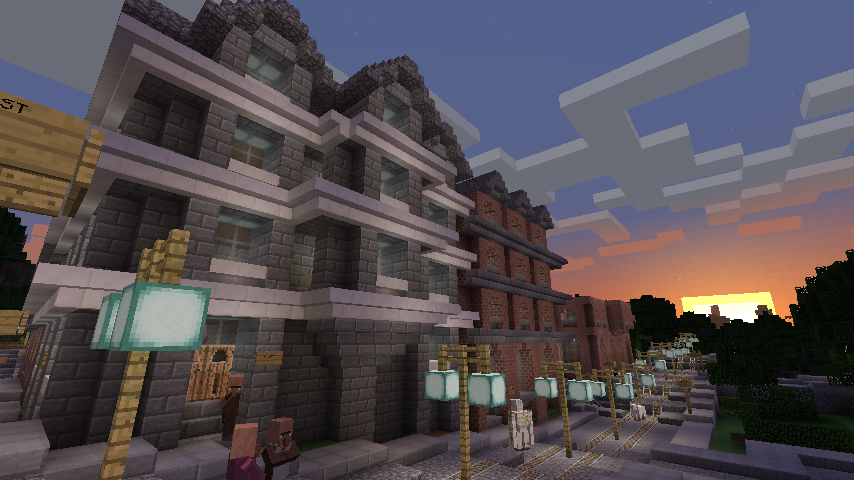
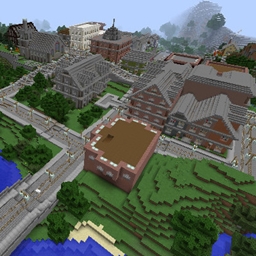
Victorian Town
There is a Victorian style town near the spawn pointInstallOn a server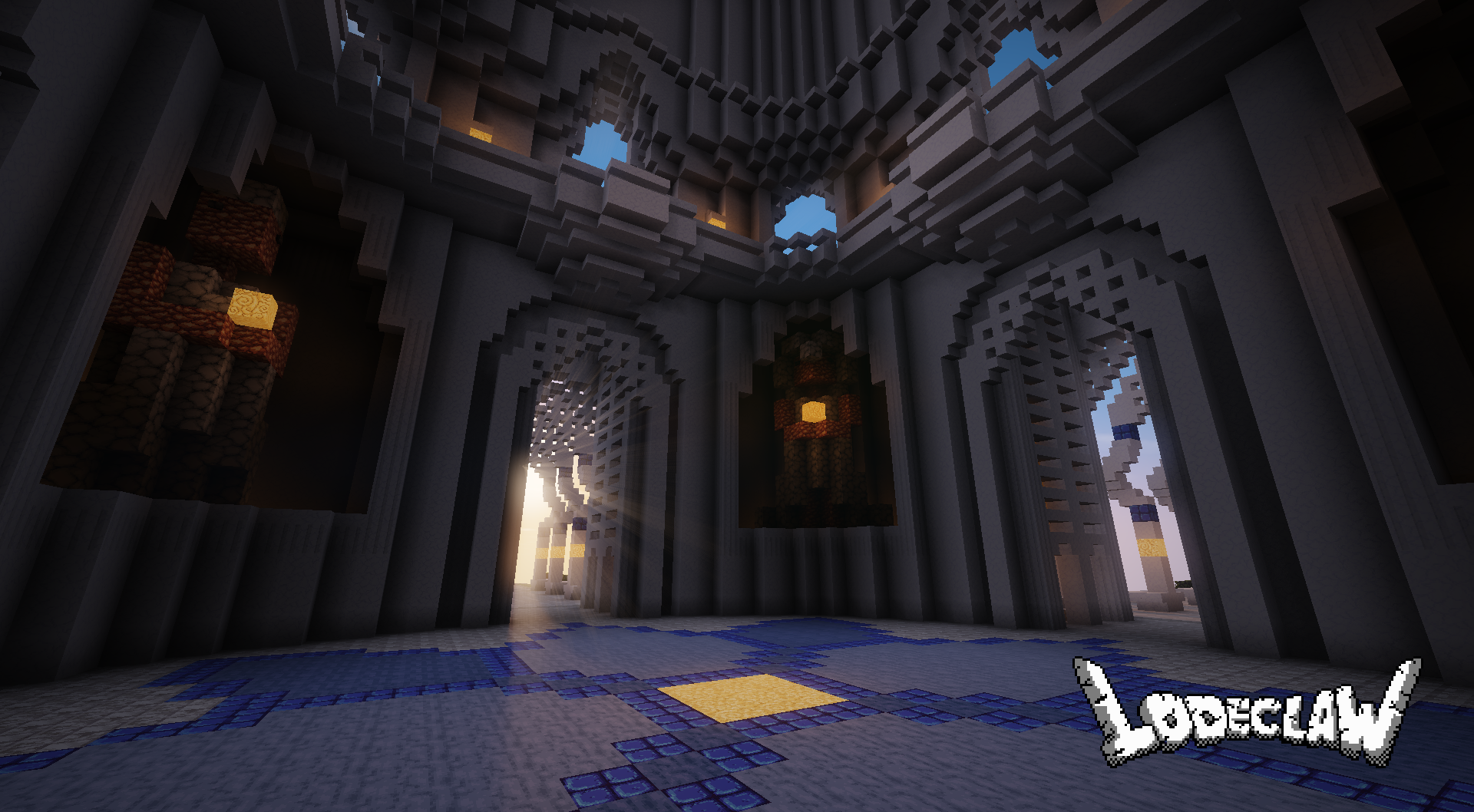
Ivory Tower Hub
Ivory Tower Server HubAuthor's site
Air... Only Air
A different skyblock...InstallOn a server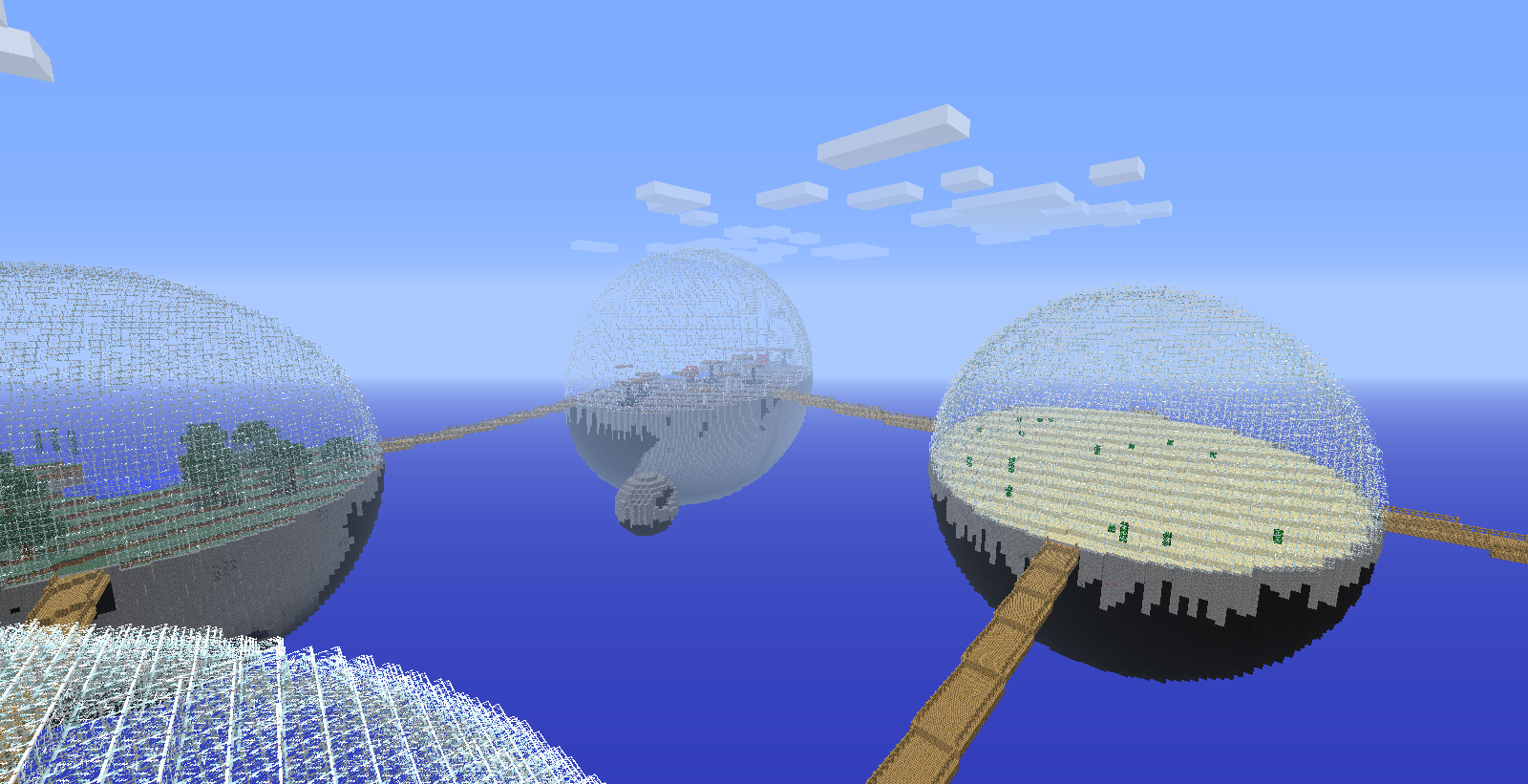

Biodomes map
there are biodomes find one and make it your home and try to live in themInstallOn a server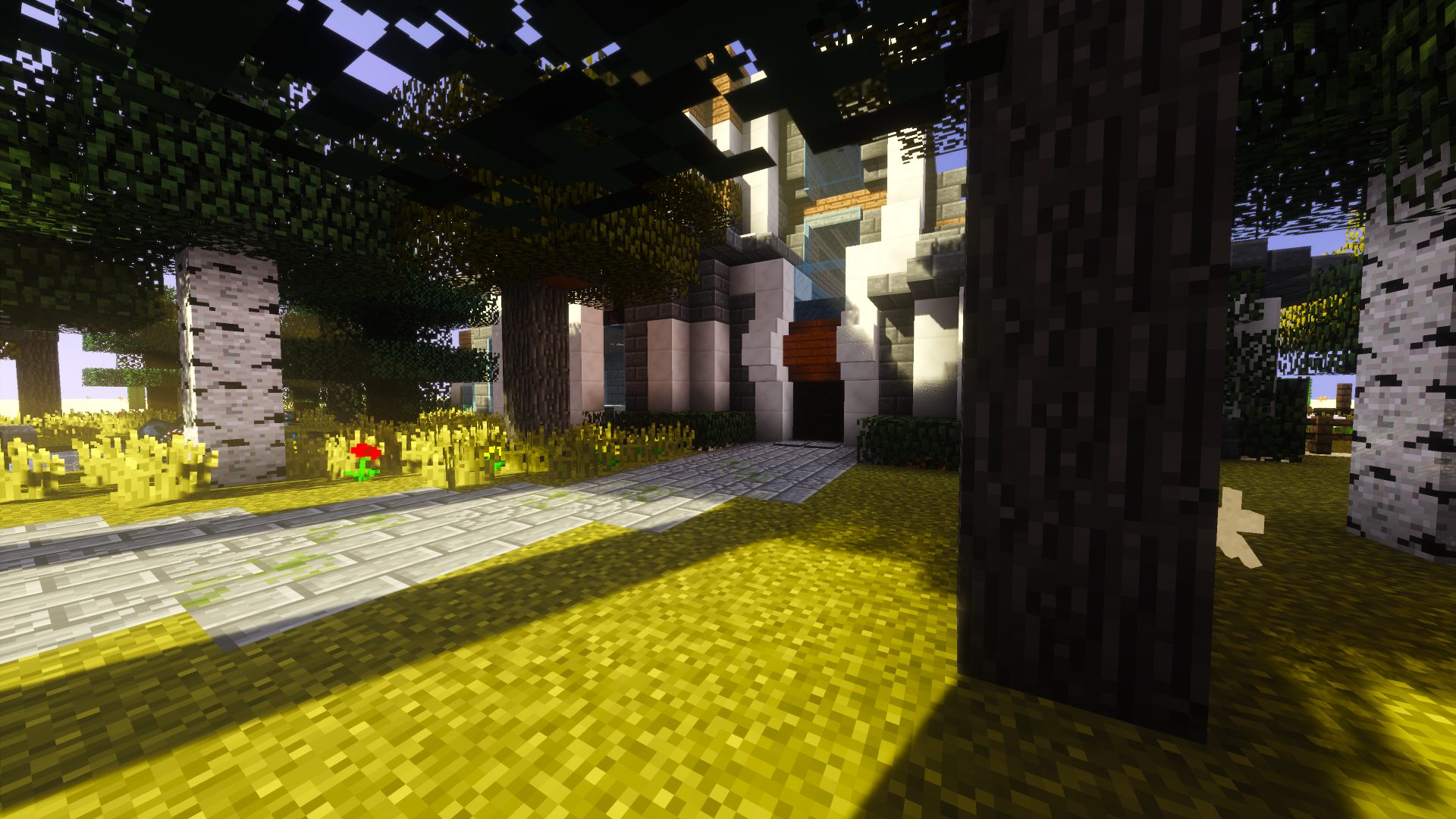

What's Worth it??
What will you risk to get to the end?InstallOn a server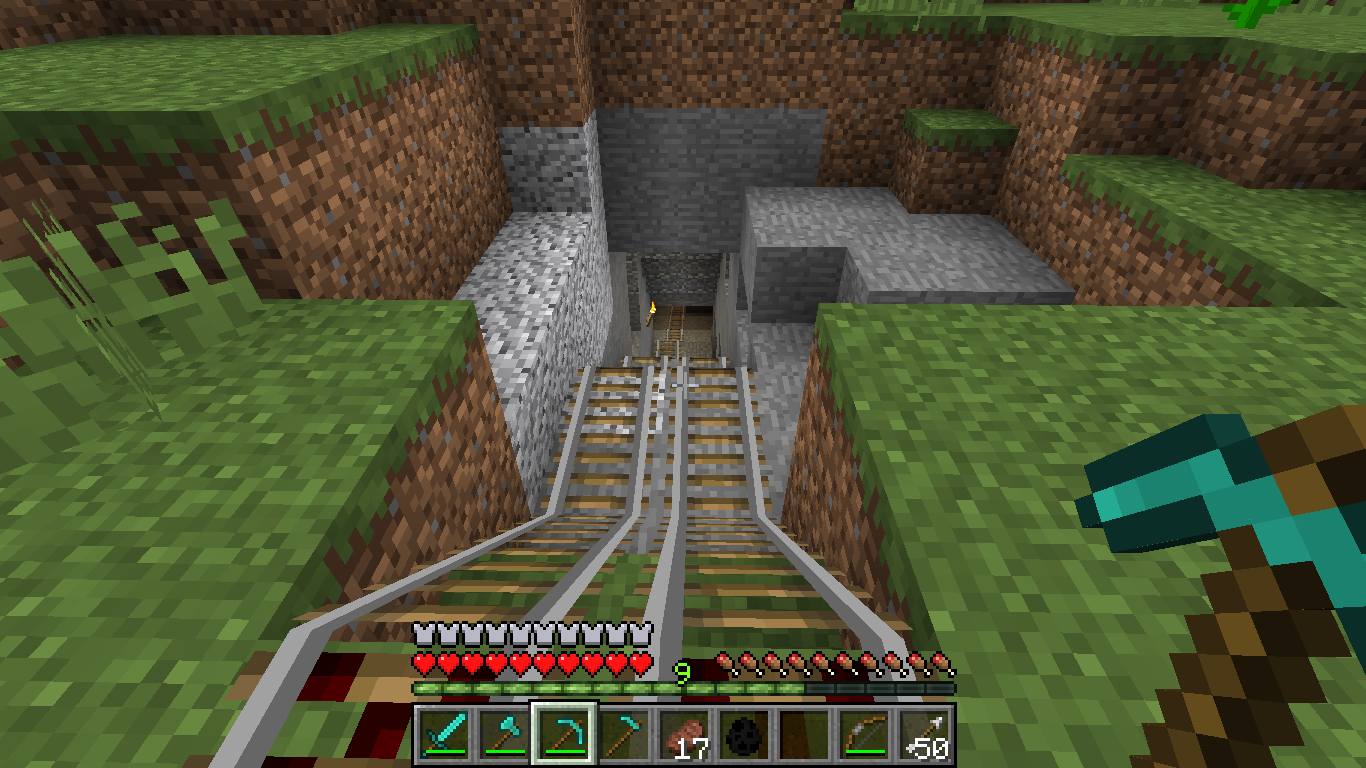

Dragon World
A world made for you guys to build and explore there are no dragon as a pet if you want than install a mod te get it to workInstallOn a server
De_Vertigo
By BullfighterInstallOn a server
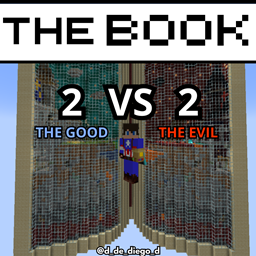
THE BOOK
THE BOOK IS A MINECRAFT MAP 2V2 AVENTURE AND PVP / EL LIBRO ES UN MAPA DE MINECRAFT AVENTURA Y PVP 2V2InstallOn a server
Minecon 2016 Map
A build of Minecon 2016InstallOn a server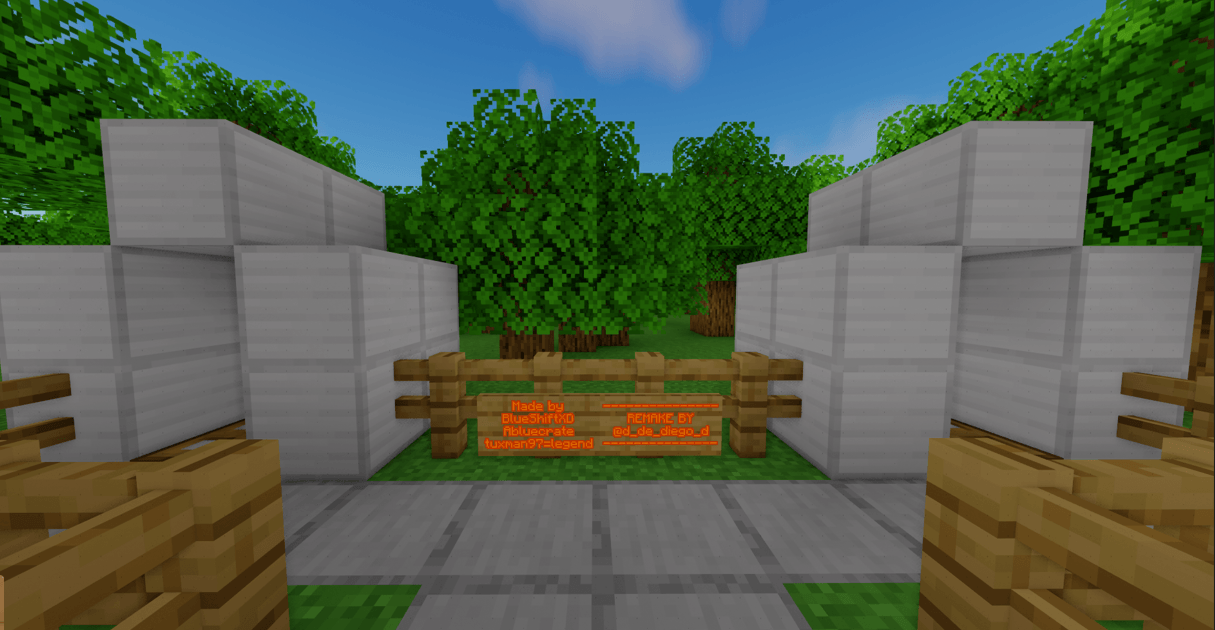
WIPEOUT REMAKE
This map is about a wipeout style parkourInstallOn a server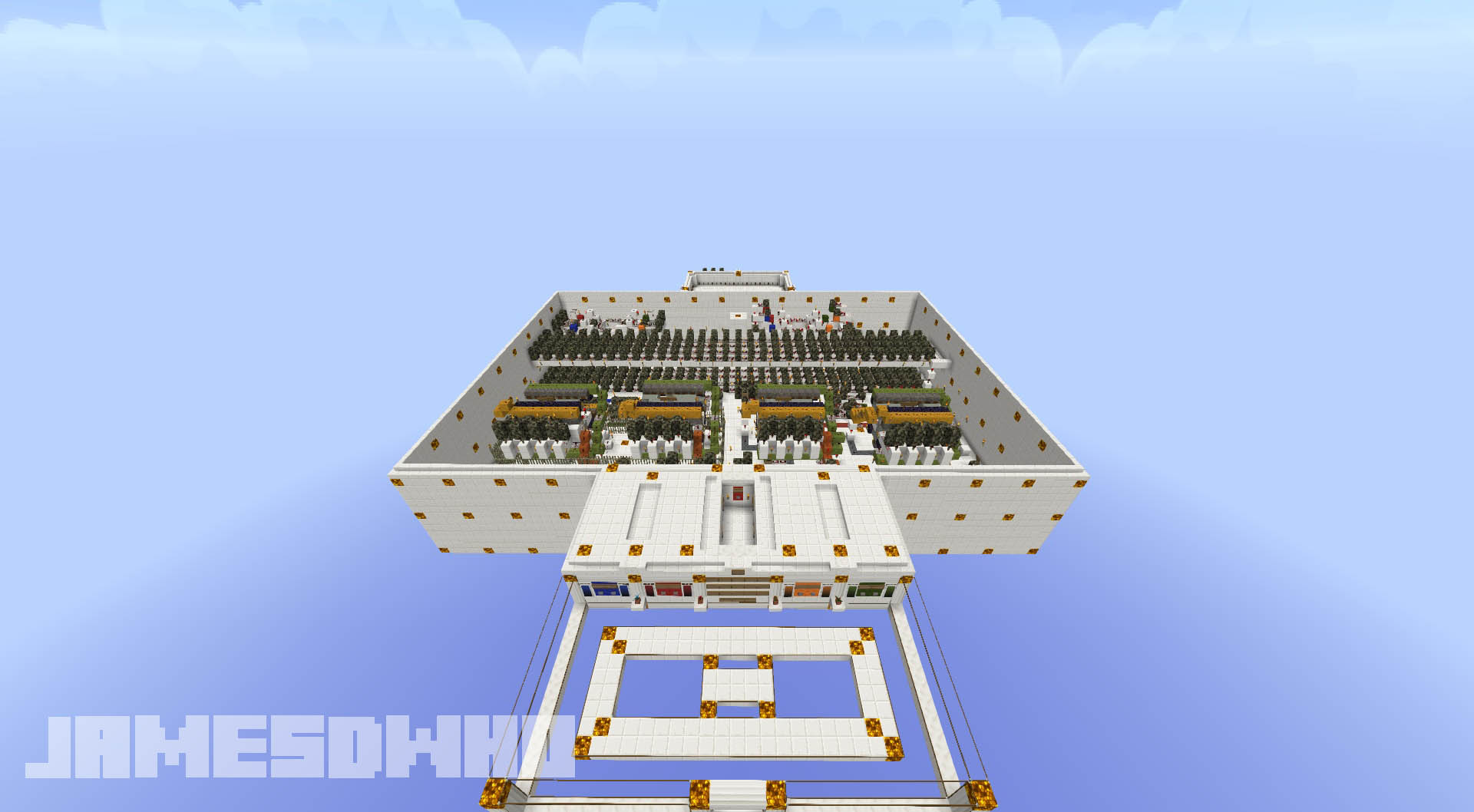

SkyWalls Multiplayer PVP Mini-Game Map
The Walls + SkyBlock PVP MiniGame Map for MineCraft 1.8 & 1.9+InstallOn a server
The Dead Miner
Go on a quick RPG to discover the secret of the mine.InstallOn a serverFAQ
How do I install a map?
Click “Install” and Millida Launcher will unpack the world into the right modpack, and the map will appear in your singleplayer worlds list. To do it manually, put the world folder in saves inside the game directory.
Can I open a map in a different game version?
You can, but the game will irreversibly upgrade the world to its version, and some mechanics may break. Play on the version the author specifies and keep a copy of the world.
Do maps need mods?
Most don't — they work on vanilla. If a map needs a mod or resource pack, the author says so in the description.
Which maps can two people play together?
Co-op adventures, horror maps and minigames: the With a friend filter and the Co-op theme keep them. To play together, one player opens the world to LAN or puts the map on a server with the On a server button on its page.
Are there horror maps for phones?
Yes: the Bedrock edition filter shows maps for Minecraft PE, horror maps among them, and searching for “horror” finds them faster. A .mcworld file opens right in the game on a phone, and the world appears in the worlds list. Java maps do not open in PE.
Maps for Minecraft 1.10
Maps for Minecraft 1.10: 89 items in the Maps section. Compatibility is checked against the files, not the description: only items with a build for exactly these conditions stay in the list.
The game version matters more for a map than you'd think. A world made in 1.12 will open in a newer version, but the game will convert it to the new rules: some mechanics will stop working, command blocks may break, and you can't roll the world back. So play a map on exactly the version it was built for — preferably on a copy. To install a map, unpack the world folder into saves inside the game directory, and it will appear in your singleplayer worlds list. Every map here lists its author, version and license.