
Minecraft datapacks — page 86
2,543 itemsData packs: list
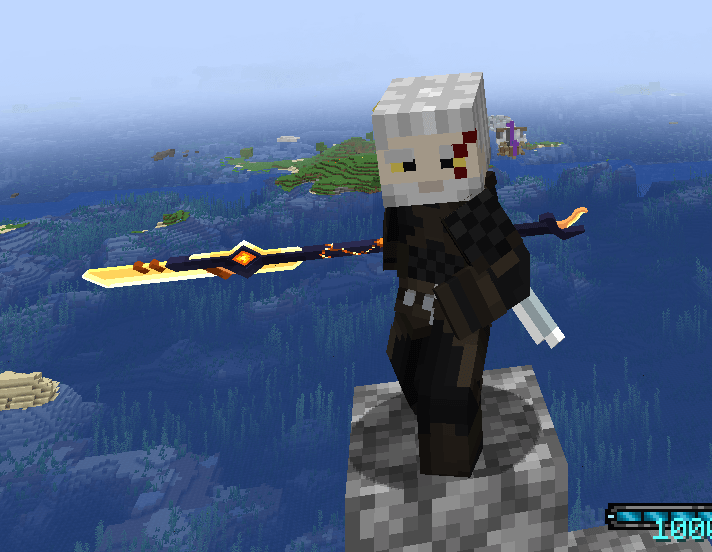


Wanderful Trades
New trades for the Wandering Trader. Includinf maps to random structures! Standalone from Travelers WitsInstallOn a server

NewCraft
You want to craft BELLS? You can! Just as: Saddles, Totems, Gravel, Cobwebs, Chainmail, Armors, Nametags, and much more!InstallOn a server
Extra Curio Slots for Create
A duel datapack/resourcepack that adds curio slots for certain Create items!InstallOn a server

Craftable Passive Mob Spawn Eggs
Craftable Spawn Eggs, now possible! With this mod you can now craft spawn eggsInstallOn a server
Tinkers Construct 3 + Epic Fight Compatibility
compatibility for vanilla tinkers and epic fight 1.20.1InstallOn a server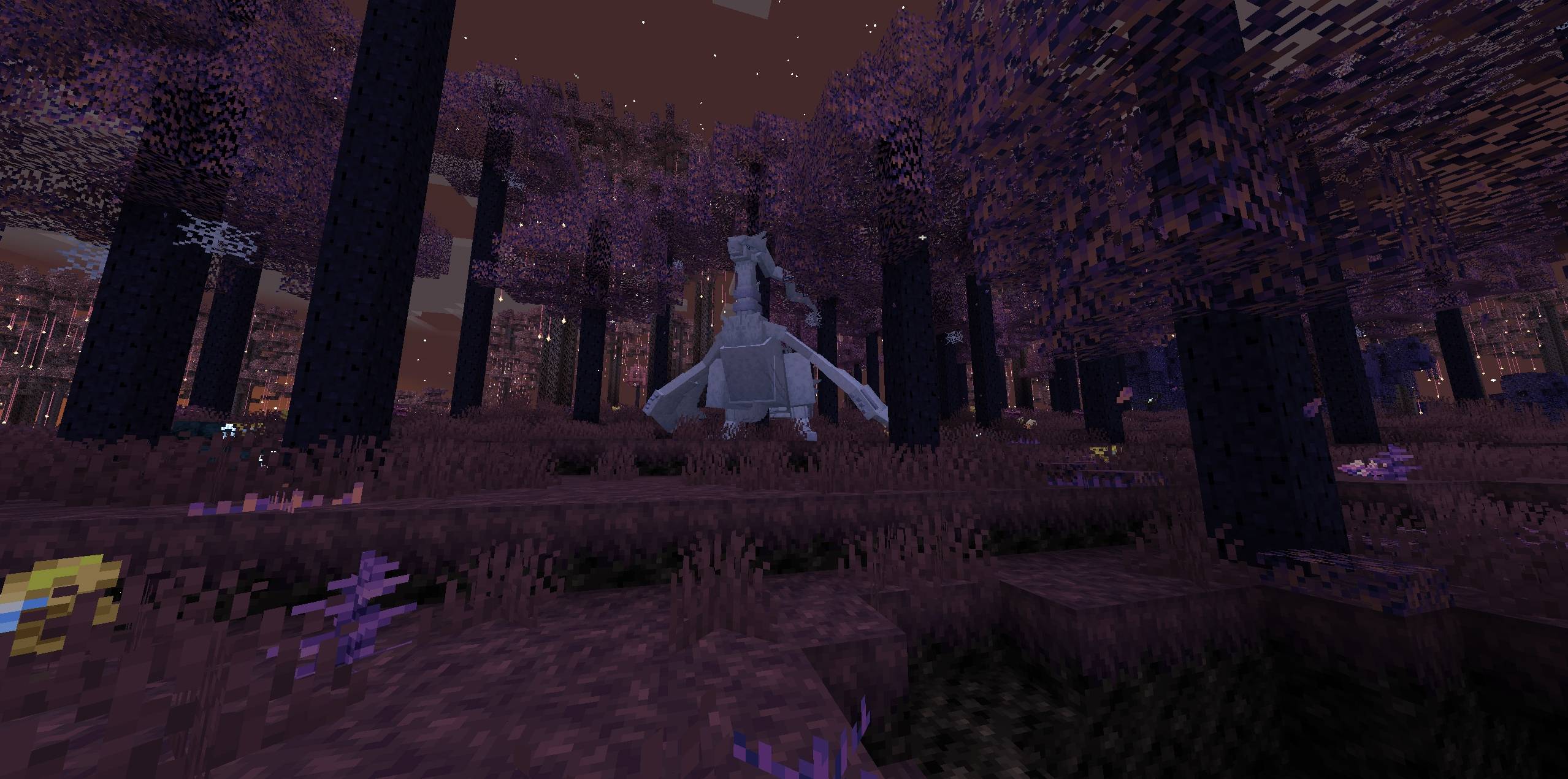
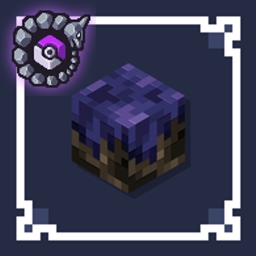
Eternal Starlight x Cobblemon!
This datapack adds spawns to the Eternal Starlight dimension for Cobblemon!InstallOn a server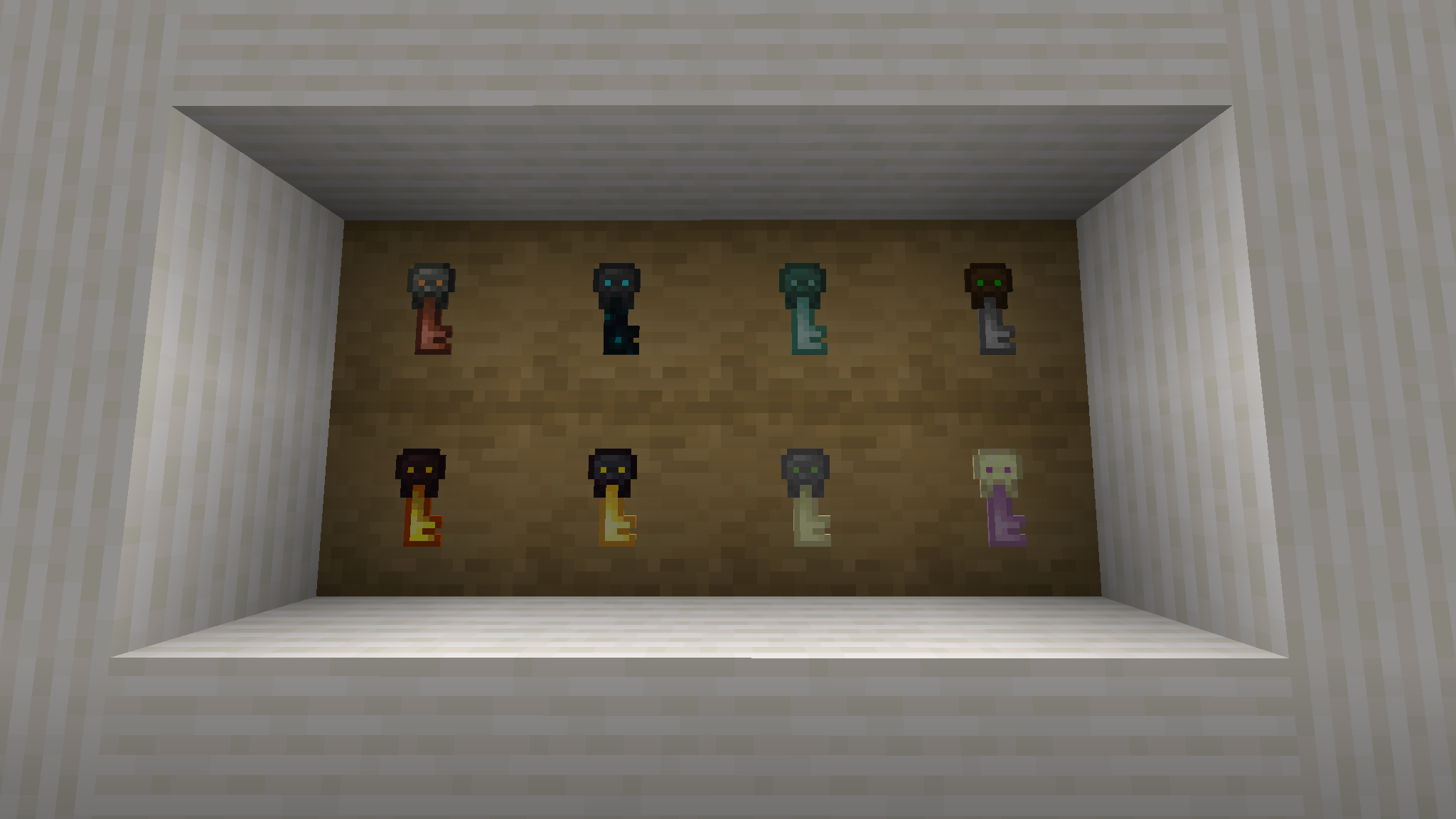
TaTe's Structure Reworks
Updates Structures in a Variety of Ways, Improving Their Aesthetics, Loot, and Overall ExperienceInstallOn a server

Rotten Chicken: Rotten Flesh cooks to Chicken
Rotten Flesh can be cooked into delicious ChickenInstallOn a server

CoffeeG's Awful Lightning
Struck lightning on players more oftenly, can create fun & surprising deaths with lightning bolts.InstallOn a server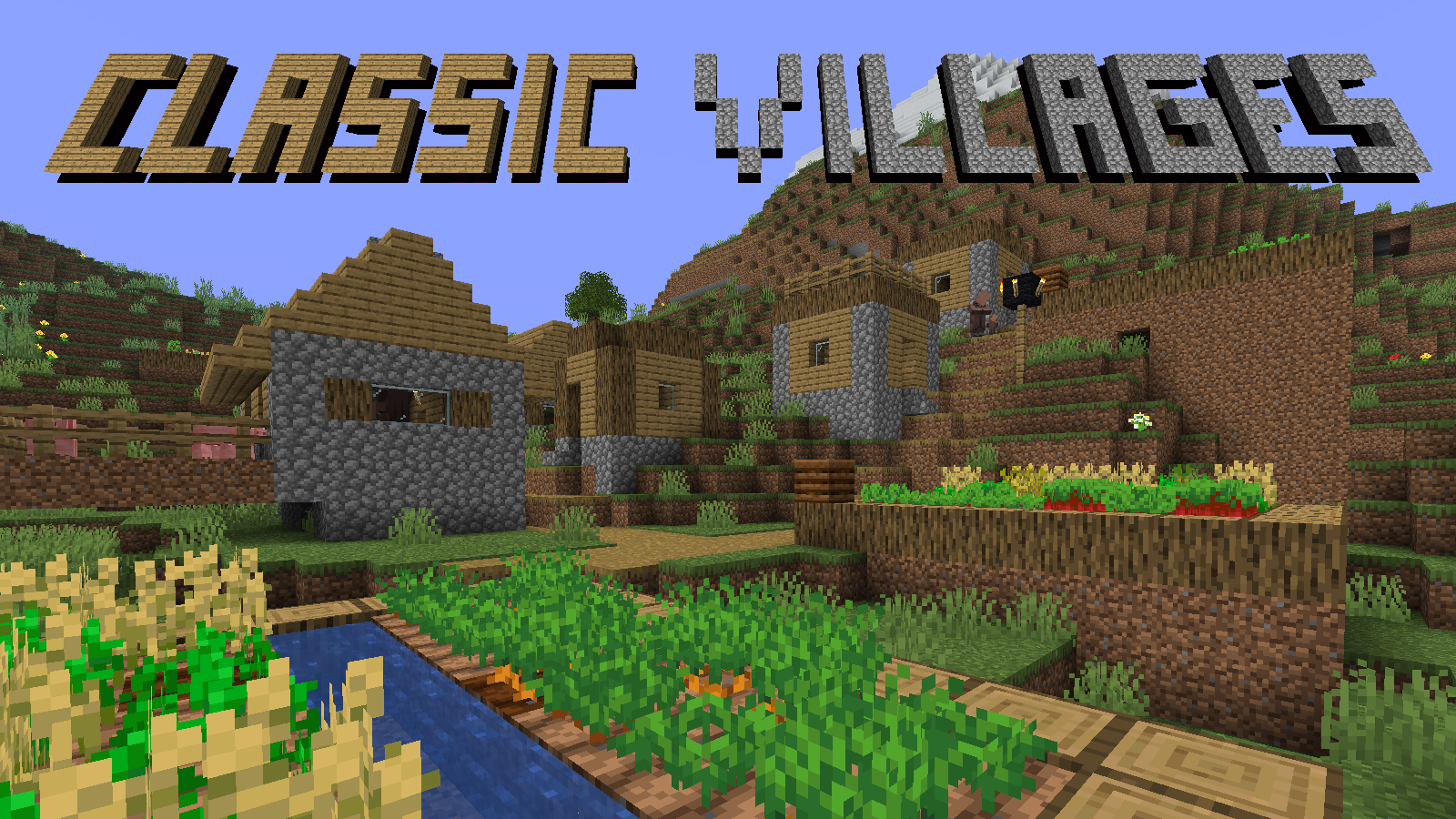
Classic Villages
This datapack recreates the classic pre 1.14 Minecraft villages.InstallOn a server
Hard Deluxe
Makes the mobs in your world more challenging with stat buffs and unique abilities!InstallOn a server

Many's Many Simple Scales
An Origins layer for scales/sizes, but different than the other ones.InstallOn a server

Random Item Skyblock
Stranded alone in the void, build out your base from nothing but a trickle of random items with some fun twists and loads of custom features to spruce it up! (Official RIS Datapack)InstallOn a server

Ash Sailships
Majestic sailships await across your ocean adventure!InstallOn a server
One Punch Man
A datapack that allows players to transform into saitama from one punch man.InstallOn a server
Matyah's Configs - Cobblemon Raid Dens Datapack
A datapack created for Cobblemon Raid Dens mod which adds new bosses and loot tables.InstallOn a server
Valarian Conquest EF compatibility
This datapack adds Epic Fight compatibility to Valarian Conquest.InstallOn a server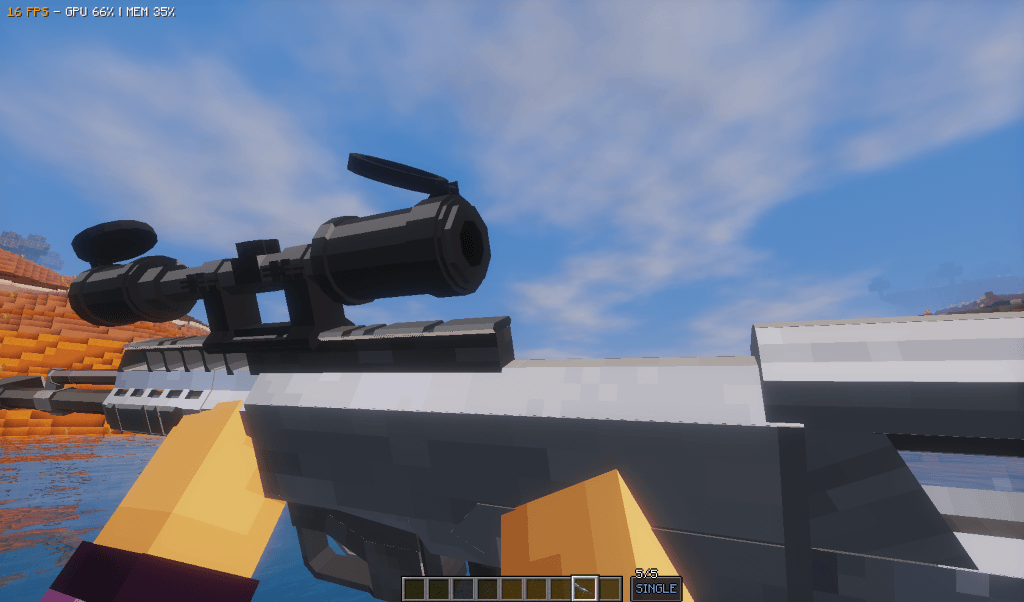
R6 Vegas 2 | Vic's Point Blank
Adds Weapons From Rainbow six Vegas 2.InstallOn a server
MineColonies and Epic Knights Compatibility Pack
A quick and dirty compatibility datapack between MineColonies and Epic KnightsInstallOn a server
Cobblemon Lyoko's Monsters Pack
An addon for Cobblemon that adds monsters from Code LyokoInstallOn a server

Ultimate Essentials +
All-in-one PvP & clarity resource pack: visible invisibility, no darkness, smooth fonts, 3D mace, and lightweight performance optimizationsInstallOn a server
Apocalypse Lost city
Adds guns from TACZ and resources from Zombie kit to "The lost city" by berezkaInstallOn a server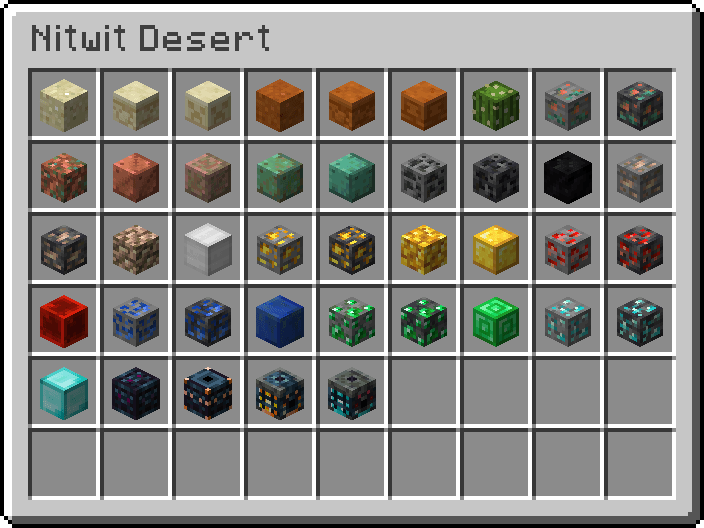
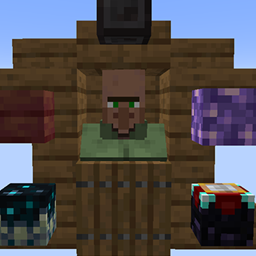
Nitwits Trade Miniblocks
Nitwits now have trades and sell Miniblocks.InstallOn a serverFAQ
How is a datapack different from a mod?
A datapack uses the game's own tools: it changes recipes, loot, structures and advancements. A mod changes the game's code and can add something genuinely new — a block, a mob, an interface. A datapack doesn't need a loader to work.
How do I install a datapack?
Click “Install” and Millida Launcher will add the datapack to the world you choose. To do it manually, put the archive in the datapacks folder inside the world folder and rejoin the world.
Does a datapack work on a server?
Yes, on a regular server without mods: the datapacks folder sits inside the server's world folder. Players don't need to install anything on their clients.
What is a data pack?
A set of files that changes the game with its own tools: recipes, loot, world generation, advancements and command functions. It works from version 1.13 without mods or loaders and is installed into a specific world.
Are there data packs for world generation?
Yes, it is one of their most common jobs: new biomes, terrain, caves and structures. Generation only changes in chunks that have not been created yet, so such a data pack is best added when creating a new world.
Minecraft datapacks
A datapack changes the game's rules without touching its code: crafting recipes, loot tables, world structures, advancements, command functions. The game supports all of this natively since 1.13, so a datapack needs neither Forge nor Fabric — it's installed into a specific world and works on the vanilla client and a regular server.
Data packs do different jobs: some change world generation — biomes, terrain and structures, others add mechanics, challenges and horror events, and others are made for servers — economy, ranks, command-based minigames. Generation applies only to new chunks, so such packs are added when a world is created. On Millida Hosting a data pack goes onto the server with the On a server button on its page.
That's the main difference from mods: a datapack doesn't show up in the mod list, and it can't add anything the game doesn't have at all — you can't make a new block with its own model this way. On the other hand, it doesn't clash with other packs, doesn't need updating when you switch loaders and doesn't stop you from playing with friends on a regular server. Installing a datapack is simple: put the archive in the datapacks folder inside the world folder, then reload the world or run the reload command. The card lists the game version, author and license, and all releases are gathered in one place.