
Minecraft datapacks — page 77
2,540 itemsData packs: list

Overgeared X Epic Knights weapons
Compability for overgeared and epic knights to forge weaponsInstallOn a server
Aie's Paradox Pack (Cobblemon)
Custom-designed Paradox Pokemon for Cobblemon.InstallOn a server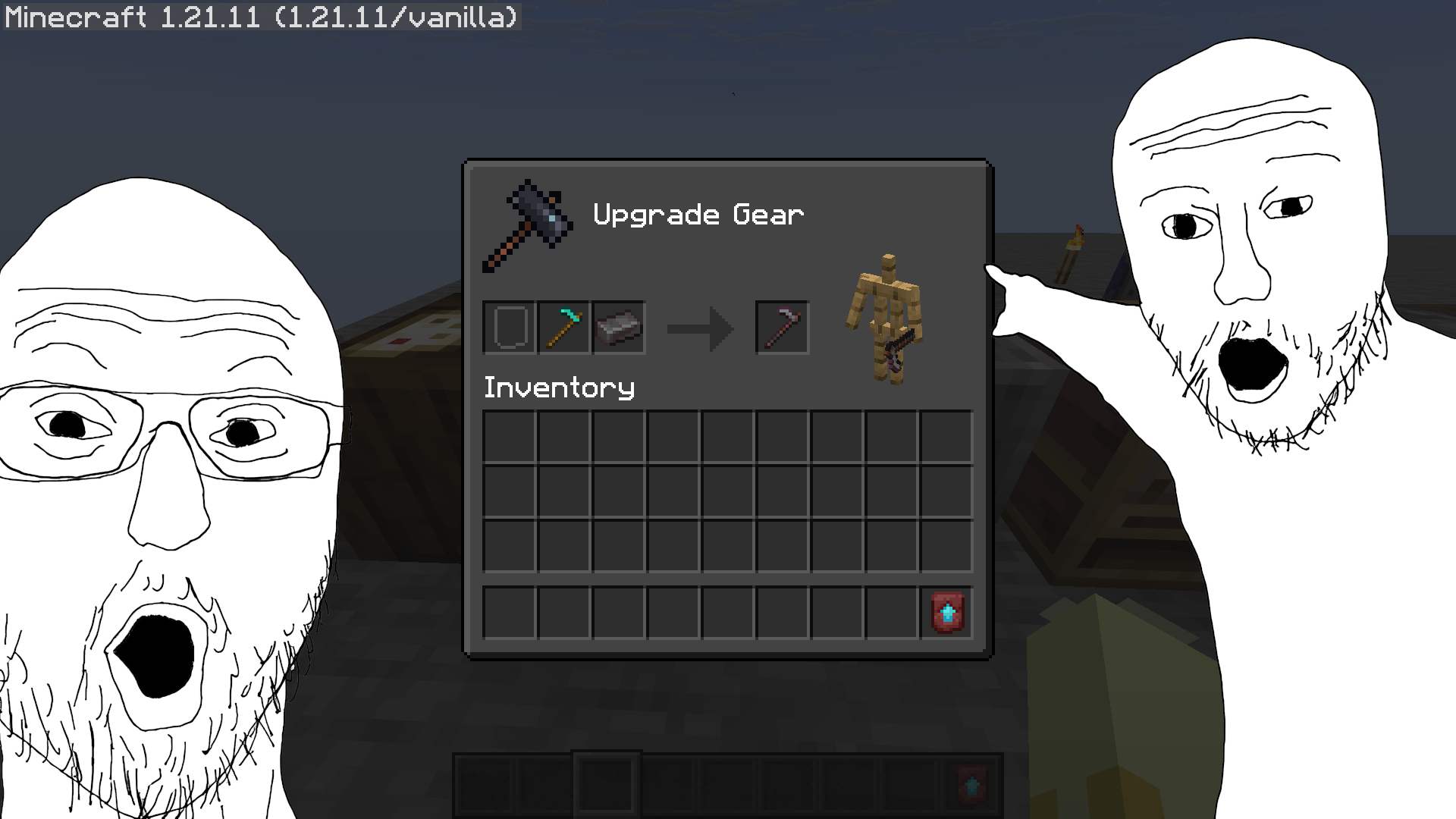

Netherite Without Templates
Removes the need for an upgrade template to transform Diamond gear into Netherite at the Smithing Table, mimicking 1.19 behavior.InstallOn a server
Crafting The Impossible - Datapack
Creating crafting recipes for items that don't have themInstallOn a server
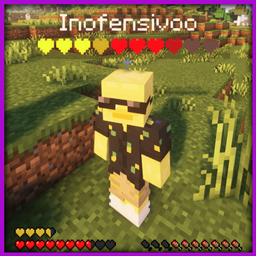
Display Hearts (DH)
Displays players' hearts under their name. Works with half hearts and yellow (absorption) hearts too. Optimized to the maxInstallOn a server

Silver's Better Wood Cutting Stone Cutter
Craft all of your wood related blocks for cheaper with this datapack!InstallOn a server

Minecraft But Chickens Are OP
Its Minecraft But Chickens Drops OP Items when they are Killed. There are many OP Items....InstallOn a server
Moog's Seasonal Expansion: Shadows of Moogtober
Adds additional and spooky halloween themed versions of structures for the Moogs Structure seriesInstallOn a server
Twilight Forest x Tensura: Reincarnated Compatbility
Compatibility datapack for Tensura: Reincaranted and Twilight ForestInstallOn a server

Armor Stands With Arms | ASWA
This datapack / mod adds the arms to the armor stands!InstallOn a server

End-like Floating Islands
Creates floating islands in overworld and the nether, with a main island in the center and many smaller islands surrounded at a distance.InstallOn a server

Sponge Crafting
Adds a vanilla-friendly, ocean-themed crafting recipe for the uncraftable Sponge block.InstallOn a server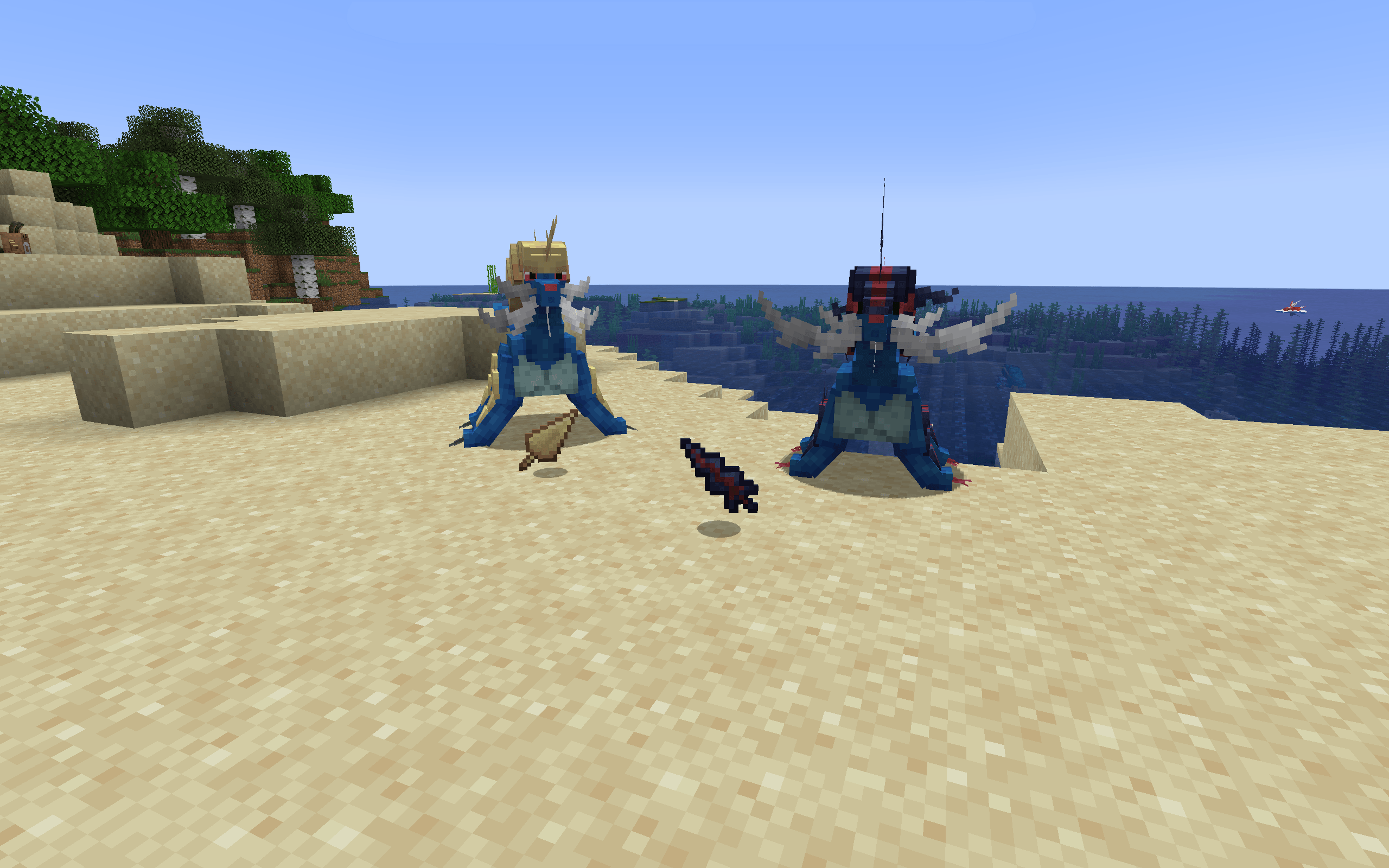
Last Resort v.1.1 [Cobblemon Shearems Addon] (DEPRECATED)
Shear your pals and get a tasty emergency snack or two.InstallOn a server

MrBoriiz's Cosmetics & Decorations
A simple datapack that adds new cosmetics (skins) to the game that you can wearInstallOn a server
No Enderman Grief
Stops enderman from pickung up blocksInstallOn a server

X-ray Ball
Stop wasting hours mining like a peasant. Throw a snowball to remove blocks in a 10x10 area and leave the actual loot floating for you to finally pick up.InstallOn a server

Name Tag Crafting Recipe
A simple mod/datapack that makes nametags craftableInstallOn a server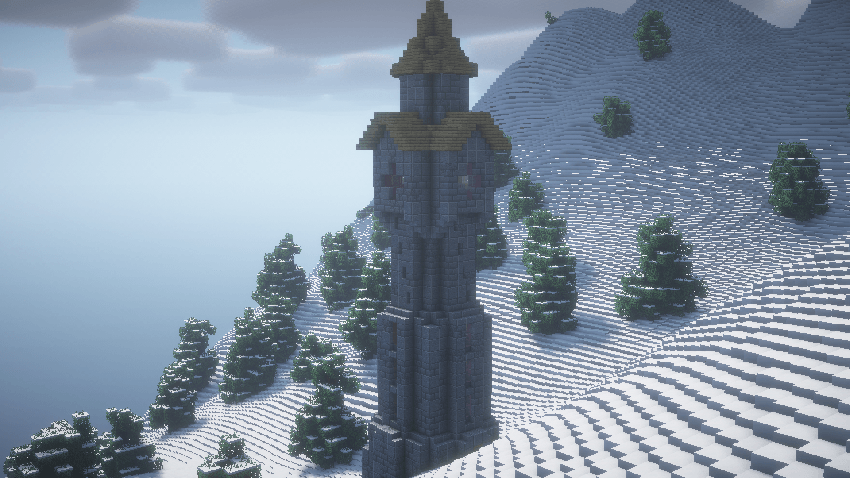
Big Globe - Dungeon Crawl Compatibility
Compatibility between Big Globe and Dungeon Crawl that ensures the correct generation of personalized world structures.InstallOn a server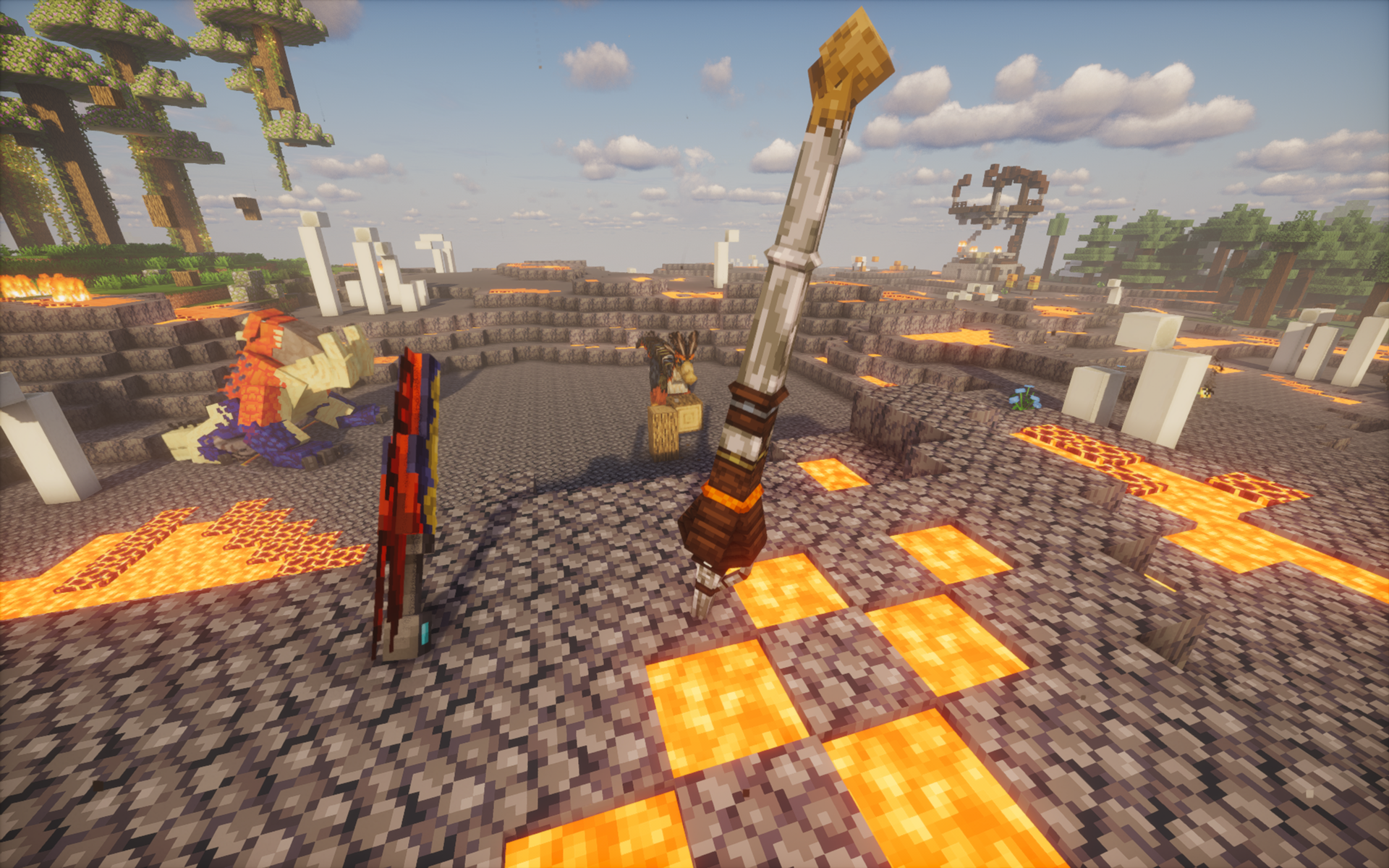
Monster Hunter: Overworld (Monster Hunter: Heaven and Hell & Monster Expansion + EpicFight)
A battle to be one with nature, to hunt what is needed!InstallOn a server

Potato PC
Adds a literal potato pc with a literal potato operating systemInstallOn a server

Less Chorus
Drastically reduces the number of Chorus plants that appears in the End, giving it a more desolate feelingInstallOn a server
Bountiful x Cobblemon - Catcher's Decree
An example addon to show how to add catching Pokemon types as requirements for the Bountiful mod's bounty system.InstallOn a server

Ride Dragon
Rideable tame Ender Dragons in unmodded minecraftInstallOn a serverFAQ
How is a datapack different from a mod?
A datapack uses the game's own tools: it changes recipes, loot, structures and advancements. A mod changes the game's code and can add something genuinely new — a block, a mob, an interface. A datapack doesn't need a loader to work.
How do I install a datapack?
Click “Install” and Millida Launcher will add the datapack to the world you choose. To do it manually, put the archive in the datapacks folder inside the world folder and rejoin the world.
Does a datapack work on a server?
Yes, on a regular server without mods: the datapacks folder sits inside the server's world folder. Players don't need to install anything on their clients.
What is a data pack?
A set of files that changes the game with its own tools: recipes, loot, world generation, advancements and command functions. It works from version 1.13 without mods or loaders and is installed into a specific world.
Are there data packs for world generation?
Yes, it is one of their most common jobs: new biomes, terrain, caves and structures. Generation only changes in chunks that have not been created yet, so such a data pack is best added when creating a new world.
Minecraft datapacks
A datapack changes the game's rules without touching its code: crafting recipes, loot tables, world structures, advancements, command functions. The game supports all of this natively since 1.13, so a datapack needs neither Forge nor Fabric — it's installed into a specific world and works on the vanilla client and a regular server.
Data packs do different jobs: some change world generation — biomes, terrain and structures, others add mechanics, challenges and horror events, and others are made for servers — economy, ranks, command-based minigames. Generation applies only to new chunks, so such packs are added when a world is created. On Millida Hosting a data pack goes onto the server with the On a server button on its page.
That's the main difference from mods: a datapack doesn't show up in the mod list, and it can't add anything the game doesn't have at all — you can't make a new block with its own model this way. On the other hand, it doesn't clash with other packs, doesn't need updating when you switch loaders and doesn't stop you from playing with friends on a regular server. Installing a datapack is simple: put the archive in the datapacks folder inside the world folder, then reload the world or run the reload command. The card lists the game version, author and license, and all releases are gathered in one place.