
Minecraft datapacks — page 34
2,543 itemsData packs: list


Death Sound Mod
Playes a wither death sound when a player dies within your simulation distance. You can also change the sound to whatever you want, via gui or commands!InstallOn a server

Call Your Happy Ghast
Easily call (whistle) your happy ghast with a goat horn to teleport it to youInstallOn a server

Create: Wrencheable Planes
Makes planes from immersive aircraft wrencheable with the create wrench.InstallOn a server

Lucky Blocks World Add-on
Lucky Blocks Add-on, find lucky blocks around the overworld!InstallOn a server

Minecraft Bingo
Bingo is a fun mini-game in which players compete to collect items from a random list.InstallOn a server

Warfare Expanded
Warfare Expanded is a datapack that adds a number of medieval weapons. Each with their own unique buffs and debuffs. Additionally, This pack also has some achivements in order to spice up stuff a bit.InstallOn a server
Re-Dye Glass [PurpurPack]
Allows all glass and glass pane colors to be dyed another colorInstallOn a server

Very Simple Gravestones
Spawns Graves to store the player's items on death!InstallOn a server

Better Combat x Cataclysm Spellbooks Compatibility
For the people who want compatibility with Cataclysm Spellbooks and Better CombatInstallOn a server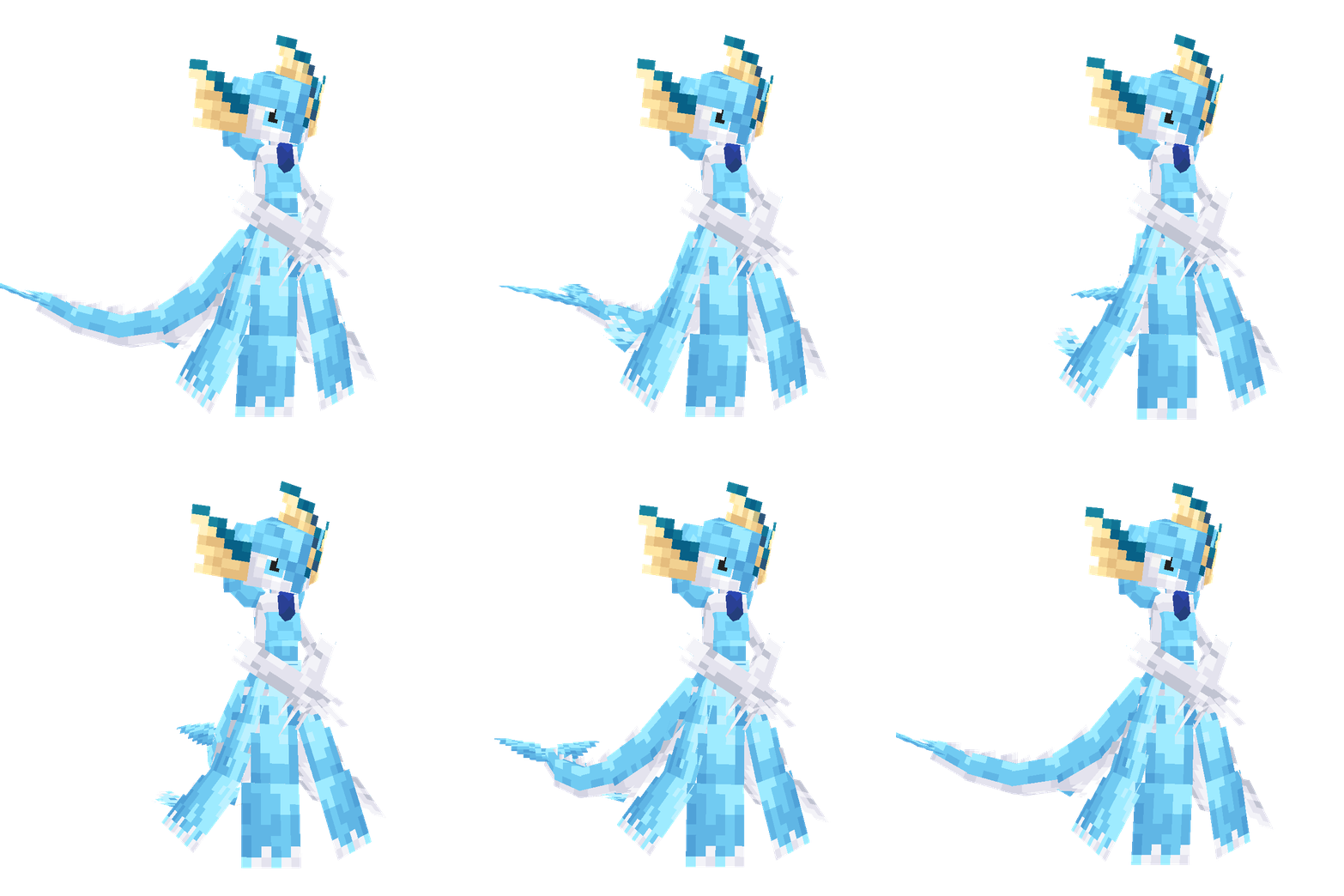
CobblemonInfiniteFusion
This is an add-on for Cobblemon that enables the fusion of two Pokémon, transforming them into entirely new designs. Currently, only Gardevoir and a few Eevee fusion models are available. More models will be added in future updates, so stay tuned!InstallOn a server

BlazeandCave's Advancements Pack Hardcore Version
Changes BlazeandCave's Advancements Pack to be compatible with Hardcore modeInstallOn a server
Pickaxe Effective Glass [PurpurPack]
Adds glass to the pickaxe minable tag, allowing it to be broken fasterInstallOn a server
LuckyFishingRod
when you fish, you catch random itemsInstallOn a server

Chems' Guns
A large, expansive gun mod/datapack with over 65+ brand new weapons to blow stuff up with!InstallOn a server

Annihilation Recreated
datapack that aim to recreate the boss Annihilation from the Wynncraft serverInstallOn a server
Survivor's Elegy
A vanilla expansion datapack which adds plenty of items, mechanics and reworks some already existing mechanics. Designed to add cohesiveness and interesting features to the game.InstallOn a server

UnChipped
Craft Chipped‘s blocks back to their origin using a stonecutterInstallOn a server

Super Enchants
Combine Vanilla Enchantment Books by Throwing them on top of Anvils. Nearly All Vanilla Enchantments can Exceed their Level Caps.InstallOn a server

Wimpower
Catch a wild Wimpod and evolve it into the powerful Golisopod in Cobblemon!InstallOn a server
Magic Combat - Spellbooks
Adds specialized Better Combat animations for weapons from Iron's Spells n Spellbooks & Related Addons that desperately need them.InstallOn a server

No Build Limit
Increased build height limit! Build from -64 to +2032InstallOn a server

Life Steal Enchantment
New enchantment for weapons thats steal life from victims!InstallOn a server

Better Cutter
Cut glass, stone, wood, copper and more easily with the cutter - Get heads from any blocks or itemsInstallOn a serverFAQ
How is a datapack different from a mod?
A datapack uses the game's own tools: it changes recipes, loot, structures and advancements. A mod changes the game's code and can add something genuinely new — a block, a mob, an interface. A datapack doesn't need a loader to work.
How do I install a datapack?
Click “Install” and Millida Launcher will add the datapack to the world you choose. To do it manually, put the archive in the datapacks folder inside the world folder and rejoin the world.
Does a datapack work on a server?
Yes, on a regular server without mods: the datapacks folder sits inside the server's world folder. Players don't need to install anything on their clients.
What is a data pack?
A set of files that changes the game with its own tools: recipes, loot, world generation, advancements and command functions. It works from version 1.13 without mods or loaders and is installed into a specific world.
Are there data packs for world generation?
Yes, it is one of their most common jobs: new biomes, terrain, caves and structures. Generation only changes in chunks that have not been created yet, so such a data pack is best added when creating a new world.
Minecraft datapacks
A datapack changes the game's rules without touching its code: crafting recipes, loot tables, world structures, advancements, command functions. The game supports all of this natively since 1.13, so a datapack needs neither Forge nor Fabric — it's installed into a specific world and works on the vanilla client and a regular server.
Data packs do different jobs: some change world generation — biomes, terrain and structures, others add mechanics, challenges and horror events, and others are made for servers — economy, ranks, command-based minigames. Generation applies only to new chunks, so such packs are added when a world is created. On Millida Hosting a data pack goes onto the server with the On a server button on its page.
That's the main difference from mods: a datapack doesn't show up in the mod list, and it can't add anything the game doesn't have at all — you can't make a new block with its own model this way. On the other hand, it doesn't clash with other packs, doesn't need updating when you switch loaders and doesn't stop you from playing with friends on a regular server. Installing a datapack is simple: put the archive in the datapacks folder inside the world folder, then reload the world or run the reload command. The card lists the game version, author and license, and all releases are gathered in one place.