
Datapacks for Minecraft 1.21 — page 45
1,281 itemsData packs: list


All Mobs are Creepers
Every mob that appears in the world will become a creeper.InstallOn a server

Better Building Recipes
Tired of waiting at the furnace just to get basic building blocks? This mod completely removes the annoying waiting times and smelting chains for common blocks.InstallOn a server

RIP
Your soul will spawn at your death's location. Each death makes you weaker.InstallOn a server

Dolphins dont die of drowning
Makes dolphins not die of drowning on land or in water.InstallOn a server

easy-void-dimension
This is a simple Datapack which adds a new empty dimension!InstallOn a server

Armor Stand Poses
Bedrock armor stand poses for Java EditionInstallOn a server

Stillagers
A datapack which helps with villager lag in trading halls.InstallOn a server

Contrition: lifesteal, SMP revive, & more
A collection of gameplay features specially designed for multiplayer fun.InstallOn a server

Dyeable Saplings
Dye any sapling into a specific tree type.InstallOn a server

Mob Health Bar
Enable the display of health bars for each mob and player that is near of you with this lightweight datapack. Compatible with 1.13+ versions of Minecraft.InstallOn a server

Craftable Bedrock
Makes bedrock craftable, for permanent builds. Be careful where you place it!InstallOn a server
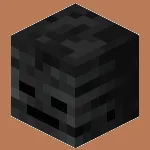
Craftable Wither Skulls
This datapack allows you to craft Wither Skeleton Skulls when Wither Skeletons are not available on your server. A simple way to keep the Wither fight accessible without needing natural spawns.InstallOn a server

Wasteland Refabricated
Datapack remake of the 1.12.2 'Wasteland Reborn' mod to support a wide range of modern vanilla (or modded) versions!InstallOn a server

Bonk Villager
Using revolutionary bonk™-technology, this datapack introduces the Bonk™-Stick9000. The (totally ethical) application of which, makes Villagers much easier to work with and also should increase performance, when used in bulk due to removing their AI.InstallOn a server

Auto keep inventory
Automatically enable keepInventory when loading a world for the first timeInstallOn a server

Rubik's Craft UHC Data Pack
A UHC Data Pack like no other. Includes tonnes of different customisations for your UHC!InstallOn a server
Color Changer
"Simple" username color changer datapackInstallOn a server

Better dispenser crafting recipe
Adds an option to craft the dispenser with string instead of bow for quicker craftingInstallOn a server

Dinnerbone Gravity [Dinnerbone Floats]
The mobs named "Dinnerbone" fall upwards because they're upside down.InstallOn a server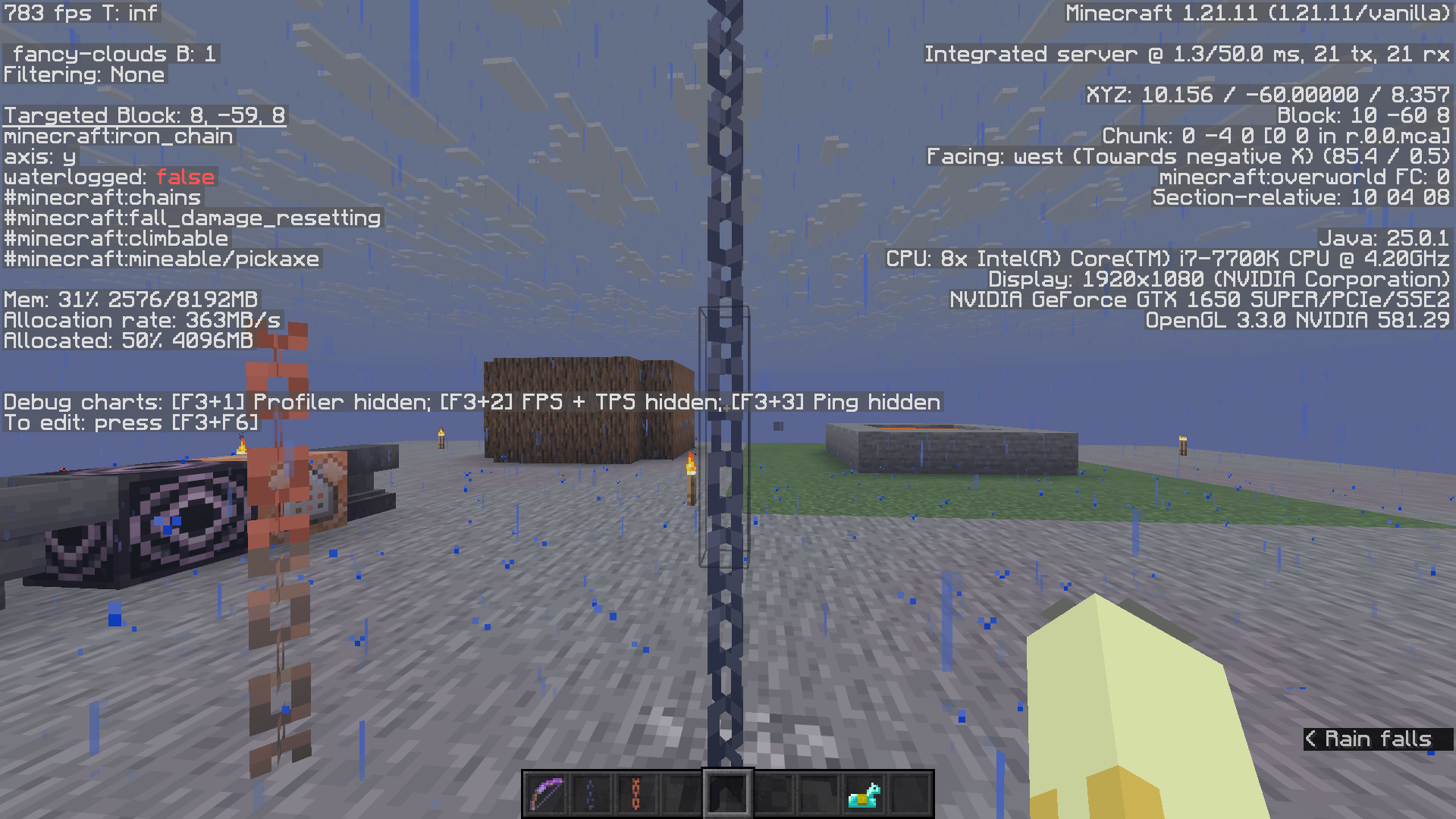
Climbable Chains
Adds iron and copper chains to the list of climbable blocks.InstallOn a server

Villager Knights
Guard Villagers with Epic Knights armoryInstallOn a server
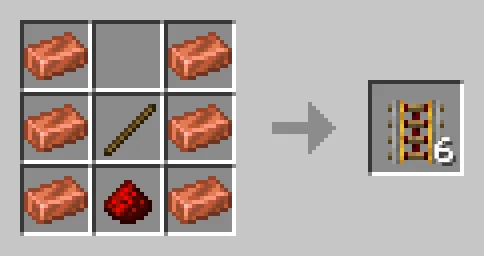
[Crafting] More Copper Recipes
Adds more use to copper in crafting recipes where it is reasonable to use, such as crafters, powered rails, and hoppers!InstallOn a server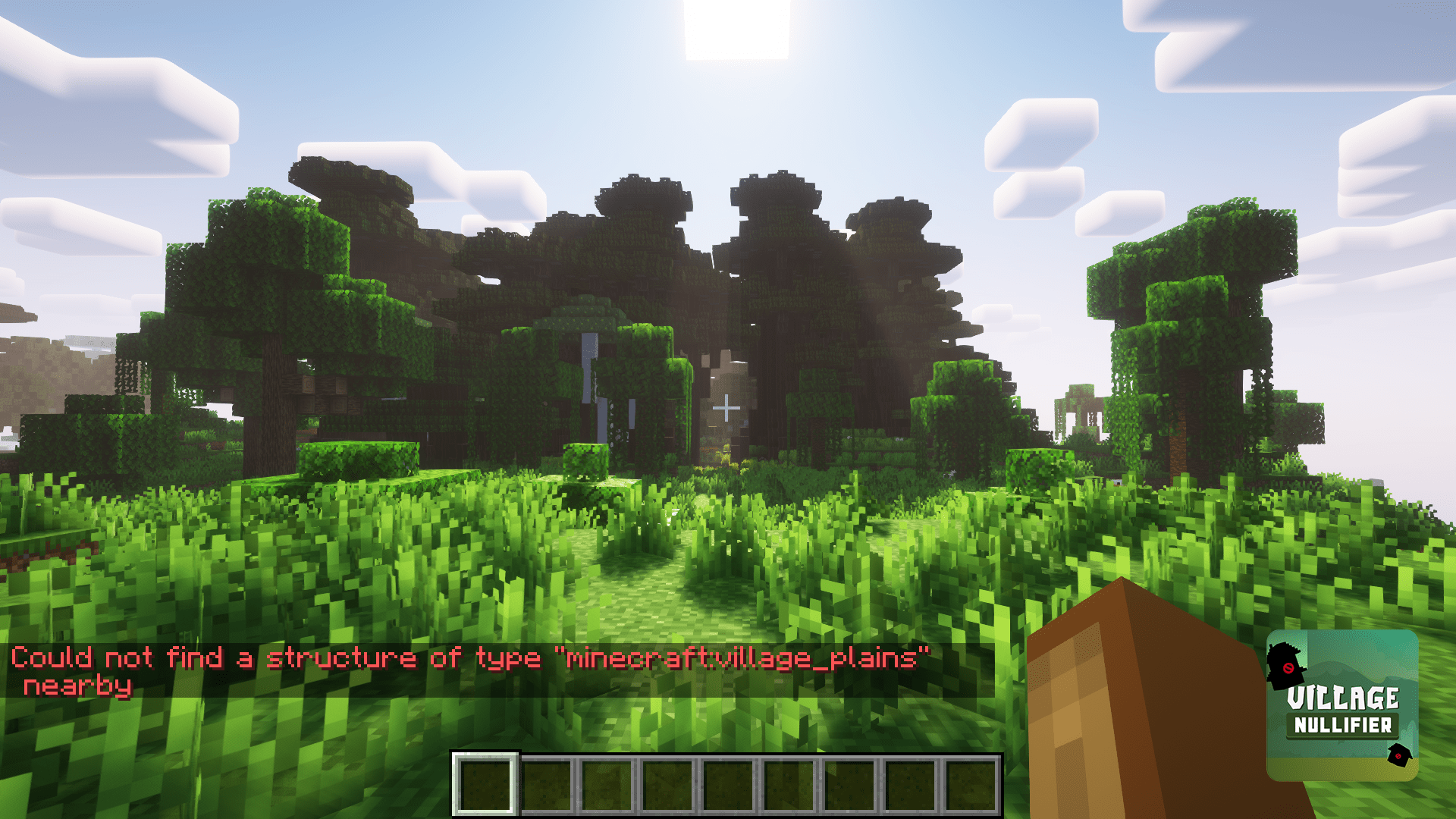
Village Nullifier
Disables village generation.InstallOn a serverFAQ
How is a datapack different from a mod?
A datapack uses the game's own tools: it changes recipes, loot, structures and advancements. A mod changes the game's code and can add something genuinely new — a block, a mob, an interface. A datapack doesn't need a loader to work.
How do I install a datapack?
Click “Install” and Millida Launcher will add the datapack to the world you choose. To do it manually, put the archive in the datapacks folder inside the world folder and rejoin the world.
Does a datapack work on a server?
Yes, on a regular server without mods: the datapacks folder sits inside the server's world folder. Players don't need to install anything on their clients.
What is a data pack?
A set of files that changes the game with its own tools: recipes, loot, world generation, advancements and command functions. It works from version 1.13 without mods or loaders and is installed into a specific world.
Are there data packs for world generation?
Yes, it is one of their most common jobs: new biomes, terrain, caves and structures. Generation only changes in chunks that have not been created yet, so such a data pack is best added when creating a new world.
Datapacks for Minecraft 1.21
Datapacks for Minecraft 1.21: 1,281 items in the Data packs section. Compatibility is checked against the files, not the description: only items with a build for exactly these conditions stay in the list.
That's the main difference from mods: a datapack doesn't show up in the mod list, and it can't add anything the game doesn't have at all — you can't make a new block with its own model this way. On the other hand, it doesn't clash with other packs, doesn't need updating when you switch loaders and doesn't stop you from playing with friends on a regular server. Installing a datapack is simple: put the archive in the datapacks folder inside the world folder, then reload the world or run the reload command. The card lists the game version, author and license, and all releases are gathered in one place.