
Datapacks for Minecraft 1.21 — page 19
1,282 itemsData packs: list


Gamingbarn's Zombies
Normal monsters are replaced with various unique and powerful new zombies!InstallOn a server

Better Healthbar
A Minecraft datapack and mod that displays health bars and damage indicators for almost all mobs. Everything can be configured in the in-game chat menu.InstallOn a server
No Template Netherite Armor Upgrades [PurpurPack]
Allows upgrading diamond armor to netherite without the use of a netherite upgrade templateInstallOn a server

Dough Slime Ball Recipe
This datapack adds a recipe for the slimeball, which lets you craft it with Farmer's Delight Dough and lime dye, similar to the Create mod (or dough from other mods)InstallOn a server

Epic Structures: Jungle Temples
Adds sprawling Jungle Temples to your worldInstallOn a server

Heaven Dimension
Fly up with elytra to see a brand new world known as Heaven! A peaceful dimension with rich villagers!InstallOn a server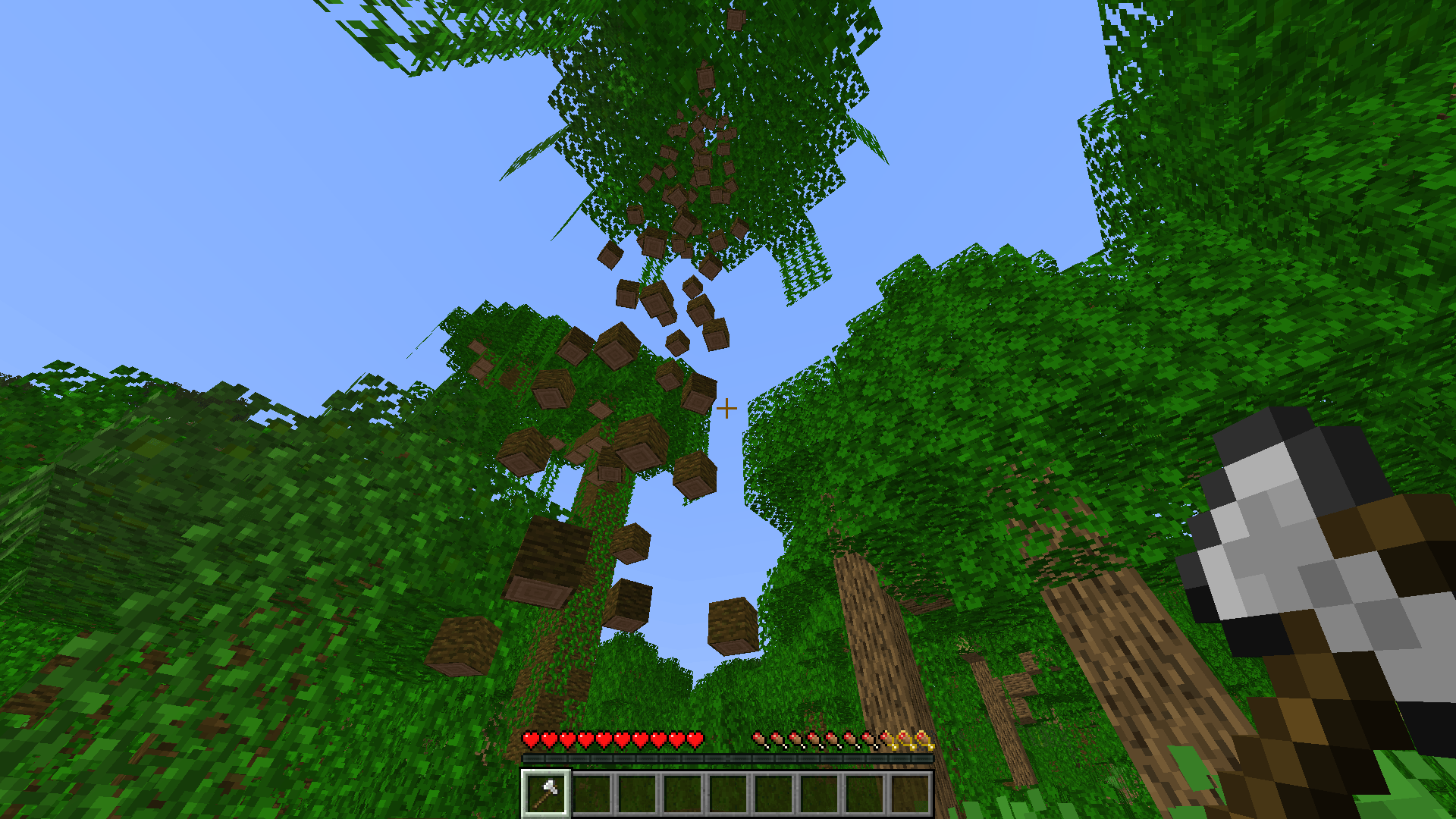
Falling Tree (Treecapitator)
Chop down entire trees by breaking just one block! A simple, satisfying "treecapitator" mod that saves time and stops floating trees from ruining your world.InstallOn a server

Waterfall Particles
This datapack adds particles to waterfallsInstallOn a server
One Player Sleep
A simple one player sleep datapack for multiplayer gamesInstallOn a server

Bat Membrane (No Phantoms)
Disables phantoms and adds the phantom membrane drop to batsInstallOn a server

Name Formatting Station Datapack
Adds the ability for players to customize item names in survival.InstallOn a server

Mounts stay still
The “don't move mister horse” feature you're looking for.InstallOn a server

Unoriginal
A simple datapack that removes all base origins added by the Origins modInstallOn a server

Banner Text
Adds letters, numbers and symbols as banner patterns.InstallOn a server

Dream's Compass
Allows you to enjoy the game of speedrunner vs huntersInstallOn a server

Loot Bags
Discover rare loot bags from mob kills! Hunt for mobs and find epic rewards in these Loot Bags.InstallOn a server

Silk Touch Spawners
Allows for the removal and replacement of any spawner blocksInstallOn a server
Re-Dye Terracotta [PurpurPack]
Allows dyeing any color of terracotta, not just plainInstallOn a server
Smelt Raw Ore Blocks [PurpurPack]
Allows raw ore blocks like raw iron blocks to be smelted in a furnace or blast furnaceInstallOn a server

Bubblellaneous
Adds Furniture, Technology, Food & Miscellaneous blocks and items.InstallOn a server

Better Sniffers
Improves sniffers by allowing them to naturally spawn in villages, increasing the variety of loot they can find beyond the current two useless flowers, and providing renewable sand.InstallOn a server

Armor Statues Datapack
Adds a unique book that allows you to alter the properties of Armor Stands in survivalInstallOn a server

Lodestone Update Backport
Backports the new lodestone recipe and features from 1.21.5: Cheaper recipe, new ruined portal loot table, and tweaked advancements.InstallOn a serverFAQ
How is a datapack different from a mod?
A datapack uses the game's own tools: it changes recipes, loot, structures and advancements. A mod changes the game's code and can add something genuinely new — a block, a mob, an interface. A datapack doesn't need a loader to work.
How do I install a datapack?
Click “Install” and Millida Launcher will add the datapack to the world you choose. To do it manually, put the archive in the datapacks folder inside the world folder and rejoin the world.
Does a datapack work on a server?
Yes, on a regular server without mods: the datapacks folder sits inside the server's world folder. Players don't need to install anything on their clients.
What is a data pack?
A set of files that changes the game with its own tools: recipes, loot, world generation, advancements and command functions. It works from version 1.13 without mods or loaders and is installed into a specific world.
Are there data packs for world generation?
Yes, it is one of their most common jobs: new biomes, terrain, caves and structures. Generation only changes in chunks that have not been created yet, so such a data pack is best added when creating a new world.
Datapacks for Minecraft 1.21
Datapacks for Minecraft 1.21: 1,282 items in the Data packs section. Compatibility is checked against the files, not the description: only items with a build for exactly these conditions stay in the list.
That's the main difference from mods: a datapack doesn't show up in the mod list, and it can't add anything the game doesn't have at all — you can't make a new block with its own model this way. On the other hand, it doesn't clash with other packs, doesn't need updating when you switch loaders and doesn't stop you from playing with friends on a regular server. Installing a datapack is simple: put the archive in the datapacks folder inside the world folder, then reload the world or run the reload command. The card lists the game version, author and license, and all releases are gathered in one place.