
Minecraft PE mods — page 39
1,933 addonsAddons: list

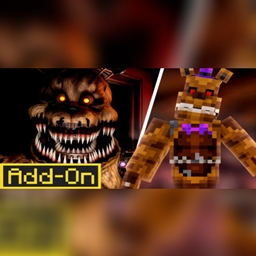
Scary survival: Freddy night
Do you have what it takes to survive the ultimate nightmare? Dive into this spine-chilling horror addon and face relentless jump scares, terrifying appearances, and brutal attacks from the menacing Freddy. will you escape or fall prey to the terror?Download
INSTANT MINER+
Break one diamond ore, and all the diamonds will be yours — instantly added to your bag too.Download
Mob Towers - A Battle Towers Addon (Update)
Adds the generation of hostile mob towers in the world, each with a unique theme and structure. Contains eight different types of towers available for exploration and leveling up.Download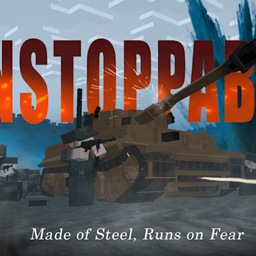
TWW: WW2 Tanks
This addon brings WW2 inspired tanks to the game. featuring detailed models, Featuring functional cannons, and balanced gameplay mechanics.Download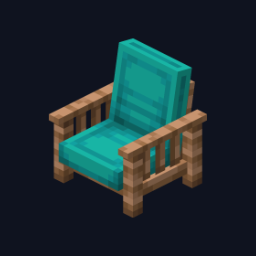
FurniDeco
Adds 25 functional, decorative and unique furniture items that match the style of the original Minecraft. All elements are integrated into the game as full-fledged blocks with a natural appearance and behavior.Download
Stupidly OP Tools (Stable Update!)
Adds tools and armor with extremely high stats, allowing you to destroy mobs and players in one hit. The updated items are compatible with the latest stable versions of the game and have unique effects for each piece of armor.Download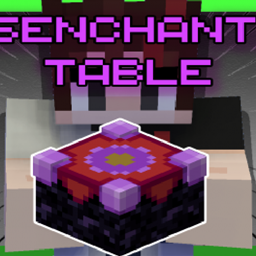
Disenchanter Table Addon
This addon adds a new block to the game called the Disenchanter Table. The Disenchanter Table is unique block that will add a whole new disenchanting mechanic in the game.Download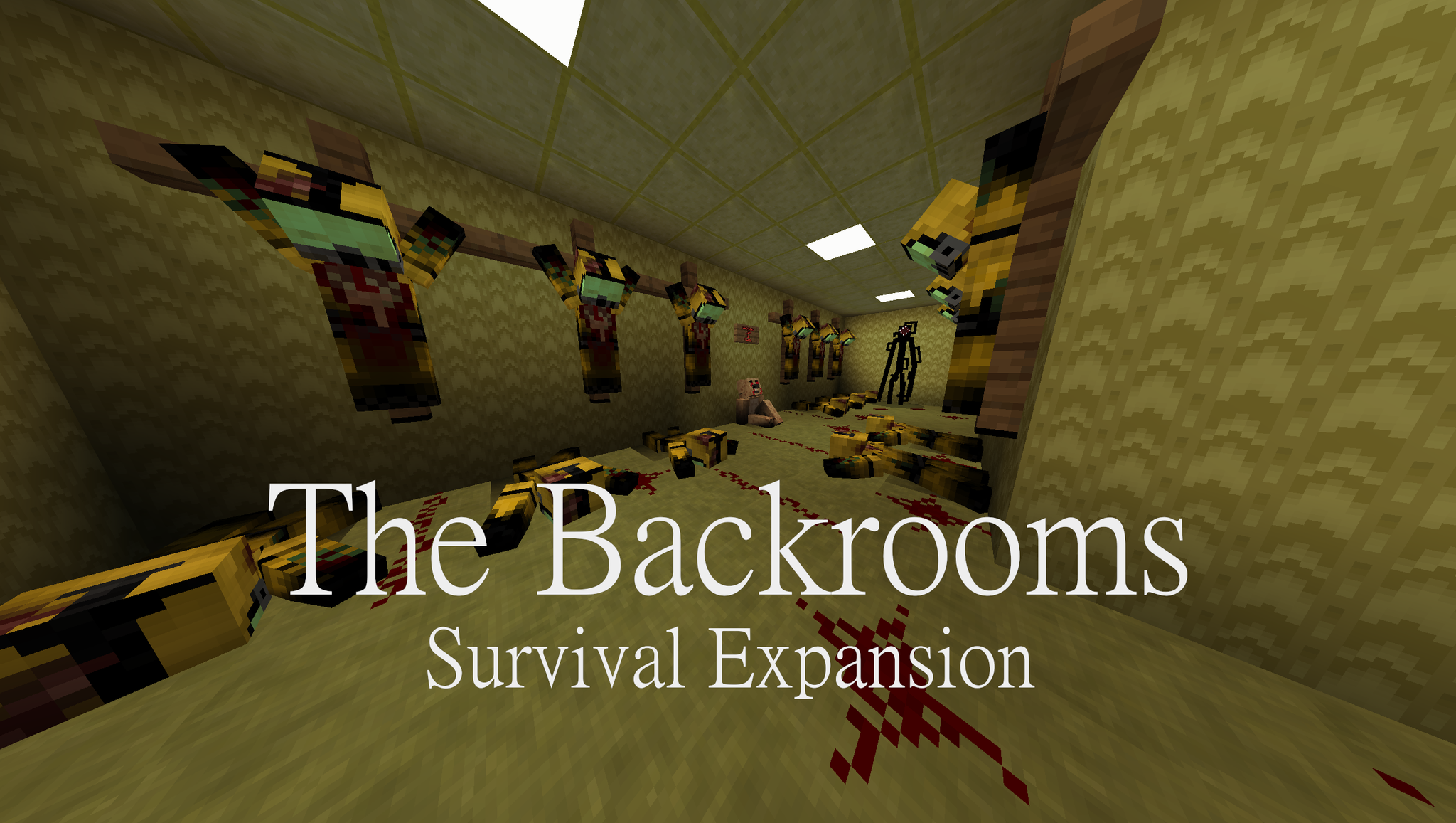
The Backrooms Survival Expansion V3.1 (Level Fun Update!)
Adds a new dimension, the Backrooms, with a unique horror atmosphere, including new mobs, textures and sound effects, and also improves stability and game balance in survival mode.Download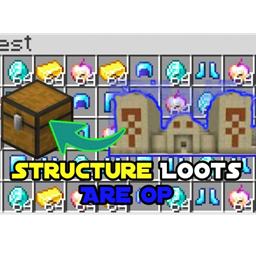
Structures Loots Are OP
This addon changes the loots of the naturally occuring structures to op loots all the while giving survival a fun experienceDownload
Dexten's Chiselry V1.4.5 ("New Deepslate Types & Bugs Fixed") [Compatible with any Addons & Realms]
Adds 265 new blocks, including 19 new deepslate types, 19 stone types (andesite, granite, diorite), 19 rough stone types, 10 glass types and 13 woven plank models, expanding decoration and building possibilities.Download
Simple Backpack Addon (compatiple with other addons)
Adds a backpack item that can be used to increase the player's inventory without conflicting with other add-ons. It does not require modifying player.json files, ensuring compatibility with other modifications.Download
Overpowered Ores [v2.0]
Adds the ability to obtain super-powerful items when mining every type of ore. Increases the level and amount of dropped items, making the final battle easier.Download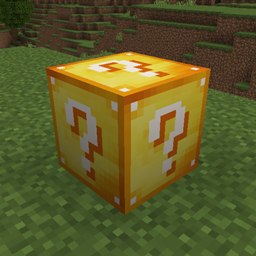
Classic Lucky Block - Lucky Sword, Bow, and Potion
The MOST CLASSIC Lucky Block is here, which involves Lucky Blocks, Lucky Sword, Lucky Bow, Lucky Potion and more! Besides, these stuffs contain different Luck Values to craft! With 300+ different outcomes!Download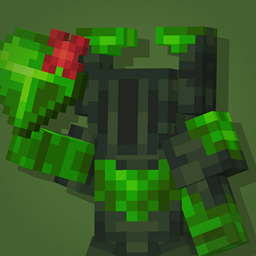
Cataclysmical: Bosses, Weapons & Dungeons
Features new bosses, dungeons & weaponsDownload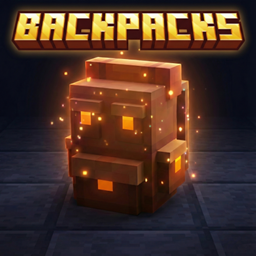
BONY162's Backpacks
Say goodbye to inventory clutter! This addon adds 10+ fully functional, upgradable Backpacks to your survival world. Unlike basic mods, you can place these down to interact with them or carry them on your adventures.Download
WorldEdit (Bedrock) [UNDOFUNCTION] Phone and PC
Adds tools for quick world editing in Minecraft Bedrock, including copying, pasting, filling, and creating voids. Supports operation on phones and PC, in versions 1.16 and above.Download
Minecraft Hollow Earth Addon! The Start To Skull Island!
Adds one Tyrannosaurus with improved behavior and animations, as well as new names for objects. Includes improved compatibility with the latest versions of the game.Download
Brewing Guide UI v3.1.0 [v1.21.0]
Adds an interface for brewing potions with a hierarchical visualization of recipes and information about each potion, including new recipes from version 1.21.Download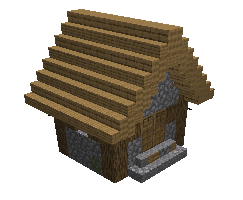
Miniature Structures (1.20 Support)
Adds miniature versions of structures, including the ocean monument and the End ship, with modified crafting recipes. Supports version 1.20 and above.Download
MH New Ores RB V5
Adds new ores — copper, ruby, sapphire, emerald, amethyst, platinum, tin and silver — with corresponding tools, armor and swords for Minecraft Bedrock Edition.Download
NIGHT VISION (RESOURCE PACK)
Universal Night Vision work every were.Download
Capybaras
Adds capybaras, friendly mobs with unique behavior and appearance, including improved animation and faster movement in water. Does not change gameplay other than adding new creatures.Download
Pet Furniture
Adds furniture for pets: beds, loungers, feeders and other items that can be placed in the world for mobs. Changes the geometry of some objects to the new measurement standards.DownloadMinecraft PE mods
An add‑on is how you change Minecraft on Bedrock Edition: phones, tablets, consoles and the Windows version. There are no mods in the usual sense there, but there's an official add‑on format — behavior packs and resource packs that add mobs, weapons and mechanics and change how the game looks. For Pocket Edition it's the closest thing to PC mods, and it's far easier to install.
DetailsCollapse
An add‑on file (.mcaddon or .mcpack) opens right in the game: tap the file to import it, then enable the pack in the world settings. Nothing to unpack manually. Every add‑on in the catalog lists its Bedrock version, type (behavior, resources or both) and world compatibility. Some add‑ons require enabling experimental world features — this is noted in the description so the mechanics are sure to work.
FAQ
How is an add‑on different from a mod?
An add‑on is the official format for Bedrock Edition (Pocket Edition, consoles, Windows). Mods in the traditional sense exist only on Java Edition for PC. An add‑on is easier to install and doesn't break with updates as often.
How do I install an add‑on on my phone?
Download the .mcaddon or .mcpack file and open it — Minecraft will import the pack on its own. Then enable it in the world settings under “Behavior Packs” and “Resource Packs”.
Why isn't my add‑on working?
Most often the world's experimental features aren't enabled or the game version doesn't match. Check the requirements in the add‑on description and your world settings.