
Minecraft PE horror mods — page 2
Found: 31 addonsAddons: list


Asian Ghost Addon [1.0.9] (Horror) Compatible With Other Addon
Adds new mobs: Hanako-san, Nure-onna, Jeruk-Purut and Sigbin, as well as an item, salt. Changes the behavior and sound parameters of existing ghosts, ensuring compatibility with other add-ons.Download
Ghost Rider's Hell Cycle Addon | Blue Hell Cycle Update!
Adds the Ghost Rider's blue motorcycle with fire effects, a new blue fire block and jump animations. Improved visual effects, including smoke and fire trails behind the motorcycle.Download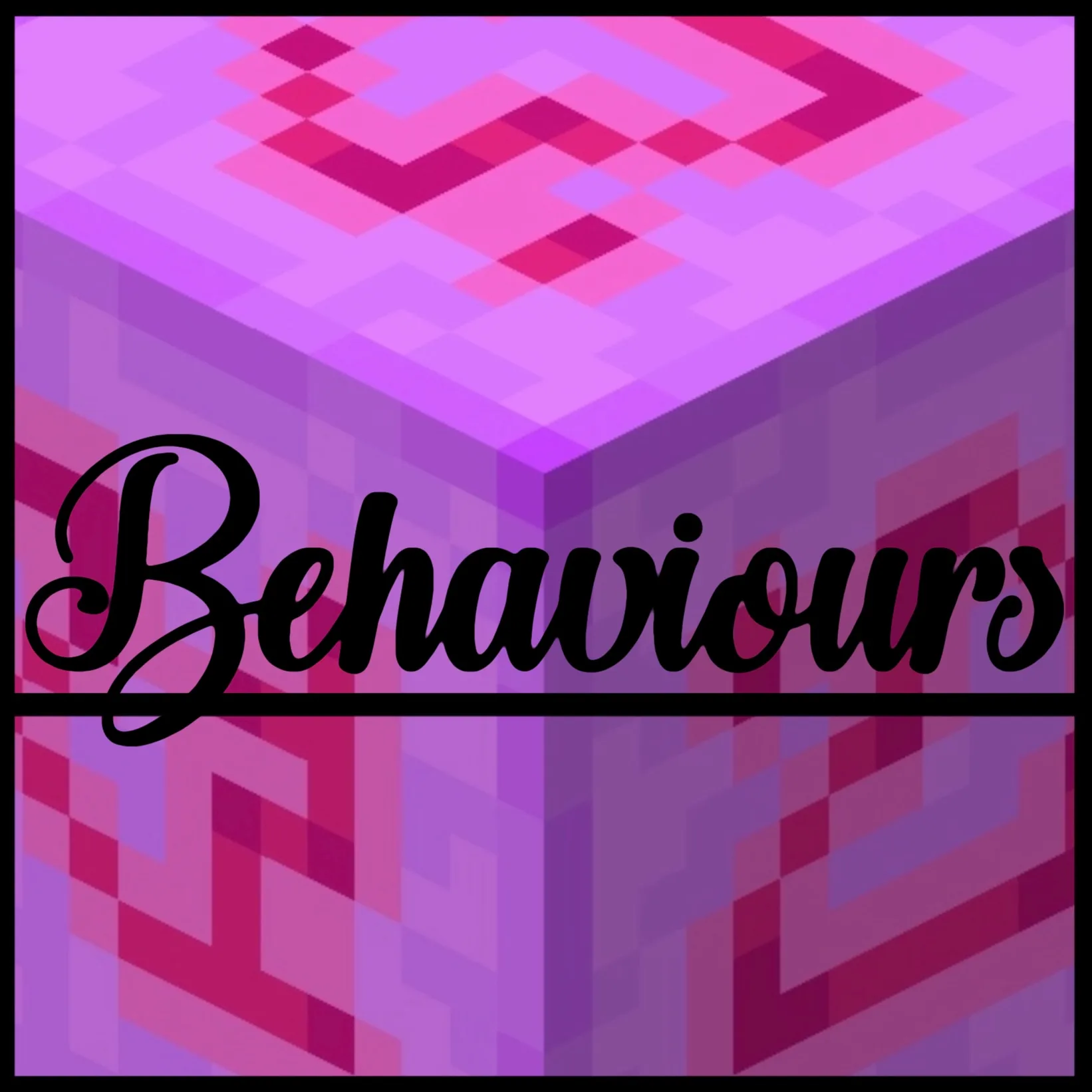
Everything ‘Modded’ ‘Cursed’ ‘Unobtainable’ You Could Ever Need (Add-on)
Adds a new block, mob, and many recipes, including the ability to craft unobtainable blocks such as cakes with candles and unlit lava cauldrons. It also includes new features for displaying block and mob states.Download
High Quality Update - Herobrine's Hiding Deluxe
Adds corrupted mobs that imitate vanilla ones, with horror elements: jump scares, new hero forms, unique loot, and an improved AI system with teleportation and anti-cheat protection.Download
Foreboding Project
Adds an atmospheric horror storyline with gradually increasing tension, including unique events, player mutations, hidden mechanics, and behavior settings to control difficulty. Introduces new mechanics such as rituals, ghostly creatures, and dynamic weather effects that affect gameplay.Download
【CSO】Regular Zombie
Adds a new zombie with a modified appearance and behavior fitting a horror theme, including new animations and sounds. Changes the mob's standard characteristics to enhance the atmosphere of fear in the game.DownloadMinecraft PE horror mods
An add‑on is how you change Minecraft on Bedrock Edition: phones, tablets, consoles and the Windows version. There are no mods in the usual sense there, but there's an official add‑on format — behavior packs and resource packs that add mobs, weapons and mechanics and change how the game looks. For Pocket Edition it's the closest thing to PC mods, and it's far easier to install.
DetailsCollapse
An add‑on file (.mcaddon or .mcpack) opens right in the game: tap the file to import it, then enable the pack in the world settings. Nothing to unpack manually. Every add‑on in the catalog lists its Bedrock version, type (behavior, resources or both) and world compatibility. Some add‑ons require enabling experimental world features — this is noted in the description so the mechanics are sure to work.
FAQ
How is an add‑on different from a mod?
An add‑on is the official format for Bedrock Edition (Pocket Edition, consoles, Windows). Mods in the traditional sense exist only on Java Edition for PC. An add‑on is easier to install and doesn't break with updates as often.
How do I install an add‑on on my phone?
Download the .mcaddon or .mcpack file and open it — Minecraft will import the pack on its own. Then enable it in the world settings under “Behavior Packs” and “Resource Packs”.
Why isn't my add‑on working?
Most often the world's experimental features aren't enabled or the game version doesn't match. Check the requirements in the add‑on description and your world settings.