
 NeoForge
 Forge
ForgeÜber die XyCraft: World-Mod
Weltgenerierung und Erze sind hier! Überall in der Welt gibt es Geheimnisse zu entdecken, eines davon ist das leuchtende Xychorium!
Zusammenfassung:
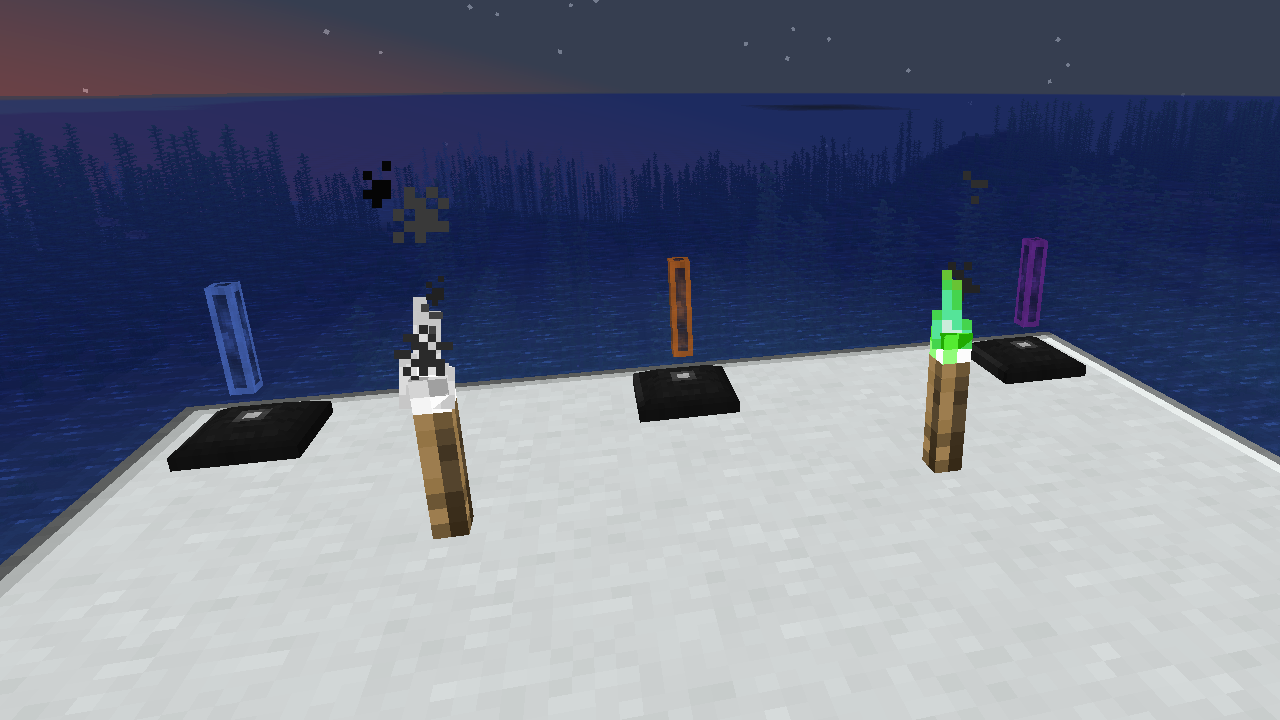
XyCraft World ist eine erforderliche Komponente der meisten Mods, und obwohl dies wahrscheinlich in Core hätte verpackt werden können, gab es eine Debatte darüber, externen Entwicklern Werkzeuge zur Verfügung zu stellen, ohne den Weltgenerierungsaspekt zu erfordern. Aus genau diesem Grund wurde dies getrennt. Jegliche Weltgenerierung oder Erkundung soll in diesem Modul stattfinden.
Funktionen:
- Bietet die Weltgenerierung für alle XyCraft-Module
- Materialien wie Xychorium und Aluminium mit korrekten Tags
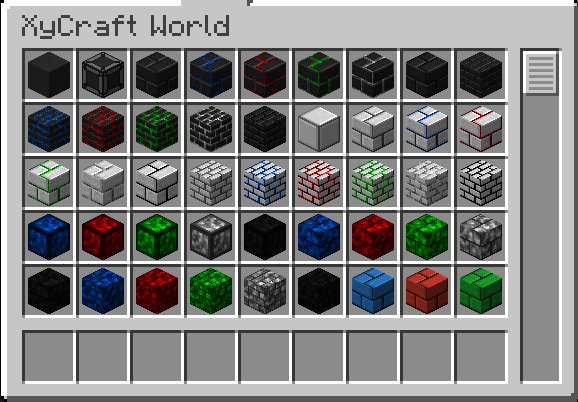
- Fügt dekorative Blöcke mit dem ikonischen XyCraft-Wolken- und Glüheffekt hinzu
Geplant:
- Satisfactory-ähnliche Erzknoten in einem Konzept.
- Mehr Erkundungsbelohnungen für den Spieler
- Ingame-Anleitung, wo Materialien zu finden sind und was damit zu tun ist.
- Nahrungs-/Pflanzenobjekte wie Mais und Tomaten.
- Möglicherweise eine Dimension, aber das steht nicht auf der aktuellen Roadmap, falls es doch passiert.
- Erfahrung, die beim Abbau der Erze fallen gelassen wird.
- Mehr Blockvarianten und Optionen.
Installation von XyCraft: World
With Millida Launcher
Install Millida Launcher
The launcher is free: download it at millida.net/launcher and sign in with any nickname.
Click “Install” on this page
The launcher opens and installs the mod for Minecraft 1.20.1–26.1.2 on Forge or NeoForge automatically.
Launch the game
A profile with it appears in the launcher: click “Play”.
Manually
Install Forge or NeoForge
The loader must match the game version of the mod file, for example Minecraft 26.1.2. After installing it, a separate profile appears in your launcher.
Download the file for your version
In the version list above, pick the file xycraft-world-0.9.2.jar (1.8 MB) for your game version and loader.
Put it in the mods folder
The folder is inside .minecraft (Windows: %appdata%\.minecraft\mods). If it does not exist, create it.
Launch the loader profile
Open “Mods” in the main menu: XyCraft: World should be in the list.
Versionen
Mit Abhängigkeiten
| Minecraft | Loader | Datei | Datum | Aktionen |
|---|---|---|---|---|
| 26.1.2 | NeoForge | XyCraft World 0.9.21.8 MB | ||
| 26.1.2 | NeoForge | XyCraft World 0.9.0-beta.211.8 MB | ||
| 1.20.1 | NeoForge, Forge | XyCraft World v0.6.222.7 MB |
FAQ
Which Minecraft versions does XyCraft: World work on?
There are files for 26.1.2, 1.20.1. The newest is 26.1.2.
Is XyCraft: World for Forge or Fabric?
There are files for Forge: 1.20.1 and for NeoForge: 1.20.1–26.1.2. There are no files for Fabric: a mod for another loader will not start.
Does XyCraft: World need other mods?
The author lists no required dependencies: the Forge or NeoForge loader is enough.
Where can I download XyCraft: World safely?
On this page: the file xycraft-world-0.9.2.jar (1.8 MB) is stored on Millida’s server, with no link shorteners. SHA-1 checksum: 7ecf6a0a0efb57e97b1b768e264f444259a325d0.
Bewertungen
Bewerten Sie XyCraft: World als Erster


