
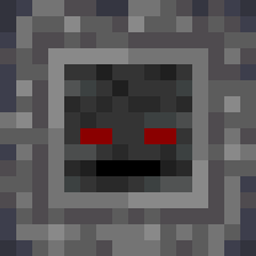
Wither Skeleton Totem Mod für Minecraft 1.19.2, 1.18.2
Macht das Grinden nach Mob-Drops interessanter
 Fabric
 Forge
ForgeÜber die Wither Skeleton Totem-Mod
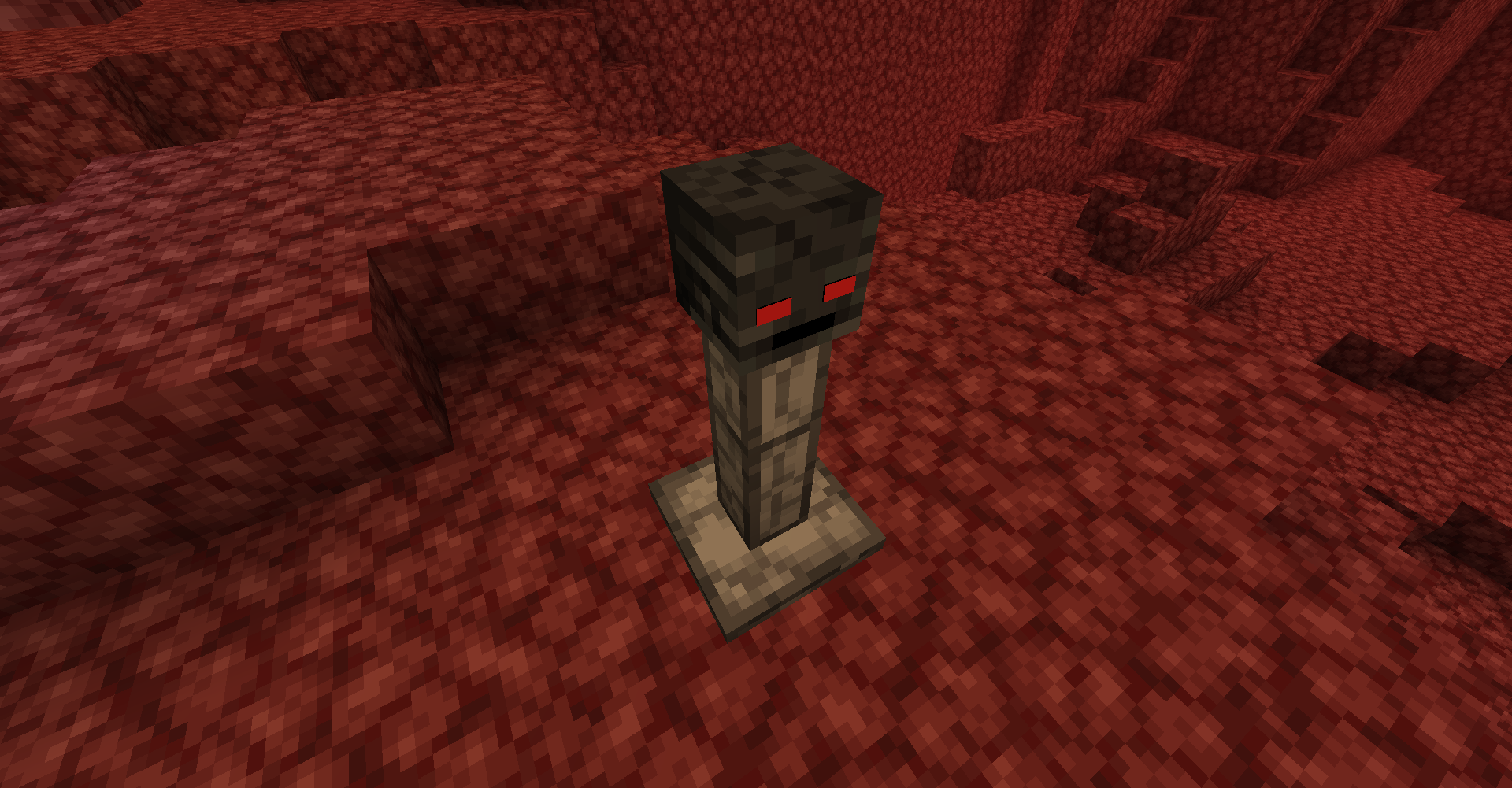
If you believe that griding for mob drops is tedious, this mod attempts to make it more interesting using wither skeleton totems.
Overview for Fabric, Forge 1.15.2 - 1.18:
Near the totem, you are given a looting effect, the same as a looting II sword. And, if you kill any mob with a looting III sword and a totem is nearby, the total effect is looting V.
But be careful, because monsters nearby will gain strength II and speed.
These totems spawn uncommonly in the nether. Just mine the base to pick up the two totem pieces, and then construct them anywhere else.
They also can be crafted if you have a wither skeleton skull.
Fabric versions require the Fabric API
Overview for Forge 1.14.4:
Wither skeletons killed near totems will drop more loot, but be careful, because the totem also grants them with strength II.
The looting effect is the same as killing a skeleton with a looting II sword. So, if you kill a wither skeleton with a looting III enchantment and a totem is nearby, the total effect is looting V.
These totems spawn uncommonly in the nether. Just mine the base to pick up the two totem pieces, and then construct them anywhere else.
Made for Spookyjam 2019
Installation:
Installed like any other regular Fabric mod.
Dependencies (jars) that need to be in the mod folder:
- Fabric API
Installation von Wither Skeleton Totem
With Millida Launcher
Install Millida Launcher
The launcher is free: download it at millida.net/launcher and sign in with any nickname.
Click “Install” on this page
The launcher opens and installs the mod for Minecraft 1.14.4–1.20 on Fabric or Forge automatically.
Launch the game
A profile with it appears in the launcher: click “Play”.
Manually
Install Fabric or Forge
The loader must match the game version of the mod file, for example Minecraft 1.20. After installing it, a separate profile appears in your launcher.
Download the file for your version
In the version list above, pick the file Wither-Totems-Mod-1.2-1.20.jar (54 KB) for your game version and loader.
Put it in the mods folder
The folder is inside .minecraft (Windows: %appdata%\.minecraft\mods). If it does not exist, create it.
Launch the loader profile
Open “Mods” in the main menu: Wither Skeleton Totem should be in the list.
Minecraft 1.20 runs on Java 17: with a different Java version the game may close right after launch.
Versionen
Mit Abhängigkeiten
| Minecraft | Loader | Datei | Datum | Aktionen |
|---|---|---|---|---|
| 1.20 | Fabric | Wither-Totems-Mod-1.2-1.20.jar53.8 KB | ||
| 1.19.2 | Forge | Wither Totems [Forge]-0.3.3.jar51.5 KB | ||
| 1.18.2 | Forge | Wither Totems [Forge]-0.3.2.jar52.2 KB | ||
| 1.18.2 | Fabric | Wither-Totems-Mod-0.3.5-1.18.2-pre2.jar53.5 KB | ||
| 1.15.2 | Forge | Wither Totems [Forge]-0.2.jar254 KB | ||
| 1.14.4 | — | Wither Totem 0.1.jar28.3 KB 1 |
FAQ
Which Minecraft versions does Wither Skeleton Totem work on?
There are files for 1.20, 1.19.2, 1.19.1, 1.18.2, 1.15.2, 1.14.4. The newest is 1.20.
Is Wither Skeleton Totem for Forge or Fabric?
There are files for Fabric: 1.18.2–1.20 and for Forge: 1.15.2–1.19.2. There are no files for NeoForge: a mod for another loader will not start.
Does Wither Skeleton Totem need other mods?
The author lists no required dependencies: the Fabric or Forge loader is enough.
Which Java does Wither Skeleton Totem need?
Minecraft 1.20 runs on Java 17. If the game closes right after launch, the usual cause is the wrong Java version in the profile settings.
Where can I download Wither Skeleton Totem safely?
On this page: the file Wither-Totems-Mod-1.2-1.20.jar (54 KB) is stored on Millida’s server, with no link shorteners. SHA-1 checksum: b7dc7e1918dc943590c052301a106b12405d846a.
Bewertungen
Bewerten Sie Wither Skeleton Totem als Erster


