

 Fabric
 Forge
 NeoForge
WHAT ITS WATERVISION?
Watervision its my brand new mod that [REDACTED]
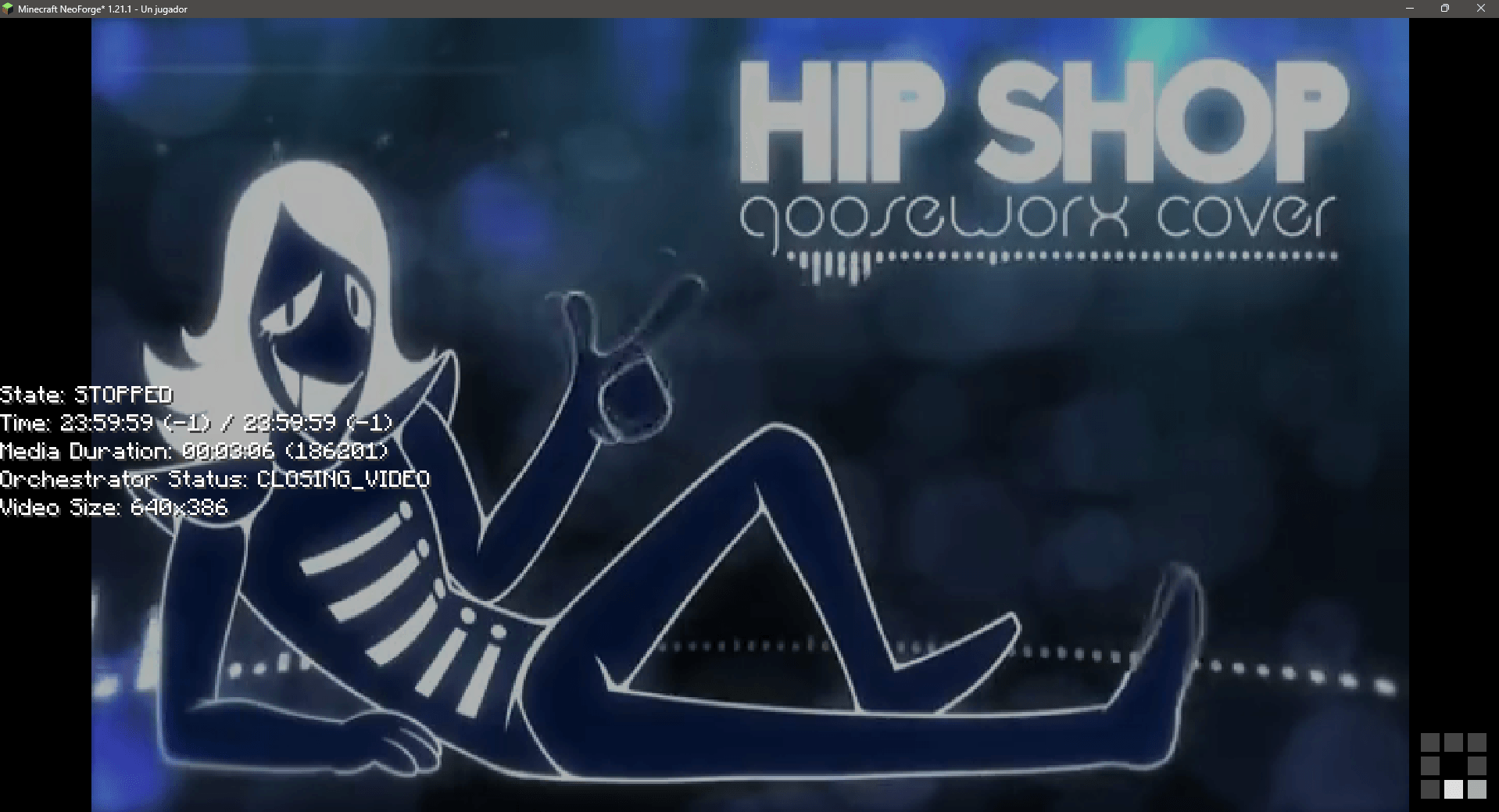
For now, its a temporal replacement of the VideoPlayer mod, which let you play full screen videos in your game using commands. Powered by WATERMeDIA and VLC
Not affiliated with Mr.Puzzle or PuzzleVision
USAGE
This mod adds 2 commands
- /video "<url>" <targets> [volume] [speed] [stretch_video] [game_fade_duration] [video_fade_duration] [allow_controls] [allow_exit]
- Plays a video from the given URL at the specified properties, by default, volume 100, speed 1.0, stretch_video false, game_fade_duration 20.0, video_fade_duration 20.0, allow_controls true, allow_exit true
- Example: /video "https://streamable.com/jzqiek" @a 100 1.0 false 20.0 20.0 true true
- Requires OP permission level 4 (default)
- Arguments:
- url: The URL of the video to play. Must be a direct link to a video file (e.g., .mp4, .webm). MUST be quoted
- targets: The player(s) to play the video for
- volume: The volume of the video (0-120)
- speed: The speed of the video (0.1-2.0)
- stretch_video: Whether to stretch the video to fit the screen (true/false)
- game_fade_duration: The duration of the fade-in/out effect for the game to the video screen (in ticks)
- video_fade_duration: The duration of the fade-in/out effect for the darkness to the video (in ticks)
- allow_controls: Whether to allow players to control the video playback (true/false) [UNUSED]
- allow_exit: Whether to allow players to exit the video playback using ESC key (true/false)
- /videoclient "<url>"
- Plays a video from the given URL on the client side only, without any server interaction
- Example: /videoclient "https://streamable.com/jzqiek"
- Requires no permission level and only had effects on your client
- Arguments:
- url: The URL of the video to play. Must be a direct link to a video file (e.g., .mp4, .webm). MUST be quoted
- volume: The volume of the video (0-120)
- speed: The speed of the video (0.1-2.0)
- stretch_video: Whether to stretch the video to fit the screen (true/false)
LOADING ANIMATION
The loading animation its provided by the WATERMeDIA API, and can be customized to place your own file by adding it in the following path: <minecraft folder>/config/watermedia/assets/watervision/loading.gif
If the file is not found, it will use the default one, which can be also customized to place your own file by adding it in the following path: <minecraft folder>/config/watermedia/assets/loading.gif NOTE: Customizing the default one will affect all the mods that use the WATERMeDIA API
LICENSE
This mod is licensed under the PolyForm Strict License 1.0.0.
Installation von WATERViSION: Videoplayer
With Millida Launcher
Install Millida Launcher
The launcher is free: download it at millida.net/launcher and sign in with any nickname.
Click “Install” on this page
The launcher opens and installs the mod for Minecraft 1.21.1–1.21.5 on Fabric, Forge or NeoForge automatically.
Launch the game
A profile with it appears in the launcher: click “Play”.
Manually
Install Fabric, Forge or NeoForge
The loader must match the game version of the mod file, for example Minecraft 1.21.5. After installing it, a separate profile appears in your launcher.
Download the file for your version
In the version list above, pick the file watervision-FB-mc1.21.5-v0.1.0-alpha.jar (83 KB) for your game version and loader.
Put it in the mods folder
The folder is inside .minecraft (Windows: %appdata%\.minecraft\mods). If it does not exist, create it.
Launch the loader profile
Open “Mods” in the main menu: WATERViSION: Videoplayer should be in the list.
Minecraft 1.21.5 runs on Java 21: with a different Java version the game may close right after launch.
Versionen
Mit Abhängigkeiten
| Minecraft | Loader | Datei | Datum | Aktionen |
|---|---|---|---|---|
| 1.21.1 | NeoForge | WaterVision/NF-mc1.21.1-v0.1.0-alpha76.4 KB | ||
| 1.21.5 | Fabric | WaterVision/FB-mc1.21.5-v0.1.0-alpha83.4 KB | ||
| 1.21.5 | Forge | WaterVision/FG-mc1.21.5-v0.1.0-alpha81.4 KB |
FAQ
Which Minecraft versions does WATERViSION: Videoplayer work on?
There are files for 1.21.5, 1.21.1. The newest is 1.21.5.
Is WATERViSION: Videoplayer for Forge or Fabric?
There are files for Fabric: 1.21.5, for Forge: 1.21.5 and for NeoForge: 1.21.1.
Does WATERViSION: Videoplayer need other mods?
The author lists no required dependencies: the Fabric, Forge or NeoForge loader is enough.
Which Java does WATERViSION: Videoplayer need?
Minecraft 1.21.5 runs on Java 21. If the game closes right after launch, the usual cause is the wrong Java version in the profile settings.
How do I download WATERViSION: Videoplayer?
With Millida Launcher: it installs WATERViSION: Videoplayer into a modpack by itself, for the right game version and loader. The launcher is free.
Bewertungen
Bewerten Sie WATERViSION: Videoplayer als Erster


