

 Fabric
Über die Visual Workbench [Legacy Fabric]-Mod
Download for 1.19+: https://www.curseforge.com/minecraft/mc-mods/visual-workbench
           
📖 About:
Visual Workbench makes items put into a crafting table stay inside. Breaking the block drops everything on the ground, just like you'd expect. Oh, and crafting ingredients are also rendered on top. Really fancy if you ask me!
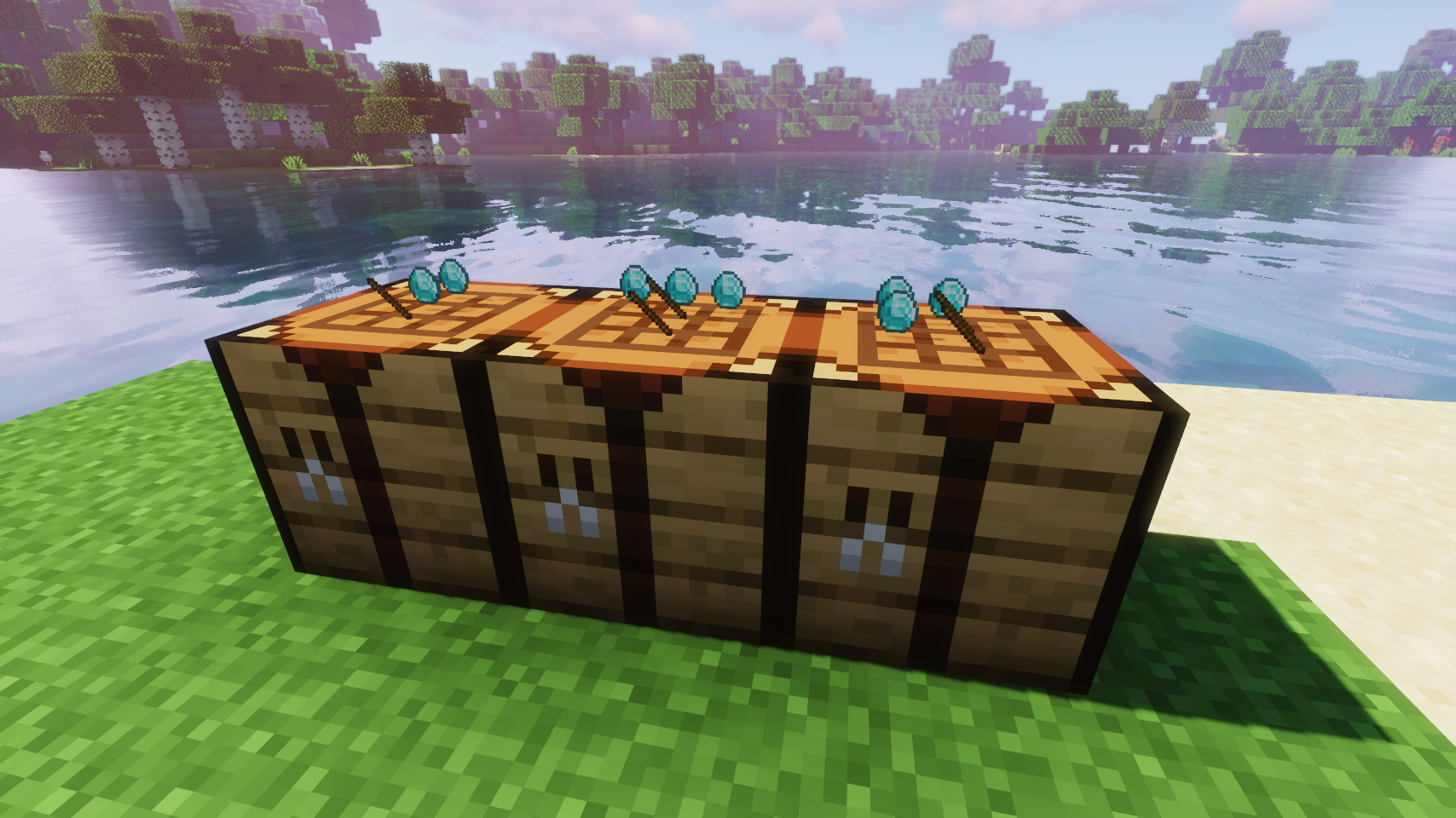
  
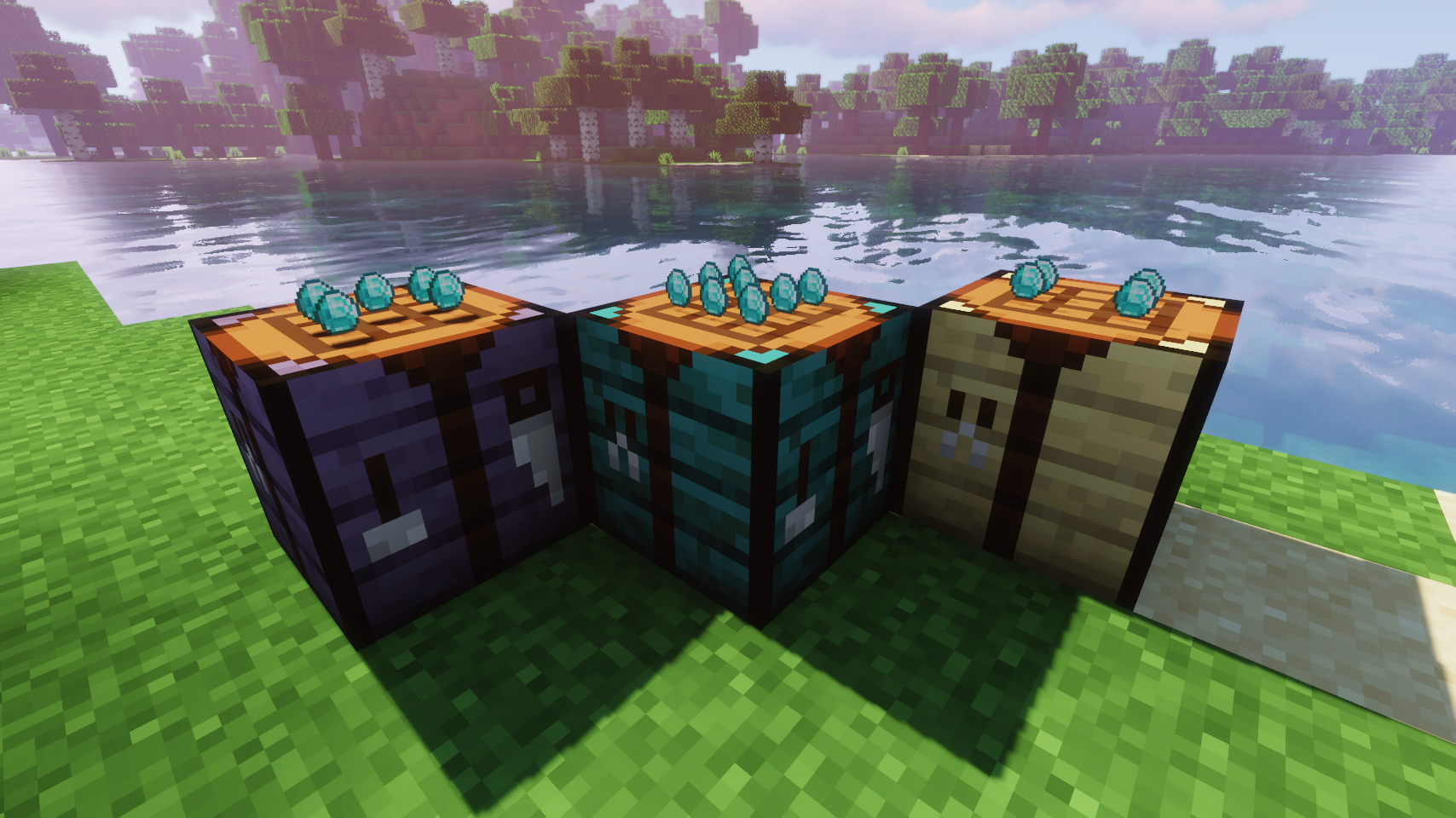
Crafting now looks really fancy    Modded crafting tables work too (Forge only)
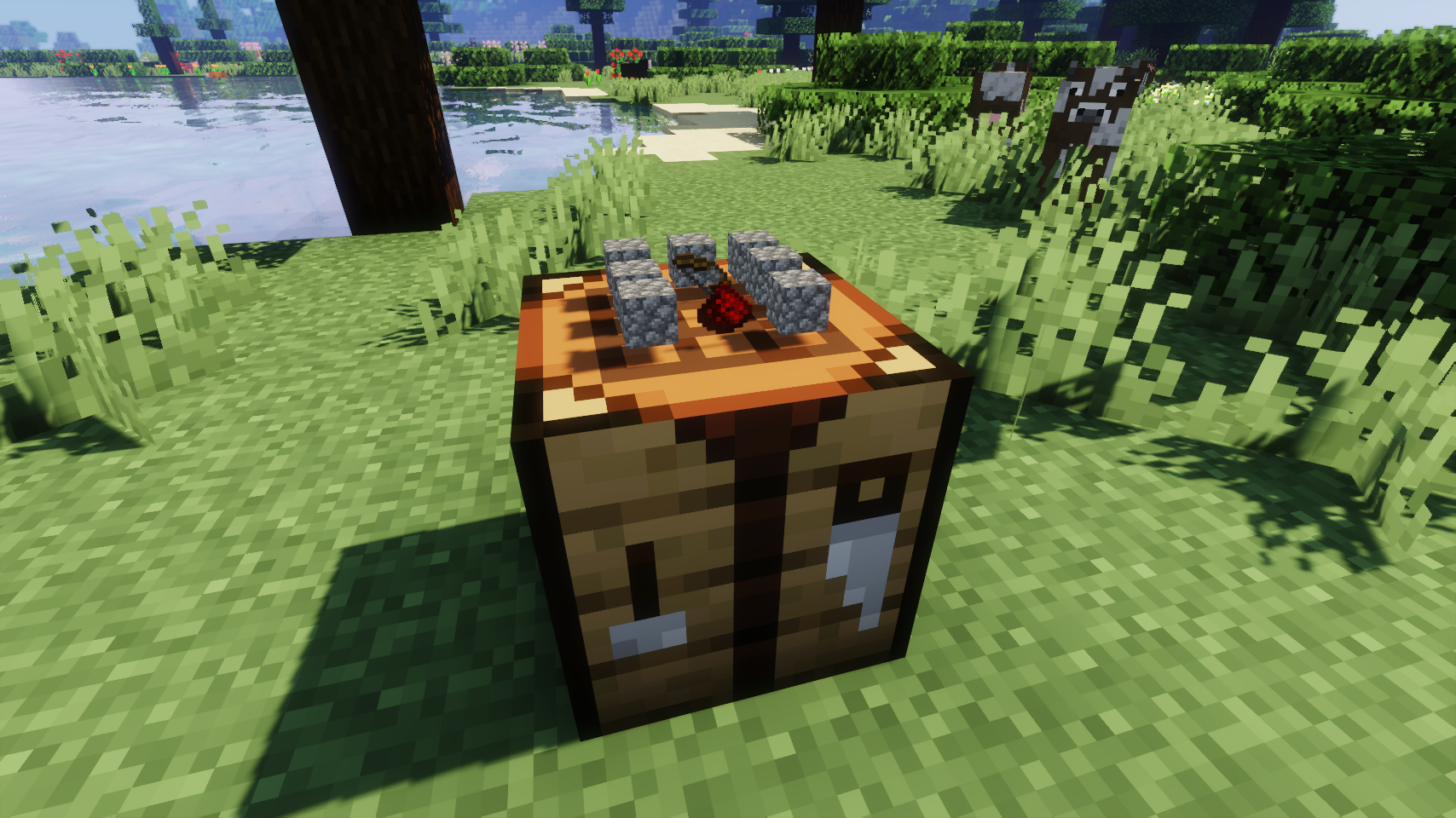
  
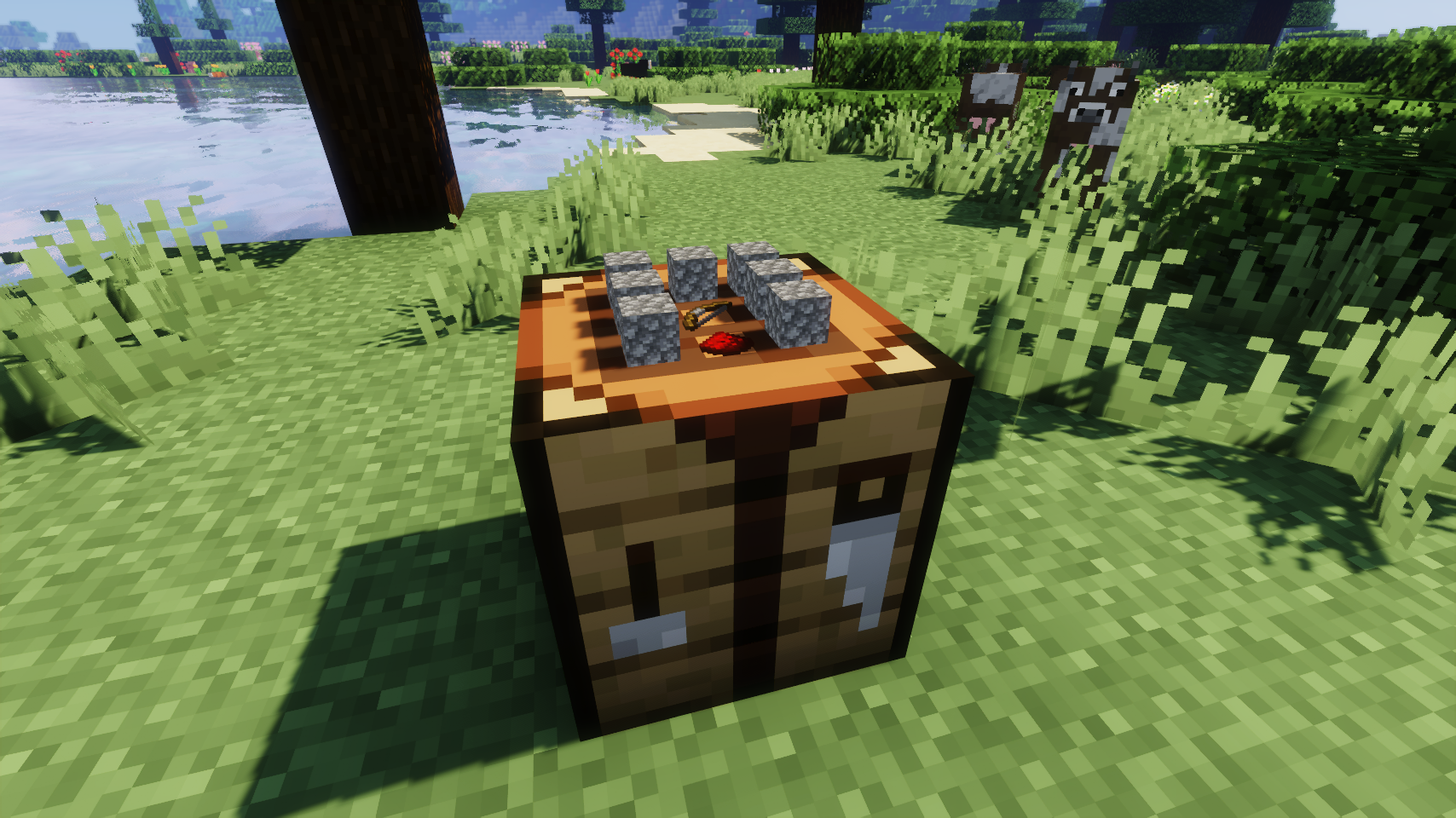
Floating item rendering option    Flat item rendering option
💡 FAQ:
Q: How do I configure this mod? A: Editing configs directly in-game has not yet been implemented. Instead when in a world run the /config showfile <modid> command by choosing either CLIENT or SERVER (depending on the mod), then click the file name (ending with .toml) that appears in chat to be able to manually edit the config file in a separate editor.
Q: Does this work with crafting tables from other mods? A: Unfortunately no.
Q: Now that items stay in the table, clearing the interface is so tedious. What can I do? A: Try Crafting Tweaks, a mod by BlayTheNinth.
🏆 Credits:
Developing Visual Workbench was helped and inspired by:
- Prototik for the original idea and most of the rendering code from their RealBench mod


Installation von Visual Workbench [Legacy Fabric]
With Millida Launcher
Install Millida Launcher
The launcher is free: download it at millida.net/launcher and sign in with any nickname.
Click “Install” on this page
The launcher opens and installs the mod for Minecraft 1.18.2 on Fabric automatically.
Launch the game
A profile with it appears in the launcher: click “Play”.
Manually
Install Fabric
The loader must match the game version of the mod file, for example Minecraft 1.18.2. After installing it, a separate profile appears in your launcher.
Download the file for your version
In the version list above, pick the file VisualWorkbench-v3.3.0-1.18.2-Fabric.jar (64 KB) for your game version.
Put it in the mods folder
The folder is inside .minecraft (Windows: %appdata%\.minecraft\mods). If it does not exist, create it.
Launch the loader profile
Open “Mods” in the main menu: Visual Workbench [Legacy Fabric] should be in the list.
Minecraft 1.18.2 runs on Java 17: with a different Java version the game may close right after launch.
Versionen
Mit Abhängigkeiten
| Minecraft | Loader | Datei | Datum | Aktionen |
|---|---|---|---|---|
| 1.18.2 | Fabric | VisualWorkbench-v3.3.0-1.18.2-Fabric.jar64.2 KB 1 |
FAQ
Which Minecraft versions does Visual Workbench [Legacy Fabric] work on?
Only Minecraft 1.18.2: there are no files for other versions.
Is Visual Workbench [Legacy Fabric] for Forge or Fabric?
Only for Fabric: 1.18.2. There are no files for Forge or NeoForge: a mod for another loader will not start.
Does Visual Workbench [Legacy Fabric] need other mods?
The author lists no required dependencies: the Fabric loader is enough.
Which Java does Visual Workbench [Legacy Fabric] need?
Minecraft 1.18.2 runs on Java 17. If the game closes right after launch, the usual cause is the wrong Java version in the profile settings.
Where can I download Visual Workbench [Legacy Fabric] safely?
On this page: the file VisualWorkbench-v3.3.0-1.18.2-Fabric.jar (64 KB) is stored on Millida’s server, with no link shorteners. SHA-1 checksum: 596c2e1b05ab7cfd82b6d8d64ad1dd9642503ed9.
Bewertungen
Bewerten Sie Visual Workbench [Legacy Fabric] als Erster


