
Vanilla Hammers Mod für Minecraft 1.19.2
Fügt dem Spiel eine Reihe neuer Hämmer hinzu!
- Downloads
- 7 Downloads
- Aufrufe
- 29 Aufrufe
- Aktualisiert
- Aktualisiert 18.10.2026
- 1.19 — 1.19.2
 Fabric
Über die Vanilla Hammers-Mod
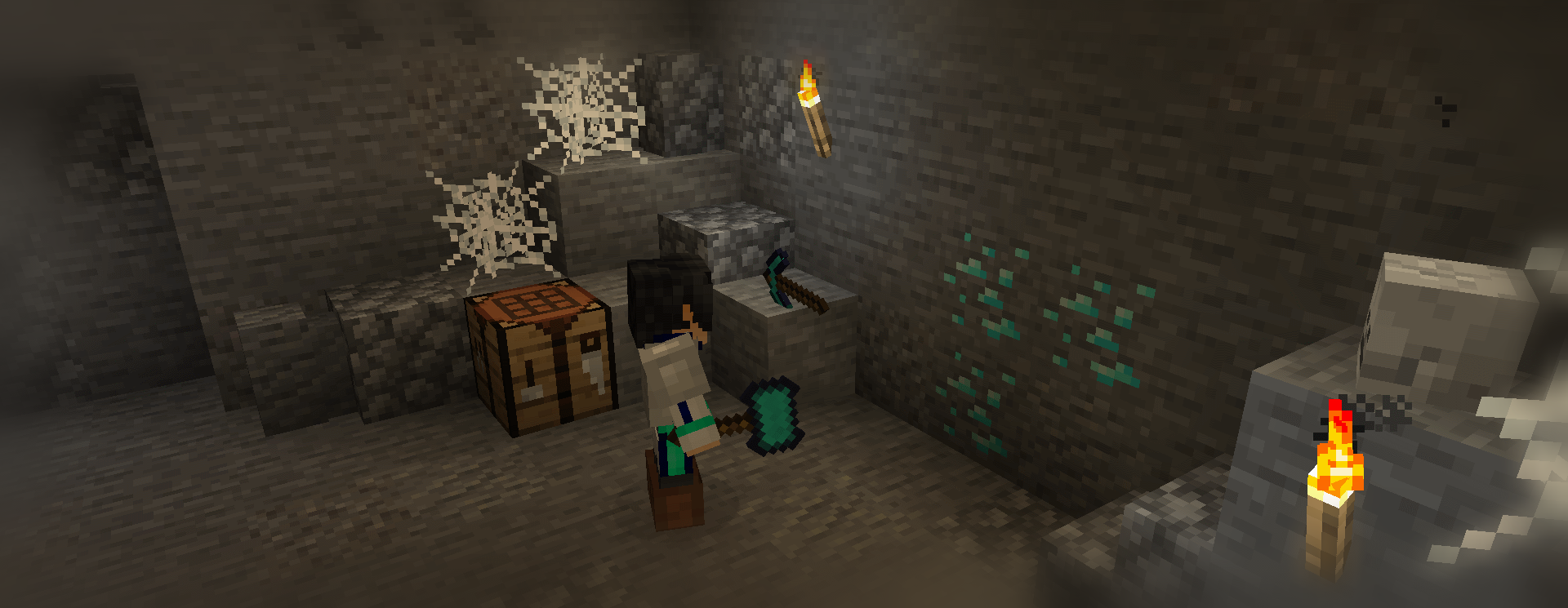
Vanilla Hammers adds in a ton of new Hammer items, which mine out a 3x3 area in front of the player. Very useful for large-scale excavation and mining!
Each Vanilla Hammer item is based on a vanilla material; the stats of the hammer grow as the material gets rarer. Each hammer has the same mining level as the vanilla tool counterpart, but it has more durability and is slower to use. Why use a diamond pickaxe when you can use an awesome hammer?
Make sure to explore all the fun advancements available (and the secret ones as well!). Craft a Wooden Pickaxe to unlock the tab.
To repair a hammer, place it in an anvil with its respective material type. There are config options to disable certain materials, for those who want a true vanilla experience. You can also configure how the 3x3 hitbox looks.
Vanilla Hammers requires the Fabric Loader and Fabric API to run. For a Forge variant, check out MelanX's port here. Recipes can be found in the images tab of this page. Have fun!
License Note: from 3.2.0-1.18 onwards, Vanilla Hammers is licensed under the MIT license (old: GPLv3), with permission from all contributors who have code in the latest releases. Jars before this version are still licensed to you under the GPLv3 license. The main implication of this is that you should provide sources when distributing built versions before 3.2.0 (for the sake of the other contributors - I personally don't care), but you can do whatever you want when distributing files from version 3.2.0 onwards. Thanks for your understanding!
Installation von Vanilla Hammers
With Millida Launcher
Install Millida Launcher
The launcher is free: download it at millida.net/launcher and sign in with any nickname.
Click “Install” on this page
The launcher opens and installs the mod for Minecraft 1.19–1.19.2 on Fabric automatically.
Launch the game
A profile with it appears in the launcher: click “Play”.
Manually
Install Fabric
The loader must match the game version of the mod file, for example Minecraft 1.19.2. After installing it, a separate profile appears in your launcher.
Download the file for your version
In the version list above, pick the file vanilla-hammers-3.5.0-1.19.2.jar (186 KB) for your game version.
Put it in the mods folder
The folder is inside .minecraft (Windows: %appdata%\.minecraft\mods). If it does not exist, create it.
Launch the loader profile
Open “Mods” in the main menu: Vanilla Hammers should be in the list.
Minecraft 1.19.2 runs on Java 17: with a different Java version the game may close right after launch.
Versionen
Mit Abhängigkeiten
| Minecraft | Loader | Datei | Datum | Aktionen |
|---|---|---|---|---|
| 1.19.2 | Fabric | vanilla-hammers-3.5.0-1.19.2.jar186 KB 1 | ||
| — | — | vanilla-hammers-1.7.3_20w15a840 KB 6 |
FAQ
Which Minecraft versions does Vanilla Hammers work on?
There are files for 1.19.2, 1.19.1, 1.19. The newest is 1.19.2.
Is Vanilla Hammers for Forge or Fabric?
Only for Fabric: 1.19–1.19.2. There are no files for Forge or NeoForge: a mod for another loader will not start.
Does Vanilla Hammers need other mods?
The author lists no required dependencies: the Fabric loader is enough.
Which Java does Vanilla Hammers need?
Minecraft 1.19.2 runs on Java 17. If the game closes right after launch, the usual cause is the wrong Java version in the profile settings.
Where can I download Vanilla Hammers safely?
On this page: the file vanilla-hammers-3.5.0-1.19.2.jar (186 KB) is stored on Millida’s server, with no link shorteners. SHA-1 checksum: 60e3ccda52de4e1aed9f5ce10a0aa02f90f83b17.
Bewertungen
Bewerten Sie Vanilla Hammers als Erster


