
True Darkness Mod für Minecraft 1.19.3
Mondlose Nächte und geschlossene Räume sind wirklich dunkel. (Fabric und Forge)
 Fabric
 Quilt
Quilt Forge
ForgeÜber die True Darkness-Mod
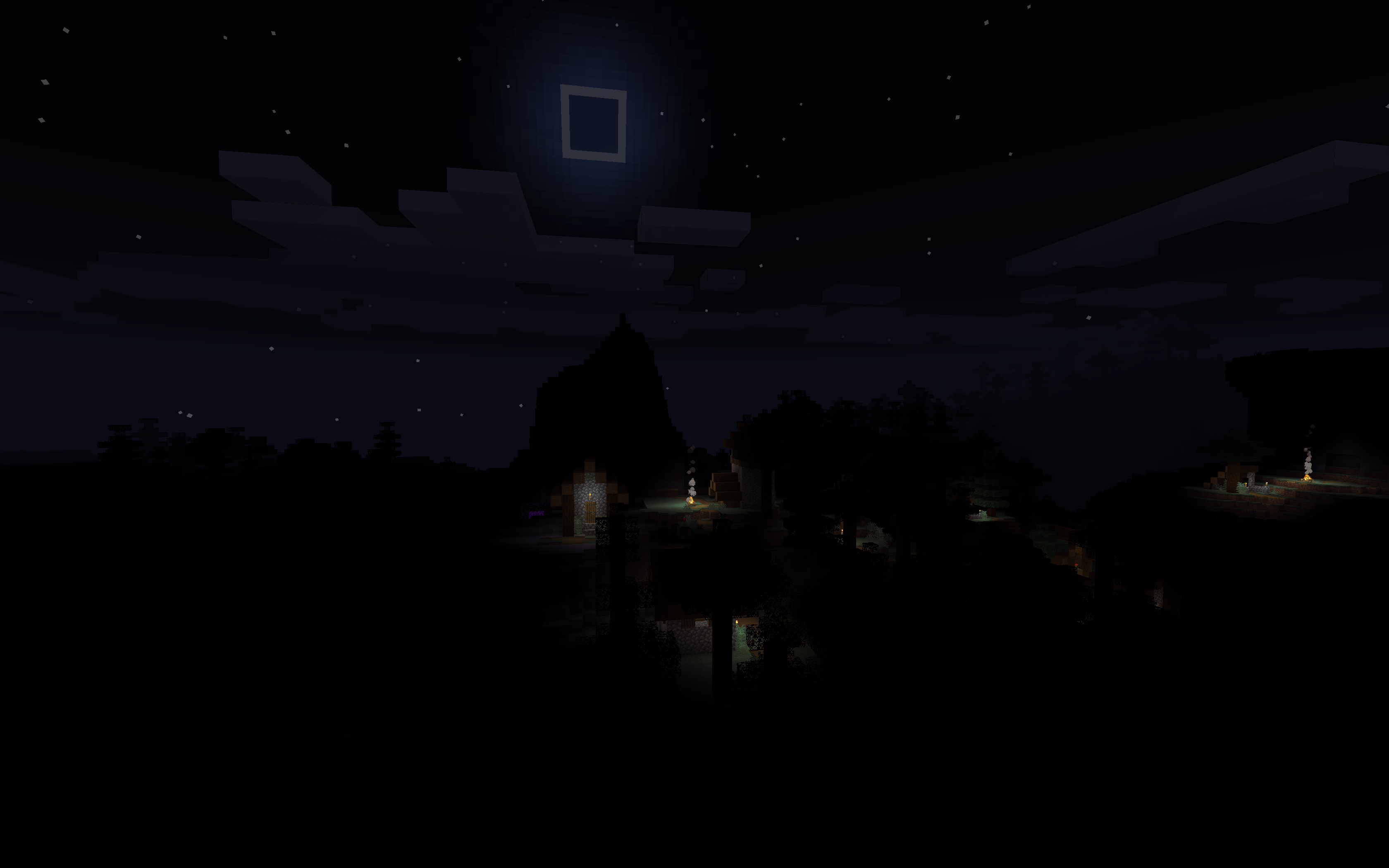
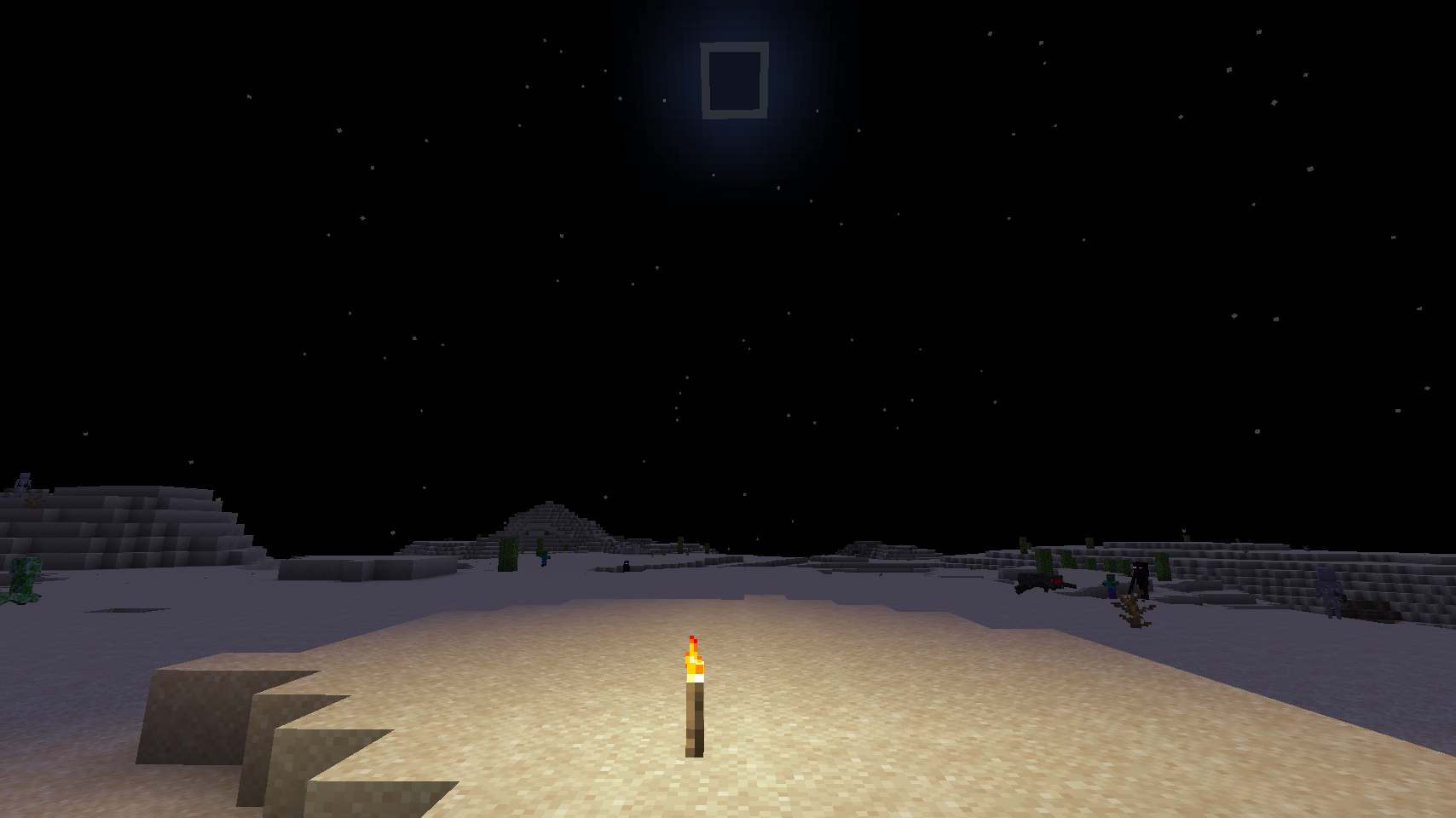
Moody brightness not dark enough? Do you want moonless nights and unlit caverns to be pitch black? This mod is for you!
Discord: https://discord.gg/7NaqR2e
Available for Forge starting with Minecraft version 1.17
There's also a Forge port for version 1.16.
Quick Facts
- Full moon = normal Minecraft brightness
- New moon = no light at all
- No torch light and no sky light = pure black, irrespective of moon phase
- For Fabric Mod Loader
- Client-side only
- No dependencies
Configuration
Configuration is in config/darkness.properties
dark_overworld: enable in Overworld (default: true)
dark_default: enable in modded dimensions with a sky, like Overworld (default: true)
dark_nether: enable in Nether (default: true)
dark_end: enable in End (default: true)
dark_skyless: enable in modded dimensions without a sky, like End and Nether (default: true)
dark_nether_fog: Set to a value between 0.0 and 1.0 (inclusive) to make Nether fog darker (default: 0.5)
dark_end_fog: Set to a value between 0.0 and 1.0 (inclusive) to make End fog darker (default: 0.0)
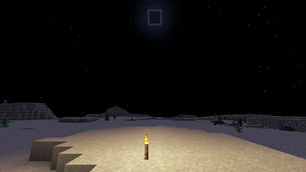
Without
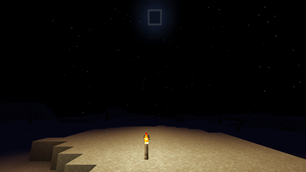
With
You are welcome to use this mod in mod packs.
Installation von True Darkness
With Millida Launcher
Install Millida Launcher
The launcher is free: download it at millida.net/launcher and sign in with any nickname.
Click “Install” on this page
The launcher opens and installs the mod for Minecraft 1.17–1.19.3 on Fabric, Forge or Quilt automatically.
Launch the game
A profile with it appears in the launcher: click “Play”.
Manually
Install Fabric, Forge or Quilt
The loader must match the game version of the mod file, for example Minecraft 1.19.3. After installing it, a separate profile appears in your launcher.
Download the file for your version
In the version list above, pick the file darkness-fabric-mc119-2.0.103.jar (27 KB) for your game version and loader.
Put it in the mods folder
The folder is inside .minecraft (Windows: %appdata%\.minecraft\mods). If it does not exist, create it.
Launch the loader profile
Open “Mods” in the main menu: True Darkness should be in the list.
Minecraft 1.19.3 runs on Java 17: with a different Java version the game may close right after launch.
Versionen
Mit Abhängigkeiten
| Minecraft | Loader | Datei | Datum | Aktionen |
|---|---|---|---|---|
| 1.19.3 | Fabric, Quilt | darkness-fabric-mc119-2.0.103.jar27 KB 4 | ||
| 1.19.3 | Forge | darkness-forge-mc119-2.0.103.jar29 KB | ||
| 1.17 | Fabric | darkness-mc117-1.6.72.jar28.9 KB |
FAQ
Which Minecraft versions does True Darkness work on?
There are files for 1.19.3, 1.17. The newest is 1.19.3.
Is True Darkness for Forge or Fabric?
There are files for Fabric: 1.17–1.19.3, for Forge: 1.19.3 and for Quilt: 1.19.3. There are no files for NeoForge: a mod for another loader will not start.
Does True Darkness need other mods?
The author lists no required dependencies: the Fabric, Forge or Quilt loader is enough.
Which Java does True Darkness need?
Minecraft 1.19.3 runs on Java 17. If the game closes right after launch, the usual cause is the wrong Java version in the profile settings.
Where can I download True Darkness safely?
On this page: the file darkness-fabric-mc119-2.0.103.jar (27 KB) is stored on Millida’s server, with no link shorteners. SHA-1 checksum: 23a307f8be02857aa95b7349a014890a3da68201.
Bewertungen
Bewerten Sie True Darkness als Erster


