

 Fabric
Über die Space Dimensions (Fabric)-Mod
Chinese translation provided by aurora_feather
Korean translation provided by macarong0423
Industry Update (Beta!)
Use new technology to mine ore nodes on the Moon and other worlds. Automate crafting with new machines and logistics blocks. These features are currently being tweaked and considered beta, but available in survival.
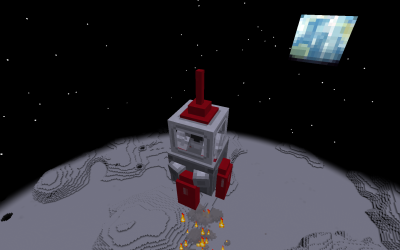
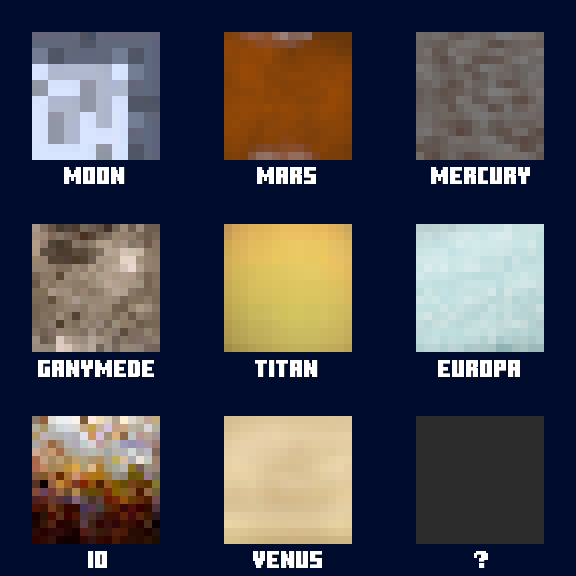
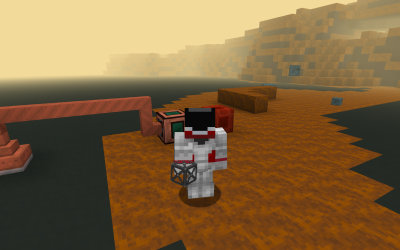
This mod adds the Moon, Mars, and other solar system worlds, and gives modpack makers the ability to add their own dimensions with space survival elements. Each dimension can have its own gravity and skybox, and also require oxygen for players and mobs. A space suit can be filled with oxygen, or you can build a sealed base with the life support blocks.
Implemented Worlds
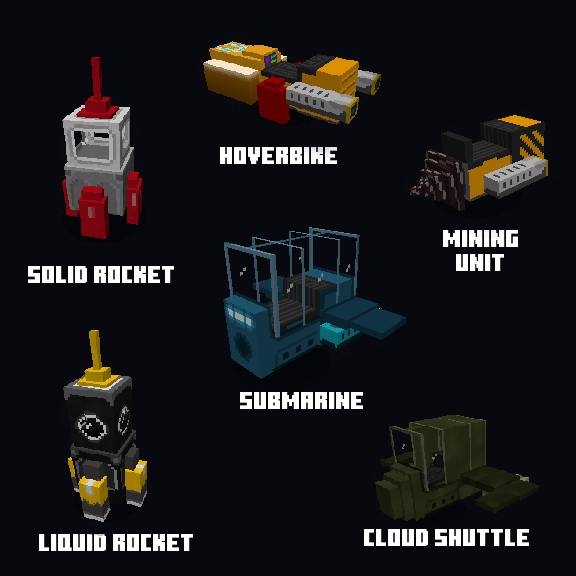
## Vehicles
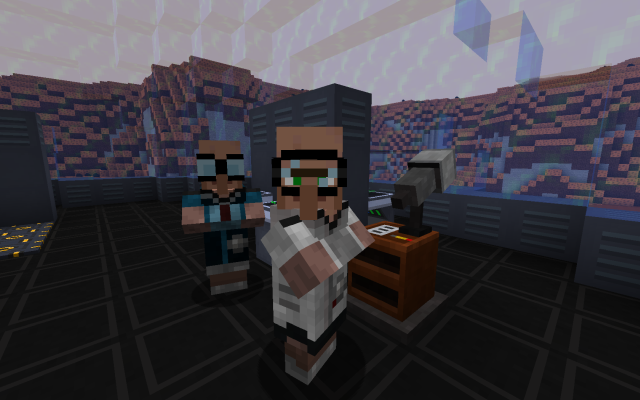
## Professions
## Surviving in Space

It is possible to make a safe environment in space using the life support system. Here is a basic setup with power and oxygen generators feeding the sealed life support block. Outside of your base however, you will need a full space suit with an oxygen supplied helmet.
Build a Starship
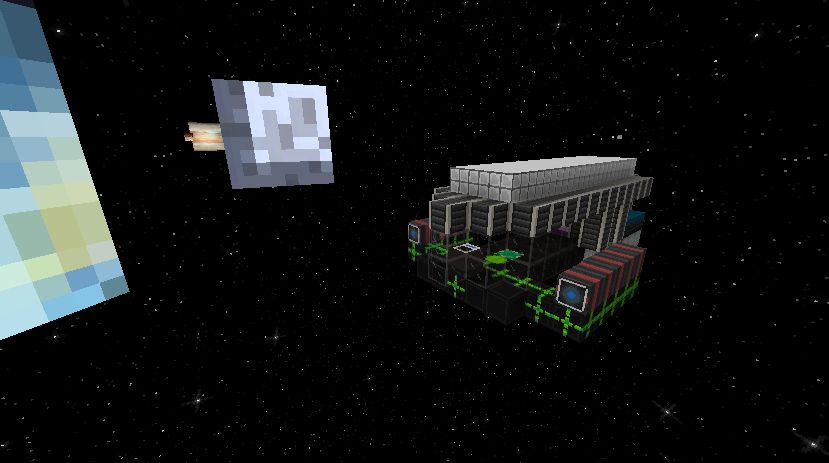
It is possible to construct a starship to travel between planets. You'll be able to build it into your base, and travel to some places the rockets cannot reach.
Installation von Space Dimensions (Fabric)
With Millida Launcher
Install Millida Launcher
The launcher is free: download it at millida.net/launcher and sign in with any nickname.
Click “Install” on this page
The launcher opens and installs the mod for Minecraft 1.20.1 on Fabric automatically.
Launch the game
A profile with it appears in the launcher: click “Play”.
Manually
Install Fabric
The loader must match the game version of the mod file, for example Minecraft 1.20.1. After installing it, a separate profile appears in your launcher.
Download the file for your version
In the version list above, pick the file agape_space-fabric-2.0.2.jar (11 MB) for your game version.
Put it in the mods folder
The folder is inside .minecraft (Windows: %appdata%\.minecraft\mods). If it does not exist, create it.
Launch the loader profile
Open “Mods” in the main menu: Space Dimensions (Fabric) should be in the list.
Minecraft 1.20.1 runs on Java 17: with a different Java version the game may close right after launch.
Versionen
Mit Abhängigkeiten
| Minecraft | Loader | Datei | Datum | Aktionen |
|---|---|---|---|---|
| 1.20.1 | Fabric | agape_space-fabric-2.0.2.jar10.7 MB 2 |
FAQ
Which Minecraft versions does Space Dimensions (Fabric) work on?
Only Minecraft 1.20.1: there are no files for other versions.
Is Space Dimensions (Fabric) for Forge or Fabric?
Only for Fabric: 1.20.1. There are no files for Forge or NeoForge: a mod for another loader will not start.
Does Space Dimensions (Fabric) need other mods?
The author lists no required dependencies: the Fabric loader is enough.
Which Java does Space Dimensions (Fabric) need?
Minecraft 1.20.1 runs on Java 17. If the game closes right after launch, the usual cause is the wrong Java version in the profile settings.
Where can I download Space Dimensions (Fabric) safely?
On this page: the file agape_space-fabric-2.0.2.jar (11 MB) is stored on Millida’s server, with no link shorteners. SHA-1 checksum: af152cd7f9b1b05a6b5aba33cec6e69d9add08d2.
Bewertungen
Bewerten Sie Space Dimensions (Fabric) als Erster


