

Smooth Gui Mod für Minecraft 26.3
Lässt Menübildschirme mit einer sanften Animation öffnen.
 NeoForge
 Fabric
 Quilt
Quilt✨ Smooth Gui
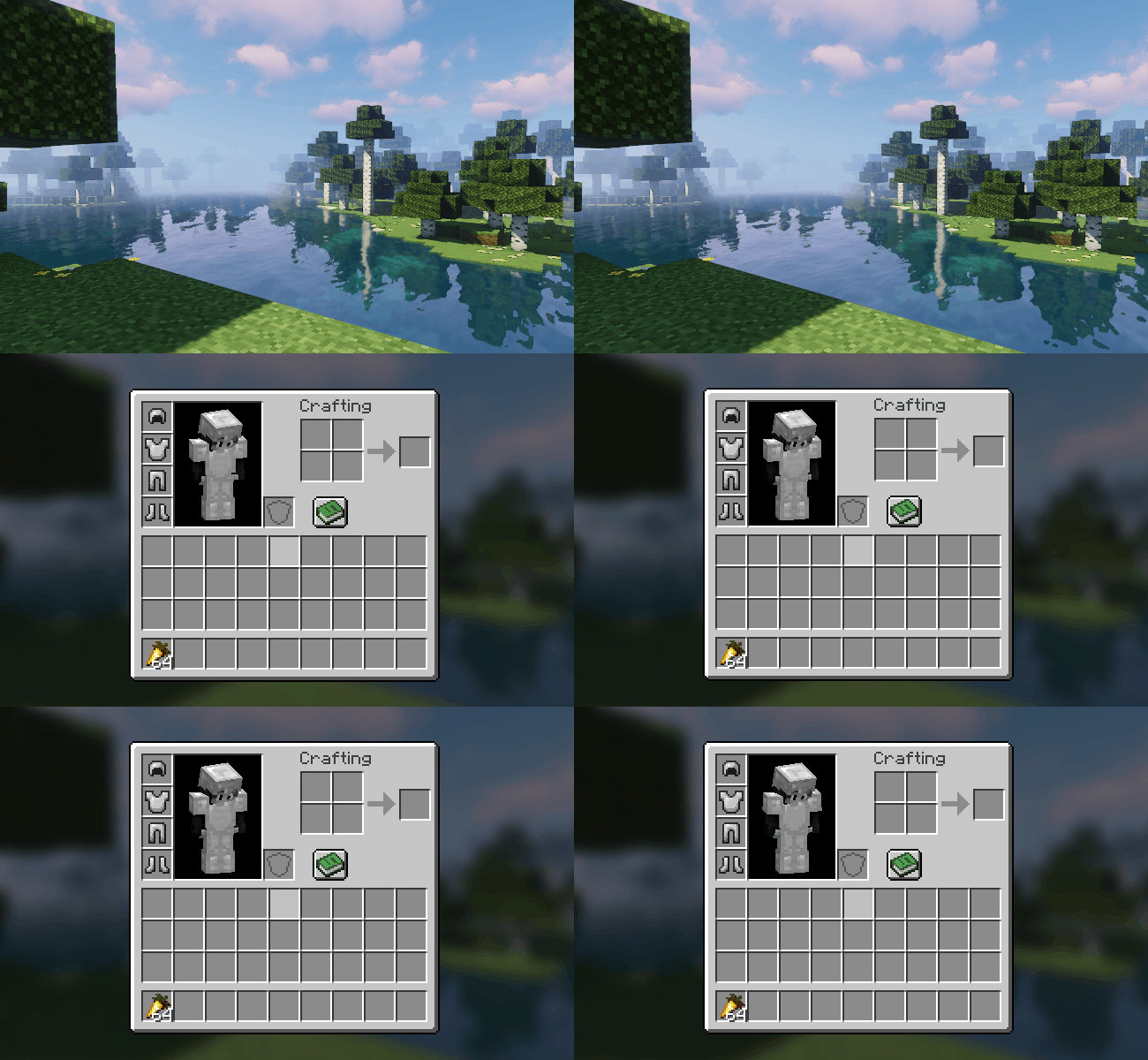
- Smooth slide in animation when opening GUI.
- Fade in GUI background overlay.
- Fade in background blur.
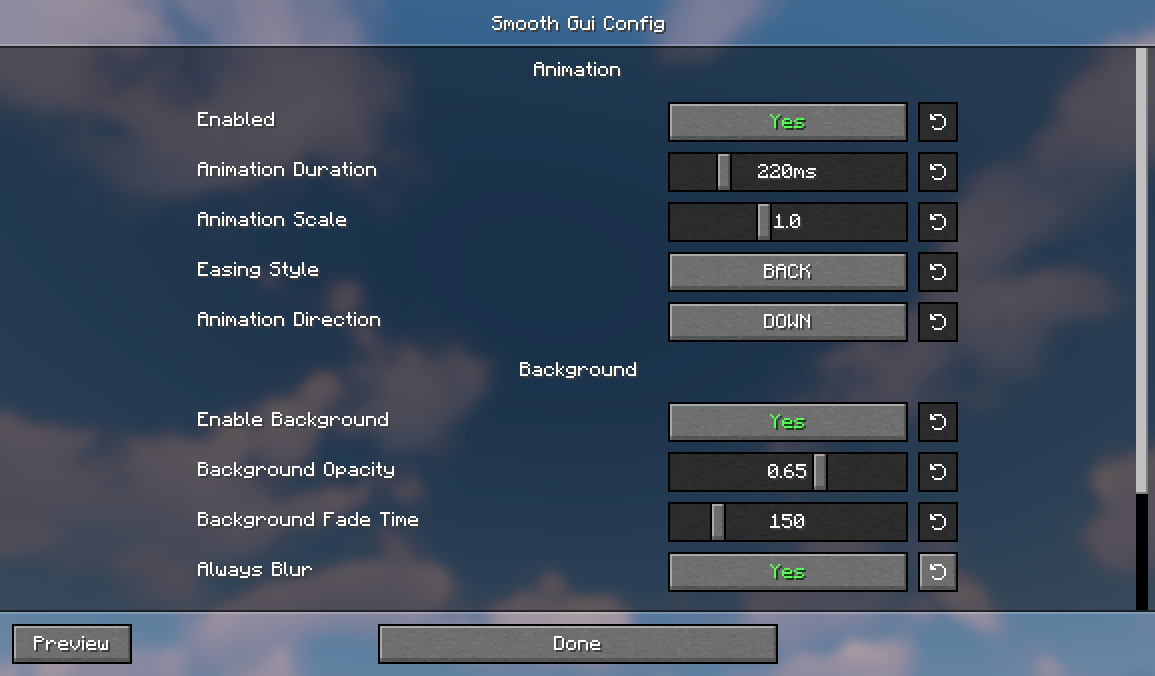
- Customize the animation through the config.
- Smooth hotbar animation.
- Configuring the mod on Fabric is possible with Mod Menu.
Check out my other mod: Chat Animation

Installation von Smooth Gui
With Millida Launcher
Install Millida Launcher
The launcher is free: download it at millida.net/launcher and sign in with any nickname.
Click “Install” on this page
The launcher opens and installs the mod for Minecraft 1.21.5–26.3 on Fabric, NeoForge or Quilt automatically.
Launch the game
A profile with it appears in the launcher: click “Play”.
Manually
Install Fabric, NeoForge or Quilt
The loader must match the game version of the mod file, for example Minecraft 26.3. After installing it, a separate profile appears in your launcher.
Download the file for your version
In the version list above, pick the file smoothgui-neoforge-2.1.0+mc26.3.jar (715 KB) for your game version and loader.
Put it in the mods folder
The folder is inside .minecraft (Windows: %appdata%\.minecraft\mods). If it does not exist, create it.
Launch the loader profile
Open “Mods” in the main menu: Smooth Gui should be in the list.
Smooth Gui works on the player’s side only: there is no need to install it on a server.
Versionen
Mit Abhängigkeiten
| Minecraft | Loader | Datei | Datum | Aktionen |
|---|---|---|---|---|
| 26.3 | NeoForge | 26.3715 KB 6 | ||
| 26.3 | Fabric, Quilt | 26.394.1 KB 52 | ||
| 26.2 | NeoForge | 26.2715 KB 2 | ||
| 1.21.11 | NeoForge | 1.21.11715 KB 1 | ||
| 26.2 | Fabric, Quilt | 26.294.1 KB 21 | ||
| 26.1.2 | NeoForge | 26.1.2715 KB | ||
| 1.21.10 | NeoForge | 1.21.10715 KB 1 | ||
| 26.1.2 | Fabric, Quilt | 26.1.294.1 KB 10 |
Was zum Ausführen nötig ist
- Mod Menuoptional
Bewertungen
Bewerten Sie Smooth Gui als Erster


