
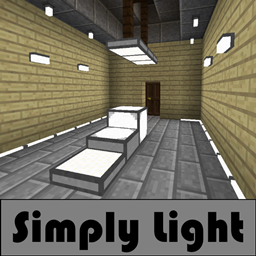
Simply Light Mod für Minecraft 1.20.1, 1.21.1
Einfaches Licht für eine komplizierte Welt.
 NeoForge
 Fabric
 Forge
ForgeWas ist Simply Light?
Simply Light ist eine Beleuchtungsmod mit einem schlichten Design.
Modernes Aussehen und Gefühl mit Blick auf eine architektonische Ansicht.
Warum Simply Light?
Alle Lampen sind einfache Blöcke ohne Tile Entities oder Partikel.
Zu den Vorteilen gehört, dass sie im Vergleich zur Verwendung einer großen Anzahl von Fackeln nur wenig Leistung beanspruchen.

Funktionen
- Vollblockige, redstone-reaktive Lampen. (16 Farben in 1.16+, Danke Rid)
- Drehbare Lampen im Halbstil.
- Drehbare Lampen im Viertelblock-Panel-Stil.
- Halterungen für Wände/Decken/Böden.
- Einfache Leuchtmittel-Halterungen.
- Randbeleuchtungsstreifen, die sich an Wände anpassen.
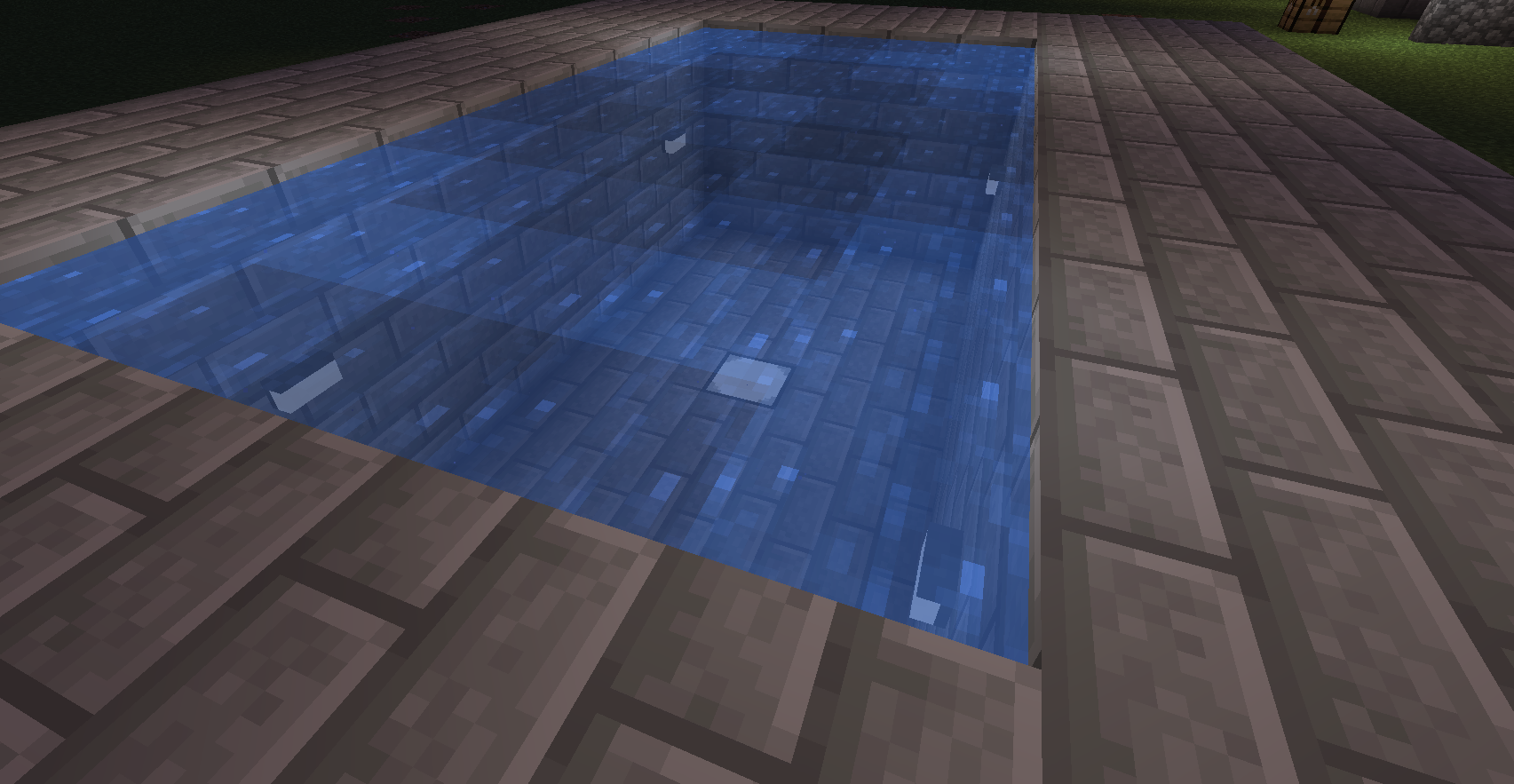
- Wassergefüllte Lampen.(1.14.4+)
- Ein 3 Blöcke hoher Laternenpfahl.
- Verbundene Texturen auf den Panels und Slabs (1.16+)(Erfordert Connected Textures Mod)
Erfordert
- Shadowfacts' Forgelin - Kotlin-Sprachadapter. (Nur 1.12.2 Version) (NUR 1.12.2) Shadowfacts' Forgelin - Kotlin-Sprachadapter(Nur 1.12.2 Version)
Installation von Simply Light
With Millida Launcher
Install Millida Launcher
The launcher is free: download it at millida.net/launcher and sign in with any nickname.
Click “Install” on this page
The launcher opens and installs the mod for Minecraft 1.12.2–1.21.1 on Fabric, Forge or NeoForge automatically.
Launch the game
A profile with it appears in the launcher: click “Play”.
Manually
Install Fabric, Forge or NeoForge
The loader must match the game version of the mod file, for example Minecraft 1.21.1. After installing it, a separate profile appears in your launcher.
Download the file for your version
In the version list above, pick the file simplylight-1.5.3+1.21.1-b4.jar (1.1 MB) for your game version and loader.
Put it in the mods folder
The folder is inside .minecraft (Windows: %appdata%\.minecraft\mods). If it does not exist, create it.
Launch the loader profile
Open “Mods” in the main menu: Simply Light should be in the list.
Minecraft 1.21.1 runs on Java 21: with a different Java version the game may close right after launch.
Versionen
Mit Abhängigkeiten
| Minecraft | Loader | Datei | Datum | Aktionen |
|---|---|---|---|---|
| 1.21.1 | NeoForge | simplylight 1.5.3+1.21.1-b41.1 MB 4 | ||
| 1.21.1 | NeoForge | simplylight 1.5.0+1.21.1-b11 MB | ||
| 1.20.4 | Fabric | simplylight-fabric-1.20.4-1.4.6.jar538 KB | ||
| 1.20.1 | Forge | simplylight-1.20.1-1.4.6-build.50.jar543 KB 10 | ||
| 1.19 | Forge | simplylight-1.19-1.4.3-build.37.jar538 KB | ||
| 1.12.2 | — | simplylight-1.12.2-0.8.6.jar412 KB | ||
| 1.14.4 | — | simplylight-1.14.4-0.8.5.jar365 KB |
Bewertungen
Bewerten Sie Simply Light als Erster


