
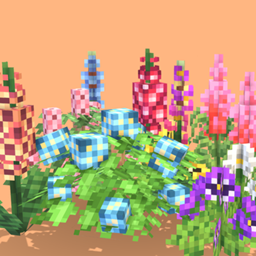
Serene Shrubbery Mod für Minecraft 1.20.1, 1.21.1
Erschaffe üppige Gärten mit neuen Blumen und Pflanzen!
 NeoForge
 Forge
ForgeÜber die Serene Shrubbery-Mod

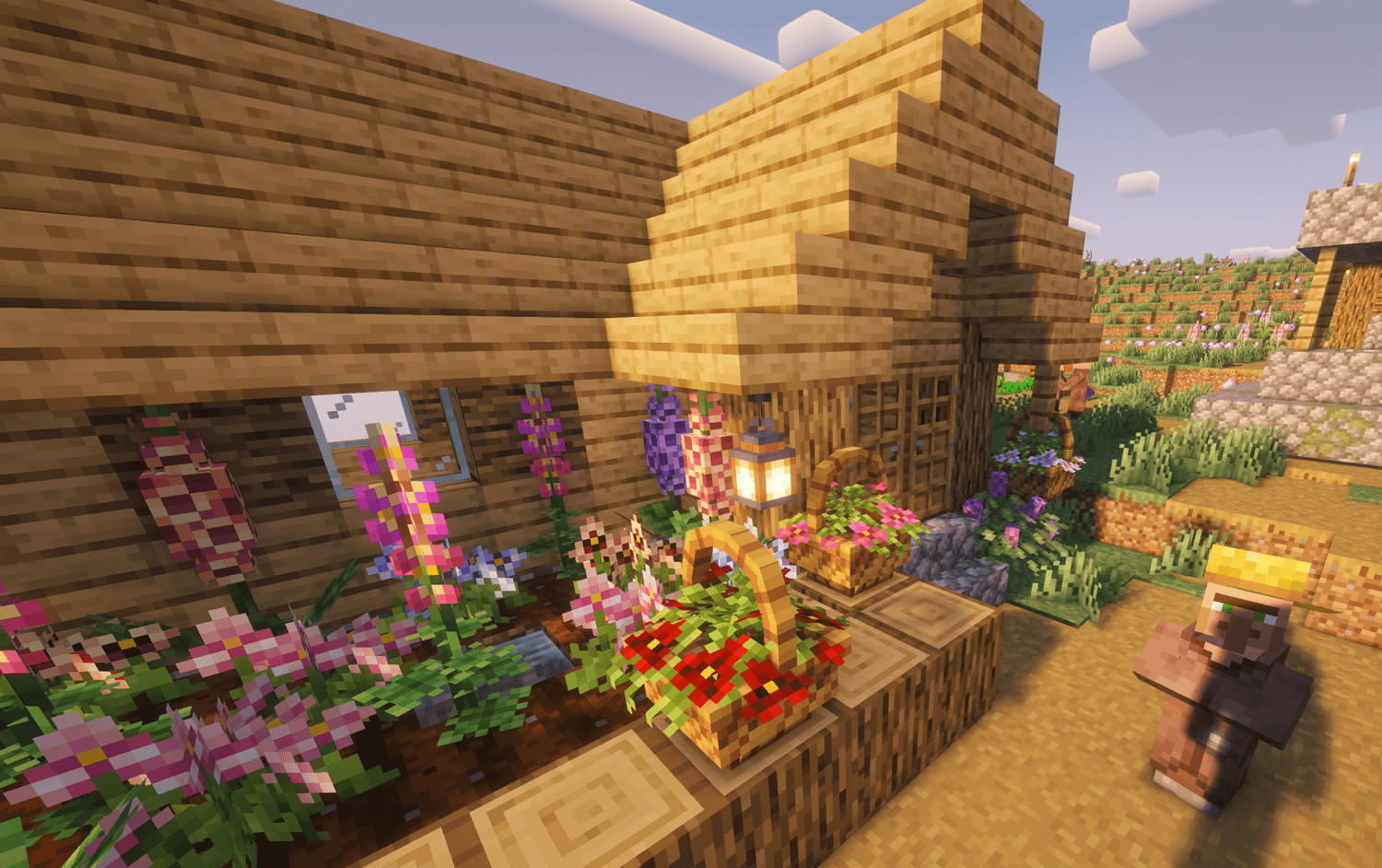
Serene Shrubbery is a small mod that aims to liven up the natural and floral aspects of Minecraft. Its main focus is to give the player the ability to create flourishing gardens. Currently, there are 10 types of flowers some of which have multiple color variants you can collect!

FLOWER BREEDING:
Some flowers are able to be cross-pollinated together to create new color variants! The mechanic works very similar to Animal Crossing, just place the two or three flowers right next to each other and patiently wait for nature to take its course! This mechanic is currently in early stages of development and will become a lot more refined in later updates!
Flower Breeding Chart: (The moon symbol means the light level must be below 4)

BLOOM BASKETS:
The Bloom Basket is a new decorative block that functions similarly to a flower pot! It can be crafted using any 3 wooden planks, any type of dirt, and 3 sticks on top! Like so:
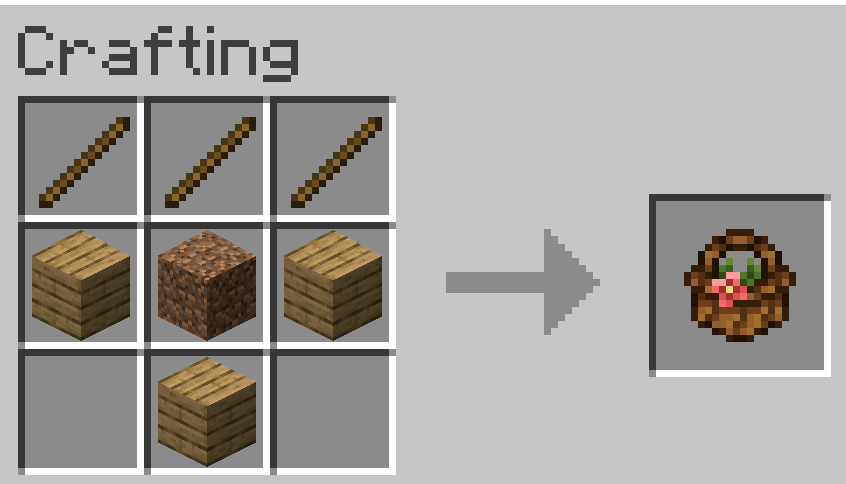
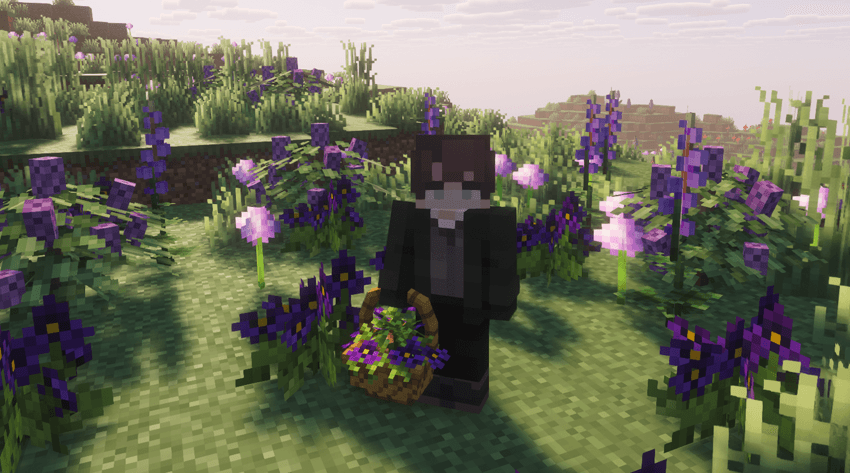
Currently, only the Pansy flower and all its corresponding colors can be placed inside a Bloom Basket. Right-clicking an occupied Bloom Basket with an empty hand will remove the flower planted inside. Shift + Right-clicking on an occupied Bloom Basket will allow the player to pick it up with the flower still planted inside!
If you would like to see content updates or maybe support me, check out my linktree below!
LINKTREE
Pixel Art logo by Goober and Souffle!
Installation von Serene Shrubbery
With Millida Launcher
Install Millida Launcher
The launcher is free: download it at millida.net/launcher and sign in with any nickname.
Click “Install” on this page
The launcher opens and installs the mod for Minecraft 1.20.1–1.21.1 on Forge or NeoForge automatically.
Launch the game
A profile with it appears in the launcher: click “Play”.
Manually
Install Forge or NeoForge
The loader must match the game version of the mod file, for example Minecraft 1.21.1. After installing it, a separate profile appears in your launcher.
Download the file for your version
In the version list above, pick the file SereneShrubbery-NeoForge-1.21.1-v2.4.0.jar (821 KB) for your game version and loader.
Put it in the mods folder
The folder is inside .minecraft (Windows: %appdata%\.minecraft\mods). If it does not exist, create it.
Launch the loader profile
Open “Mods” in the main menu: Serene Shrubbery should be in the list.
Minecraft 1.21.1 runs on Java 21: with a different Java version the game may close right after launch.
Versionen
Mit Abhängigkeiten
| Minecraft | Loader | Datei | Datum | Aktionen |
|---|---|---|---|---|
| 1.21.1 | NeoForge | Serene Shrubbery NEO 1.21.1 - v2.4.0821 KB 6 | ||
| 1.20.1 | Forge | Serene Shrubbery FORGE 1.20.1 - v2.4.0843 KB 1 |
FAQ
Which Minecraft versions does Serene Shrubbery work on?
There are files for 1.21.1, 1.20.1. The newest is 1.21.1.
Is Serene Shrubbery for Forge or Fabric?
There are files for Forge: 1.20.1 and for NeoForge: 1.21.1. There are no files for Fabric: a mod for another loader will not start.
Does Serene Shrubbery need other mods?
The author lists no required dependencies: the Forge or NeoForge loader is enough.
Which Java does Serene Shrubbery need?
Minecraft 1.21.1 runs on Java 21. If the game closes right after launch, the usual cause is the wrong Java version in the profile settings.
Where can I download Serene Shrubbery safely?
On this page: the file SereneShrubbery-NeoForge-1.21.1-v2.4.0.jar (821 KB) is stored on Millida’s server, with no link shorteners. SHA-1 checksum: 298d456b9520a9b883af0f9fb4fbf71806594f60.
Bewertungen
Bewerten Sie Serene Shrubbery als Erster


