
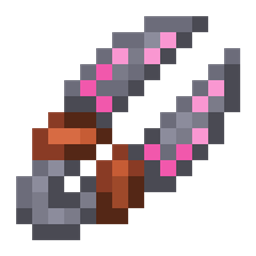
Roots 4 Mod für Minecraft 1.21.1, 1.12.2
Eine Magiemod mit Fokus auf Natur, Nutzpflanzen und Tierhaltung!
 NeoForge
 Forge
ForgeÜber die Roots 4-Mod
Roots 4 ist als Alpha für NeoForge 1.21.1 verfügbar und benötigt keine zusätzlichen Bibliotheken.
Für Unterstützung schau bitte im Roots Wiki vorbei, insbesondere auf der Seite Getting Started.
Um über das Spiel zu diskutieren und Feedback zu geben, schau im Mystic Modding Discord vorbei.
Fehler kannst du auf unserem GitHub melden.
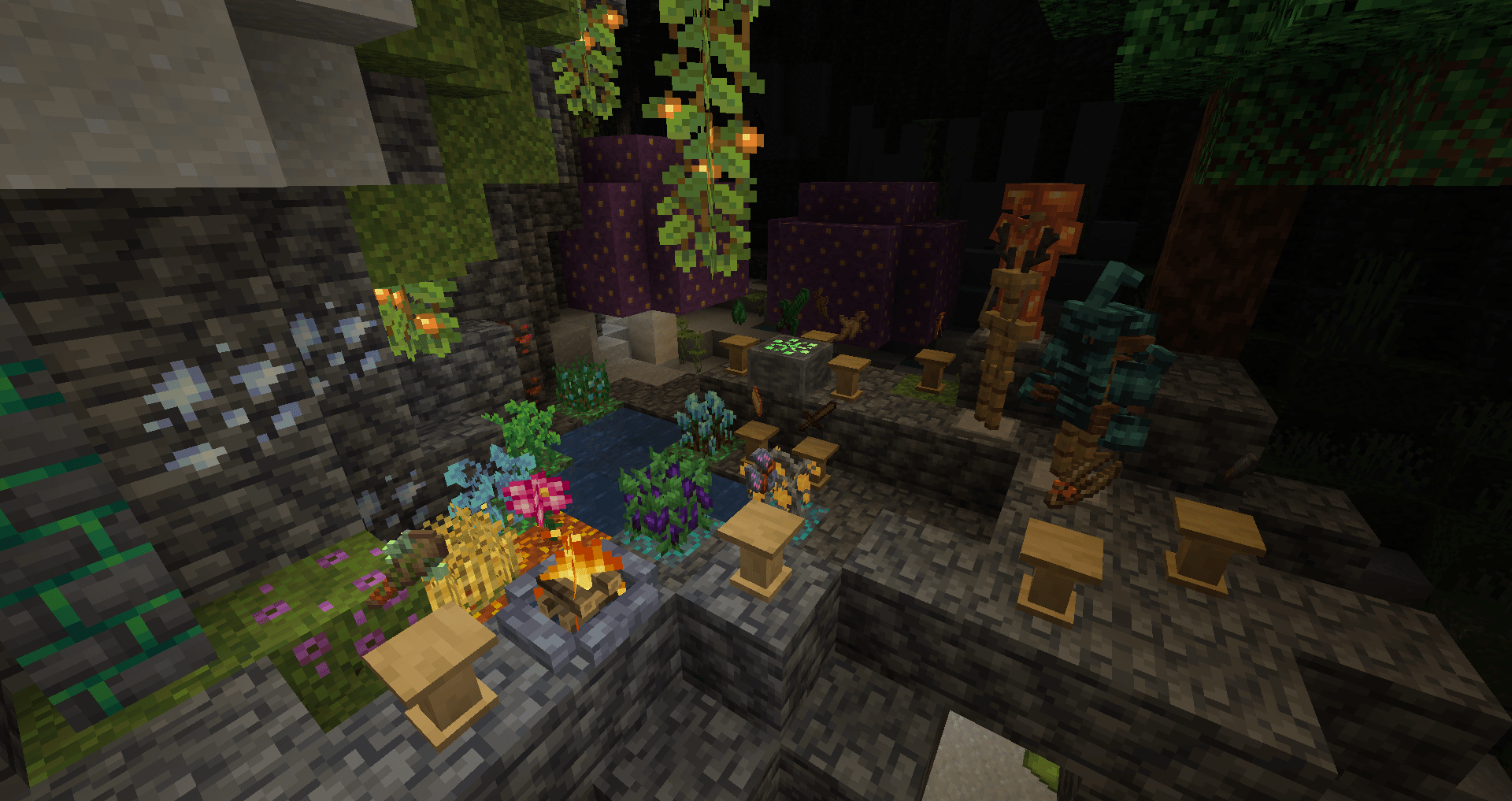
Roots ist eine Magie-Mod mit dem Thema Natur, Landwirtschaft, Feldfrüchte und Tierhaltung!
Sammle Wildwurzel und Hainmoos, die Überreste einer verlorenen Ära der Magie, und nutze sie, um magische Ausrüstung herzustellen:
- Zerkleinere Zutaten und stelle mit Mörser und Stößel Zaubersprüche her.
- Entfessle magische Rituale, um Drops zu erhalten, ohne Tieren zu schaden, und erschaffe mit einem Scheiterhaufen verlorene magische Kräuter neu.
- Wirke Zaubersprüche, um deine Feldfrüchte wachsen zu lassen und zu ernten, schütze dich mit einem Stab vor Angriffen und mehr!
- Lüfte die Geheimnisse der sylvanischen Vergangenheit der Welt, indem du einen Hainstein aktivierst und seine Kraft mit einem Hainhandwerker in magische Rüstung, Werkzeuge und Ausrüstung lenkst.
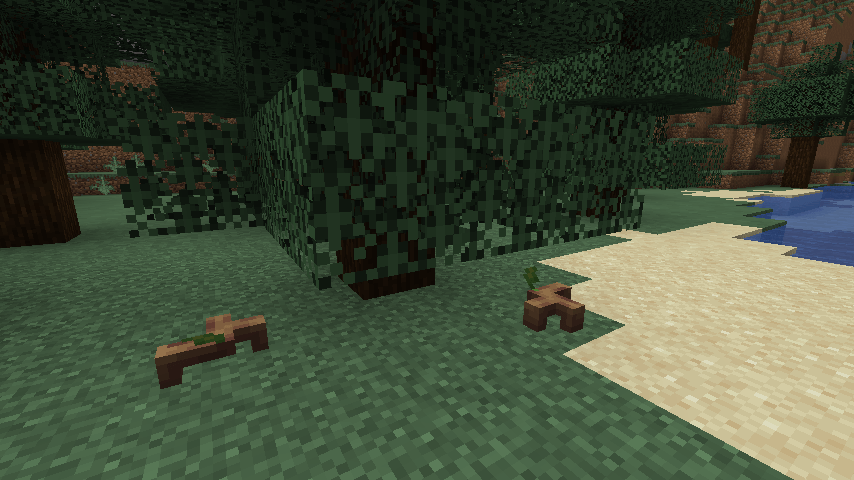
- Freunde dich mit einer Vielzahl von Tieren an, darunter Hirsche, Käfer, Eulen und die niedlichen Sprösslinge, empfindungsfähige Pflanzen.
Installation von Roots 4
With Millida Launcher
Install Millida Launcher
The launcher is free: download it at millida.net/launcher and sign in with any nickname.
Click “Install” on this page
The launcher opens and installs the mod for Minecraft 1.12.2–1.21.1 on Forge or NeoForge automatically.
Launch the game
A profile with it appears in the launcher: click “Play”.
Manually
Install Forge or NeoForge
The loader must match the game version of the mod file, for example Minecraft 1.21.1. After installing it, a separate profile appears in your launcher.
Download the file for your version
In the version list above, pick the file roots-4.0.0.31-alpha.jar (4.5 MB) for your game version and loader.
Put it in the mods folder
The folder is inside .minecraft (Windows: %appdata%\.minecraft\mods). If it does not exist, create it.
Launch the loader profile
Open “Mods” in the main menu: Roots 4 should be in the list.
Minecraft 1.21.1 runs on Java 21: with a different Java version the game may close right after launch.
Versionen
Mit Abhängigkeiten
| Minecraft | Loader | Datei | Datum | Aktionen |
|---|---|---|---|---|
| 1.21.1 | NeoForge | Roots-1.21 4.0.0.31-alpha4.5 MB 2 | ||
| 1.12.2 | Forge | Roots-1.12.2-3.1.9.2.jar3.4 MB 3 | ||
| 1.12.2 | — | Roots-1.12.2-3.0.4.jar1.3 MB | ||
| 1.12.2 | — | roots-2-0.104.jar699 KB |
FAQ
Which Minecraft versions does Roots 4 work on?
There are files for 1.21.1, 1.12.2. The newest is 1.21.1.
Is Roots 4 for Forge or Fabric?
There are files for Forge: 1.12.2 and for NeoForge: 1.21.1. There are no files for Fabric: a mod for another loader will not start.
Does Roots 4 need other mods?
The author lists no required dependencies: the Forge or NeoForge loader is enough.
Which Java does Roots 4 need?
Minecraft 1.21.1 runs on Java 21. If the game closes right after launch, the usual cause is the wrong Java version in the profile settings.
Where can I download Roots 4 safely?
On this page: the file roots-4.0.0.31-alpha.jar (4.5 MB) is stored on Millida’s server, with no link shorteners. SHA-1 checksum: 51d7065d0c3475ad95beca00d731f7efaec08f4c.
Bewertungen
Bewerten Sie Roots 4 als Erster


