

Ribbits Mod für Minecraft 1.20.1, 1.21.1
Sumpfdörfer und musikalische Frösche!
 Fabric
 NeoForge
 Forge
ForgeÜber die Ribbits-Mod
Unterstütze uns auf Ko-fi für Vorschauen und frühen Zugang zu neuen Inhalten!
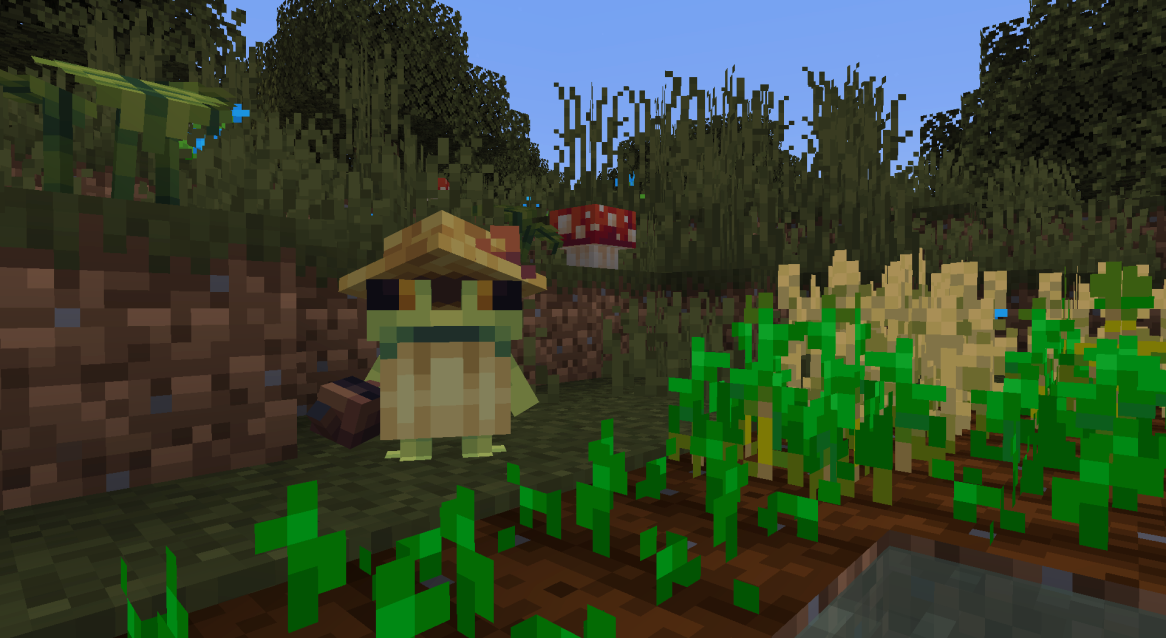
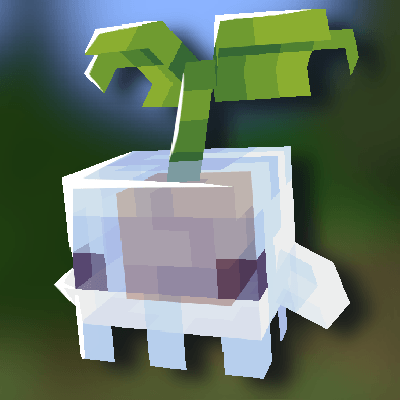
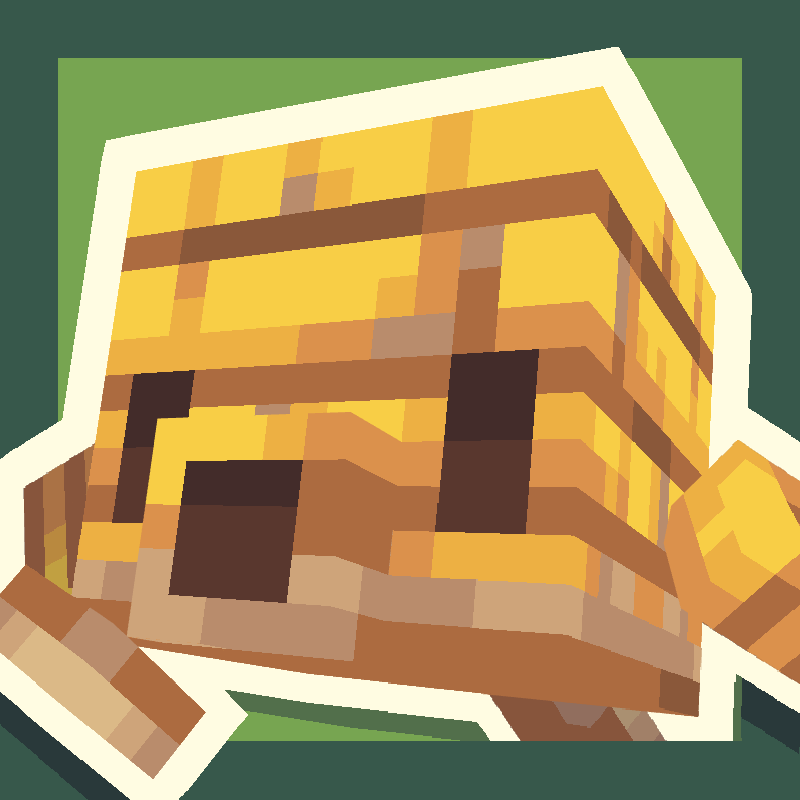
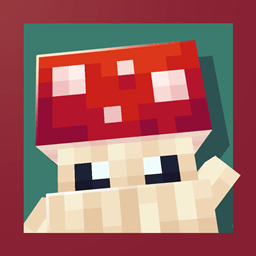
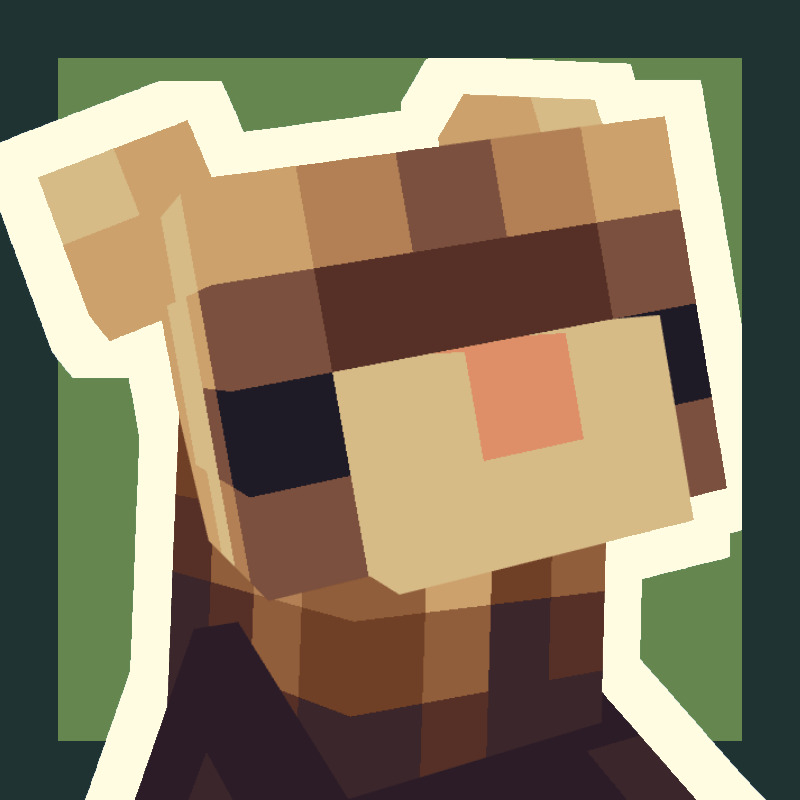
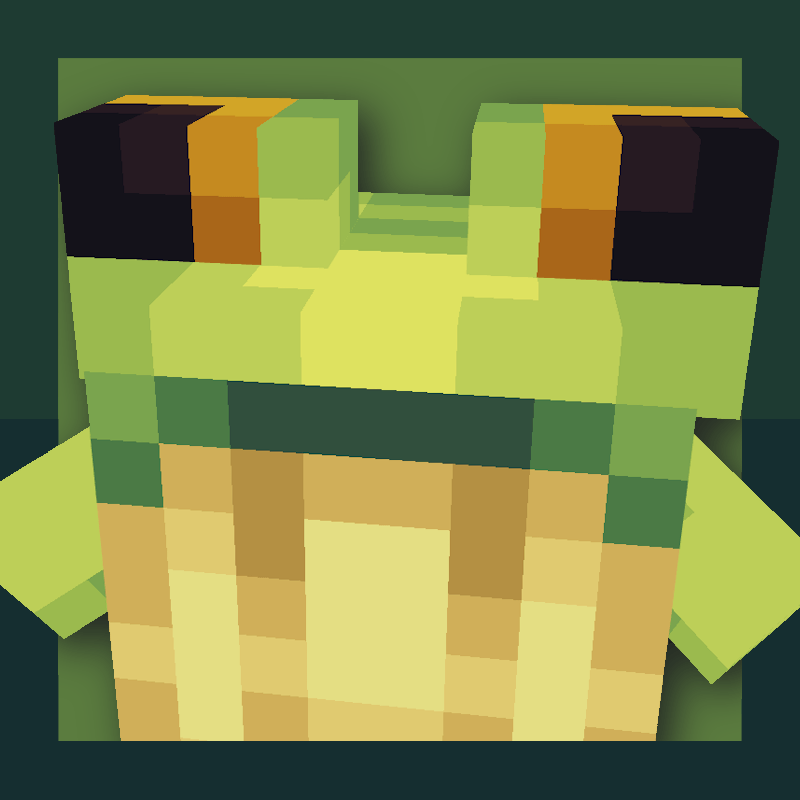
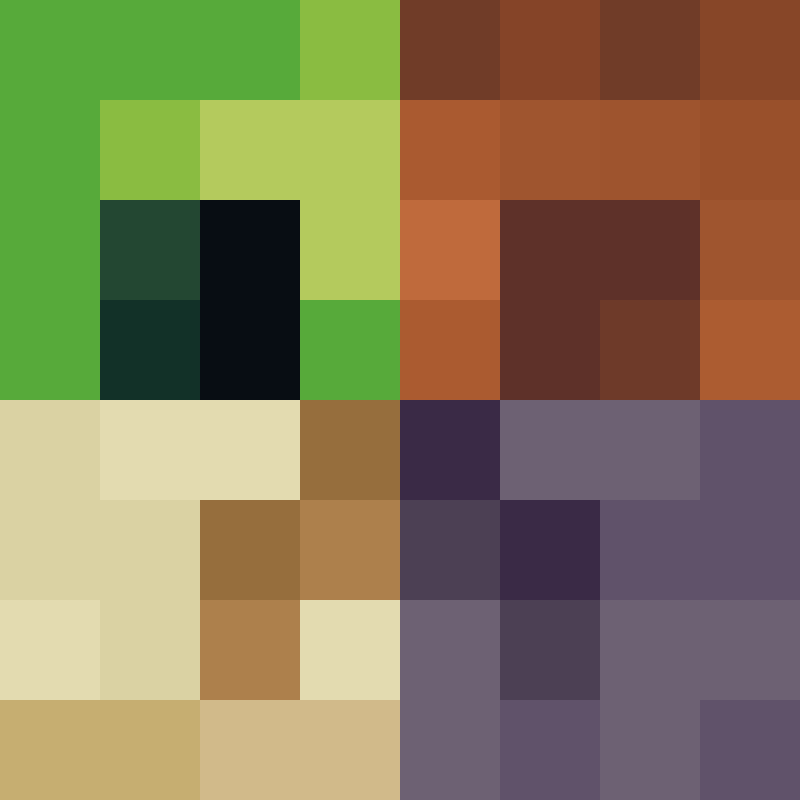
Ribbits fügt Sumpfdörfer voller winziger Froschbewohner namens Ribbits hinzu! Diese kleinen Kerle setzen sich manchmal in Gruppen zusammen, um Musik zu machen, bei der du mitmachen kannst!
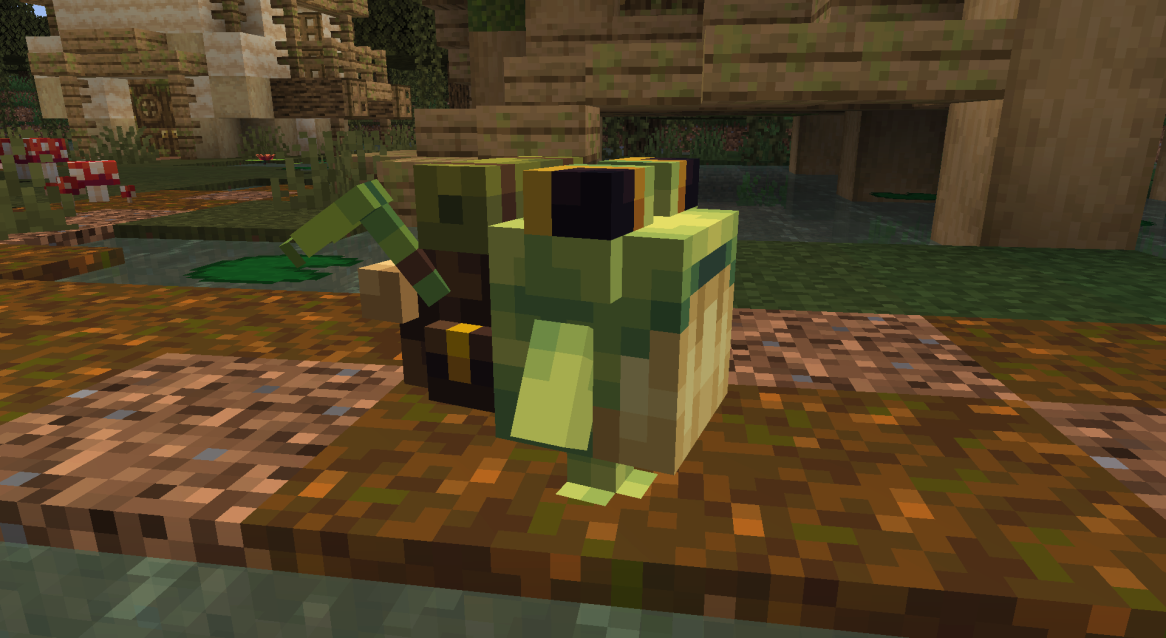
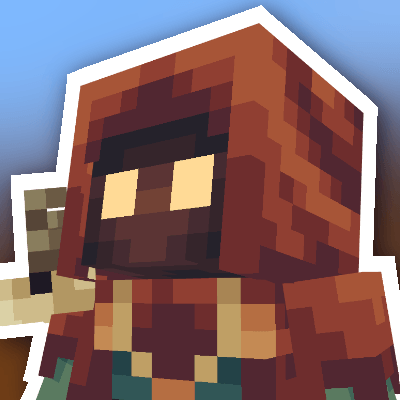
Mit Händler- und Fischer-Ribbits kann man verschiedene Gegenstände handeln, darunter die neuen Ribbits-Pflanzenblöcke und Maracas! Zauberer-Ribbits wirken gelegentlich Zauber, um den Spieler zu stärken, und alle Gärtner-Ribbits bewässern Feldfrüchte!
Ribbits kehren nachts auf natürliche Weise in ihre Häuser zurück, aber wenn du sie umsiedeln möchtest, kannst du ihren Heimatpunkt auf ihre aktuelle Position zurücksetzen, indem du sie mit Amethyst rechtsklickst.
Josh/Joosh - Art yungnickyoung - Coding HellionGames - Coding scratchysd - Sounds wesleybenjamin - Music joakota - Builds joshesque - Logo

Installation von Ribbits
With Millida Launcher
Install Millida Launcher
The launcher is free: download it at millida.net/launcher and sign in with any nickname.
Click “Install” on this page
The launcher opens and installs the mod for Minecraft 1.20.1–1.21.1 on Fabric, Forge or NeoForge automatically.
Launch the game
A profile with it appears in the launcher: click “Play”.
Manually
Install Fabric, Forge or NeoForge
The loader must match the game version of the mod file, for example Minecraft 1.21.1. After installing it, a separate profile appears in your launcher.
Download the file for your version
In the version list above, pick the file Ribbits-1.21.1-Fabric-4.1.6.jar (2.2 MB) for your game version and loader.
Put it in the mods folder
The folder is inside .minecraft (Windows: %appdata%\.minecraft\mods). If it does not exist, create it.
Launch the loader profile
Open “Mods” in the main menu: Ribbits should be in the list.
Minecraft 1.21.1 runs on Java 21: with a different Java version the game may close right after launch.
Versionen
Mit Abhängigkeiten
| Minecraft | Loader | Datei | Datum | Aktionen |
|---|---|---|---|---|
| 1.21 | Fabric | Ribbits [Fabric] 4.1.6 for 1.21.12.2 MB 12 | ||
| 1.21 | NeoForge | Ribbits [NeoForge] 4.1.6 for 1.21.12.1 MB 15 | ||
| 1.20.1 | Forge | Ribbits [Forge] 3.0.5 for 1.20.12.1 MB 12 |
FAQ
Which Minecraft versions does Ribbits work on?
There are files for 1.21.1, 1.21, 1.20.1. The newest is 1.21.1.
Is Ribbits for Forge or Fabric?
There are files for Fabric: 1.21–1.21.1, for Forge: 1.20.1 and for NeoForge: 1.21–1.21.1.
Does Ribbits need other mods?
The author lists no required dependencies: the Fabric, Forge or NeoForge loader is enough.
Which Java does Ribbits need?
Minecraft 1.21.1 runs on Java 21. If the game closes right after launch, the usual cause is the wrong Java version in the profile settings.
Where can I download Ribbits safely?
On this page: the file Ribbits-1.21.1-Fabric-4.1.6.jar (2.2 MB) is stored on Millida’s server, with no link shorteners. SHA-1 checksum: b95ef94e6c4d2b7a706bcbe3cde6a38b2fe936d3.
Bewertungen
Bewerten Sie Ribbits als Erster


