
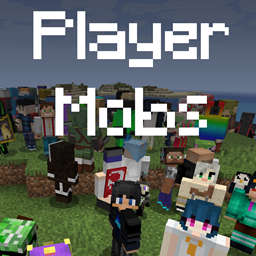
Player Mobs Mod für Minecraft 1.20.1, 1.21.1
Fügt feindliche Mobs hinzu, die wie Spieler aussehen, funktioniert mit externen Listen wie Twitch-Abos
 NeoForge
 Forge
ForgeÜber die Player Mobs-Mod
A mod that adds hostile player mobs to the game.
You can add names to the config for more names in-game. You can also add links to pages returning a list of names divided by a newline. You can use pages like this whitelist.gorymoon.se to get lists of twitch subs.
When used on a server you can add the whitelist the the available names for the mobs. The mobs can be friendly to players with the same name as them. The mobs can drop the heads of the skin they have.
Players can drop their head when killed based on a config option.
To manually reload the list of remote names the following commmand can be used: /playermobs reload
To manually spawn a mob there is the following command: /playermobs spawn <name> [pos] (where pos is optional)
This is an example on how to spawn a mod with the summon command: /summon player_mobs:player_mob ~ ~ ~ {"Username":"Gory_Moon"}
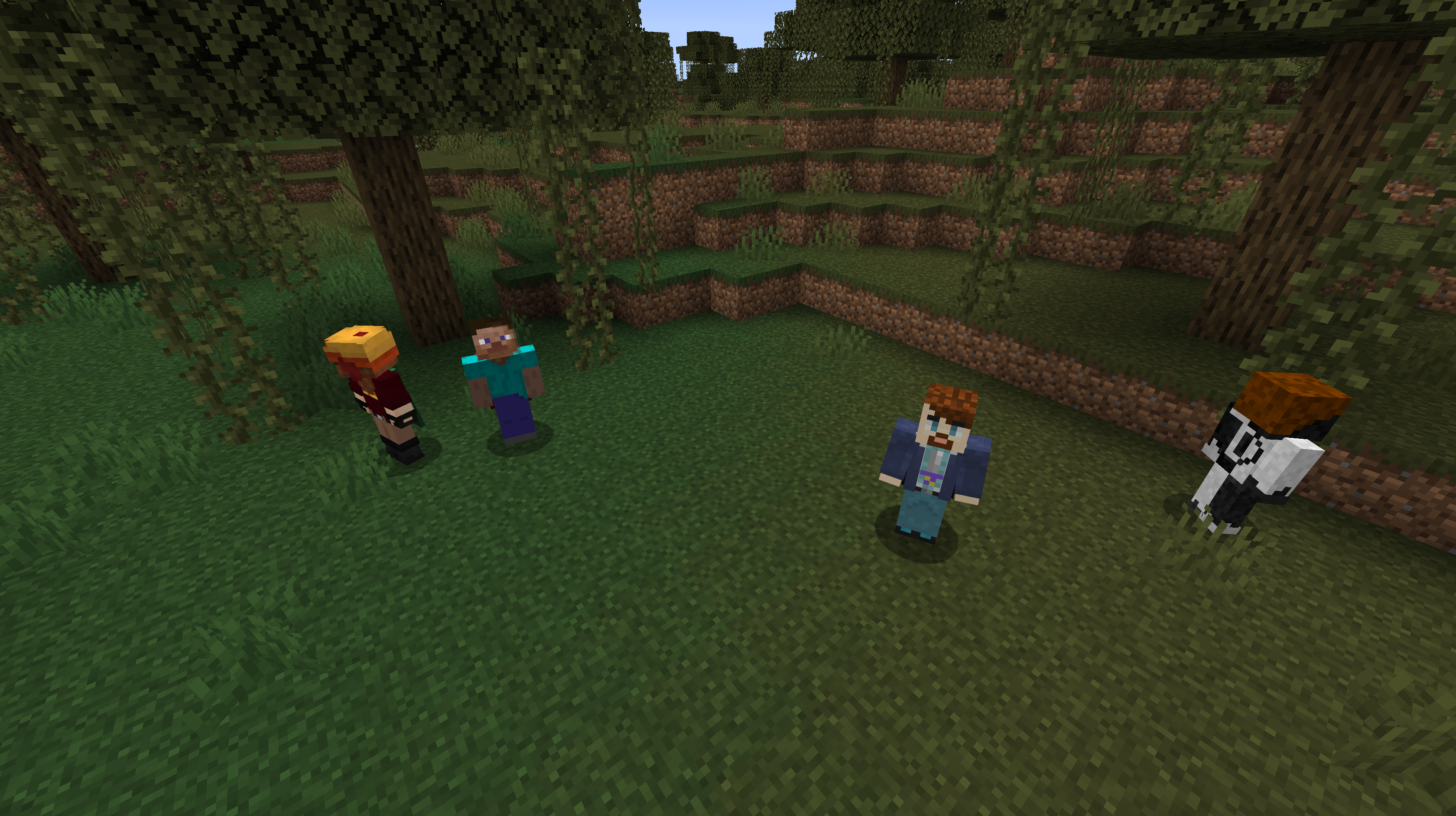
Custom skin textures
More info about adding/overriding textures of the player mobs can be found here
TODO/Next
Adding datapack support for special spawns.
Bugs/Ideas/Requests?
Post bugs/ideas/requests on my Github issue tracker.
Modpacks?
You are free to use this mod in modpacks.
Installation von Player Mobs
With Millida Launcher
Install Millida Launcher
The launcher is free: download it at millida.net/launcher and sign in with any nickname.
Click “Install” on this page
The launcher opens and installs the mod for Minecraft 1.20–1.21.1 on Forge or NeoForge automatically.
Launch the game
A profile with it appears in the launcher: click “Play”.
Manually
Install Forge or NeoForge
The loader must match the game version of the mod file, for example Minecraft 1.21.1. After installing it, a separate profile appears in your launcher.
Download the file for your version
In the version list above, pick the file PlayerMobs-1.21.1-5.1.2.4.jar (237 KB) for your game version and loader.
Put it in the mods folder
The folder is inside .minecraft (Windows: %appdata%\.minecraft\mods). If it does not exist, create it.
Launch the loader profile
Open “Mods” in the main menu: Player Mobs should be in the list.
Minecraft 1.21.1 runs on Java 21: with a different Java version the game may close right after launch.
Versionen
Mit Abhängigkeiten
| Minecraft | Loader | Datei | Datum | Aktionen |
|---|---|---|---|---|
| 1.21 | NeoForge | PlayerMobs-1.21.1-5.1.2.4.jar237 KB 1 | ||
| 1.20.1 | NeoForge, Forge | PlayerMobs-1.20.1-4.1.0.37.jar392 KB 1 |
FAQ
Which Minecraft versions does Player Mobs work on?
There are files for 1.21.1, 1.21, 1.20.1, 1.20. The newest is 1.21.1.
Is Player Mobs for Forge or Fabric?
There are files for Forge: 1.20–1.20.1 and for NeoForge: 1.20–1.21.1. There are no files for Fabric: a mod for another loader will not start.
Does Player Mobs need other mods?
The author lists no required dependencies: the Forge or NeoForge loader is enough.
Which Java does Player Mobs need?
Minecraft 1.21.1 runs on Java 21. If the game closes right after launch, the usual cause is the wrong Java version in the profile settings.
Where can I download Player Mobs safely?
On this page: the file PlayerMobs-1.21.1-5.1.2.4.jar (237 KB) is stored on Millida’s server, with no link shorteners. SHA-1 checksum: 1def8ef973fd7878f31895ae741eded25ee2aaab.
Bewertungen
Bewerten Sie Player Mobs als Erster


