
Pipe Goggles Mod für Minecraft 1.21.1, 1.12.2
Hilft dir bei deiner Verrohrung. Sieh Rohre durch Wände!
 NeoForge
 Forge
ForgePipe Goggles
Description
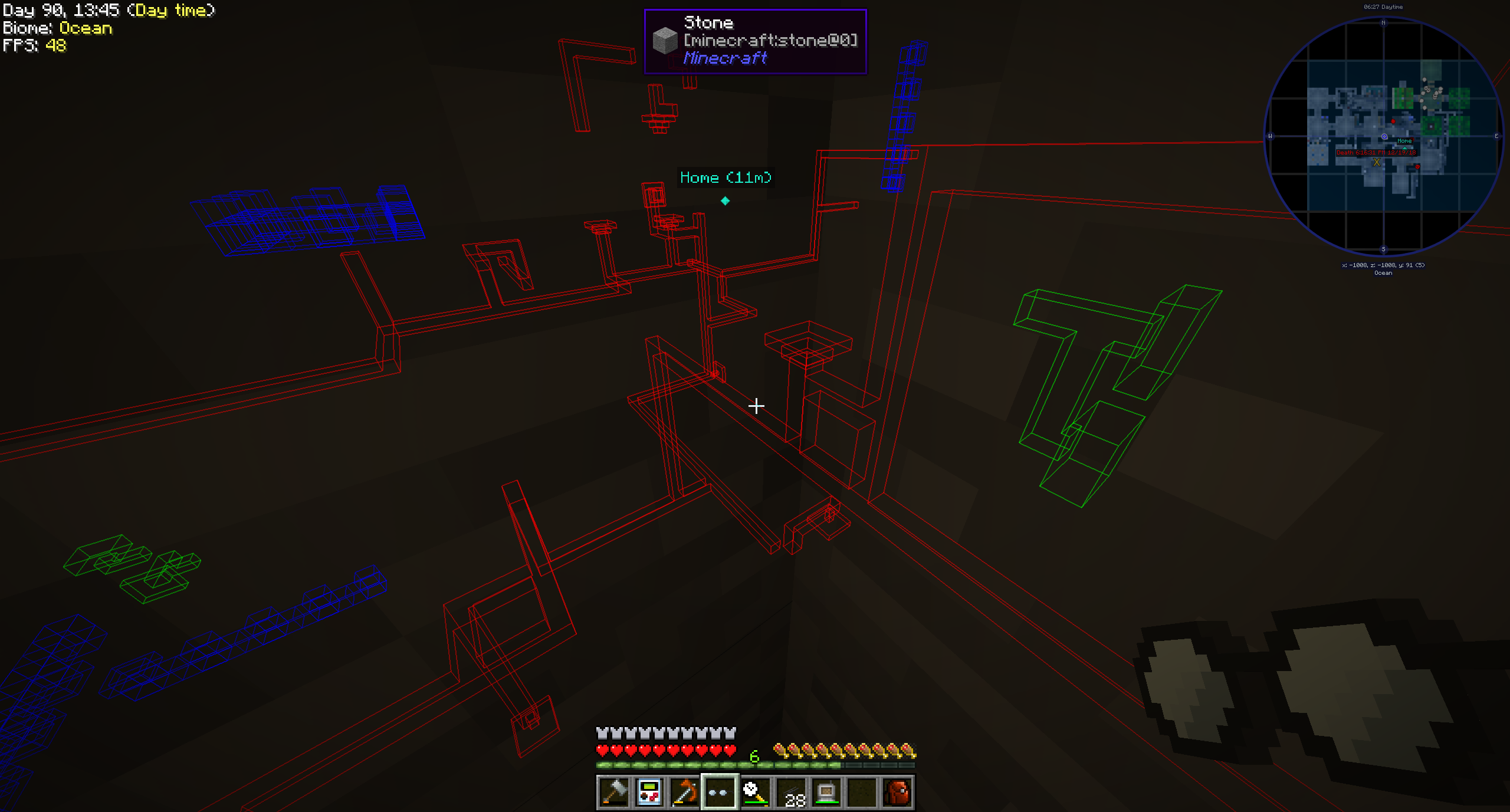
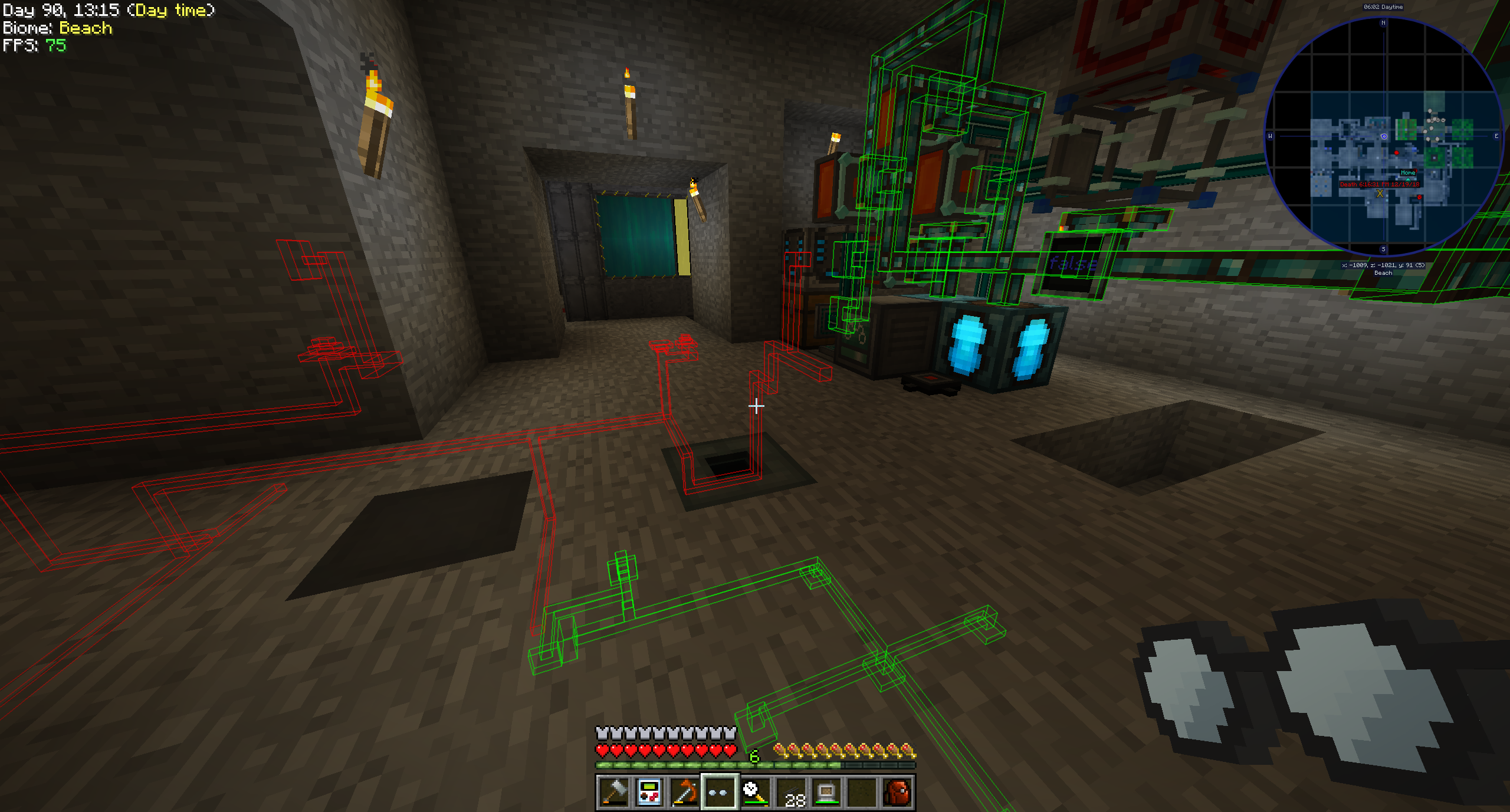
Pipe Goggles currently only adds a single item, the Pipe Goggles. They allow the wearer to see various plumbing through the walls.
Usage
Right click with the goggles in hand to open a small configuration GUI.
Insert the pipes you want to see into the colored slots.
The goggles can be in three different modes:
- Always on: The goggles are always active, showing all pipes.
- Always off: The goggles are never active, showing no pipes.
- Automatic: The goggles will only show matching pipes when the player is holding a pipe item in their hand.
You can additionally configure the range of the goggles, the line-thickness of the pipes and their opacity.
Depending on the configuration of the mod your goggles will need to be powered to work!
Supported mods (1.21.1):
- Applied Energistics 2
- Create
- EnderIO
- Flux Networks
- IntegratedDynamics
- LaserIO
- Mekanism
- Redstone (from vanilla minecraft)
- Modern Industrialization
- MoreRed
- Oritech
- Pipez
- PneumaticCraft
- Refined Storage
- Replication
- XNet
Supported mods (1.14):
- Refined Storage
- Simple Storage Network
- Inspirations
- Integrated Dynamics
Supported mods (1.12):
- Applied Energistics
- Cyclic
- EnderIO
- Extra Utilities 2
- Immersive Engineering
- Integrated Dynamics
- Mekanism
- OpenComputers
- Refined Storage
- Simple Storage Network
- Thermal Dynamics
Adding support for other mods (1.21.1 and above):
This is pretty straight forward and an example is better than words for this one:
{ "neoforge:conditions": [ { "type": "neoforge:mod_loaded", "modid": "xnet" } ], "blocks": [ "xnet:netcable", "xnet:connector" ], "items": [ "#xnet:cables", "#xnet:connectors" ], "mod": "xnet" }
blocks are the blocks that should be highlighted. These can be block ids or tags. items are the items that enable the goggles in auto-mode to highlight the pipes. Also item ids or tags.
That file should be placed here: <your-data-pack>/data/pipegoggles/pipegoggles/mods/xnet.json.
More examples can be found here.
Installation von Pipe Goggles
With Millida Launcher
Install Millida Launcher
The launcher is free: download it at millida.net/launcher and sign in with any nickname.
Click “Install” on this page
The launcher opens and installs the mod for Minecraft 1.12–1.21.1 on Forge or NeoForge automatically.
Launch the game
A profile with it appears in the launcher: click “Play”.
Manually
Install Forge or NeoForge
The loader must match the game version of the mod file, for example Minecraft 1.21.1. After installing it, a separate profile appears in your launcher.
Download the file for your version
In the version list above, pick the file pipegoggles-2.0.4.jar (380 KB) for your game version and loader.
Put it in the mods folder
The folder is inside .minecraft (Windows: %appdata%\.minecraft\mods). If it does not exist, create it.
Launch the loader profile
Open “Mods” in the main menu: Pipe Goggles should be in the list.
Minecraft 1.21.1 runs on Java 21: with a different Java version the game may close right after launch.
Versionen
Mit Abhängigkeiten
| Minecraft | Loader | Datei | Datum | Aktionen |
|---|---|---|---|---|
| 1.21.1 | NeoForge | pipegoggles-2.0.4.jar380 KB | ||
| 1.14.4 | Forge | PipeMaster-2.0.1.12.jar52.5 KB | ||
| 1.12.1 | — | PipeMaster-1.0.2-b8.jar134 KB |
Bewertungen
Bewerten Sie Pipe Goggles als Erster


