

 Forge
 Fabric
 Quilt
 NeoForge
Über die Panorama Screens-Mod
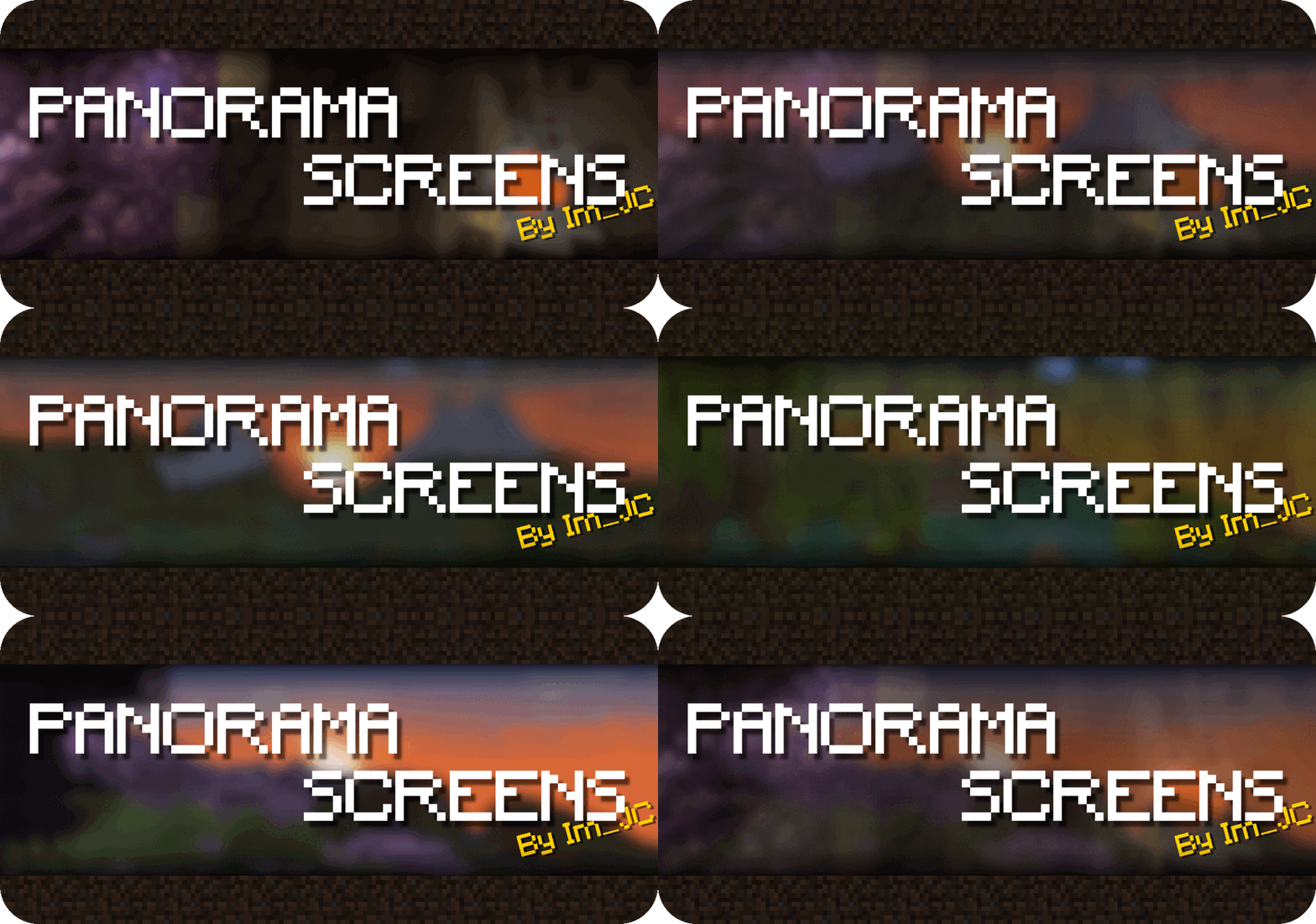

Panorama Screens is a mod that enhances Minecraft screens by adding the title screen rotating panorama background. It is also compatible and tested with lots of mods and allows the player to manually add the panorama screen with untested mods.
Compatible with both forge and fabric, minecraft versions, 1.18.2 and all 1.19 versions

Features
- High compatibility with other mods.
Explicit compatibility with lots of mod config screen APIs (cloth-config, configured, etc) and tested in hundreds of other mods.
- Configurable through Cloth Config.
- Screen allow list for compatible screens/mods.
- Screen block list for incompatible screens/mods.

Screenshots
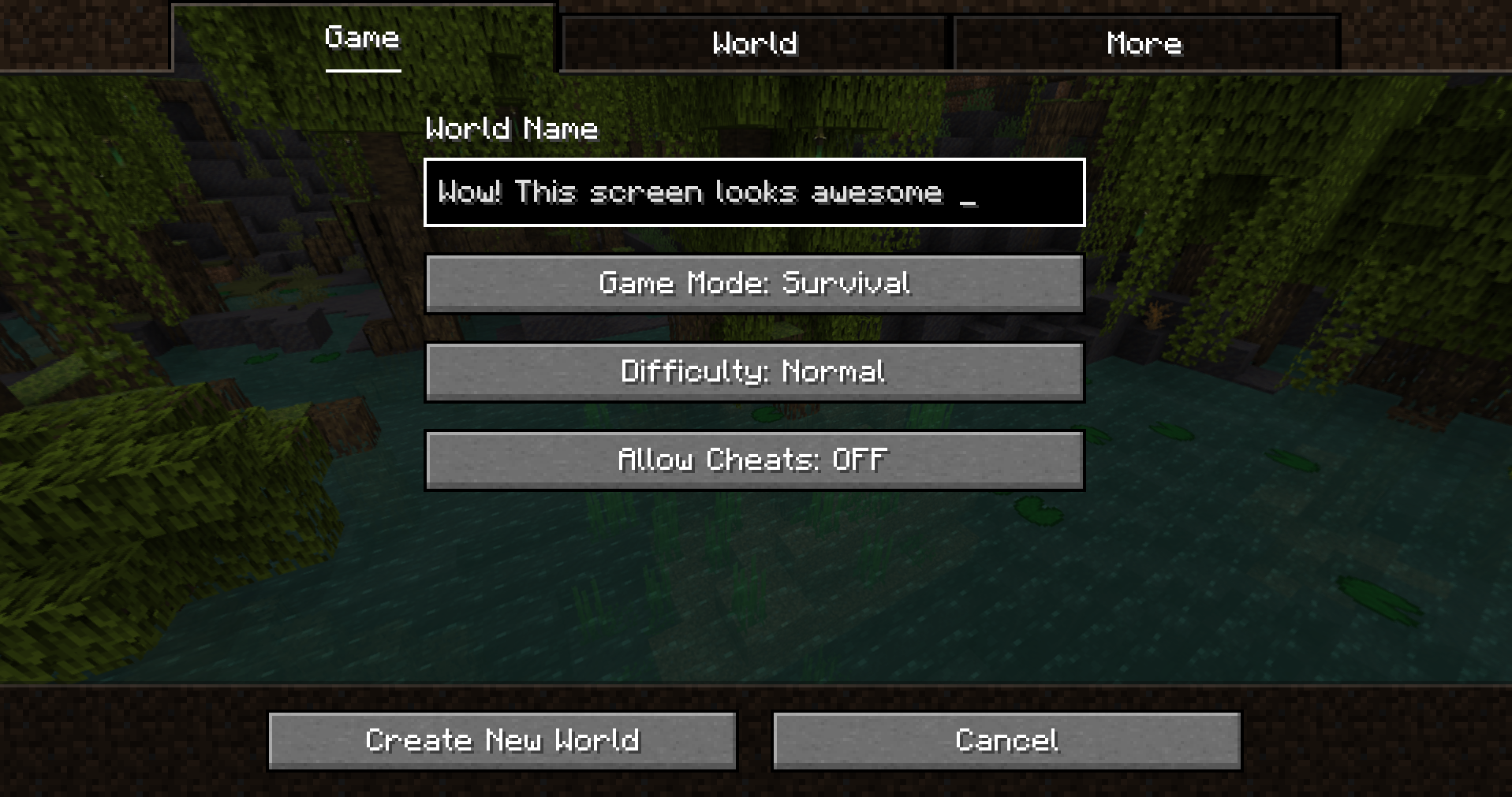
More screenshots in the gallery!
Installation
Forge:
This mod requires Forge (Make sure to download the correct version). You can download Panorama Screens from the Modrinth, make sure to download the forge version.
- Install Forge.
- Drop the mod jar inside the mods folder.
- Optionally, download and install Cloth Config to be able to access the config menu.
- That's all!
Fabric:
This mod requires Fabric and Fabric API. You can download Panorama Screens from Modrinth, make sure to download the fabric version.
- Install Fabric
- Place Fabric API jar inside the mods folder.
- Place Panorama Screens jar inside the mods folder.
- Success!
License
Panorama Screens is released under the free and open-source GPL-3.0 License.
Installation von Panorama Screens
With Millida Launcher
Install Millida Launcher
The launcher is free: download it at millida.net/launcher and sign in with any nickname.
Click “Install” on this page
The launcher opens and installs the mod for Minecraft 1.19.4–1.20.4 on Fabric, Forge, NeoForge or Quilt automatically, together with its dependencies: Fabric API.
Launch the game
A profile with it appears in the launcher: click “Play”.
Manually
Install Fabric, Forge, NeoForge or Quilt
The loader must match the game version of the mod file, for example Minecraft 1.20.4. After installing it, a separate profile appears in your launcher.
Download the file for your version
In the version list above, pick the file panorama_screens-1.0+forge+mc1.20.4.jar (231 KB) for your game version and loader.
Put it in the mods folder
The folder is inside .minecraft (Windows: %appdata%\.minecraft\mods). If it does not exist, create it. Required dependencies go there too: Fabric API.
Launch the loader profile
Open “Mods” in the main menu: Panorama Screens should be in the list.
Panorama Screens works on the player’s side only: there is no need to install it on a server.
Minecraft 1.20.4 runs on Java 17: with a different Java version the game may close right after launch.
Versionen
Mit Abhängigkeiten
| Minecraft | Loader | Datei | Datum | Aktionen |
|---|---|---|---|---|
| 1.20.4 | Forge | 1.20.4231 KB | ||
| 1.20.4 | Fabric, Quilt | 1.20.41.2 MB | ||
| 1.20.2 | Fabric, Quilt | 1.20.21.2 MB | ||
| 1.20.2 | Forge, NeoForge | 1.20.2236 KB | ||
| 1.20.1 | Fabric, Quilt | 1.20.11.2 MB | ||
| 1.20.1 | Forge | 1.20.1228 KB | ||
| 1.19.4 | Fabric, Quilt | 1.19.41.2 MB | ||
| 1.19.4 | Forge | 1.19.4228 KB |
Was zum Ausführen nötig ist
- Cloth Config APIoptional
- Fabric APIerforderlich
Bewertungen
Bewerten Sie Panorama Screens als Erster


