
Origins: Vampire Mod für Minecraft 1.20.1, 1.20.2
Origins: Vampire bringt 2 neue Origins: Vampir und Vampirlord
 Fabric
 Forge
Forge Quilt
QuiltOrigins: Vampire
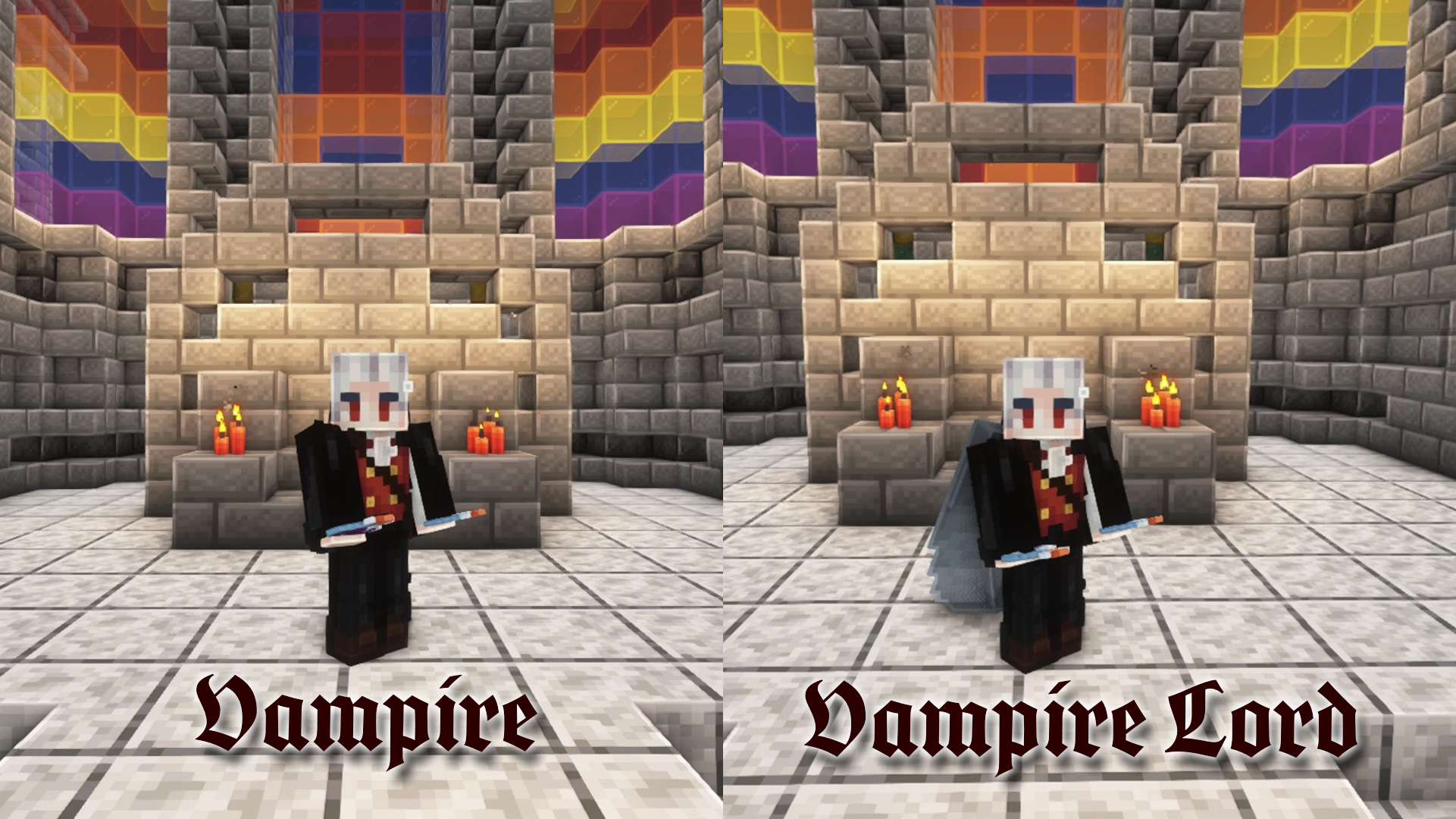
Origins: Vampire brings 2 origins to the game : Vampire and Vampire Lord.
Only the Vampire origin is selectable when choosing your origin. You'll need to drink the blood of the Ender Dragon to become a Vampire Lord, but it will not let you sip it without a fight.
(Until v2.0.0) You'll need to obtain the advancement "Free the End" to evolve from a Vampire to a Vampire Lord
Vampire
Undead :
Vampires are undead creatures that suck the blood of the living to fulfill their thirst. Their undead condition makes them immune to poison and freezing damage, but weak to fire, and sunlight. They also don't have to breath to survive.
Unholy :
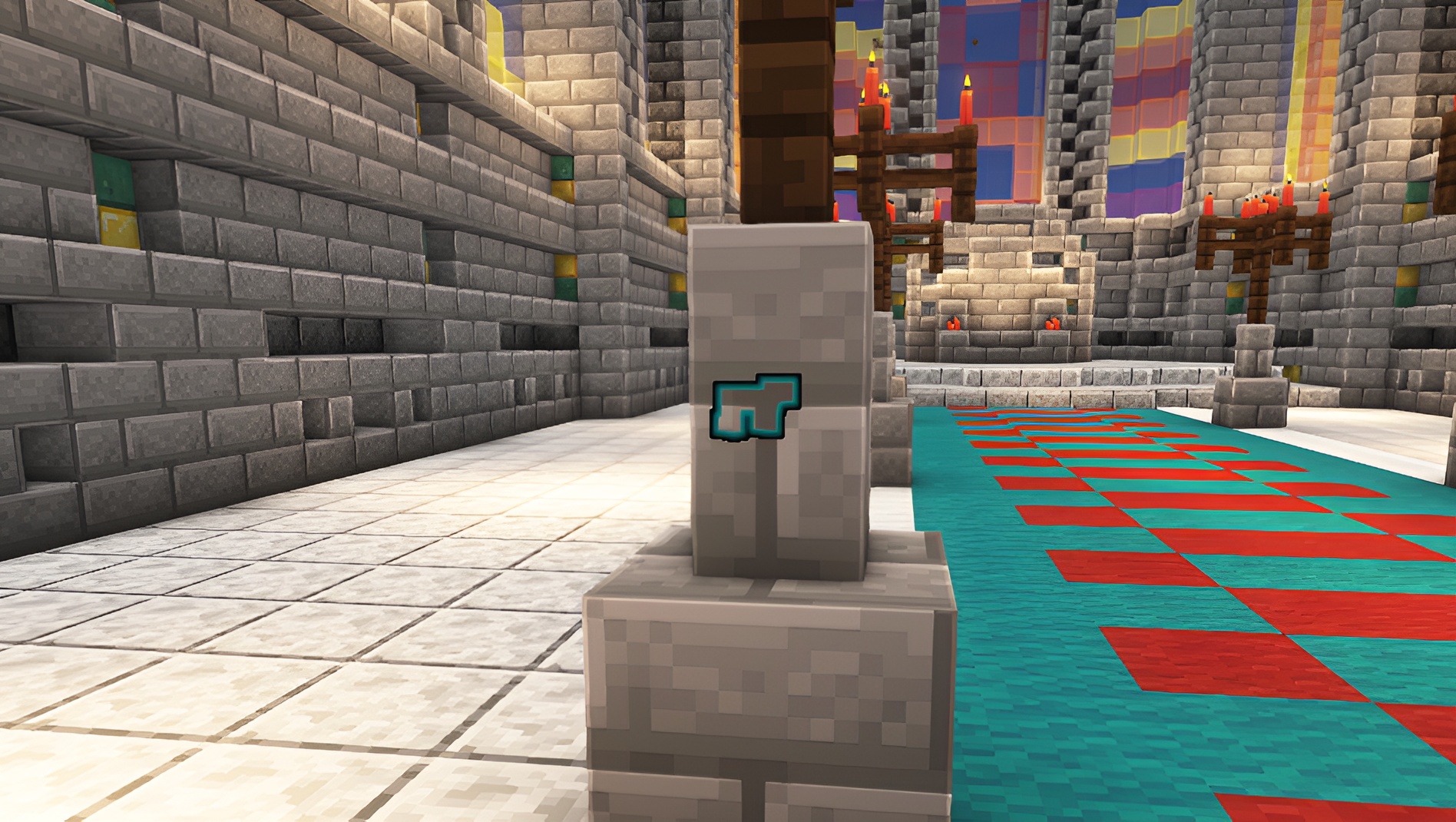
They are weak to wooden tools, as such being hit by one will incapacitate him for a brief amount of time.
Diet :
As vampires, their diet is limited to blood. They can suck it straight from the living or bottle it to drink later. When their thirst is satisfied, vampires are stronger and faster than humans, and can see clearly in the dark.
Healing :
Vampires heal faster but it makes them thirsty quickly. Their weakness to fire and sunlight prevents them from healing while affected by this.
Bat form :
Vampires can transform into bats to move discretly and prevent the sunlight from affecting them. On the other hand this form is more fragile, and does not have hands, preventing them to use their tools.
Vampire Lord
They inherit their characteristics from their previous form, with extras.
Winged :
Vampire Lords have wings strong enough to propel them forward while flying.
Hunter's instinct :
They gained the ability to detect the living around them and know whether they are hostile to them or not.
Installation von Origins: Vampire
With Millida Launcher
Install Millida Launcher
The launcher is free: download it at millida.net/launcher and sign in with any nickname.
Click “Install” on this page
The launcher opens and installs the mod for Minecraft 1.19.4–1.20.2 on Fabric, Forge or Quilt automatically.
Launch the game
A profile with it appears in the launcher: click “Play”.
Manually
Install Fabric, Forge or Quilt
The loader must match the game version of the mod file, for example Minecraft 1.20.2. After installing it, a separate profile appears in your launcher.
Download the file for your version
In the version list above, pick the file origins-vampire-v2.2.0.jar (158 KB) for your game version and loader.
Put it in the mods folder
The folder is inside .minecraft (Windows: %appdata%\.minecraft\mods). If it does not exist, create it.
Launch the loader profile
Open “Mods” in the main menu: Origins: Vampire should be in the list.
Minecraft 1.20.2 runs on Java 17: with a different Java version the game may close right after launch.
Versionen
Mit Abhängigkeiten
| Minecraft | Loader | Datei | Datum | Aktionen |
|---|---|---|---|---|
| 1.20.2 | Fabric, Forge, Quilt | Origins-Vampire-fabric-quilt-v2.2.0.jar158 KB 18 |
Bewertungen
Bewerten Sie Origins: Vampire als Erster


