
MythicBotany Mod für Minecraft 1.20.1, 1.16.5
Tauche tiefer in die Welt von Botania ein
- Downloads
- 7 Downloads
- Aufrufe
- 37 Aufrufe
- Aktualisiert
- Aktualisiert 23.10.2026
- 1.16.3 — 1.20.1
 Forge
Forge
Über die MythicBotany-Mod
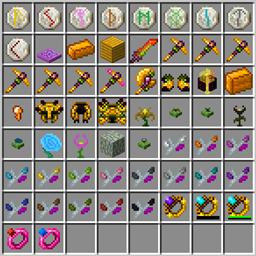
MythicBotany ist eine Mod, die Botania ein wenig erweitert. Einige ihrer Funktionen sind unten aufgeführt:
- Der Mana-Infuser: Ein Upgrade der terrestrischen Agglomerationsplatte, das Gold und Schimmerstein darunter und daneben benötigt und neben Terrastahl die Herstellung von Alfstahl ermöglicht.
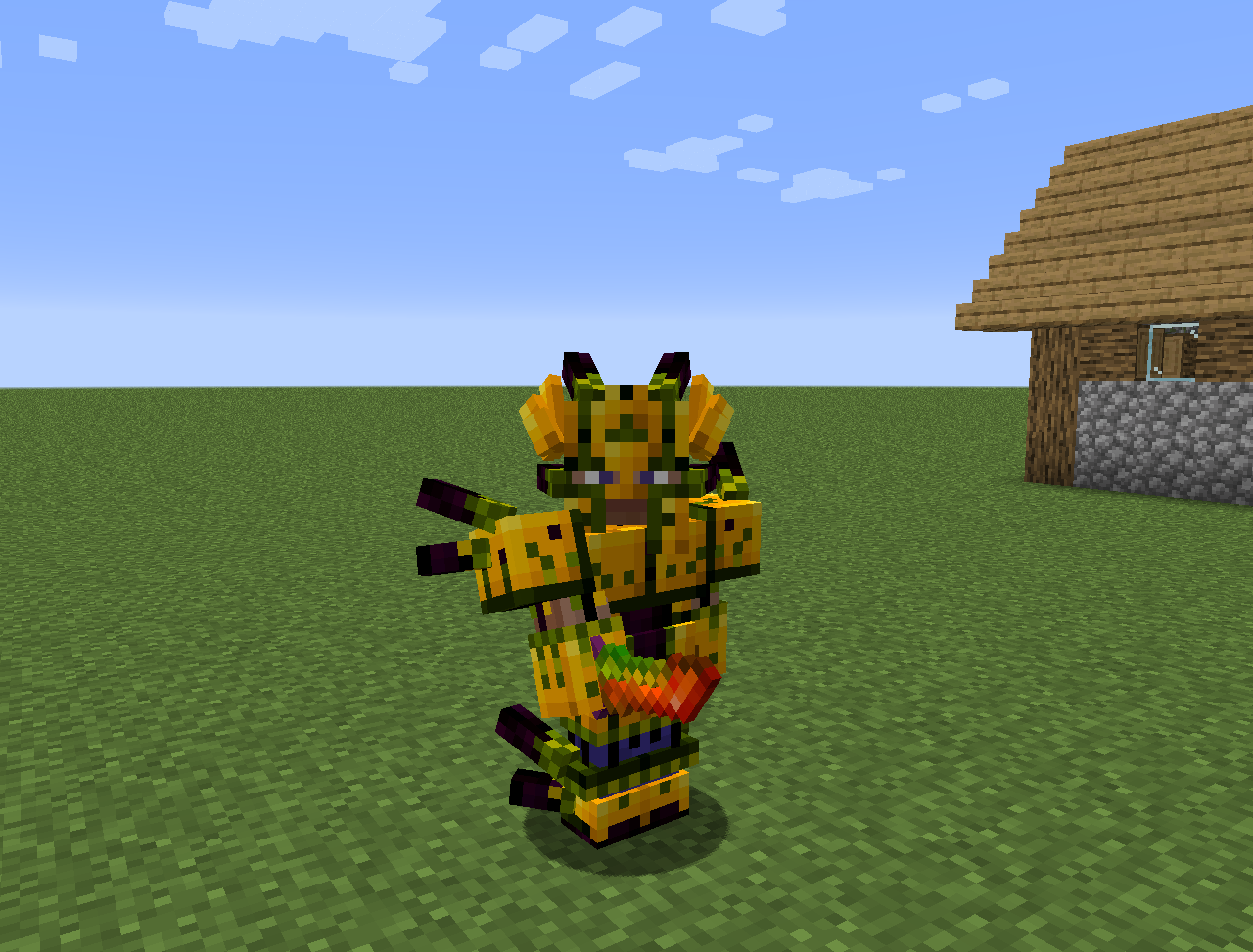
- Alfstahl: Wird wie Terrastahl hergestellt, aber mit Alfheim-Ressourcen. Kann verwendet werden, um eine bessere Rüstung, Pylonen und andere Dinge herzustellen.
- Einige neue Blumen:
- Wither Aconite: Erzeugt Mana aus Nethersternen
- Exoblaze: Füllt den Brennstoff von Brauständen mit Mana
- Hellebore: Verhindert, dass Piglins und Hoglins in der Oberwelt zu Zombies werden
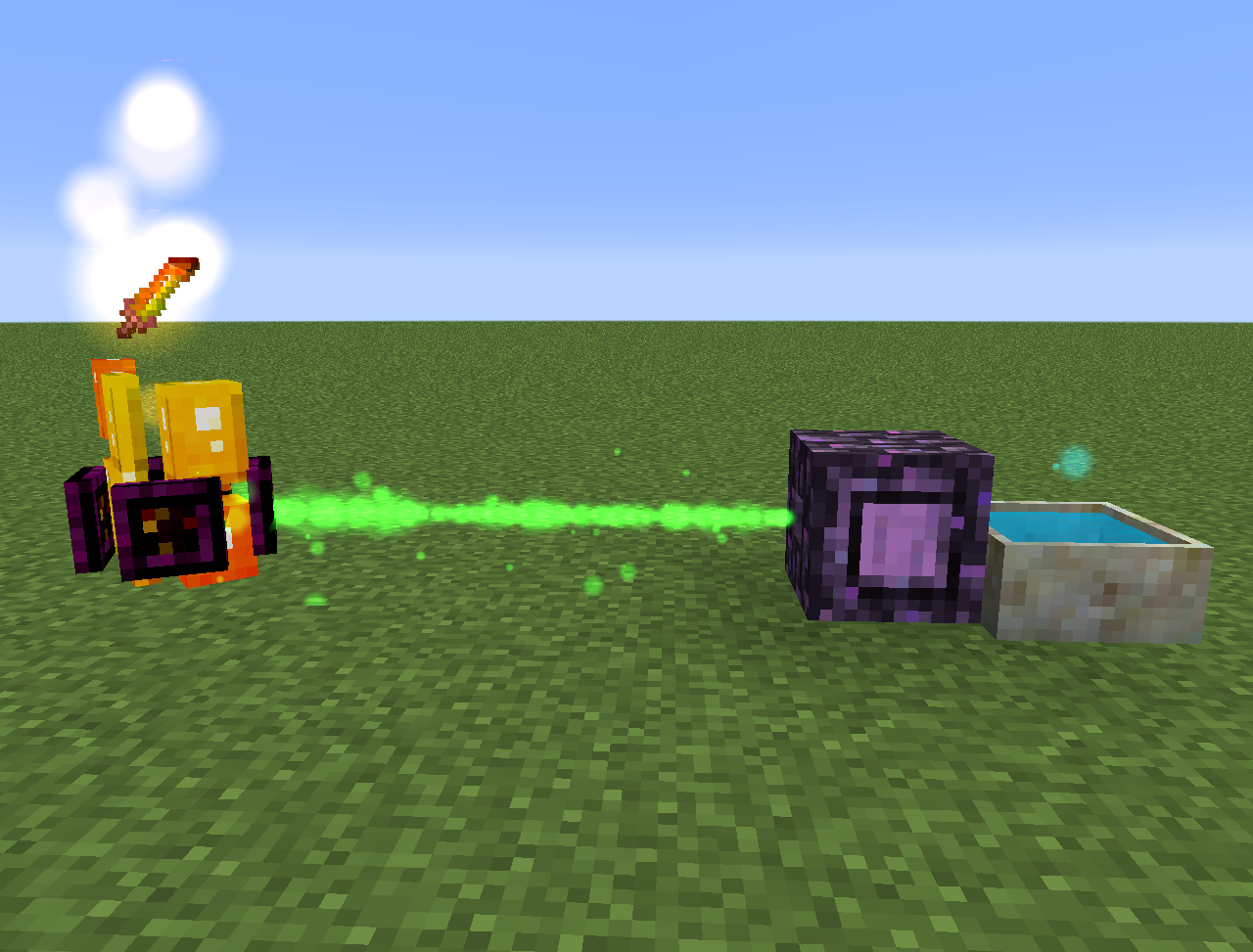
- Aquapanthus: Füllt Blütenapotheken und Kessel in der Nähe.
- Raindeletia: Erzeugt Mana, wenn es regnet. Muss freie Sicht zum Himmel haben. Platziere sie auf lebendigem Gras oder verzaubertem Erde, damit sie mehr Mana produziert.
- Sie fügt außerdem eine Alfheim-Dimension und einige Inhalte aus der nordischen Mythologie hinzu
Alles kann auch in der Lexica Botania gefunden werden.
Installation von MythicBotany
With Millida Launcher
Install Millida Launcher
The launcher is free: download it at millida.net/launcher and sign in with any nickname.
Click “Install” on this page
The launcher opens and installs the mod for Minecraft 1.16.3–1.20.1 on Forge automatically.
Launch the game
A profile with it appears in the launcher: click “Play”.
Manually
Install Forge
The loader must match the game version of the mod file, for example Minecraft 1.20.1. After installing it, a separate profile appears in your launcher.
Download the file for your version
In the version list above, pick the file MythicBotany-1.20.1-4.0.4.jar (2.1 MB) for your game version.
Put it in the mods folder
The folder is inside .minecraft (Windows: %appdata%\.minecraft\mods). If it does not exist, create it.
Launch the loader profile
Open “Mods” in the main menu: MythicBotany should be in the list.
Minecraft 1.20.1 runs on Java 17: with a different Java version the game may close right after launch.
Versionen
Mit Abhängigkeiten
| Minecraft | Loader | Datei | Datum | Aktionen |
|---|---|---|---|---|
| 1.20.1 | Forge | MythicBotany-1.20.1-4.0.4.jar2.1 MB 5 | ||
| 1.18.1 | Forge | MythicBotany-1.18.1-2.0.2.jar2 MB | ||
| 1.16.5 | Forge | MythicBotany-1.16.4-1.3.7.jar2 MB 2 | ||
| 1.16.3 | — | MythicBotany-1.16.3-1.0.0.jar403 KB |
FAQ
Which Minecraft versions does MythicBotany work on?
There are files for 1.20.1, 1.18.1, 1.16.5, 1.16.4, 1.16.3. The newest is 1.20.1.
Is MythicBotany for Forge or Fabric?
Only for Forge: 1.16.4–1.20.1. There are no files for Fabric or NeoForge: a mod for another loader will not start.
Does MythicBotany need other mods?
The author lists no required dependencies: the Forge loader is enough.
Which Java does MythicBotany need?
Minecraft 1.20.1 runs on Java 17. If the game closes right after launch, the usual cause is the wrong Java version in the profile settings.
Where can I download MythicBotany safely?
On this page: the file MythicBotany-1.20.1-4.0.4.jar (2.1 MB) is stored on Millida’s server, with no link shorteners. SHA-1 checksum: b616c118d611459a0711931c51c9c4d41408abb4.
Bewertungen
Bewerten Sie MythicBotany als Erster


