

MultiStorage Mod für Minecraft 1.21.1, 1.12.2
Tresore, Stapeltruhen, Versteckte Truhen, Endertruhen und Endertaschen
 NeoForge
 Forge
ForgeÜber die MultiStorage-Mod
- ShetiPhianCore Required! *
Combine nearly any 2 blocks or items (modded or vanilla) for fully custom storage.
If one block used emits light the crafted item will as well.
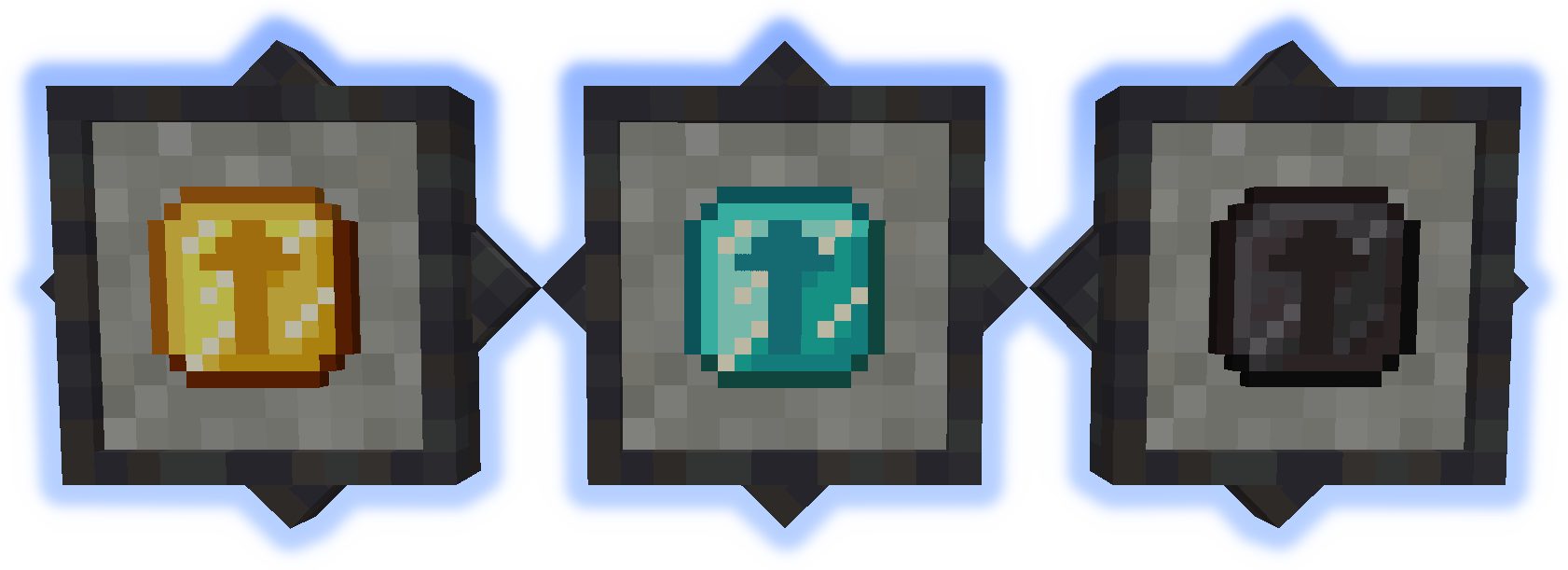
Stacking Storage
Stacks up to 3 tall. Each has 27 slots (upgradable).
Connected containers combine contents.
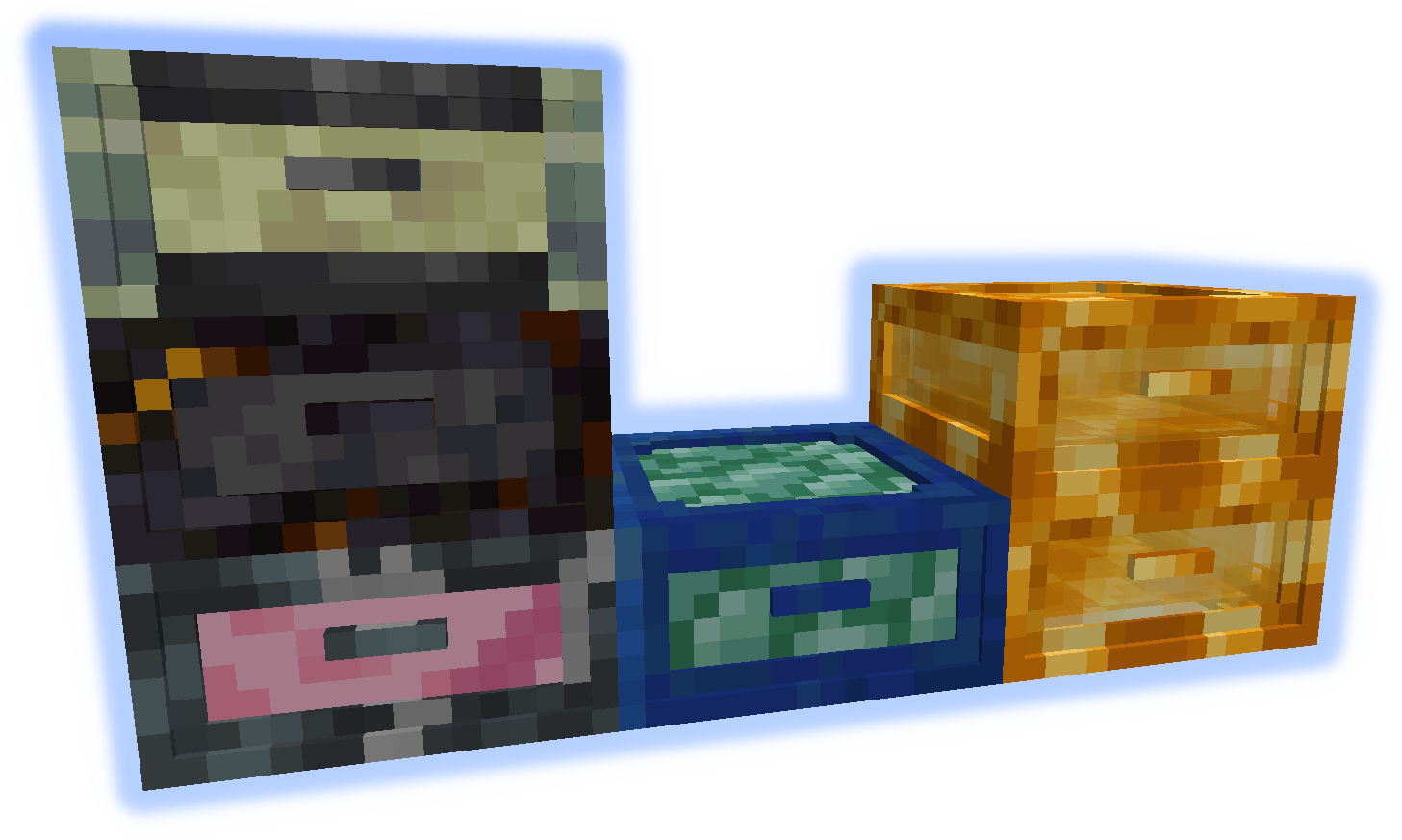
Junk Box
Each drawer is individually accessed and has 32 slots (upgradable).
Only 16 slots are visible at once.
Queue Chest
Items are stored in a large list. Only add/remove from the start or end.
Holds 4096 individual items (upgradable to stacks).
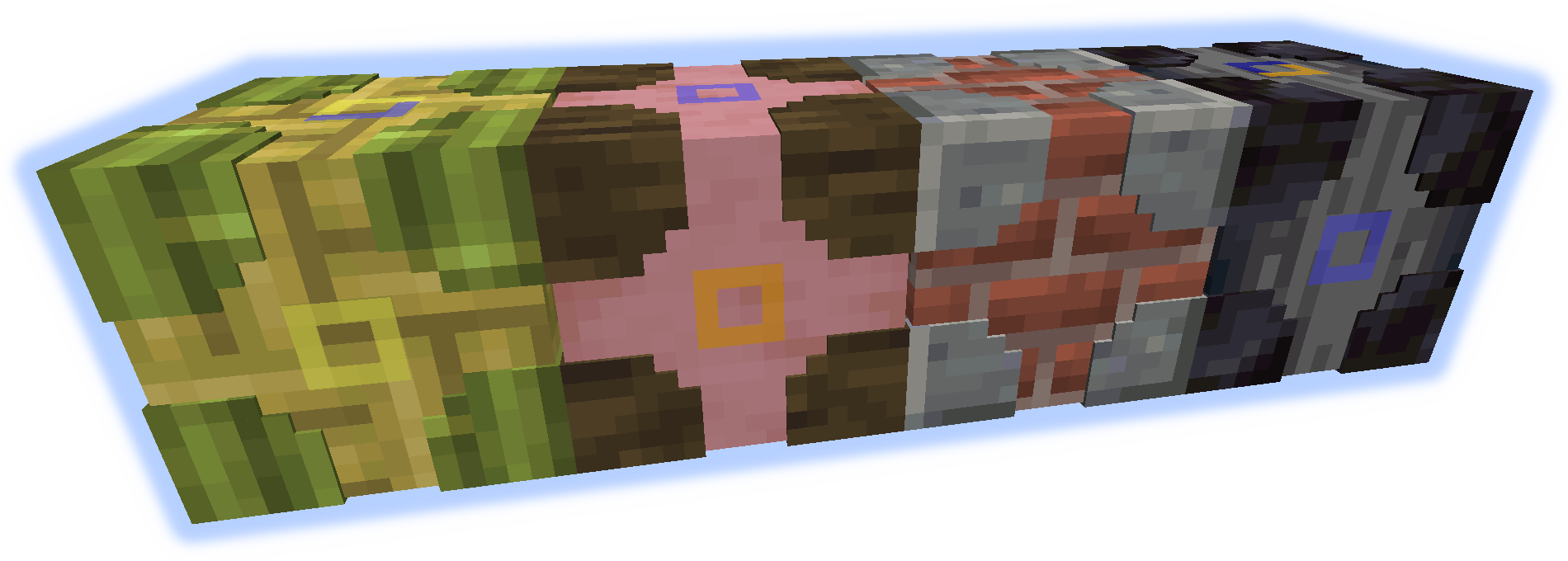
Storage Visualizer
When placed on any container allows add/remove of listed items.
When on a block functions as a simple item frame.
left-click = remove 1 item, shift-left-click = remove stack, right-click = add held stack, empty-hand-double-right-click = add all matching items
shift-right-click = add held stack to filter, empty-hand-shift-right-click = remove held stack from filter
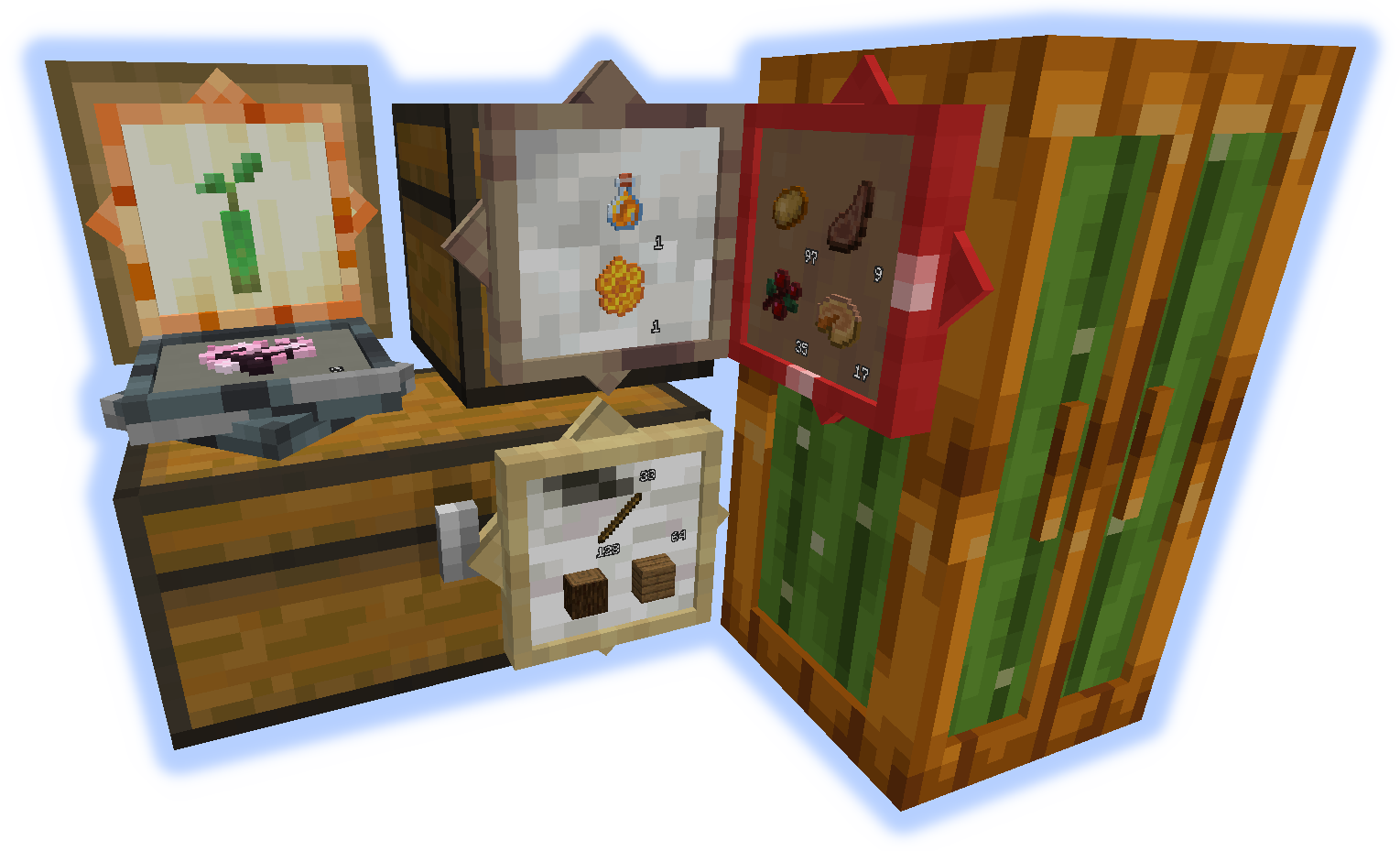
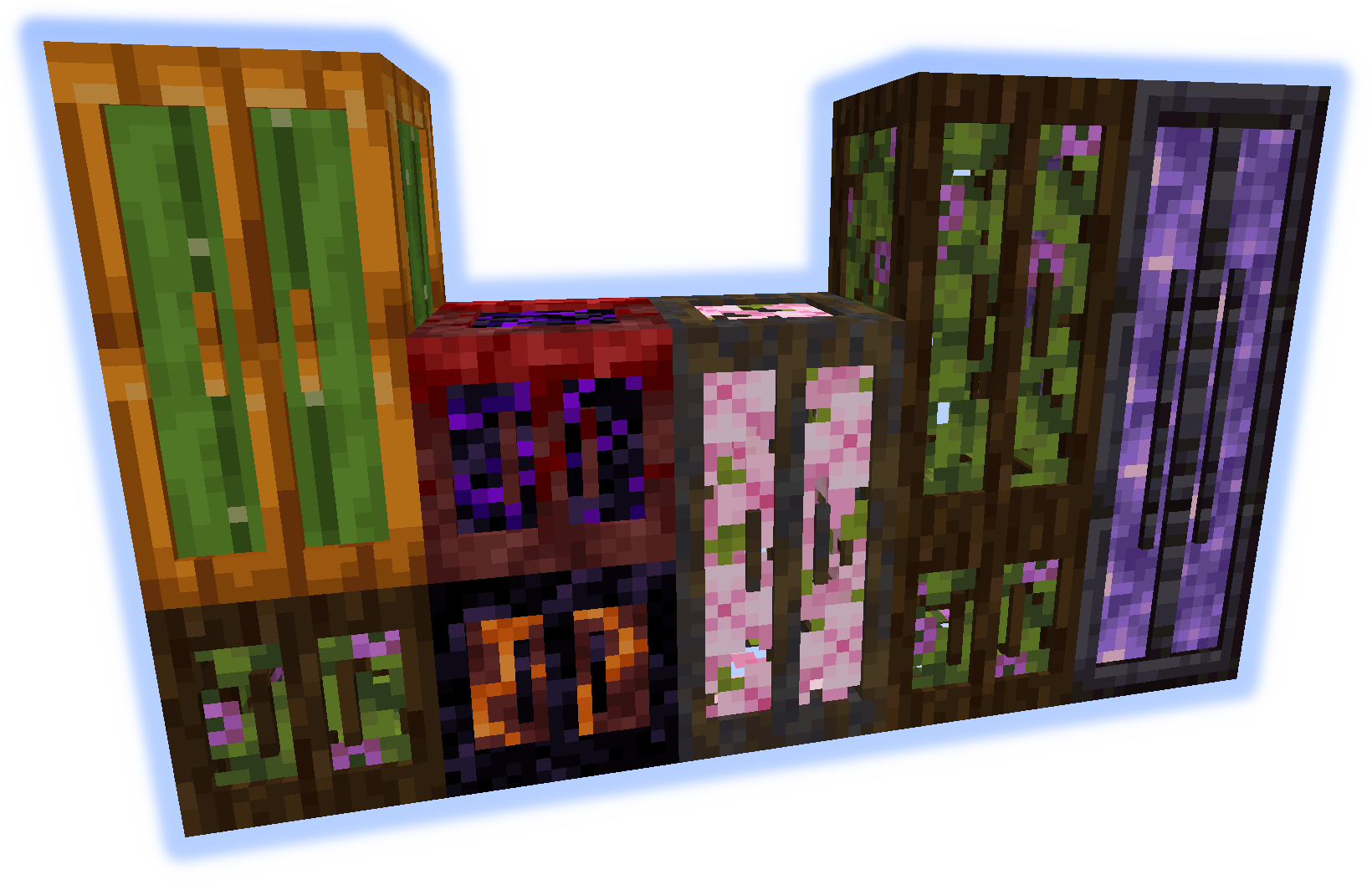
Chameleon Chest
Can mimic other blocks. Has 12 slots (upgradable).
Use wrench to set block quickly (see GIF bellow).
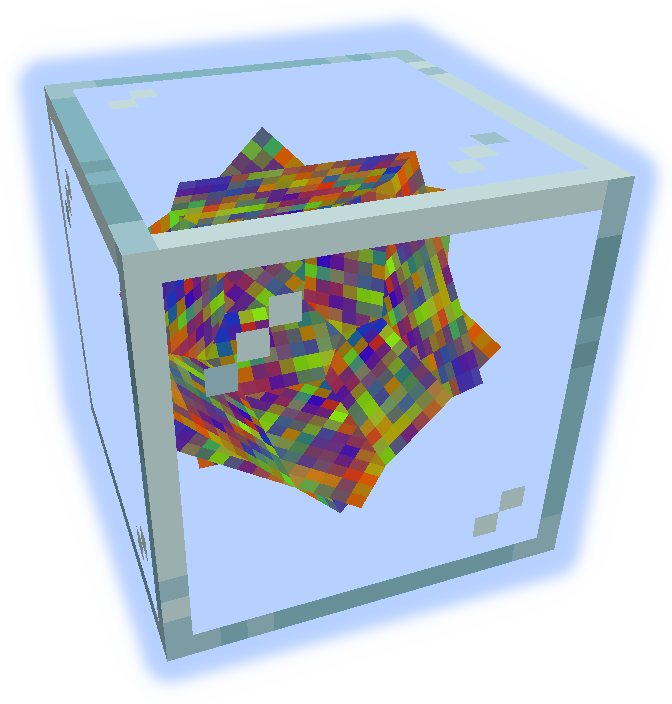
Upgrades
Increase the capacity of containers.
Hold shift with upgrade in hand to high-light applicable containers, right-click to apply.
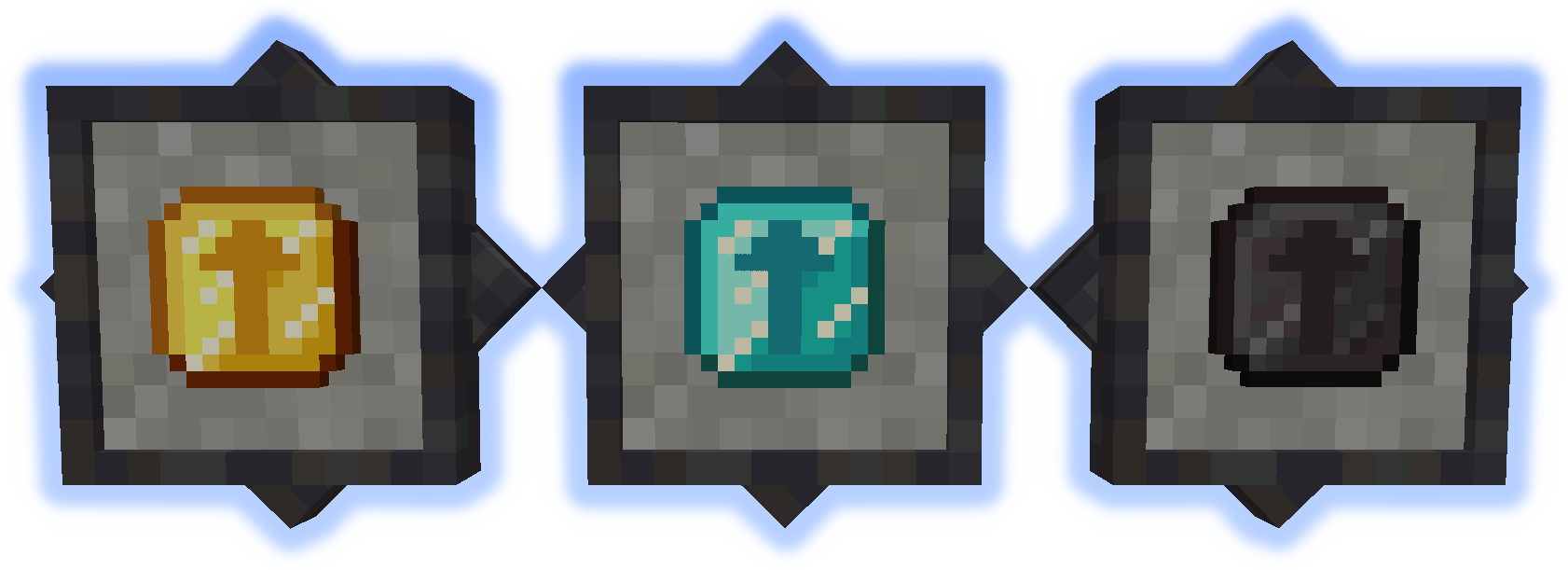
Tools
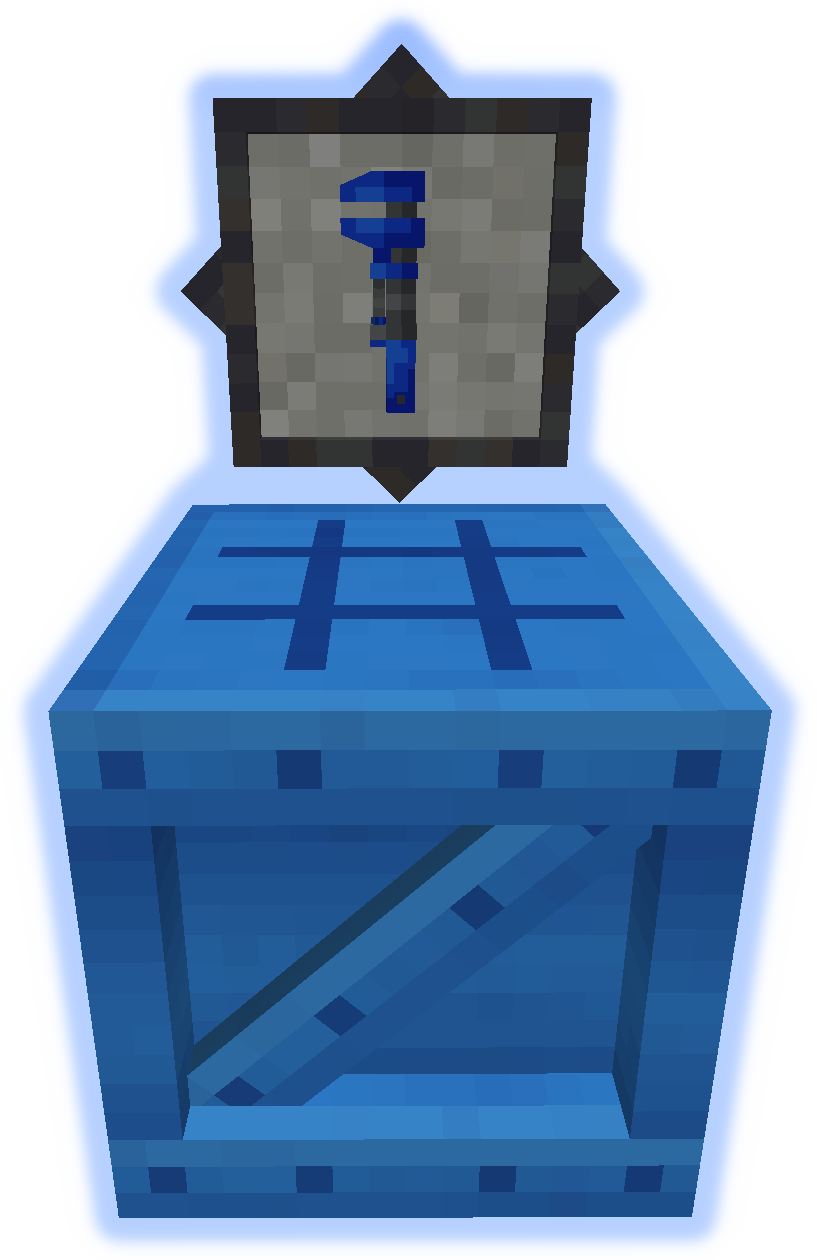
The Wrench is used to manipulate containers (see GIF bellow).
The Bench is used to craft everything else from the mod.
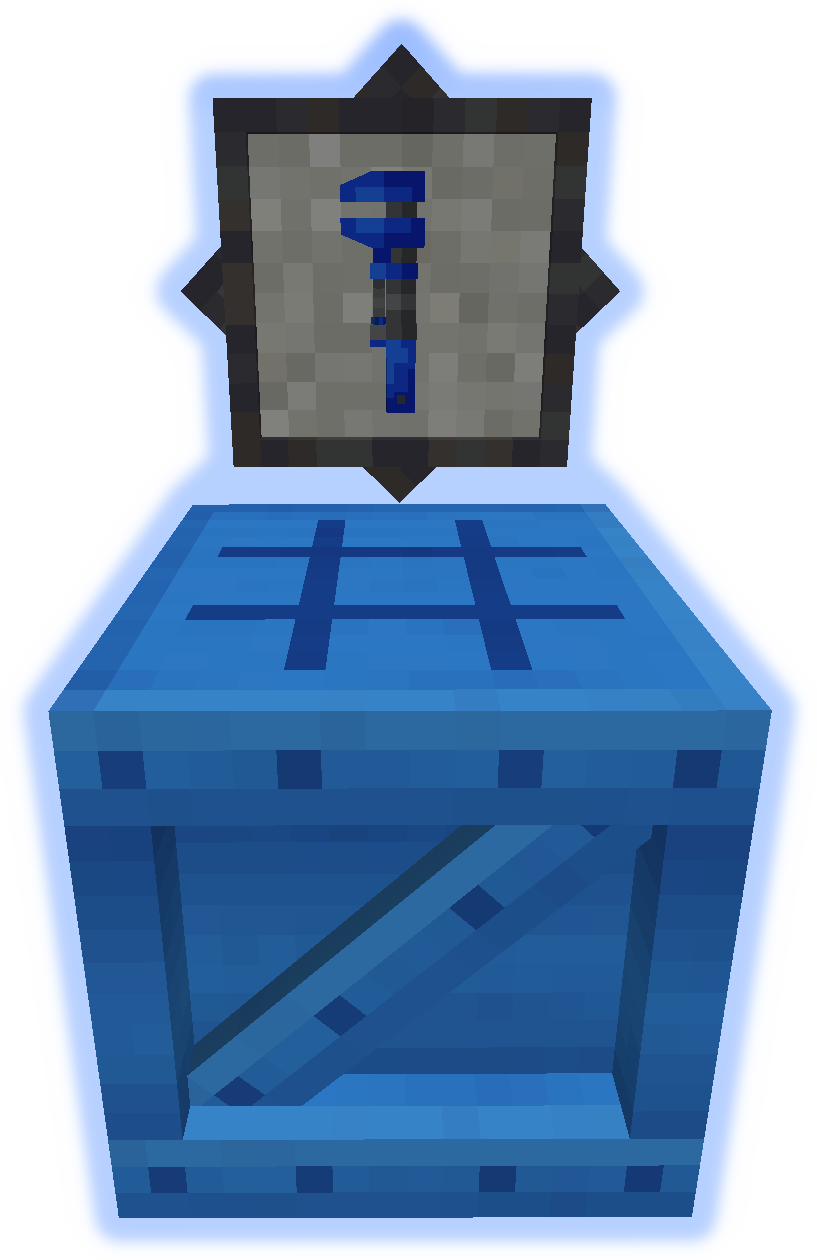
GIFs
Submit localization files on github.
Do not post bugs in the comments, use the Issue Tracker.
Installation von MultiStorage
With Millida Launcher
Install Millida Launcher
The launcher is free: download it at millida.net/launcher and sign in with any nickname.
Click “Install” on this page
The launcher opens and installs the mod for Minecraft 1.12–1.21.1 on Forge or NeoForge automatically.
Launch the game
A profile with it appears in the launcher: click “Play”.
Manually
Install Forge or NeoForge
The loader must match the game version of the mod file, for example Minecraft 1.21.1. After installing it, a separate profile appears in your launcher.
Download the file for your version
In the version list above, pick the file multistorage-neoforge-1.21.1-1.0.jar (588 KB) for your game version and loader.
Put it in the mods folder
The folder is inside .minecraft (Windows: %appdata%\.minecraft\mods). If it does not exist, create it.
Launch the loader profile
Open “Mods” in the main menu: MultiStorage should be in the list.
Minecraft 1.21.1 runs on Java 21: with a different Java version the game may close right after launch.
Versionen
Mit Abhängigkeiten
| Minecraft | Loader | Datei | Datum | Aktionen |
|---|---|---|---|---|
| 1.21.1 | NeoForge | multistorage-neoforge-1.21.1-1.0.jar588 KB | ||
| 1.21.1 | Forge | multistorage-forge-1.21.1-1.0.jar581 KB 1 | ||
| 1.21.1 | NeoForge | multistorage-neoforge-1.21.1-0.1.jar588 KB | ||
| 1.21.1 | Forge | multistorage-forge-1.21.1-0.1.jar581 KB | ||
| 1.12.1 | — | multistorage-1.12.0-1.4.14.jar1 MB | ||
| 1.12.1 | — | multistorage-1.12.0-1.4.0.2.jar973 KB |
FAQ
Which Minecraft versions does MultiStorage work on?
There are files for 1.21.1, 1.12.2, 1.12.1, 1.12. The newest is 1.21.1.
Is MultiStorage for Forge or Fabric?
There are files for Forge: 1.21.1 and for NeoForge: 1.21.1. There are no files for Fabric: a mod for another loader will not start.
Does MultiStorage need other mods?
The author lists no required dependencies: the Forge or NeoForge loader is enough.
Which Java does MultiStorage need?
Minecraft 1.21.1 runs on Java 21. If the game closes right after launch, the usual cause is the wrong Java version in the profile settings.
Where can I download MultiStorage safely?
On this page: the file multistorage-neoforge-1.21.1-1.0.jar (588 KB) is stored on Millida’s server, with no link shorteners. SHA-1 checksum: 68541f35fdfe64c4f1478074a37ef487a6122341.
Bewertungen
Bewerten Sie MultiStorage als Erster


