
Modular Powersuits Mod für Minecraft 1.20.1, 1.16.5
Hochentwickelte erweiterbare Rüstung und Werkzeug/Waffe
 NeoForge
 Forge
ForgeÜber die Modular Powersuits-Mod
WARNUNG: Dieses Mod hat einige Infrastrukturänderungen durchgemacht! Wenn du von einer älteren Version aktualisierst, gehen alle ungenutzten Component-Gegenstände, die herumliegen, verloren. Schäm dich nicht, dir alle Gegenstände, die beim Aktualisieren verschwinden, per Cheat zurückzuholen!
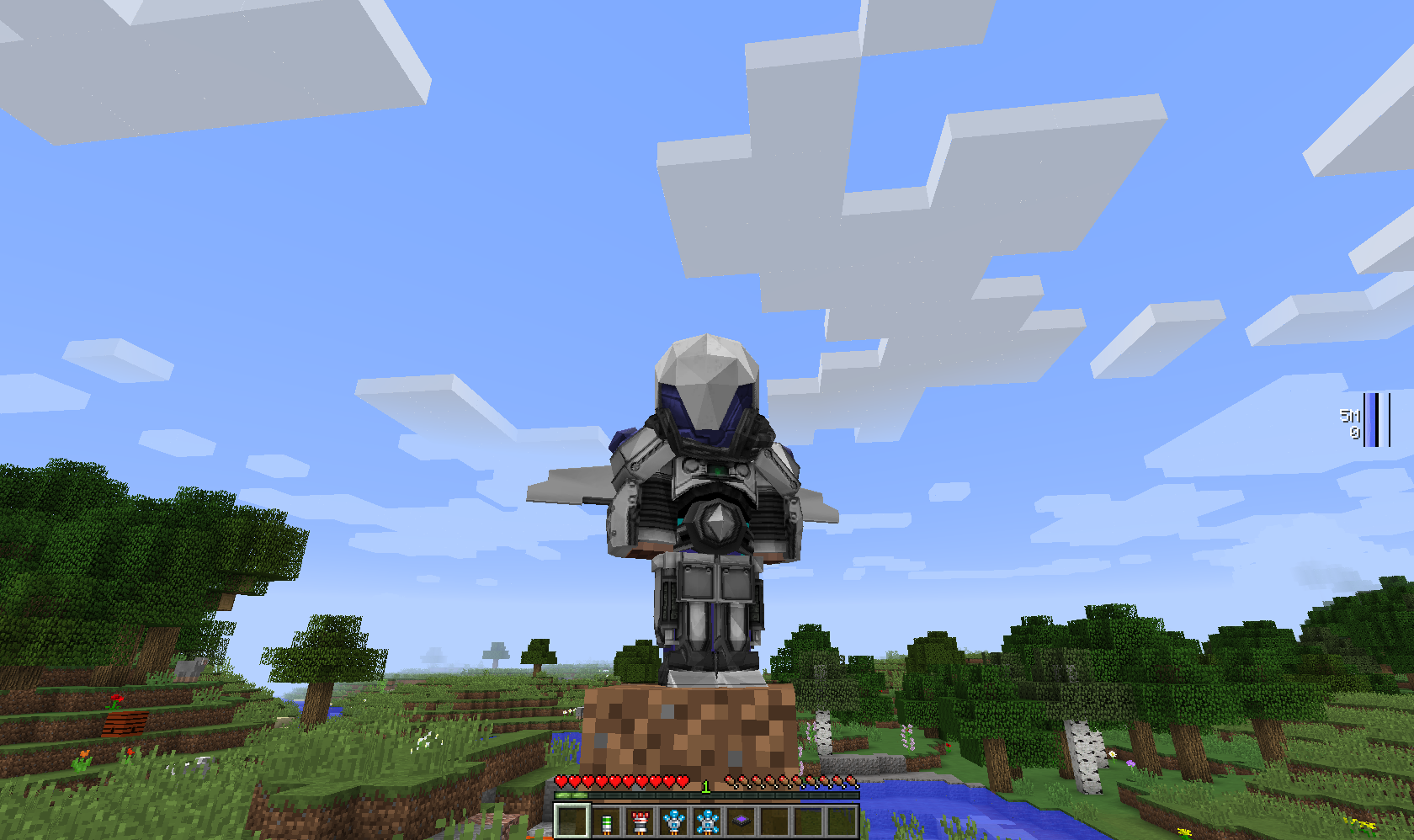
Modular Powersuits ist ein Minecraft-Mod, der auf der Idee eines Erfinders basiert, der mit hochtechnologischer Elektronik herumbastelt und einen Anzug aus Energie-Rüstung herstellt, der voller nützlicher Gadgets und Funktionen steckt. Inspiriert von Helden wie Iron Man, Megaman und Samus Aran sowie von der Hightech-Rüstung in Mods wie EE2 und IC2.
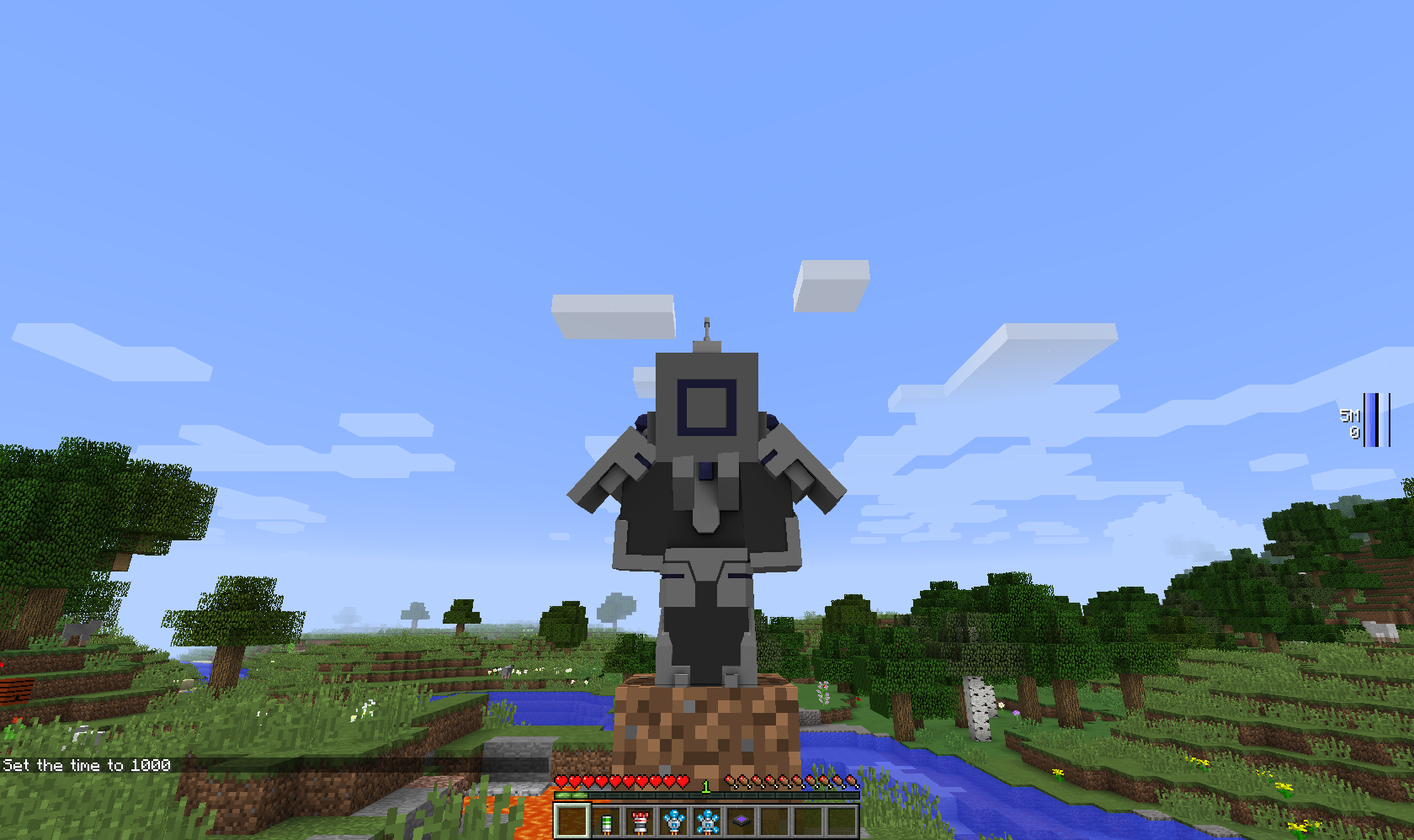
Zu Beginn brauchst du einen Tinker Table und mindestens einen Powersuit-Gegenstand - den Helm, den Torso, die Beine, die Stiefel oder das Tool. Die Powersuit-Gegenstände sind für sich allein nutzlos, aber wenn du auf einen Tinker Table zugreifst, werden die Module aufgelistet, die du in diesen Gegenstand einbauen kannst, und es wird dir der Component-Aufwand mitgeteilt.
Erfordert Numina, sofern nicht anders angegeben (wie bei Alpha-Builds).
Hinweis: Ab den Versionen für 1.16.5 und neuer ist der Tinker Table als Modul dasselbe wie der platzierbare Block, dasselbe gilt für den Vanilla-Werktisch. Der Vanilla-Kompass und die Vanilla-Uhr sind ebenfalls als Module installierbar.
Installation von Modular Powersuits
With Millida Launcher
Install Millida Launcher
The launcher is free: download it at millida.net/launcher and sign in with any nickname.
Click “Install” on this page
The launcher opens and installs the mod for Minecraft 1.10.2–1.20.1 on Forge or NeoForge automatically.
Launch the game
A profile with it appears in the launcher: click “Play”.
Manually
Install Forge or NeoForge
The loader must match the game version of the mod file, for example Minecraft 1.20.1. After installing it, a separate profile appears in your launcher.
Download the file for your version
In the version list above, pick the file ModularPowersuits-NeoForged-1.20.1-2.3.13.jar (1.7 MB) for your game version and loader.
Put it in the mods folder
The folder is inside .minecraft (Windows: %appdata%\.minecraft\mods). If it does not exist, create it.
Launch the loader profile
Open “Mods” in the main menu: Modular Powersuits should be in the list.
Minecraft 1.20.1 runs on Java 17: with a different Java version the game may close right after launch.
Versionen
Mit Abhängigkeiten
| Minecraft | Loader | Datei | Datum | Aktionen |
|---|---|---|---|---|
| 1.19.2 | Forge | ModularPowersuits-1.19.2-2.3.13.jar1.8 MB | ||
| 1.20.1 | NeoForge | ModularPowersuits-NeoForged-1.20.1-2.3.13.jar1.7 MB | ||
| 1.20.1 | Forge | ModularPowersuits-Forge-1.20.1-2.3.13.jar1.7 MB | ||
| 1.19.2 | Forge | ModularPowersuits-1.19.2-2.3.7.jar1.8 MB | ||
| 1.16.5 | — | ModularPowersuits-1.16.5-RC-11.5 MB | ||
| 1.16.5 | — | ModularPowersuits-1.16.4-Alpha-41.8 MB | ||
| 1.10.2 | — | ModularPowersuits-1.10.2-BETA-41.8 MB |
FAQ
Which Minecraft versions does Modular Powersuits work on?
There are files for 1.20.1, 1.19.2, 1.16.5, 1.16.4, 1.10.2. The newest is 1.20.1.
Is Modular Powersuits for Forge or Fabric?
There are files for Forge: 1.19.2–1.20.1 and for NeoForge: 1.20.1. There are no files for Fabric: a mod for another loader will not start.
Does Modular Powersuits need other mods?
The author lists no required dependencies: the Forge or NeoForge loader is enough.
Which Java does Modular Powersuits need?
Minecraft 1.20.1 runs on Java 17. If the game closes right after launch, the usual cause is the wrong Java version in the profile settings.
How do I download Modular Powersuits?
With Millida Launcher: it installs Modular Powersuits into a modpack by itself, for the right game version and loader. The launcher is free.
Bewertungen
Bewerten Sie Modular Powersuits als Erster


