
Moderner Beta Mod für Minecraft 1.20.1, 26.3
Alte (und nicht so alte) Weltgenerierung für modernes Minecraft!
 NeoForge
 Fabric
 Quilt
Quilt Forge
ForgeÜber die Moderner Beta-Mod
Part of the Nostalgica Reverie project
Welcome to Moderner Beta! This is a fork of b3spectacled's Modern Beta that started out as a pull request but due to the original creator's inactivity has been published as a fork. Alongside all of the world generation options from Modern Beta, this fork adds in world generators from Beta 1.8 all the way up to Release 1.17 which are highly customisable with plenty of configuration options. The goal of this fork now is to pick Modern Beta's development back up and add in extra features.
Notice
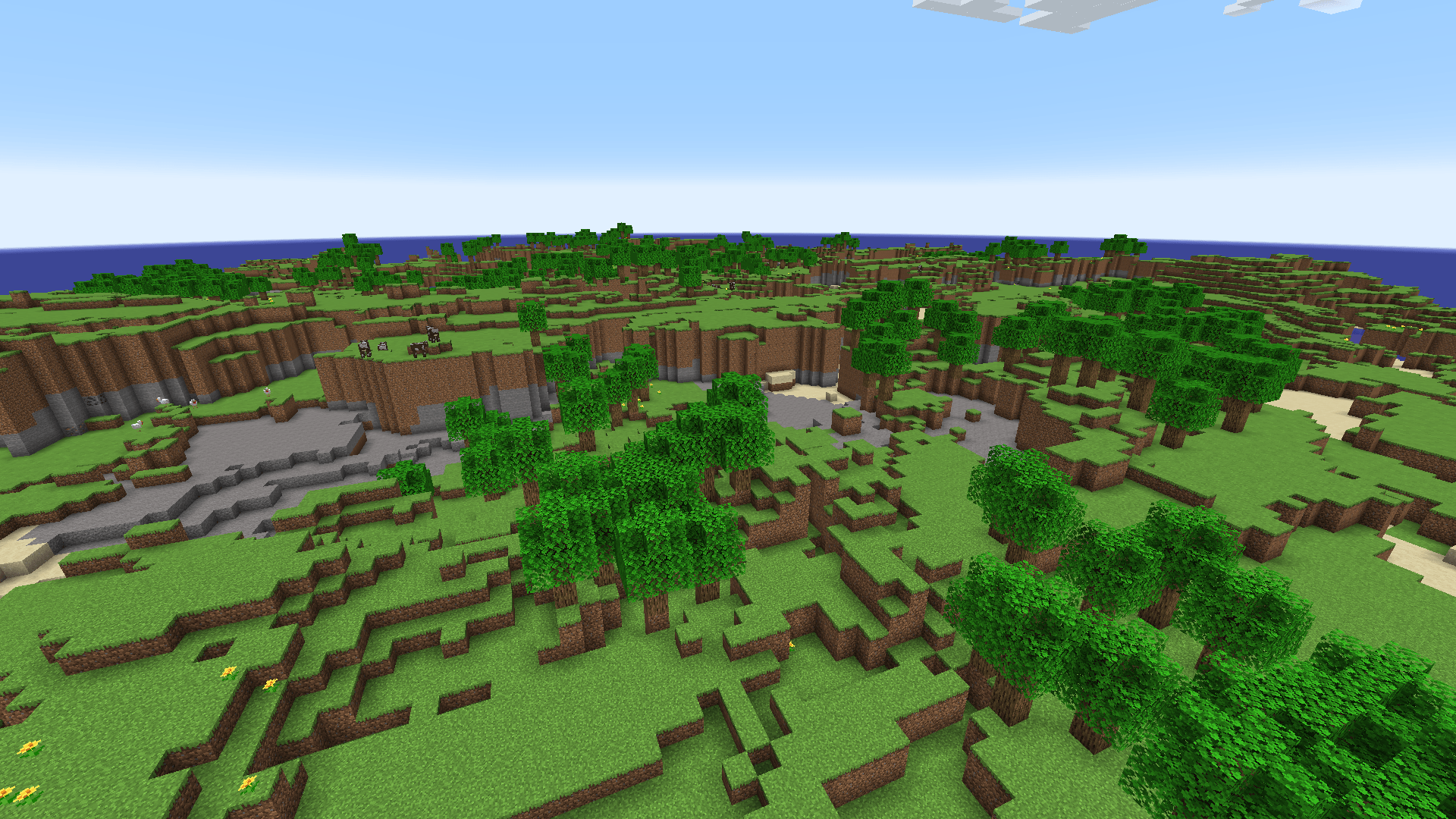
Moderner Beta 5.0.0 is currently in alpha. There may be bugs and issues, and can be prone to breaking with future releases. 4.1.x will continue to be supported until 5.0.0 exits development. Development may take quite some time. If you could help, then please consider applying as a developer here.
How to Report Issues
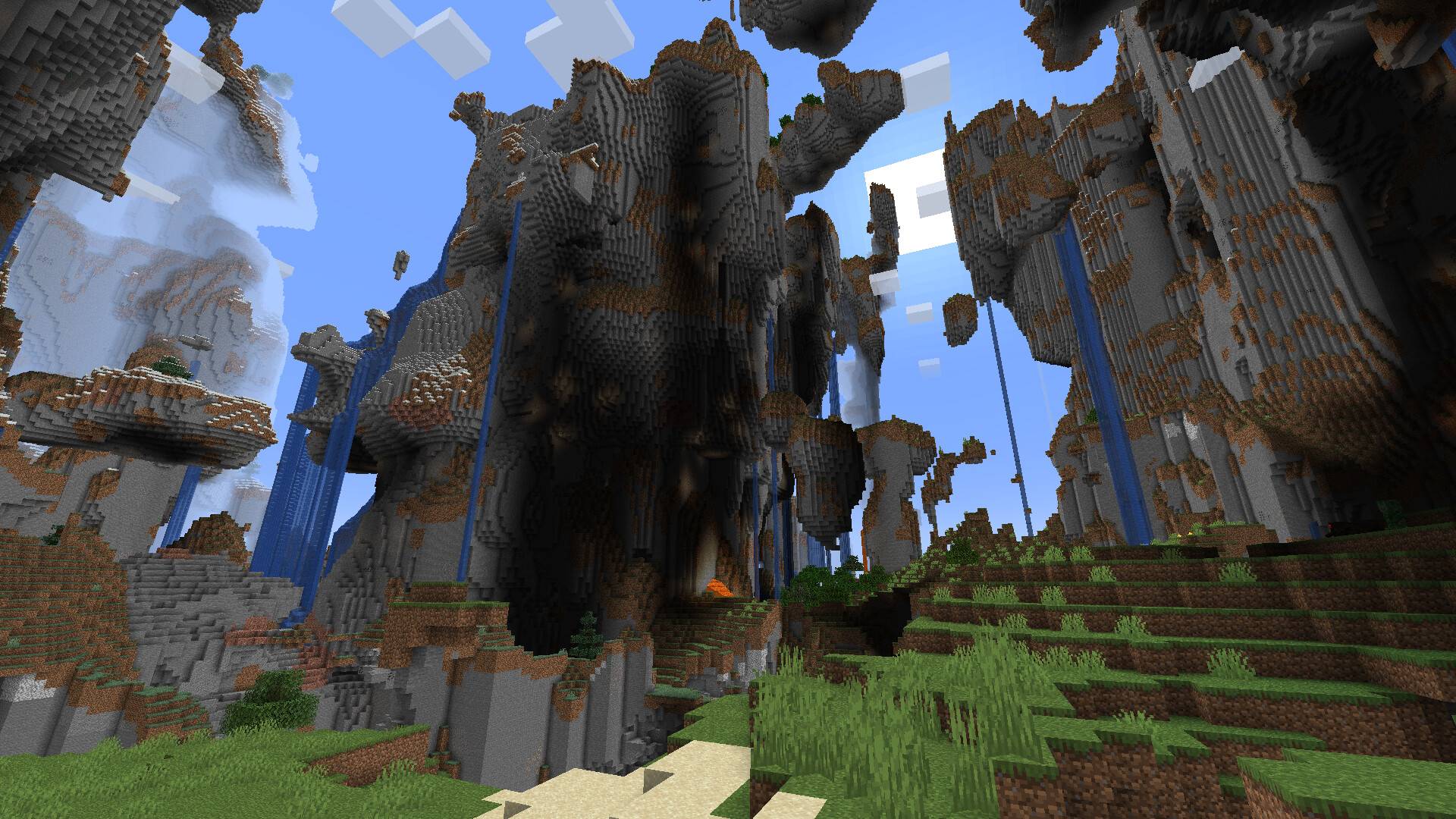
Please use the issue tracker linked at the top of the page if you are experiencing bugs, crashes, or other issues.
Nostalgica Reverie
Consider joining the Nostalgica Reverie Discord for sneak peeks and updates on development! By joining, you can:
- Get installation help and technical support for alot of nostalgic projects
- Get the latest updates about development
- Talk with and collaborate with our team
- And just hang out with the rest of our community!
Features
Moderner Beta has a quite extensive feature-set and many benefits over the original Modern Beta mod!
What Modern Beta offered:
- World generation for various old versions of Minecraft ranging from Classic 0.30 to Beta 1.7.3
- A range of custom options to modify terrain shape and biome distribution
What Moderner Beta offers:
- Support for NeoForge and Forge in addition to Fabric
- Graphical settings menu for simple options
- World generation from Beta 1.8 all the way up to Release 1.17.1 with accurate biome distribution
- Additional world generation from Infdev 20100325, Classic 0.0.14a_08 and Beta 1.1
- Re-introduced noise caves and surface rules
- Extremely customizable biome fractal layer pipeline for Beta 1.8+ versions
- A modular approach to configuration that gives greater control to addons
Documentation
To learn about all of Moderner Beta's configuration options as well as find some answers to some frequently asked questions, go to the official wiki at https://moderner.nostalgica.net/docs.
Additional add-ons
For the authentic early release look, use a resource pack like PACP to add the programmer art style to newer content and use Sodium Extra to thicken the fog by turning down the fog start multiplier to 25% (or 75% if a 1.7-1.17 look is desired).
For a beta-style look, use a resource pack like Golden Days and use Nostalgic Tweaks to further restore old mechanics and visuals.
Credits
Thanks to icanttellyou for porting the mod to various platforms. The Nintendo Switch Edition decompilation project has been referenced to implement accurate LCE terrain generation.
In addition see Modern Beta credits here.
Installation von Moderner Beta
With Millida Launcher
Install Millida Launcher
The launcher is free: download it at millida.net/launcher and sign in with any nickname.
Click “Install” on this page
The launcher opens and installs the mod for Minecraft 1.20–26.3 on Fabric, Forge, NeoForge or Quilt automatically.
Launch the game
A profile with it appears in the launcher: click “Play”.
Manually
Install Fabric, Forge, NeoForge or Quilt
The loader must match the game version of the mod file, for example Minecraft 26.3. After installing it, a separate profile appears in your launcher.
Download the file for your version
In the version list above, pick the file moderner-beta-neoforge-5.0.0-alpha.4+26.3.jar (2.6 MB) for your game version and loader.
Put it in the mods folder
The folder is inside .minecraft (Windows: %appdata%\.minecraft\mods). If it does not exist, create it.
Launch the loader profile
Open “Mods” in the main menu: Moderner Beta should be in the list.
Versionen
Mit Abhängigkeiten
| Minecraft | Loader | Datei | Datum | Aktionen |
|---|---|---|---|---|
| 26.3 | NeoForge | Moderner Beta 5.0.0-alpha.42.6 MB | ||
| 26.3 | Fabric, Quilt | Moderner Beta 5.0.0-alpha.42.3 MB | ||
| 1.20.1 | Forge | Moderner Beta 5.0.0-alpha.43.2 MB | ||
| 26.1 | NeoForge | Moderner Beta 4.1.102.4 MB | ||
| 26.1 | Fabric, Quilt | Moderner Beta 4.1.102.2 MB 1 | ||
| 1.20.1 | Forge | Moderner Beta 4.1.103 MB |
FAQ
Which Minecraft versions does Moderner Beta work on?
There are files for 26.3, 26.1.2, 26.1.1, 26.1, 1.20.1, 1.20. The newest is 26.3.
Is Moderner Beta for Forge or Fabric?
There are files for Fabric: 26.1–26.3, for Forge: 1.20–1.20.1, for NeoForge: 26.1–26.3 and for Quilt: 26.1–26.3.
Does Moderner Beta need other mods?
The author lists no required dependencies: the Fabric, Forge, NeoForge or Quilt loader is enough.
Where can I download Moderner Beta safely?
On this page: the file moderner-beta-neoforge-5.0.0-alpha.4+26.3.jar (2.6 MB) is stored on Millida’s server, with no link shorteners. SHA-1 checksum: 6868e3be60f6f697abeca6b4aa1404552135afc0.
Bewertungen
Bewerten Sie Moderner Beta als Erster


